



Office LTSC 2024 Pro Plus Visio Project – Lifetime | Sofryx
Original price was: $300.00.$15.00Current price is: $15.00.
Buy genuine Office LTSC 2024 Professional Plus lifetime with Visio and Project included. Personally tested by Mani. Instant delivery after payment.
Office LTSC 2024 Professional Plus With Visio and Project – Complete Productivity and Project Management Suite
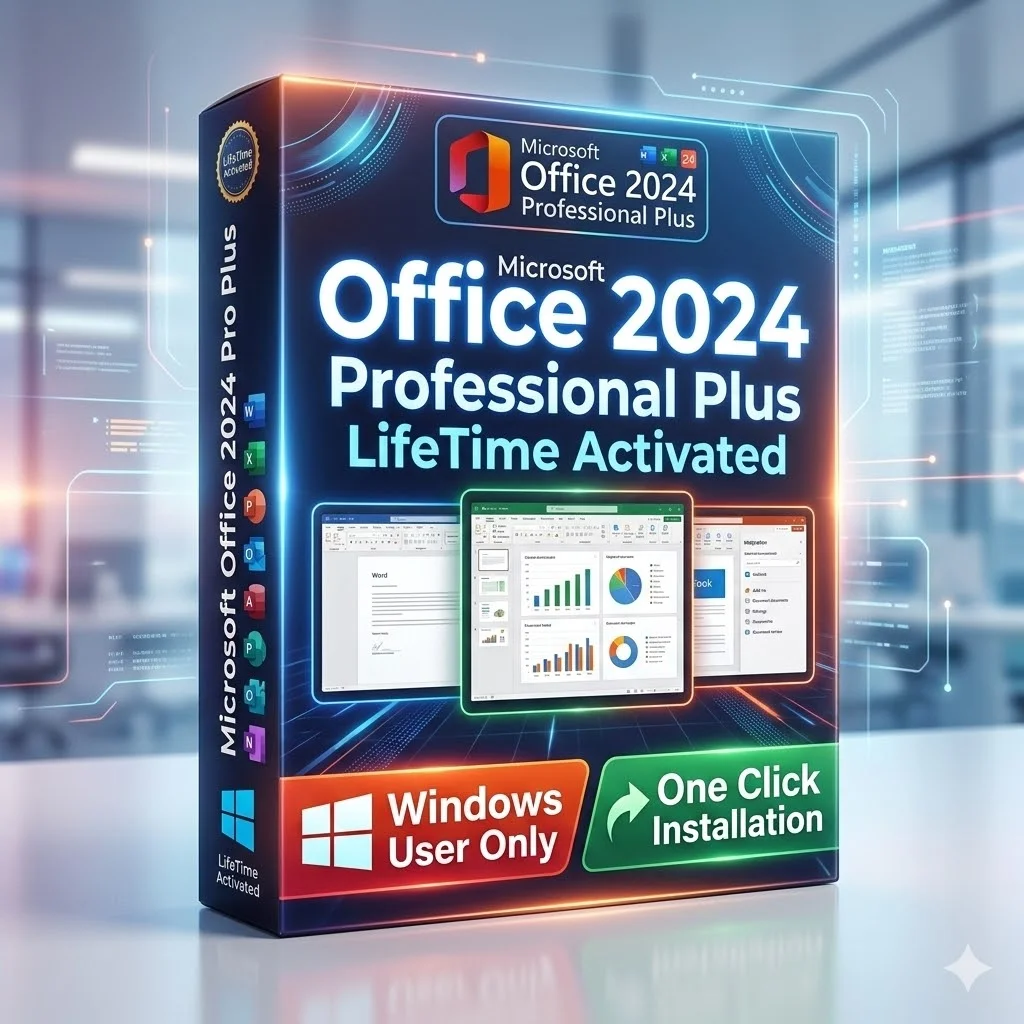
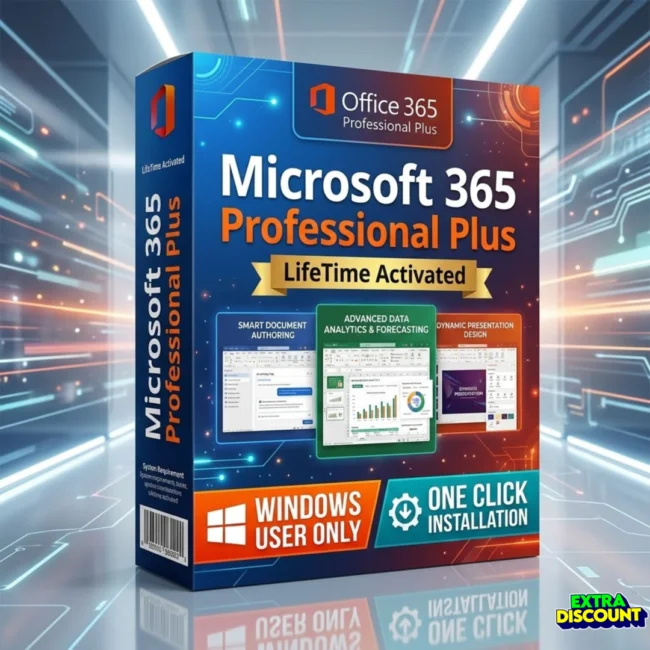
Office LTSC 2024 Professional Plus is the latest Long-Term Servicing Channel release from Microsoft that delivers the complete Office application suite along with Visio Professional for diagramming and Project Professional for project management. This package includes Word, Excel, PowerPoint, Outlook, OneNote, OneDrive, Access, Visio, and Project in a single lifetime-activated licence for Windows 10 and Windows 11. Whether you manage business projects, create process flowcharts, analyze financial data, or prepare client presentations, this bundle provides every productivity and management tool in one purchase. Available at Sofryx with a genuine lifetime licence, personally tested by Mani, and delivered instantly after payment.
Key Features of Office LTSC 2024 Professional Plus With Visio and Project
- Complete Office Suite: Includes Word, Excel, PowerPoint, Outlook, OneNote, OneDrive, and Access providing every essential application for document creation, data analysis, presentations, email, and database management.
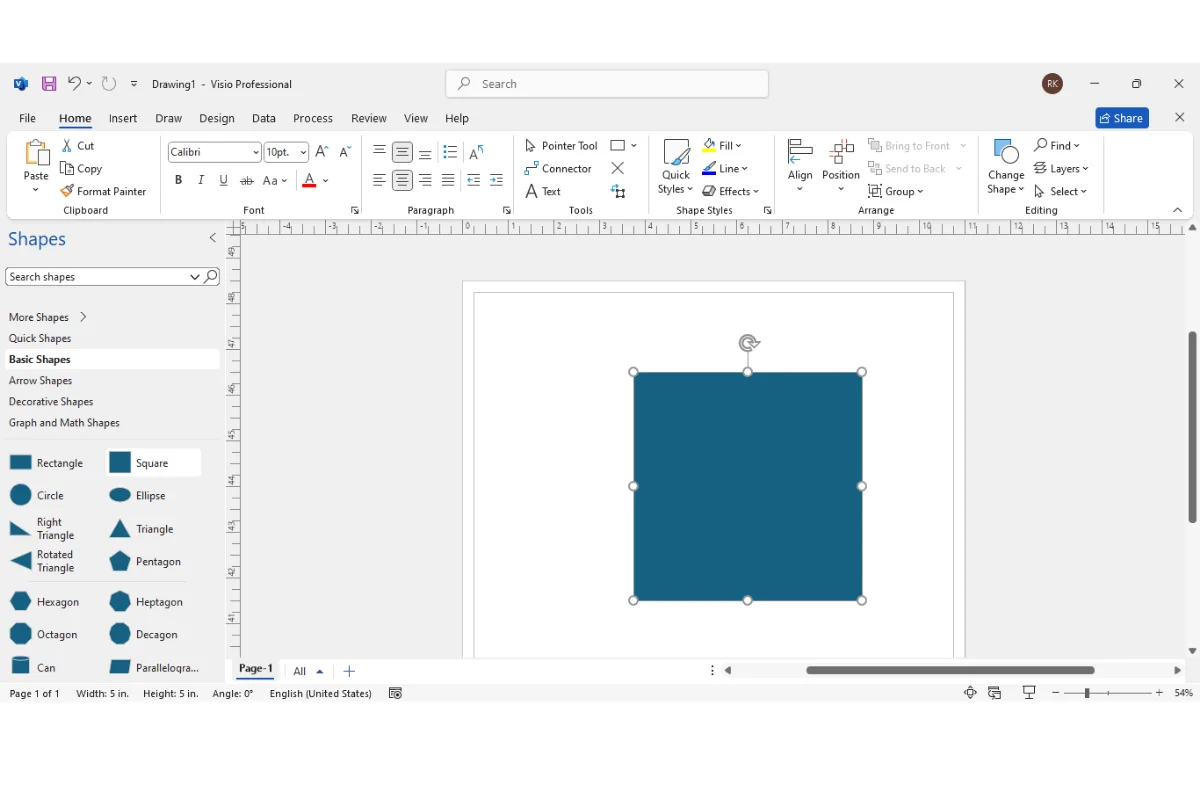
- Microsoft Visio Professional: Create professional diagrams, flowcharts, organizational charts, floor plans, network diagrams, and process maps using templates and smart shapes with data-linked visualization.
- Microsoft Project Professional: Plan, track, and manage projects of any size with Gantt charts, task scheduling, resource allocation, budget tracking, and timeline views for complete project control.
- Dynamic Charts in Excel: New chart types and improved data visualization tools in Excel 2024 make it easier to present complex datasets with interactive and visually compelling graphics.
- Improved Outlook Experience: Enhanced search functionality and streamlined appointment creation in Outlook 2024 save time when managing email, calendar, and scheduling across personal and business accounts.
- Enhanced Security Features: Updated security protocols and encryption standards protect your documents, emails, and data against modern threats with enterprise-grade protection built into every application.
- Accessibility Improvements: New accessibility features across all Office applications ensure that documents, presentations, and spreadsheets are usable by everyone including users who rely on assistive technologies.
- Lifetime Activation on Windows 10 and 11: One-time purchase with permanent activation on both Windows 10 and Windows 11 systems with no subscription fees, no monthly charges, and no expiration date.
Why Buy From Sofryx
- Personally tested by Mani before every listing goes live
- Genuine manufacturer-issued licence – not cracked, not trial
- One-time payment – lifetime activation, zero renewal fees
- Instant access via your website dashboard after payment
- Telegram support available for all installation queries
System Requirements
Office LTSC 2024 Professional Plus with Visio and Project requires Windows 10 or Windows 11 in either 32-bit or 64-bit edition. You need a minimum of 4 GB RAM though 8 GB is recommended for smooth performance when running multiple Office applications simultaneously, particularly when working with large Visio diagrams or complex Project schedules. A 1.6 GHz or faster dual-core processor is required. The installation needs approximately 4 GB of free disk space. An internet connection is required for the initial download and activation. After activation, all applications work fully offline. DirectX 9 or later is recommended for graphics hardware acceleration in PowerPoint and Visio.
What You Get After Purchase
- Licence key or activation file
- Official download link via your account dashboard
- Step-by-step installation guide (video or written)
- Telegram support contact for installation help
Who Is This For
Office LTSC 2024 Professional Plus with Visio and Project is designed for professionals and businesses that need both the complete Office productivity suite and dedicated tools for visual diagramming and project management. This includes project managers who plan and track complex initiatives using Gantt charts and resource allocation. Business analysts who create process flowcharts and organizational diagrams. IT administrators who design network layouts and infrastructure maps. Engineers who build technical diagrams and workflow visualizations. Accountants and financial professionals who need advanced Excel capabilities for reporting and analysis. Office workers and students who require Word, PowerPoint, and Outlook for daily tasks. If you need the full Microsoft Office suite plus professional-grade diagramming and project management tools in a single licence, this bundle delivers exceptional value.
Microsoft Visio Professional – Diagramming and Flowcharts
Microsoft Visio Professional is an industry-standard diagramming application that transforms complex information into clear visual representations. You can create flowcharts, organizational charts, floor plans, network diagrams, process maps, wireframes, and technical drawings using hundreds of built-in templates and thousands of smart shapes. Visio connects diagrams to live data sources so your charts update automatically when the underlying data changes. This data-linked visualization is invaluable for IT teams monitoring network status, operations managers tracking process performance, and business analysts presenting organizational structures. The drag-and-drop interface makes creating professional diagrams accessible to users without design experience while advanced features like layers, containers, and custom stencils satisfy the requirements of power users. According to Wikipedia, Visio has been the leading diagramming software since its introduction and remains the go-to tool for business and technical visualization across industries worldwide.
Microsoft Project Professional – Complete Project Management
Microsoft Project Professional provides a comprehensive project management environment for planning, scheduling, tracking, and reporting on projects of any scale. You create project plans using task lists with dependencies, durations, milestones, and deadlines. The Gantt chart view displays your project timeline visually with color-coded task bars showing progress, critical path, and schedule conflicts. Resource management tools let you assign team members, equipment, and materials to tasks while tracking utilization and costs. The budget tracking feature monitors planned versus actual spending across the entire project lifecycle. Timeline views create executive-level summaries suitable for stakeholder presentations. Project Professional also includes earned value analysis, baseline comparison, and portfolio management capabilities for organizations managing multiple projects simultaneously. For project managers, team leaders, and operations professionals, Project Professional delivers the structured planning and tracking discipline that keeps complex initiatives on time and within budget.
Dynamic Charts and Data Visualization in Excel 2024
Excel in Office LTSC 2024 introduces enhanced chart types and improved data visualization tools that make presenting complex datasets more intuitive and visually compelling. The new dynamic charts respond to data changes in real time, updating automatically as you modify the underlying values. You get improved formatting controls for chart elements including titles, axes, legends, and data labels. The enhanced charting engine supports larger datasets with better rendering performance. Combined with the existing pivot table, Power Query, and conditional formatting capabilities, Excel 2024 provides the most complete data analysis environment available in any spreadsheet application. Financial analysts, researchers, business intelligence professionals, and anyone who works with numerical data will appreciate the improved visualization tools. Industry review platforms like G2 consistently rate Microsoft Office applications among the highest in productivity software categories.
Improved Outlook Search and Appointment Creation
Outlook in Office LTSC 2024 delivers meaningful improvements to two of its most frequently used features, search and appointment creation. The enhanced search engine returns results faster and more accurately, making it easier to find specific emails, contacts, and calendar entries across large mailboxes. Search suggestions and filters help you narrow results without typing complex queries. The streamlined appointment creation workflow reduces the number of steps needed to schedule meetings, set reminders, and invite attendees. These improvements are particularly valuable for professionals who manage high volumes of email and maintain complex schedules with multiple recurring meetings. Combined with the existing rules, focused inbox, calendar sharing, and task management features, Outlook 2024 provides the most efficient communication and scheduling experience in the Office suite. The Microsoft Support portal provides detailed guides for configuring all Outlook features and managing email accounts.
Enhanced Security and Performance
Office LTSC 2024 includes updated security features that protect your documents, communications, and data against evolving threats. The enhanced encryption standards apply to saved documents, email transmissions, and cloud-synchronized files. Improved macro security settings help prevent malicious code execution while still allowing legitimate automation workflows. The Trust Center provides centralized control over privacy settings, macro permissions, and external content blocking across all Office applications. Performance improvements throughout the suite result in faster application startup times, smoother scrolling in large documents and spreadsheets, and more responsive editing across all applications. These improvements are cumulative, building on the security and performance foundations established in previous Office versions while adding protection against the latest threat vectors. For businesses handling sensitive financial data, client information, or proprietary documents, the enhanced security in Office LTSC 2024 provides essential protection.
Accessibility Improvements Across All Applications
Office LTSC 2024 introduces meaningful accessibility improvements that make documents, presentations, and spreadsheets more inclusive and usable for everyone. The Accessibility Checker scans your content and provides specific recommendations for improving compliance with accessibility standards. Screen reader compatibility has been enhanced across Word, Excel, PowerPoint, and Outlook for users who rely on assistive technologies. Improved keyboard navigation allows users to access all features without a mouse. High contrast mode support ensures readability for users with visual impairments. Alternative text tools make it easier to add descriptive text to images, charts, and diagrams. These improvements benefit not only users with disabilities but also organizations that must comply with accessibility regulations in their documents and communications. Creating accessible content is increasingly required in corporate, government, and educational environments. The ISO accessibility standards that Office LTSC 2024 supports ensure your documents meet international compliance requirements.
OneDrive Cloud Storage Integration
Office LTSC 2024 includes OneDrive integration that enables seamless cloud storage and file synchronization across your devices. You can save documents directly to OneDrive from any Office application and access them from any computer or mobile device with your Microsoft account. The AutoSave feature automatically saves your changes as you work, eliminating the risk of losing unsaved documents due to crashes or power failures. Version history lets you review and restore previous versions of any document stored in OneDrive. Sharing controls allow you to send view-only or editable links to colleagues and clients without emailing file attachments. For professionals who work across multiple devices or collaborate with remote team members, OneDrive integration ensures your files are always current and accessible. The cloud storage works alongside local file storage so you maintain complete control over where your documents are saved.
LTSC Advantage – Long-Term Servicing Channel
The LTSC (Long-Term Servicing Channel) designation means Office LTSC 2024 is designed for environments that require stability and predictability. Unlike subscription-based Office versions that receive frequent feature updates which can sometimes change workflows or introduce compatibility issues, LTSC versions receive only security updates and critical fixes. This makes Office LTSC 2024 ideal for business environments where consistent behavior is essential, regulated industries where software changes require validation, and users who prefer a stable platform that does not change unexpectedly. You get all the features available at the time of release without being forced to adopt new features that may disrupt established workflows. For IT departments and businesses that value reliability over constant feature additions, the LTSC channel provides the stability and predictability that production environments demand. For additional technical guidance, TechRadar maintains a comprehensive comparison of office productivity suites.
Frequently Asked Questions
Q: How do I activate Office LTSC 2024 Professional Plus with Visio and Project after purchase?
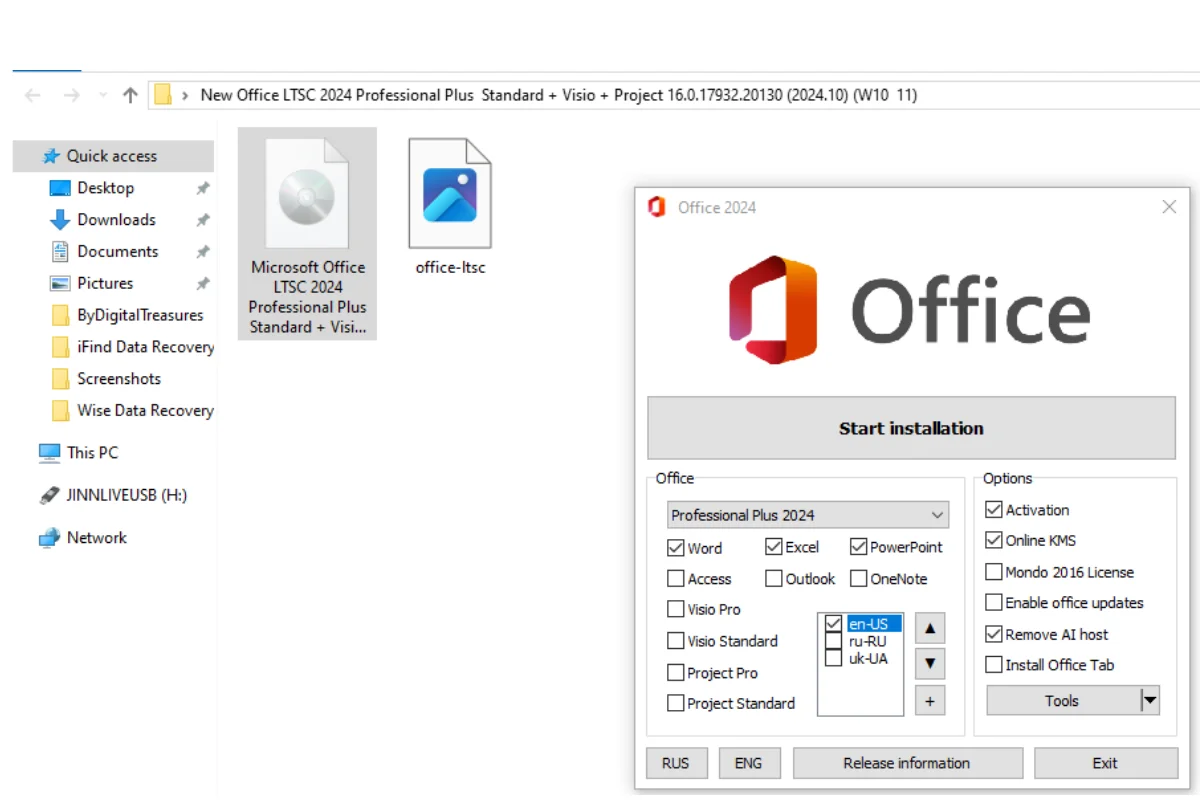
After completing your purchase on Sofryx, you will receive your licence key and download link in your My Account dashboard under the Downloads section. Download the installer and run the setup file on your Windows 10 or Windows 11 computer. During installation, you will be prompted to enter your licence credentials to activate the software. A detailed step-by-step installation guide will be included alongside the setup file. If a video tutorial is available, it will also be provided. Follow the instructions carefully and your complete Office suite including Visio and Project will be fully activated and ready to use.
Q: Is this a genuine lifetime licence?
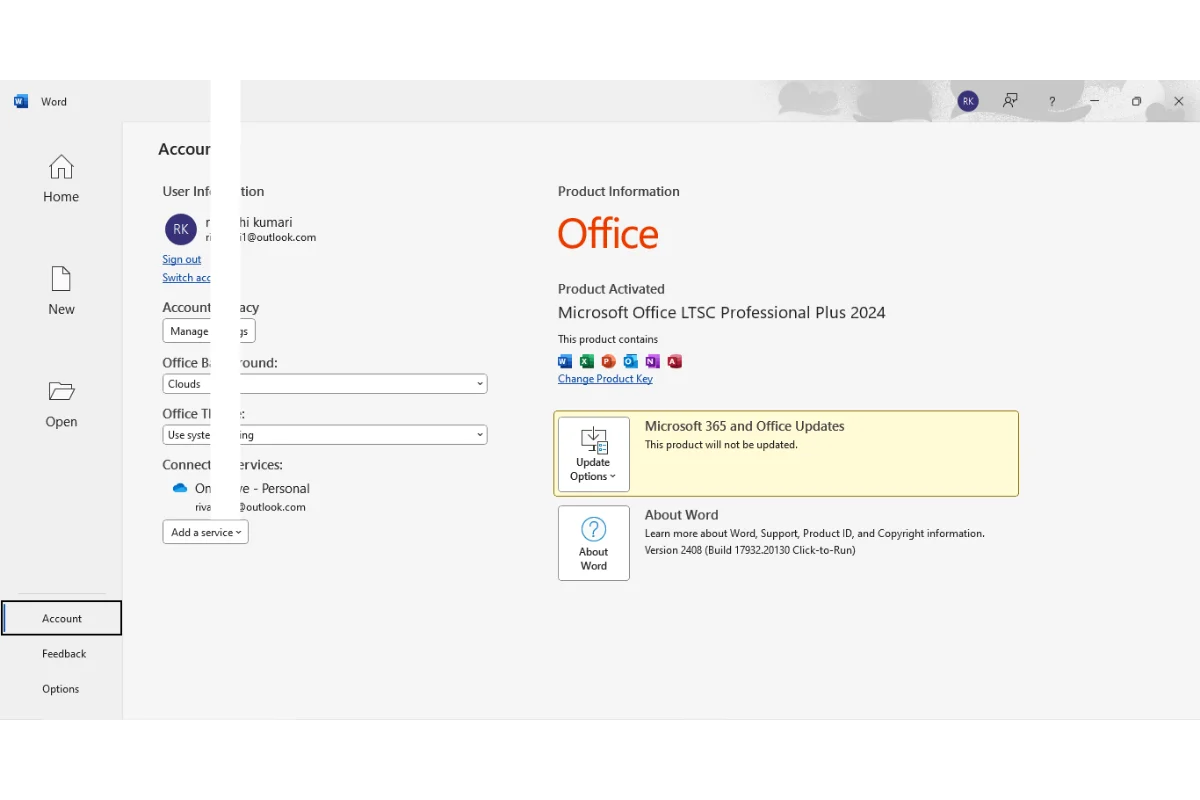
Yes, when you purchase Office LTSC 2024 Professional Plus with Visio and Project from Sofryx, you receive a genuine lifetime-activated licence. This means you pay once and own the complete suite permanently with no monthly fees, no annual subscriptions, and no recurring charges. The licence is fully authentic and personally tested by Mani before listing. All applications including Word, Excel, PowerPoint, Outlook, OneNote, Access, Visio, and Project are included and fully functional with no feature restrictions.
Q: Can I use this on multiple computers?
Yes, multiple device use is supported with this Office LTSC 2024 bundle. You can install and activate the suite on multiple Windows devices using the same licence credentials provided after purchase. This is ideal for professionals who work across different machines such as a desktop in the office and a laptop for remote work. All installations have full access to every application in the suite including Visio and Project. This flexibility ensures your productivity tools are available wherever you need them.
Q: Will I receive future software updates?
There is no immediate need to update the software after purchase as it comes fully configured with the latest LTSC 2024 build ready to use. The LTSC channel receives security updates and critical fixes through standard Windows Update channels. If an update becomes necessary or causes any issues in the future, you can contact Mani directly through Telegram support. The update assistance will be provided free of charge within one year of your original purchase date to ensure your installation remains functional and secure.
Q: How long does delivery take after payment?
Delivery is instant. Immediately after your payment is confirmed, the download links and licence credentials become available in your My Account dashboard on Sofryx under the Downloads section. There is no waiting period and no manual processing required. You can download the Office LTSC 2024 installer, activate it with your licence key, and start using Word, Excel, Visio, Project, and all other applications within minutes of completing your purchase. This applies to all payment methods accepted on Sofryx.
Q: Which operating system versions are compatible?
Office LTSC 2024 Professional Plus with Visio and Project is compatible with Windows 10 and Windows 11 in both 32-bit and 64-bit editions. This is a Windows-only product and does not run on macOS. You need a minimum of 4 GB RAM though 8 GB is recommended for smooth performance when running multiple Office applications or working with large Visio diagrams and complex Project schedules. A 1.6 GHz or faster dual-core processor is required. You need approximately 4 GB of free disk space for the full installation.
Q: What is your refund policy?
Sofryx has a clearly defined refund policy that protects all customers. For complete details regarding eligibility, timelines, and the refund process, please refer to the full Refund Policy page available on the Sofryx website at https://bydigital.in/refund-policy/. We recommend reading the complete policy before making your purchase so you understand all terms and conditions. If you have specific questions about refund eligibility for this product, you can reach out to Mani directly through Telegram support for clarification.
Q: How do I get support if I have an installation problem?
Sofryx provides dedicated installation support for all customers. For Windows users, Mani offers full remote support through AnyDesk, UltraViewer, or Zoom Meeting where he can connect to your computer and resolve the installation issue directly. Since Office LTSC 2024 is a Windows application, all customers are eligible for remote installation assistance. You can reach installation support through the Telegram contact details included with your purchase. All support is provided at no additional cost and Mani will ensure your complete Office suite including Visio and Project is properly installed and working.
Only logged in customers who have purchased this product may leave a review.
Reviews
There are no reviews yet.