




Office 365 Professional Plus – Lifetime Licence | Sofryx
Original price was: $300.00.$25.00Current price is: $25.00.
Buy genuine Office 365 Professional Plus lifetime licence at Sofryx. Word Excel PowerPoint and 4 more apps. Personally tested. Instant delivery.
Office 365 Professional Plus – Complete Productivity Suite With Lifetime Activation on Multiple Devices
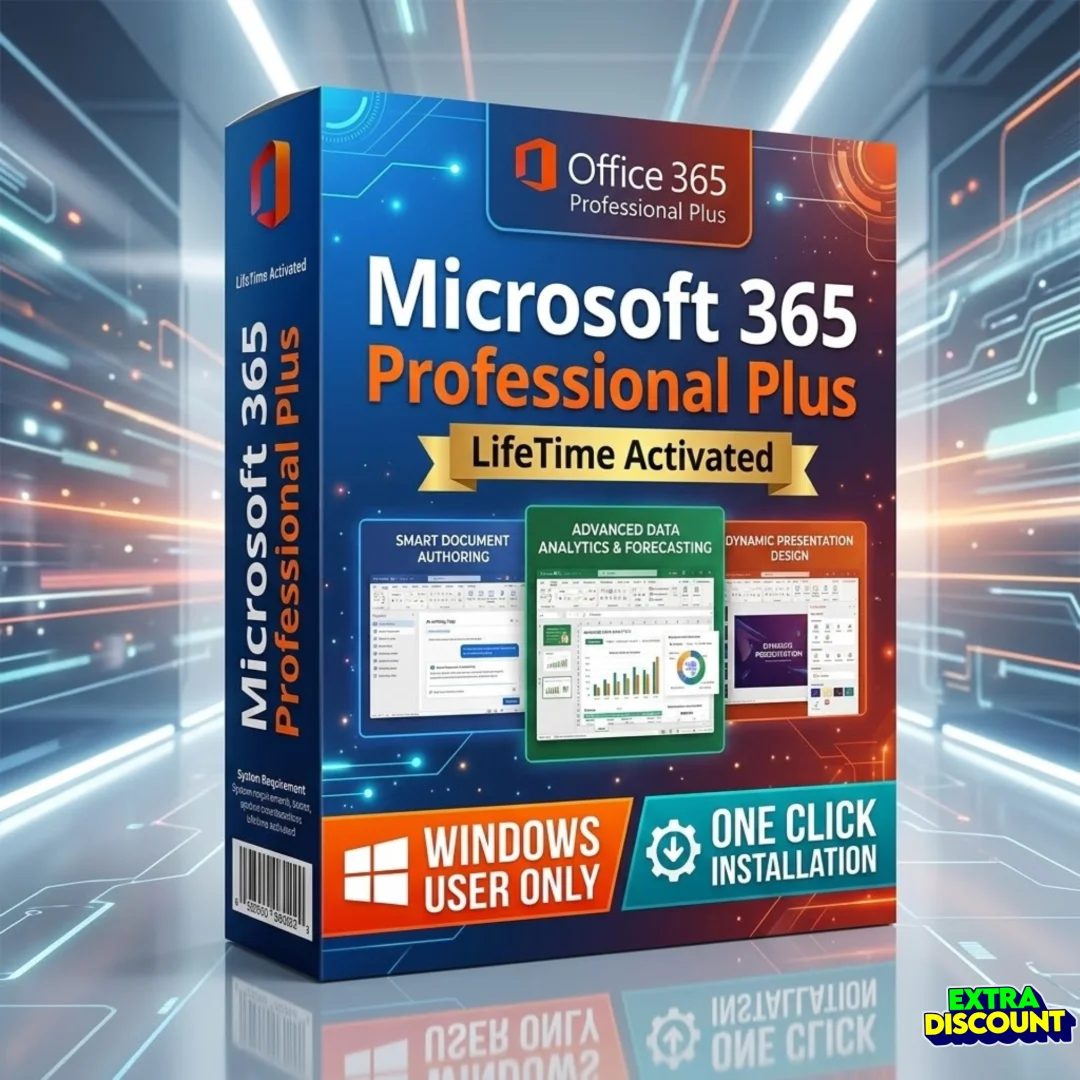
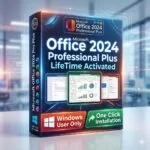
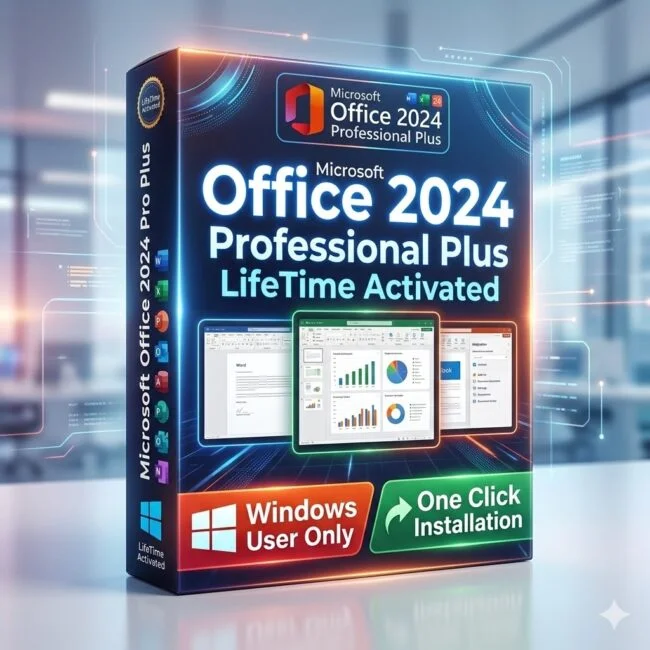
Office 365 Professional Plus is the complete Microsoft productivity suite that includes seven essential applications for document creation, data analysis, presentations, email management, note-taking, publishing, and database management. This package gives you Word, Excel, PowerPoint, Outlook, OneNote, Publisher, and Access in a single lifetime-activated licence that works on multiple devices. Whether you are a student writing assignments, a professional managing business reports, or a small business owner handling invoices and client databases, Office 365 Professional Plus provides every productivity tool you need. Available at Sofryx with a genuine lifetime licence, instant digital delivery, and personally tested by Mani before listing.
Key Features of Office 365 Professional Plus
- Microsoft Word: Create professional documents with advanced formatting, templates, mail merge, track changes, and collaboration tools for any writing task from simple letters to complex reports.
- Microsoft Excel: Build powerful spreadsheets with formulas, pivot tables, data validation, conditional formatting, charts, and macros for financial analysis, budgeting, and data management.
- Microsoft PowerPoint: Design dynamic presentations with professional templates, animations, transitions, embedded media, and presenter tools for meetings, lectures, and conferences.
- Microsoft Outlook: Manage email, calendar, contacts, and tasks in a unified interface with rules, filters, scheduling assistant, and multiple account support for personal and business communication.
- Microsoft OneNote: Capture and organize notes digitally with text, images, audio recordings, handwritten input, and shared notebooks for research, meeting notes, and project planning.
- Microsoft Publisher: Create professional marketing materials including brochures, flyers, newsletters, business cards, and postcards using built-in templates and advanced layout controls.
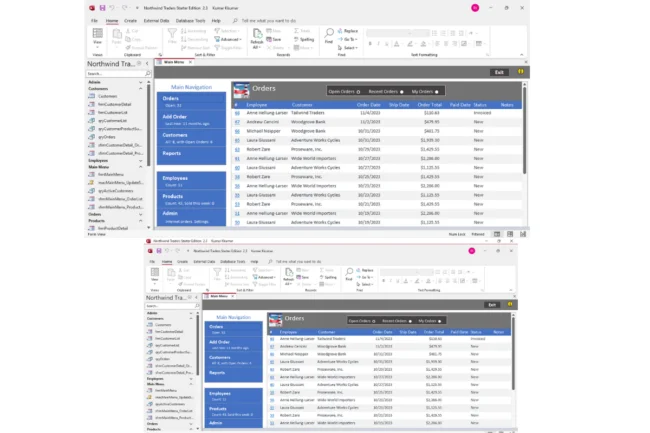
- Microsoft Access: Build and manage relational databases with forms, queries, reports, and macros for inventory tracking, customer records, and business data management without coding knowledge.
- Multiple Device Activation: Install and activate Office 365 Professional Plus on multiple Windows devices with a single licence so you can work from your desktop, laptop, or any other Windows computer.
Why Buy From Sofryx
- Personally tested by Mani before every listing goes live
- Genuine manufacturer-issued licence – not cracked, not trial
- One-time payment – lifetime activation, zero renewal fees
- Instant access via your website dashboard after payment
- Telegram support available for all installation queries
System Requirements
Office 365 Professional Plus requires Windows 8.1 or later in either 32-bit or 64-bit edition. This includes Windows 8.1, Windows 10, and Windows 11. You need a minimum of 4 GB RAM though 8 GB is recommended for smooth multitasking across multiple Office applications. A 1.6 GHz or faster dual-core processor is required. The installation needs approximately 4 GB of free disk space. An internet connection is required for the initial download and activation. After activation, all applications work fully offline without requiring a continuous internet connection. DirectX 9 or later is recommended for graphics hardware acceleration in PowerPoint and other visual features.
What You Get After Purchase
- Account credentials and activation instructions
- Official download link via your account dashboard
- Step-by-step installation guide (video or written)
- Telegram support contact for installation help
Who Is This For
Office 365 Professional Plus is designed for anyone who needs a reliable and complete productivity suite on their Windows computer. This includes students writing essays, research papers, and academic presentations. Professionals who create business reports, financial spreadsheets, and client proposals. Small business owners managing invoices, inventory databases, and marketing materials. Freelancers who need professional document formatting and email management. Accountants and financial analysts working with complex Excel formulas and data models. Educators preparing lesson plans, grade sheets, and classroom presentations. Home users who want a full-featured office suite for personal correspondence, budgeting, and family projects. If you use a Windows computer for work, study, or personal tasks, this suite covers every productivity need you will encounter.
Microsoft Word – Professional Document Creation
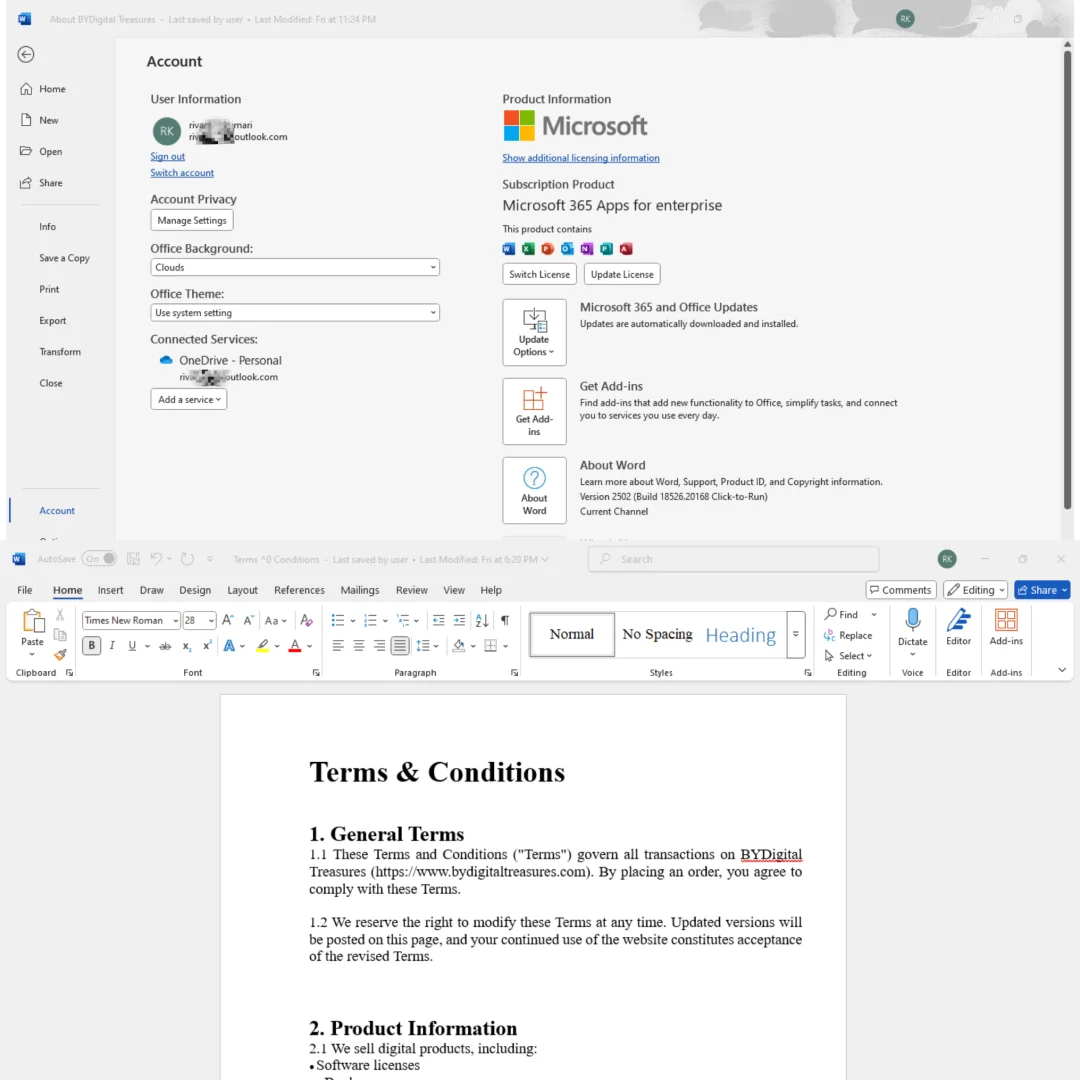
Microsoft Word is the most widely used word processing application in the world and the version included in Office 365 Professional Plus delivers the full professional feature set. You get advanced formatting controls, style management, headers and footers, page numbering, table of contents generation, and footnotes for creating documents of any complexity. The track changes and comments system enables seamless collaboration with colleagues, editors, and clients. Mail merge functionality lets you generate personalized letters, labels, and envelopes from a data source. Built-in templates cover everything from resumes and business letters to academic papers and legal documents. The proofing tools include spell check, grammar check, and readability statistics in multiple languages. According to Wikipedia, Microsoft Office has been the global standard for document creation since the early 1990s and Word remains the cornerstone of the suite.
Microsoft Excel – Advanced Spreadsheet Management
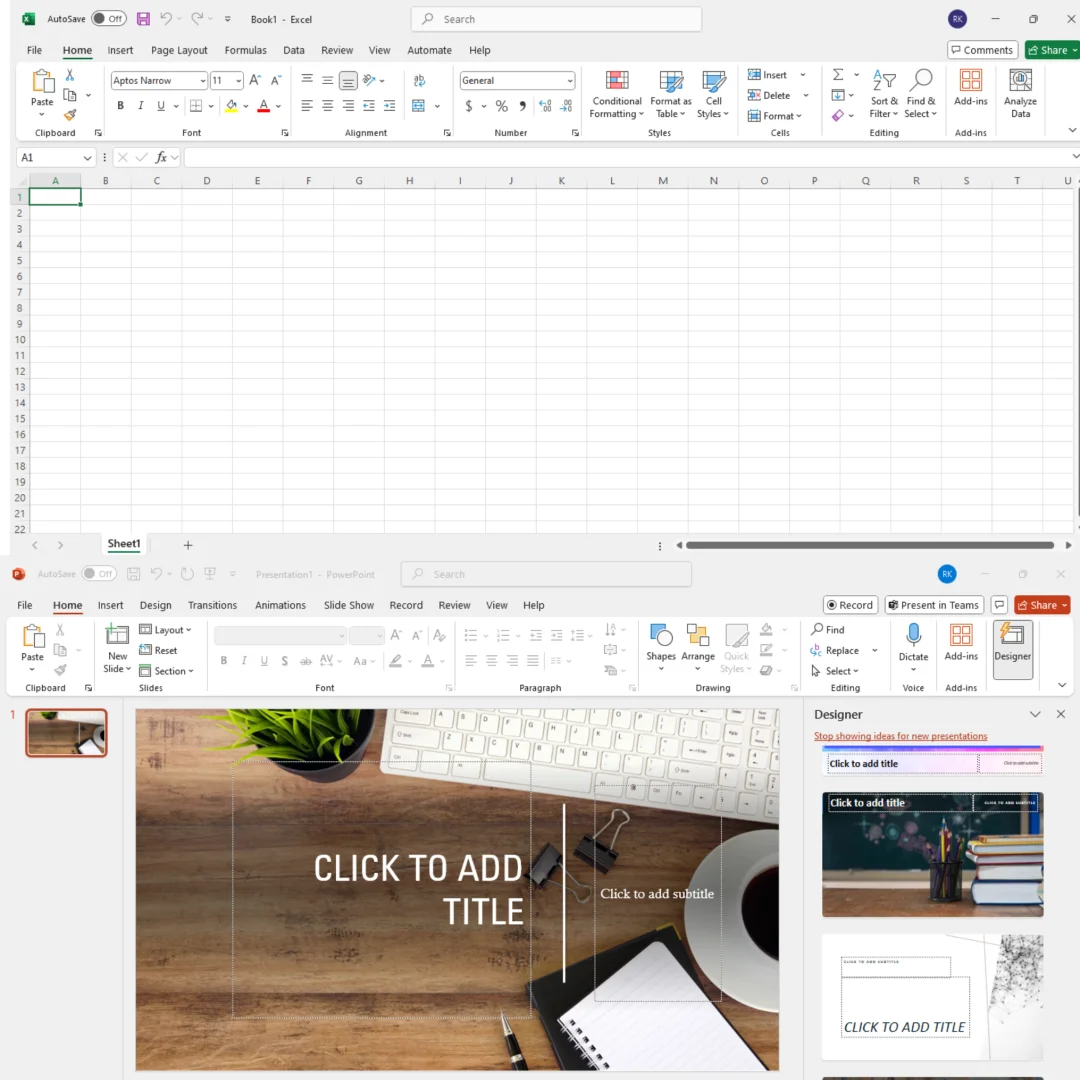
Microsoft Excel in Office 365 Professional Plus provides the most powerful spreadsheet environment available for data analysis, financial modeling, and business reporting. You get over 400 built-in functions covering financial calculations, statistical analysis, text manipulation, date and time operations, and logical operations. Pivot tables let you summarize and analyze massive datasets with drag-and-drop simplicity. Conditional formatting highlights important data patterns automatically. Charts and graphs transform raw numbers into visual presentations that communicate insights clearly. The Power Query feature imports and transforms data from multiple sources including databases, web pages, and CSV files. Macros and VBA scripting automate repetitive tasks and build custom solutions. Whether you manage household budgets, corporate financial models, or scientific research data, Excel handles every spreadsheet task with professional precision and reliability.
Microsoft PowerPoint – Dynamic Presentations
Microsoft PowerPoint transforms your ideas into visually compelling presentations that capture audience attention. The version included in Office 365 Professional Plus offers professional design templates, custom slide layouts, advanced animation controls, smooth transitions between slides, and embedded multimedia support including video and audio. The presenter view shows your notes and upcoming slides on your screen while the audience sees only the presentation. You can export presentations as PDF files, video recordings, or image sequences for sharing across different platforms. PowerPoint also includes real-time collaboration features so multiple team members can edit the same presentation simultaneously. For business meetings, academic lectures, conference talks, sales pitches, and training sessions, PowerPoint provides the tools to communicate your message professionally and effectively. Industry review platforms like G2 consistently rate Microsoft 365 applications among the highest in their respective categories.
Microsoft Outlook – Email and Calendar Management
Microsoft Outlook provides a unified workspace for managing email, calendar, contacts, and tasks. The email client supports multiple accounts, advanced rules and filters, focused inbox, conversation threading, and rich text formatting. The built-in calendar includes scheduling assistant, meeting invitations, recurring appointments, and shared calendar support for team coordination. The contacts module stores detailed contact information with notes, categories, and distribution lists for quick group messaging. Task management features let you create to-do items with due dates, priorities, reminders, and status tracking. Outlook integrates seamlessly with Exchange servers for corporate email environments and also works with standard IMAP and POP3 email providers. For professionals who handle high volumes of email and need to manage complex schedules, Outlook consolidates all communication and planning tools into a single efficient interface.
Microsoft OneNote – Digital Note-Taking
Microsoft OneNote replaces physical notebooks with a digital note-taking system that organizes information in notebooks, sections, and pages. You can type text, paste images, record audio, draw with a stylus, clip web content, and attach files to any page. The search function finds text across all notebooks instantly, even within images using optical character recognition. Shared notebooks enable team collaboration with real-time syncing so everyone sees the latest updates. Tags let you mark important items, create to-do checklists, and flag questions for follow-up. OneNote is invaluable for students taking lecture notes, researchers collecting reference material, project managers documenting meeting decisions, and anyone who needs to capture and organize information quickly. The flexible canvas layout means you are not restricted to linear note-taking and can arrange content freely on each page.
Microsoft Publisher – Professional Publishing Tools
Microsoft Publisher is a desktop publishing application designed for creating professional marketing and communication materials. Unlike Word which focuses on text-heavy documents, Publisher emphasizes visual layout control with precise positioning of text boxes, images, shapes, and decorative elements. You get hundreds of built-in templates for brochures, flyers, newsletters, business cards, greeting cards, postcards, banners, and catalogs. The mail merge integration lets you personalize bulk marketing materials with recipient names and addresses. Publisher supports CMYK color output for professional print production and can export to PDF with commercial printing specifications. Small business owners, marketing teams, event organizers, and community groups use Publisher to create polished printed materials without hiring a graphic designer. The Microsoft Support portal provides detailed tutorials and templates for every Publisher project type.
Microsoft Access – Database Management
Microsoft Access brings relational database management to users who need structured data storage without the complexity of enterprise database systems. You can build databases using a visual interface with tables, forms, queries, and reports. The form designer creates user-friendly data entry screens with validation rules, drop-down lists, and calculated fields. Query tools let you extract specific information from your data using criteria filters, joins across multiple tables, and aggregate calculations. Reports transform raw data into formatted printable documents with grouping, sorting, and summary calculations. Access is widely used for inventory management, customer relationship tracking, order processing, membership databases, and asset tracking. The macro system and VBA programming environment allow advanced users to build complete database applications with custom logic, error handling, and automated workflows.
Important Installation Information
There are several important details to understand before installing Office 365 Professional Plus from Sofryx. You will use your existing Microsoft email account for activation. A new Microsoft account cannot be provided so please have your current Microsoft or Outlook email address ready before starting the installation process. You do not need to remove any previous version of Microsoft Office before installing. If you currently have Office 2019 or Office 2021 installed on your computer, you can keep it and install Office 365 Professional Plus alongside it. This installation cannot be used to upgrade an existing Microsoft 365 subscription. The delivery is entirely digital with no physical media included. Account credentials and installation instructions are sent immediately after purchase. For the latest details on Office application features, TechRadar maintains a comprehensive comparison of office productivity suites.
Lifetime Activation With No Monthly Fees
The most significant advantage of purchasing Office 365 Professional Plus from Sofryx is the lifetime activation model. Instead of paying a monthly or annual subscription fee that can cost thousands of rupees over time, you make a single one-time payment and own the software permanently. There are no recurring charges, no automatic renewals, and no risk of losing access to your documents because a subscription expired. Your licence remains active indefinitely across all your authorized devices. This represents exceptional value compared to the standard subscription model where you pay continuously for as long as you want to use the software. For budget-conscious students, freelancers, and small businesses, the lifetime licence eliminates ongoing software costs while providing access to the complete professional suite. The ISO document standards that Office 365 supports ensure your files remain compatible across all professional and academic environments.
Frequently Asked Questions
Q: How do I activate Office 365 Professional Plus after purchase?
After completing your purchase on Sofryx, you will receive account credentials and installation instructions in your My Account dashboard under the Downloads section. The credentials will also be sent to your WhatsApp or email immediately after payment. Follow the provided instructions carefully to download the genuine setup file, sign in with your existing Microsoft email account, and complete the activation process. A detailed step-by-step installation guide will be included. If a video tutorial is available, it will also be provided alongside the written instructions.
Q: Is Office 365 Professional Plus a genuine lifetime licence?
Yes, when you purchase Office 365 Professional Plus from Sofryx, you receive a genuine lifetime-activated licence. This means you pay once and own the complete suite permanently with no monthly fees, no annual subscriptions, and no recurring charges of any kind. The licence is fully authentic and personally tested by Mani before listing. All seven applications including Word, Excel, PowerPoint, Outlook, OneNote, Publisher, and Access are included and fully functional with no feature restrictions or trial limitations.
Q: Can I use this on multiple computers?
Yes, multiple device use is supported with Office 365 Professional Plus. You can install and activate the suite on multiple Windows devices using the same licence credentials provided after purchase. This is ideal for users who work across different machines such as a desktop at home and a laptop for work or travel. All installations have full access to every application in the suite. This flexibility ensures your productivity tools are available on every Windows computer you use regularly.
Q: Will I receive future software updates?
There is no immediate need to update the software after purchase as it comes fully configured and ready to use. Office 365 Professional Plus receives regular feature updates and security patches through the standard Microsoft update channels. If an update becomes necessary or causes any issues in the future, you can contact Mani directly through Telegram support. The update assistance will be provided free of charge within one year of your original purchase date to ensure your installation remains functional.
Q: How long does delivery take after payment?
Delivery is instant. Immediately after your payment is confirmed, the account credentials and installation instructions become available in your My Account dashboard on Sofryx under the Downloads section. The credentials are also sent to your WhatsApp or email immediately after payment. There is no waiting period and no manual processing required. You can download the Office installer, activate it with your credentials, and start using Word, Excel, and all other applications within minutes of completing your purchase.
Q: Which operating system versions are compatible?
Office 365 Professional Plus is compatible with Windows 8.1 or later in both 32-bit and 64-bit editions. This includes Windows 8.1, Windows 10, and Windows 11. You need a minimum of 4 GB RAM though 8 GB is recommended for smooth performance when running multiple Office applications simultaneously. A 1.6 GHz or faster dual-core processor is required. You need approximately 4 GB of free disk space for the installation. An internet connection is required for the initial download and activation process.
Q: What is your refund policy?
Sofryx has a clearly defined refund policy that protects all customers. For complete details regarding eligibility, timelines, and the refund process, please refer to the full Refund Policy page available on the Sofryx website at https://bydigital.in/refund-policy/. We recommend reading the complete policy before making your purchase so you understand all terms and conditions. If you have specific questions about refund eligibility for this product, you can reach out to Mani directly through Telegram support for clarification.
Q: How do I get support if I have an installation problem?
Sofryx provides dedicated installation support for all customers. For Windows users, Mani offers full remote support through AnyDesk, UltraViewer, or Zoom Meeting where he can connect to your computer and resolve the installation issue directly. Since Office 365 Professional Plus is a Windows application, all customers are eligible for remote installation assistance. You can reach installation support through the Telegram contact details included with your purchase. All support is provided at no additional cost and Mani will ensure your Office suite is properly installed and working before ending the session.
Only logged in customers who have purchased this product may leave a review.

Reviews
There are no reviews yet.