
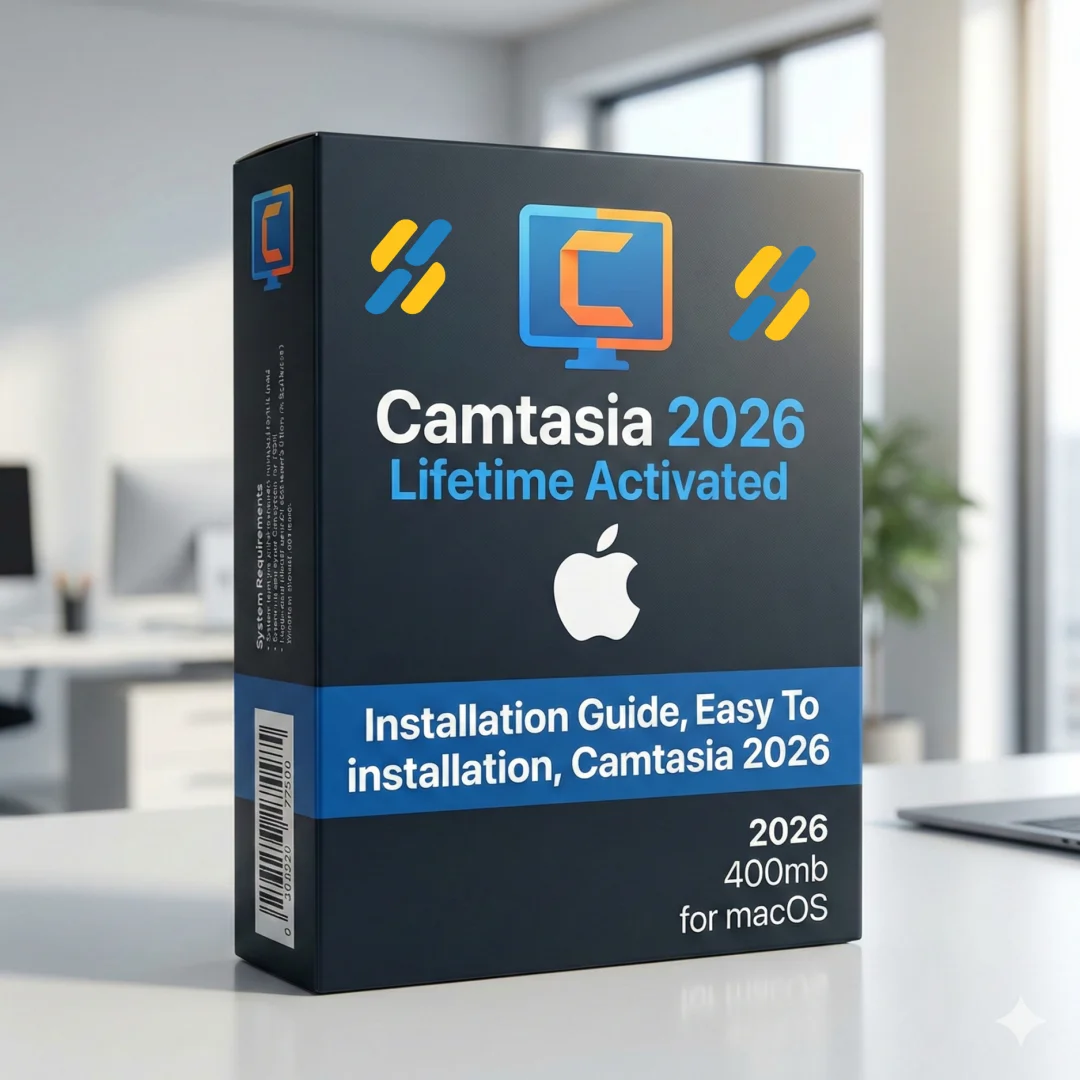
Camtasia 2026 MacOS — Lifetime Licence | Sofryx
Original price was: $300.00.$15.00Current price is: $15.00.
Buy Camtasia 2026 for macOS genuine lifetime licence. Professional screen recording & video editing software. Personally tested. Instant delivery & support
Camtasia 2026 MacOS — Professional Screen Recording & Video Editing Software
TechSmith Camtasia 2026 is the world’s leading screen recording and video editing software for creating professional training, presentation, and demo videos.
This program is remarkable for making screencasts easy. An easy way to create eye-catching training, presentation, and demo videos. The screen-recording software is streamlined, intuitive, and makes you look like a pro.
Whether you’re an educator creating online courses, a business professional producing training videos, a content creator building YouTube tutorials, or a software developer documenting features, Camtasia delivers professional results without requiring advanced video editing skills.
Key Features of Camtasia 2026 MacOS
- Screen Recording: Easily record onscreen activity, Keynote slides, camera video, microphone, or system audio with sparkling clarity and professional quality.
- Built-in Video Editor: Edit to perfection with an intuitive, drag-and-drop video editor. Trim, split, arrange, and refine your video with simple tools.
- Pre-built Templates: Choose from professional video templates designed for courses, tutorials, demos, testimonials, and more. Save hours of editing time.
- Pre-built Assets: Access thousands of pre-built assets including callouts, transitions, animations, and effects ready to enhance your videos instantly.
- Web Camera Capture: Record your webcam alongside screen recordings. Perfect for personalized training videos and tutorial introductions.
- Multi-track Editing: Work with multiple video, audio, and text tracks simultaneously. Layer effects, titles, and overlays for professional results.
- Interactive Elements: Add interactive quizzes, clickable buttons, and engagement tools to transform passive videos into interactive learning experiences.
- One-Click Sharing: Export and share directly to YouTube, Vimeo, Google Drive, Dropbox, and other popular platforms with optimized settings.
Why Buy From Sofryx?
- Personally tested by Sofryx Team before every listing goes live
- Genuine Working licence — not cracked, not trial, fully verified
- One-time payment — lifetime activation, zero renewal fees
- Instant access via your website dashboard after payment
- 24/7 Telegram support available for all installation queries
System Requirements
Operating System: macOS 10.14.6 (Mojave) or later. macOS 12 (Monterey) or later recommended for optimal performance.
Processor: Intel Core processor with SSE2 support OR Apple Silicon (M1, M2, M3) with native optimization.
RAM: 4 GB of RAM minimum. 8 GB or more recommended for smooth recording and editing of longer videos.
Storage: 10 GB of available disk space for installation and media files. Additional fast SSD recommended for video projects.
Display: 1280 x 720 or greater display resolution. 1920 x 1080 or higher recommended for comfortable editing workspace.
Graphics: Integrated graphics adequate. 2 GB dedicated VRAM optional for enhanced playback performance.
Internet: Required for software activation, template downloads, and direct sharing to cloud platforms.
What You Get After Purchase
- Complete TechSmith Camtasia 2026 installation package for macOS
- Genuine lifetime activation licence for unlimited professional use
- Full access to all editing tools, templates, and assets
- Regular template and asset updates during product lifecycle
- Download link via your Sofryx.com account dashboard
- Step-by-step installation guide with video tutorial
- Priority Telegram support for activation and technical assistance
Who Is This For?
Camtasia 2026 is perfect for educators creating online courses and training videos.
Business professionals need Camtasia for onboarding training, product demonstrations, and internal communication videos.
Content creators, YouTubers, and tutorial makers rely on Camtasia for professional-quality software reviews, how-to guides, and educational content.
Software developers use Camtasia to document features, create API tutorials, and build developer documentation with visual clarity.
Marketing professionals produce product demos, customer testimonials, and promotional videos that engage audiences and drive conversions.
Screen Recording — Crystal Clear Quality
Camtasia’s screen recording captures your entire screen, specific application windows, or custom areas with exceptional clarity.
Record in front of a live audience or at your desk. The high-performance recording engine captures at any resolution without dropping frames.
Your microphone audio records simultaneously, capturing your narration with clear, professional sound quality.
System audio also records separately, allowing you to capture music, software sounds, or application audio in your demonstration.
Built-in Video Editor — Professional Results
The intuitive video editor transforms raw screen recordings into polished, professional videos.
Drag and drop video clips, images, and audio directly onto the timeline. Arrange, trim, and rearrange content with simple mouse clicks.
Add text callouts highlighting important areas of the screen. Use arrows, circles, and other shapes to draw attention to key information.
Layer transitions between scenes, add background music, adjust audio levels, and apply color correction without complex technical knowledge.
Pre-built Templates — Save Hours of Work
Start projects with professionally designed templates created for common video types.
Course introduction templates establish professional tone. Tutorial templates guide viewers through step-by-step processes. Explainer video templates communicate complex ideas simply.
Each template includes placeholder locations for your content, music, and branding elements.
Customize colors, fonts, and layouts to match your brand identity. Complete videos in hours instead of days.
Pre-built Assets & Effects Library
Access thousands of professionally designed assets enhancing your videos instantly.
Callout shapes with labels highlight important areas. Animated transitions connect scenes smoothly. Sound effects add impact and engagement.
Royalty-free music tracks complement your content. Animated lower-thirds display speaker names and titles professionally.
New assets are added regularly, ensuring your videos remain fresh and current.
Interactive Video Elements — Boost Engagement
Transform passive viewing into interactive learning experiences with engagement tools.
Add clickable buttons to links, allowing viewers to jump to related content or external resources.
Embed quizzes within videos to test viewer comprehension. Collect responses for analytics and learning assessment.
Create branching video experiences where viewer choices determine the next content shown.
Track viewer engagement metrics to understand which content resonates with your audience.
Easy Sharing to Popular Platforms
Export your finished videos directly to YouTube, Vimeo, Google Drive, and Dropbox with optimized settings.
Turn your video into stunning, HD-quality video at the perfect size to share on popular video sites, Apple devices, your website, blog, or anywhere you like.
Camtasia automatically adjusts resolution, frame rate, and file format for each platform’s specifications.
Share links directly without uploading through multiple steps. Make them wonder how you did it.
Frequently Asked Questions
Q: How do I activate and use Camtasia 2026 after purchase?
After purchase, you’ll receive a genuine activation code and detailed installation guide. Download Camtasia 2026 for macOS from your Sofryx account dashboard under “My Account → Downloads.” Run the installer and complete the setup process. Enter your activation code when prompted. A comprehensive video tutorial walks through every step of installation and initial setup. Once activated, you have immediate access to all editing tools, templates, and assets. Our 24/7 Telegram support team provides priority assistance with any questions during installation or activation.
Q: Is this a genuine licence or a cracked version?
This is a 100% genuine TechSmith Camtasia 2026 lifetime licence, not a cracked or trial version. The activation code is authentic and manufacturer-issued, providing legitimate permanent access to all professional features. The Sofryx Team personally verifies and tests every licence before listing. You receive genuine customer support from TechSmith for security updates and feature updates. Your lifetime activation means you own this licence indefinitely with no expiration date or renewal requirements.
Q: Can I use Camtasia 2026 on multiple computers?
Yes, Camtasia’s standard licence permits installation on multiple Mac computers. You can install and activate on your primary workstation and one backup machine using the same activation code. Deactivate on one Mac and activate on another as your setup changes. This flexibility is ideal if you work on both desktop and laptop, or maintain backup systems. For educational institutions or organizations requiring multiple simultaneous activations, contact Sofryx about volume licensing options and special pricing for bulk installations.
Q: Will I receive future software updates for Camtasia 2026?
Your Camtasia 2026 lifetime licence includes all updates for the v2026 version line. Security patches, bug fixes, and feature enhancements are provided free of charge. If TechSmith releases major version updates (Camtasia 2027 or later), upgrading requires a new purchase or upgrade fee. However, your Camtasia 2026 licence remains valid indefinitely. Continue using Camtasia 2026 without mandatory upgrades. When new versions become available, contact Sofryx for discounted upgrade pricing. Many professionals maintain their current version indefinitely without upgrading.
Q: How long does delivery take after payment?
Delivery is immediate. Your download link and activation code appear in your Sofryx account dashboard under “My Account → Downloads” within minutes of payment processing. Begin Camtasia installation immediately. No physical shipping required—this is fully digital software. Most users have Camtasia 2026 installed and activated within 15-20 minutes of purchase. Once activated, you have complete access to all features, templates, and assets for professional video creation.
Q: Which macOS versions are compatible with Camtasia 2026?
Camtasia 2026 requires macOS 10.14.6 (Mojave) or later. It’s fully compatible with macOS 10.14 (Mojave), macOS 11 (Big Sur), macOS 12 (Monterey), macOS 13 (Ventura), macOS 14 (Sonoma), and macOS 15 (Sequoia). Runs natively on Apple Silicon Macs (M1, M2, M3) with optimized performance. Intel Mac users run the Intel-compatible version. For best performance and stability with complex editing projects, macOS 12 (Monterey) or later is recommended. Older macOS versions (10.13 or earlier) are not supported.
Q: What is your refund policy?
Please review the complete Refund Policy at bydigital.in/refund-policy/. Refunds are available within 48 hours if software fails to activate or function as described. Since Camtasia is professional software, sales are final after successful activation. We stand behind the quality of our activation codes and provide comprehensive technical support. Contact our support team immediately if you experience any activation issues for prompt resolution.
Q: How do I get support if I have an installation problem?
MacOS Users: Installation instructions and video tutorials are provided with your download package. If Camtasia fails to install or activate, our Sofryx support team provides priority assistance via Telegram. We offer troubleshooting steps, alternative setup methods, or alternative installation files if needed. Simply contact us on Telegram (@SofryxHelp or t.me/sofryxhelp) with a description of the error and any error messages you see. Our team includes experienced Camtasia professionals who can provide remote assistance via screenshare if necessary. Most installation issues are resolved within 1-2 hours of contacting our support team.
Only logged in customers who have purchased this product may leave a review.
Reviews
There are no reviews yet.