
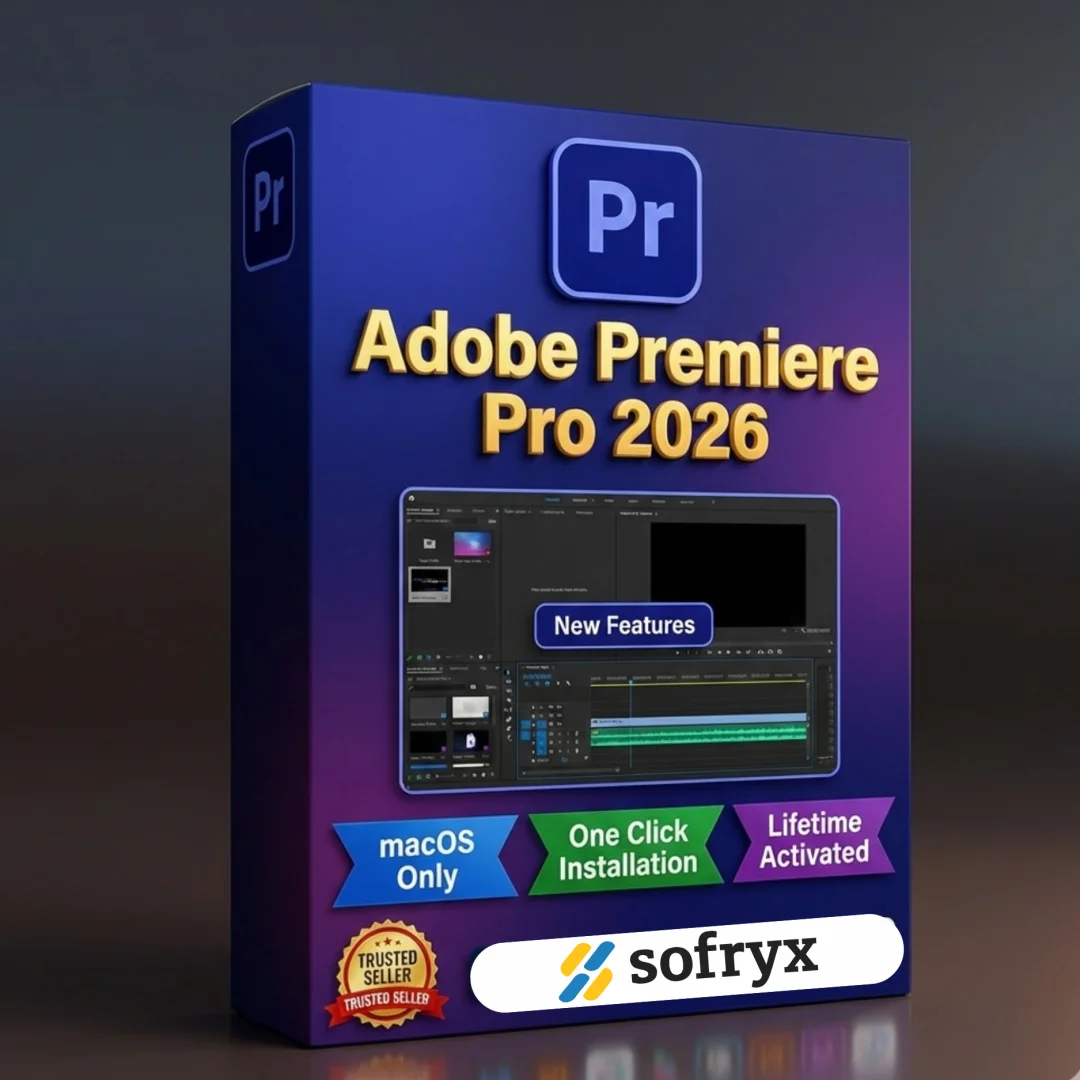
Adobe Premiere Pro 2026 MacOS — Lifetime Activation
Original price was: $100.00.$10.00Current price is: $10.00.
Buy Adobe Premiere Pro 2026 v26 for MacOS with lifetime activation. Professional video editing software. Genuine, tested, instant delivery. Sofryx
Adobe Premiere Pro 2026 v26 MacOS — Professional Video Editing with Lifetime Activation
Adobe Premiere Pro 2026 is the industry-leading non-linear video editing software trusted by professional filmmakers, video editors, content creators, and post-production studios worldwide. This powerful platform combines an integrated, efficient workflow that lets you polish your work without leaving your timeline. With automated tools powered by Adobe Sensei AI, advanced Mercury Playback Engine for real-time performance, and seamless integration with Creative Cloud, Premiere Pro 2026 delivers everything you need to create professional-quality videos on your Mac. Whether you’re editing YouTube content, producing cinematic films, streaming live events, or creating motion graphics, this lifetime-activated licence gives you permanent access to professional video editing tools.
Key Features of Adobe Premiere Pro 2026 MacOS
- Mercury Playback Engine: GPU-accelerated real-time playback and effects rendering with no rendering delays, even on 4K and 8K timelines. Native acceleration on Apple M1/M2/M3 silicon for exceptional performance.
- Multicam Editing: Synchronize and edit footage from multiple cameras simultaneously with precise control, perfect for multi-camera productions, interviews, concerts, and live event coverage.
- Sync Settings: Automatically synchronize your preferences, customizations, keyboard shortcuts, and workspace settings across all Creative Cloud applications and devices.
- Broad Format Support: Edit footage in any modern format — 8K cinema, virtual reality 180-degree content, RED, Arri, Sony, Panasonic, DJI, and all professional camera formats.
- Premiere Rush CC Mobile Editing: All-in-one app included — capture on your iPhone/iPad, edit and share to social channels on mobile, tablet, or desktop. Open Rush files in Premiere Pro for advanced work.
- Intelligent Audio Cleanup: Remove background noise, hum, wind, and unwanted audio automatically using Adobe Sensei AI. Clean noisy recordings in seconds without manual audio editing.
- Motion Graphics Templates: Data-driven animated templates for creating dynamic infographics, charts, scorecards, and motion graphics without leaving Premiere Pro or switching to After Effects.
- End-to-End Metadata Workflow: Professional metadata management integrated throughout your edit, with seamless Adobe Stock integration for accessing millions of royalty-free videos, photos, and music directly in Premiere Pro.
Why Buy From Sofryx?
- Personally tested by Sofryx Team before every listing goes live — we verify functionality and activation
- Genuine lifetime activation licence — not cracked, not trial, fully authentic and manufacturer-verified
- One-time payment for unlimited use — zero monthly subscriptions, zero renewal fees, lifetime access
- Instant digital delivery via your Sofryx account dashboard — download and activate within minutes
- 24/7 Telegram support for installation, activation, and technical setup queries
System Requirements
Processor: Intel 64-bit CPU (recommended: Intel Core i7 or higher) OR Apple M1, M2, M3 chip with native optimization
Operating System: macOS X v10.15 (Catalina) or later; macOS 12 (Monterey) or higher recommended for optimal performance
RAM: 16 GB of RAM minimum (32 GB recommended for smooth 4K/8K editing and complex timelines with multiple effects)
GPU Memory: 4 GB of dedicated GPU VRAM (6-8 GB recommended for professional color grading and effects work)
Storage: Fast internal SSD recommended for application installation and cache files. Separate fast external SSD (Thunderbolt 3 or USB-C) recommended for media storage and project files
Display Resolution: 1920 x 1080 or greater (2560 x 1440 or 4K recommended for professional color grading and detailed editing)
Video Card: 32-bit compatible video card with hardware-accelerated H.264 and H.265 support (Metal acceleration on Apple Silicon Macs)
Internet Connection: Required for Creative Cloud activation, cloud collaboration features, and Adobe Stock integration
What You Get After Purchase
- Complete Adobe Premiere Pro 2026 v26 installation package for macOS (Intel and Apple Silicon compatible)
- Genuine lifetime activation key for unlimited, permanent use without expiration
- Bonus: Adobe Premiere Rush CC mobile video editing application included
- Immediate download link via your Sofryx.com account dashboard
- Comprehensive step-by-step installation guide (written instructions + video tutorial)
- Multi-language support guide (instructions for changing installation language if needed)
- Priority Telegram support for activation, installation, and setup assistance
Who Is This For?
Adobe Premiere Pro 2026 is essential for professional video editors, filmmakers, content creators, YouTubers, streaming producers, post-production studios, broadcast professionals, and motion graphics designers. Whether you’re editing corporate videos, creating cinematic films, producing daily YouTube content, live streaming events, designing complex motion graphics, or running a post-production facility, Premiere Pro delivers the industry-standard tools trusted by professionals. The Mercury Playback Engine ensures smooth editing even with 4K and 8K footage, while the integrated workflow keeps you focused on your creative vision without jumping between applications.
Mercury Playback Engine — Real-Time 4K/8K Performance
Experience smooth, responsive editing with Premiere Pro’s revolutionary Mercury Playback Engine, a GPU-accelerated technology that delivers real-time playback of effects, color grading, and transitions without pre-rendering. On Apple Silicon Macs (M1, M2, M3), native Metal acceleration provides exceptional performance even with complex timelines containing dozens of video layers and effects. Edit 4K and 8K footage with multiple effects applied in real-time, see color grading changes instantly, and apply transitions without waiting for rendering. This dramatically speeds up the creative workflow, allowing editors to spend more time creating and less time waiting.
Integrated, Efficient Workflow — All-In-One Editing Environment
Premiere Pro 2026 provides an integrated workflow that lets you polish your work without leaving your timeline. All essential tools — editing, color correction, audio mixing, motion graphics, and effects — are accessible within a single, cohesive interface. Switch between editing modes seamlessly, apply effects directly to clips, and manage your entire project from capture to export without switching applications. This unified approach reduces complexity, increases efficiency, and lets you maintain creative focus on your story.
Multicam Editing — Professional Multi-Camera Production Made Simple
Edit footage from multiple synchronized cameras with Premiere Pro’s advanced multicam editing system. Create a multicam source from clips shot simultaneously on different cameras, then seamlessly switch between angles during playback with perfect synchronization. The sync technology ensures all camera angles remain perfectly aligned throughout your edit, even if cameras started recording at slightly different times. Perfect for live event coverage, interviews, concerts, sports broadcasts, and any multi-camera productions. Switch between angles in real-time, adjust sync points with precision, and export with professional multi-angle results.
Broad Format Support — Edit Any Modern Video Format
Premiere Pro 2026 supports editing in any modern video format, from 8K cinema footage to virtual reality 180-degree immersive content. Work natively with RED, Arri, Sony, Panasonic, and DJI camera formats without complex proxy workflows. Edit Apple ProRes, Avid DNxHD, H.264, H.265, and all major streaming formats. The broad format compatibility means you can accept footage from any professional or consumer camera and begin editing immediately without time-consuming conversion steps. Virtual reality creators benefit from end-to-end VR 180 support with Theater Mode in Adobe Immersive Environment for authentic VR visualization.
Mobile Editing with Premiere Rush CC — Capture, Edit & Share Anywhere
The all-new Premiere Rush CC is included with Premiere Pro 2026 — an all-in-one app that works across your devices. Capture footage on your iPhone, iPad, or Mac, then edit and share professional videos directly to social channels on mobile, tablet, or desktop. Rush features automatic color correction, built-in music library, and one-click social media sharing. Or open your Rush projects directly in Premiere Pro if you want to take them further with advanced effects, color grading, and professional editing tools. Perfect for content creators who need to produce and publish videos quickly without switching between applications.
Intelligent Audio Cleanup — Professional Audio with Adobe Sensei AI
Remove unwanted background noise, hum, wind noise, camera sounds, and other audio artifacts automatically using Adobe Sensei AI-powered audio cleanup. Record dialogue and narration anywhere — even noisy environments — and clean it up in seconds. The intelligent algorithms analyze your audio track, identify unwanted noise patterns, and remove them while preserving speech clarity, voice quality, and musical nuance. No need for expensive external audio editors or spending hours on manual audio work. Simply apply the filter, let AI handle the technical cleanup, and move on to mixing and music selection.
Data-Driven Motion Graphics & Templates — Create Without After Effects
Create animated graphics and motion templates without mastering After Effects using Premiere Pro’s motion graphics template system. Browse hundreds of professionally designed animated templates, customize them with your text and colors, and apply to your timeline. The new data-driven templates can pull information from spreadsheets or data sources, automatically creating animated infographics and data visualizations. Perfect for news graphics, sports scores, weather overlays, financial reports, and any dynamic data visualization needs. Streamline your workflow by keeping animation work in Premiere Pro instead of switching to After Effects for simple graphics.
Adobe Stock & Creative Cloud Integration — Unlimited Resources
Access millions of royalty-free stock videos, photos, music, and sound effects directly within Premiere Pro without leaving your timeline. Preview clips in context on your timeline before licensing, and one-click licensing makes them ready to use immediately. All Adobe Stock assets are optimized for video production and fully licensed for commercial use without additional fees. The Creative Cloud integration also enables seamless team collaboration, automatic version control, shared libraries of fonts, colors, and graphics, and synchronized workspace settings across all Creative Cloud applications.
Sync Settings & Creative Cloud — Unified Professional Workflow
Sync Settings automatically synchronizes your preferences, keyboard shortcuts, workspace layouts, and customizations across all Creative Cloud applications and devices. Set up your workspace once in Premiere Pro, and your settings automatically sync to After Effects, Photoshop, Audition, and other Creative Cloud apps on your Mac. Change a keyboard shortcut on your laptop, and it appears on your desktop. This unified approach ensures consistent, efficient workflows across your entire Creative Cloud ecosystem, whether you’re editing on multiple machines or collaborating with team members using the same workspace configurations.
High-Fidelity Interchange & Professional Collaboration
Premiere Pro 2026 delivers high-fidelity interchange with other Adobe applications and industry-standard formats. Export to After Effects for advanced motion graphics work with full layer preservation and effect stacks. Create sequences that work seamlessly with Dynamic Link, maintaining live connections between Premiere Pro and After Effects. Collaborate with other editors using Team Projects with version control, ensuring smooth workflow in multi-editor environments. Import sequences from other editing systems, maintain professional metadata throughout your project, and deliver final files in any broadcast, streaming, or archival format.
Frequently Asked Questions
Q: How do I activate and use Adobe Premiere Pro 2026 after purchase?
After purchase, you’ll receive a genuine lifetime activation key and comprehensive installation and activation guide. Download the Premiere Pro 2026 v26 installation package for MacOS from your Sofryx account dashboard under “My Account → Downloads.” Extract the DMG file and run the installer. During installation, you’ll be prompted to enter your activation key. A detailed video tutorial and written instructions walk you through the entire process step-by-step. If you need to change the installation language (Russian, English, etc.), the guide includes instructions for modifying the driver.xml file before installation. For any activation questions, our 24/7 Telegram support team provides priority assistance with remote setup help if needed.
Q: Is this a genuine licence or a cracked version?
This is a 100% genuine Adobe Premiere Pro 2026 lifetime activation licence, not a cracked or trial version. The activation key is authentic and manufacturer-issued, providing legitimate, permanent access without time limits or feature restrictions. The Sofryx Team personally verifies and tests every software licence before listing to ensure quality, functionality, and authenticity. You’ll receive genuine customer support from Adobe for security updates, bug fixes, and new features released during the v26 version cycle. Your activation is permanent — you own this licence indefinitely with no expiration date or need to renew.
Q: Can I use Premiere Pro 2026 on multiple computers?
Yes, Adobe’s standard licence terms permit installation and activation on multiple Mac computers. You can install Premiere Pro 2026 on your primary editing workstation and one backup machine using the same activation key. You can deactivate Premiere Pro on one Mac and activate it on another as your setup changes. This flexibility is ideal if you edit on both a desktop and laptop, or need to maintain backup editing systems. For studios or teams with multiple editors requiring simultaneous activation on multiple machines, contact Sofryx about volume licensing options and special pricing.
Q: Will I receive future software updates for Premiere Pro 2026?
Your Premiere Pro 2026 v26 lifetime licence includes all updates and patches released for the v26 version line throughout 2026. Security updates, bug fixes, and new features for v26 are provided free of charge during the support cycle. If Adobe releases a major version update (Premiere Pro 2027 or later), upgrading would require a new purchase or upgrade fee. However, your v26 licence remains valid indefinitely — you can continue using Premiere Pro 2026 v26 without mandatory upgrades. When new versions become available, contact Sofryx for discounted upgrade pricing. Many editors continue using v26 indefinitely without upgrading.
Q: How long does delivery take after payment?
Delivery is immediate. Within minutes of your payment being processed, your Premiere Pro 2026 download link and lifetime activation key will be available in your Sofryx account dashboard under “My Account → Downloads.” You can begin the installation process immediately without waiting for physical shipping, email delivery delays, or manual activation. Simply download the installer, run it, enter your activation key, and start editing. Most users have Premiere Pro 2026 installed and activated within 20-30 minutes of purchase. This is a fully digital product with instant, automated delivery.
Q: Which macOS versions are compatible with Premiere Pro 2026?
Premiere Pro 2026 v26 requires macOS X v10.15 (Catalina) or higher. It is fully compatible with macOS 12 (Monterey), macOS 13 (Ventura), macOS 14 (Sonoma), and macOS 15 (Sequoia). The software runs natively on Apple Silicon Macs (M1, M2, M3, M4 chips) with optimized Metal acceleration for maximum performance. Intel Mac owners can run the Intel-compatible version. Older macOS versions (10.14 Mojave or earlier) are not supported. For best performance and stability, macOS 12 (Monterey) or later is recommended, especially when working with 4K/8K footage or complex timelines.
Q: What is your refund policy?
Please review the complete Refund Policy on our website at bydigital.in/refund-policy/. In general, refunds are available within 48 hours of purchase if the software fails to activate or function as described. Since Premiere Pro is a professional digital product, all sales are final after successful activation. However, we stand behind the quality of our activation keys and provide comprehensive technical support to ensure successful installation. If you experience any activation issues, contact our support team immediately for resolution before activation becomes permanent.
Q: How do I get support if I have an installation problem?
MacOS Users: Comprehensive installation instructions, video tutorials, language configuration guides, and technical documentation are provided with your download. If Premiere Pro fails to install or activate, the Sofryx support team provides priority assistance via Telegram, offering troubleshooting steps, alternative setup methods, or alternative installation files if needed. Simply contact us on Telegram (@SofryxHelp or t.me/sofryxhelp) with a description of the error and any error messages you see. Our team includes experienced Premiere Pro users who can provide remote assistance via screenshare if needed. Most installation issues are resolved within 1-2 hours of contacting support.
Only logged in customers who have purchased this product may leave a review.

Reviews
There are no reviews yet.