

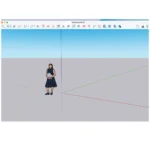


SketchUp 2026 MacOS — Lifetime Licence | Sofryx
Original price was: $600.00.$20.00Current price is: $20.00.
Buy SketchUp 2026 for macOS genuine lifetime licence. Professional 3D modeling software for designers. Tested & verified. Instant delivery & 24/7 support
SketchUp 2026 MacOS — Professional 3D Modeling Design Software
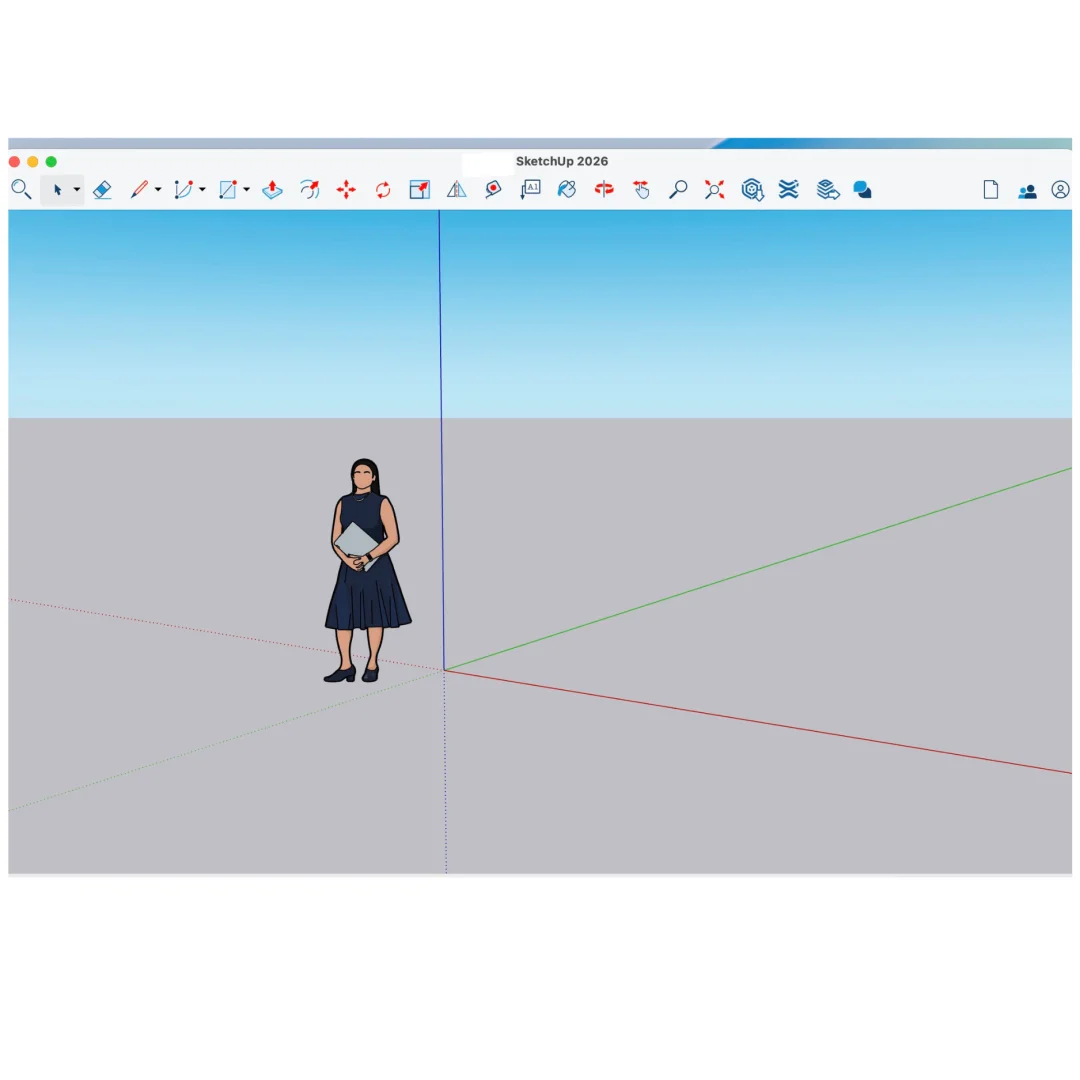
SketchUp is an easy-to-learn 3D modeling program that enables you to explore the world in 3D and create professional designs effortlessly. With just a few simple tools, you can create 3D models of houses, sheds, decks, home additions, woodworking projects, and even spaceships.
SketchUp Pro 2026 combines classic desktop software excellence with powerful web-based capabilities and cloud integration. Professional-grade tools designed for architects, engineers, designers, and creative professionals worldwide.
Used by thousands of design professionals globally, SketchUp delivers exceptional ease-of-use combined with professional-grade capabilities. Create stunning 3D designs quickly. Collaborate effortlessly with team members. Present projects impressively with VR viewing.
Key Features of SketchUp 2026 MacOS
- Fast 3D Modeling: Intuitive tools enable quick creation of complex 3D models. Easy learning curve suits professionals and beginners alike.
- SketchUp for Web: Powerful web modeler with all features needed to turn designs into real things. Edit anywhere, anytime.
- Unlimited Cloud Storage: Share, collaborate, and store projects in cloud with Trimble Connect. Full flexibility and peace of mind.
- 2D Documentation: Create scaled drawing sets in 2D with LayOut. Professional documentation ready for construction and manufacturing.
- VR Model Viewing: Wow clients with immersive walkthroughs on Microsoft HoloLens, HTC Vive, Oculus. View on phone or tablet.
- Custom Styles & Materials: Make your project look unique with custom styles and materials. Personalization options unlimited.
- Dynamic Components: Create complex, intelligent models. Smart components simplify design workflow.
- Professional Collaboration: Share projects with team members. Real-time collaboration speeds up design process.
Why Buy From Sofryx?
- Personally tested by Sofryx Team before every listing goes live
- Genuine Working licence — not cracked, not trial, fully verified
- One-time payment — lifetime activation, zero renewal fees
- Instant access via your website dashboard after payment
- 24/7 Telegram support available for all installation queries
System Requirements
Operating System: macOS 11.7 (Big Sur) or later. macOS 12 (Monterey) or later recommended for optimal performance.
Processor: Intel Core processor OR Apple Silicon (M1, M2, M3, M4) with native universal binary optimization.
RAM: 4 GB of RAM minimum. 8 GB or more recommended for complex models and large projects.
Storage: 2 GB of disk space for installation. Additional SSD storage recommended for project files and model libraries.
Display: Retina display recommended for detailed design work and precision modeling.
What You Get After Purchase
- Complete SketchUp 2026 installation package for macOS
- Genuine lifetime activation licence for unlimited professional use
- Full access to all design, documentation, and collaboration tools
- Access to Trimble Connect cloud storage and sharing
- Download link via your Sofryx.com account dashboard
- Step-by-step installation guide with video tutorial
- Priority Telegram support for activation and technical assistance
Who Is This For?
SketchUp 2026 is perfect for architects designing buildings, renovations, and complex structures. Engineers use SketchUp for mechanical design and technical documentation. Interior designers create detailed room designs and client presentations.
Woodworking enthusiasts and furniture designers rely on SketchUp for detailed project planning. Landscape designers plan outdoor spaces comprehensively. Construction professionals coordinate projects with detailed 3D models.
Real estate professionals create impressive property visualizations. Product designers prototype concepts quickly. 3D modelers and visualization specialists build stunning renderings. Whether professional or hobbyist, SketchUp scales to your needs.
SketchUp Pro Desktop — Professional 3D Modeling
Fast, easy 3D modeling combines intuitive interface with professional capabilities. Learn basic tools in minutes. Master advanced techniques over time.
Powerful modeling tools handle any design challenge. Push-pull geometry enables intuitive shape creation. Precise measurement and scaling tools ensure accuracy.
Parametric design features enable intelligent model relationships. Change one dimension, related elements update automatically. Smart modeling accelerates design iteration.
Professional output options deliver publication-ready designs. Export to industry-standard formats. Create stunning presentations and documentation.
SketchUp for Web — Cloud-Based Design
Powerful web modeler offers all features needed to turn designs into real things. Edit projects from any device with internet connection.
Real-time collaboration enables team members to work simultaneously. Changes sync instantly across all collaborators. Eliminate version control problems.
Cloud-based storage provides automatic backup and version history. Revert to previous versions if needed. Peace of mind knowing designs are safe.
Seamless integration between desktop and web. Start on desktop, continue on web, return to desktop. Workflow flexibility adapts to your needs.
Unlimited Cloud Storage & Collaboration
Share, collaborate, and store projects in cloud with Trimble Connect. Unlimited cloud storage provides complete project flexibility.
Share projects with team members, clients, consultants. Control access permissions for each collaborator. Real-time updates keep everyone informed.
Version history tracks all project changes. Review previous iterations anytime. Never lose important design work.
Publish projects online for client review and feedback. Gather input directly in cloud environment. Streamline approval process.
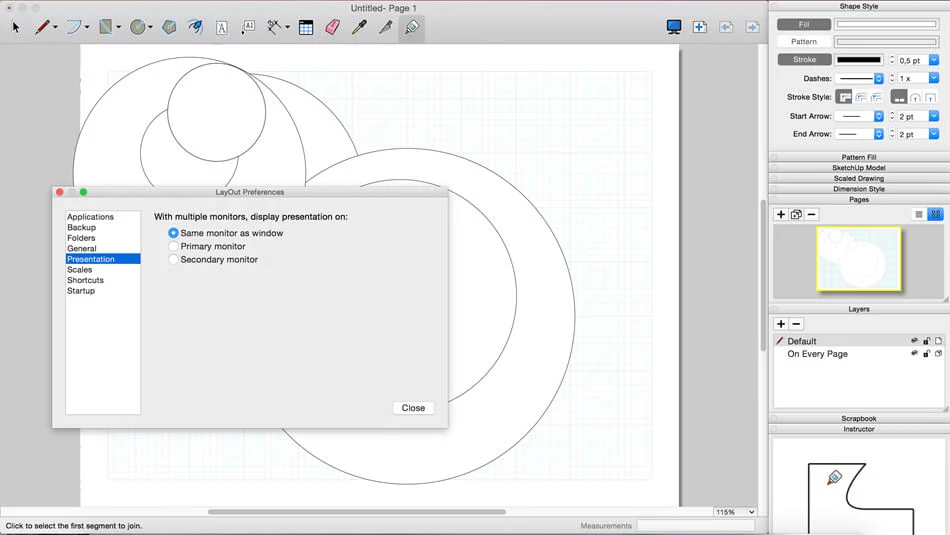
2D Design Documentation with LayOut
Create scaled drawing sets in 2D with LayOut. Professional documentation ready for construction, manufacturing, or permit submission.
Link 2D drawings to 3D models. Changes in 3D automatically update 2D drawings. Maintain documentation accuracy effortlessly.
Template system accelerates drawing production. Establish design standards once, apply consistently. Professional branding across all documents.
Export to PDF, PNG, and other formats. Share drawings with contractors, manufacturers, and clients. Professional presentation every time.
VR Model Viewing — Immersive Presentations
Wow clients with immersive VR walkthroughs of projects. View designs on Microsoft HoloLens, HTC Vive, Oculus VR headsets.
Mobile VR viewing on iPhone and Android phones. View complete design in 3D space. Interactive exploration enables confident client decisions.
Demonstrate design intent clearly and convincingly. Client visualization reduces surprises during construction. Secure approvals faster with immersive presentations.
VR walkthroughs enable design refinement from client feedback. See designs from human perspective. Make informed design decisions confidently.
Custom Styles, Materials & Dynamic Components
Make projects look unique with custom styles and materials. Create consistent visual presentation across models.
Extensive material library includes realistic textures and finishes. Create custom materials matching project specifications. Photorealistic visualization impresses clients.
Dynamic Components enable intelligent model elements. Smart components respond to parameter changes. Complex designs become manageable and modifiable.
Outliner provides detailed project organization. Control visibility and properties of individual components. Complex models stay organized and accessible.
Professional Design & Collaboration Workflow
SketchUp Pro streamlines entire design workflow from concept to construction. Fast iteration enables exploring multiple design options.
Collaborate seamlessly with team members across locations. Real-time feedback accelerates design refinement. Distributed teams work as if in same office.
Export to industry-standard formats for further development. CAD compatibility ensures smooth handoffs to production teams.
Presentation tools create impressive client presentations. Render stunning images and animations. Professional output builds client confidence.
Frequently Asked Questions
Q: How do I activate and use SketchUp 2026 after purchase?
After purchase, you’ll receive complete installation files and activation instructions. Download SketchUp 2026 for macOS from your Sofryx account dashboard under “My Account → Downloads.” Run the installer package. SketchUp installs to your Applications folder. Open SketchUp and enter your activation credentials when prompted. A detailed installation guide covers first-time setup including preferences and workspace configuration. Our 24/7 Telegram support team provides priority assistance if questions arise during installation. Most users have SketchUp running within 15 minutes of purchase.
Q: Is this a genuine licence or a cracked version?
This is a 100% genuine SketchUp 2026 lifetime licence, not a cracked or trial version. The activation is authentic and Trimble-issued, providing legitimate permanent access to all professional modeling and documentation features. The Sofryx Team personally verifies and tests every licence before listing to ensure quality and functionality. You receive genuine SketchUp support for updates and technical assistance. Your lifetime activation means you own this licence indefinitely with no expiration or renewal requirements.
Q: Can I use SketchUp 2026 on multiple computers?
Yes, SketchUp’s standard licence permits installation on multiple Mac computers. You can install and activate on your primary workstation and one backup machine using the same licence. Deactivate on one Mac and activate on another as your setup changes. This flexibility is ideal if you work on multiple Macs, maintain backup systems, or work in different locations. For professional design firms with multiple workstations, contact Sofryx about volume licensing options and special pricing.
Q: Will I receive future software updates for SketchUp 2026?
Your SketchUp 2026 lifetime licence includes all updates for the 2026 version line. Performance improvements, feature enhancements, and bug fixes are provided free throughout the support cycle. Trimble regularly releases updates adding new capabilities and tools. If Trimble releases major new versions (SketchUp 2027 or later), upgrading would require purchase of new version. However, your SketchUp 2026 licence remains valid indefinitely. Continue using SketchUp 2026 without mandatory upgrades. Contact Sofryx for discounted upgrade pricing when new versions become available.
Q: How long does delivery take after payment?
Delivery is immediate. Your download link and activation information appear in your Sofryx account dashboard under “My Account → Downloads” within minutes of payment processing. Begin SketchUp installation immediately. No physical shipping required—this is fully digital software. Most users have SketchUp downloaded and activated within 20 minutes of purchase. Once activated, you have immediate access to all professional 3D modeling, documentation, and collaboration tools.
Q: Which macOS versions are compatible with SketchUp 2026?
SketchUp 2026 requires macOS 11.7 (Big Sur) or later. It’s fully compatible with macOS 11.7 (Big Sur), macOS 12 (Monterey), macOS 13 (Ventura), macOS 14 (Sonoma), and macOS 15 (Sequoia). Fully optimized on Apple Silicon Macs (M1, M2, M3, M4) with native universal binary support. Intel Mac users run the Intel-compatible version. For best performance and stability with large complex models, macOS 12 (Monterey) or later is recommended. Older macOS versions (11.6 or earlier) are not supported.
Q: What is your refund policy?
Please review the complete Refund Policy at bydigital.in/refund-policy/. Refunds are available within 48 hours if the software fails to activate or function as described. Since SketchUp is professional design software, sales are final after successful activation. We stand behind the quality of our activation and provide comprehensive technical support. Contact our support team immediately if you experience any activation or installation issues for prompt resolution.
Q: How do I get support if I have an installation problem?
MacOS Users: Complete installation instructions are provided with your download. If SketchUp fails to install or activate, our Sofryx support team provides priority assistance via Telegram. We offer troubleshooting steps, alternative installation methods, or alternative files if needed. Simply contact us on Telegram (@SofryxHelp or t.me/sofryxhelp) with details of any issues. Our team includes experienced designers and professionals who can provide remote assistance via screenshare if necessary. Most installation issues are resolved within 1-2 hours of contacting support.
Only logged in customers who have purchased this product may leave a review.
Reviews
There are no reviews yet.