
SketchUp Pro 2025 Full Package Trimble — Licence | Sofryx
Original price was: $600.00.$26.00Current price is: $26.00.
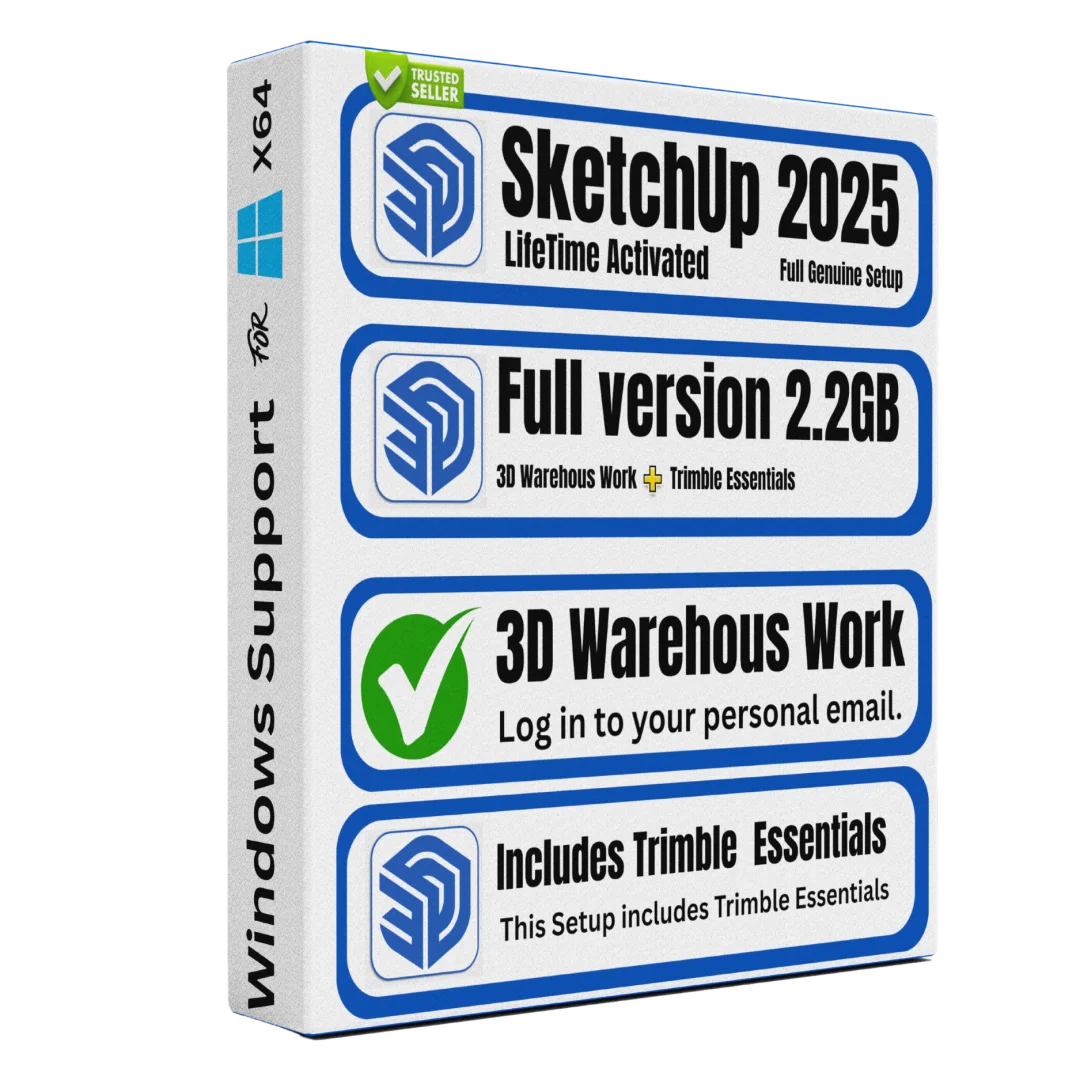
Buy SketchUp Pro 2025 Full Package genuine lifetime licence with Trimble Scan Essentials included. Complete 2.2GB 3D modeling suite. Personally tested. Instant delivery.
SketchUp Pro 2025 Full Package — Complete 3D Modeling Suite with Trimble Scan Essentials for Architecture and Construction
SketchUp Pro 2025 Full Package is the complete 2.2GB professional 3D modeling suite that includes everything in SketchUp Pro plus the Trimble Scan Essentials tool for importing point cloud data from 3D laser scanners directly into your SketchUp modeling environment. This comprehensive package combines intuitive push-pull 3D modeling, LayOut for professional construction documents, 3D Warehouse component access, dynamic components, extensive format support, and Trimble point cloud integration into a single lifetime-activated installation. Whether you are a surveyor converting laser scans into 3D models, an architect designing renovations from existing building scans, or a construction professional coordinating scan-to-BIM workflows, SketchUp Pro 2025 Full Package delivers the most complete SketchUp experience available. Every licence on Sofryx is personally tested by Mani.
Key Features of SketchUp Pro 2025 Full Package
- Trimble Scan Essentials: Import point cloud data from 3D laser scanners directly into SketchUp for modeling over existing conditions, renovation planning, and scan-to-BIM workflows.
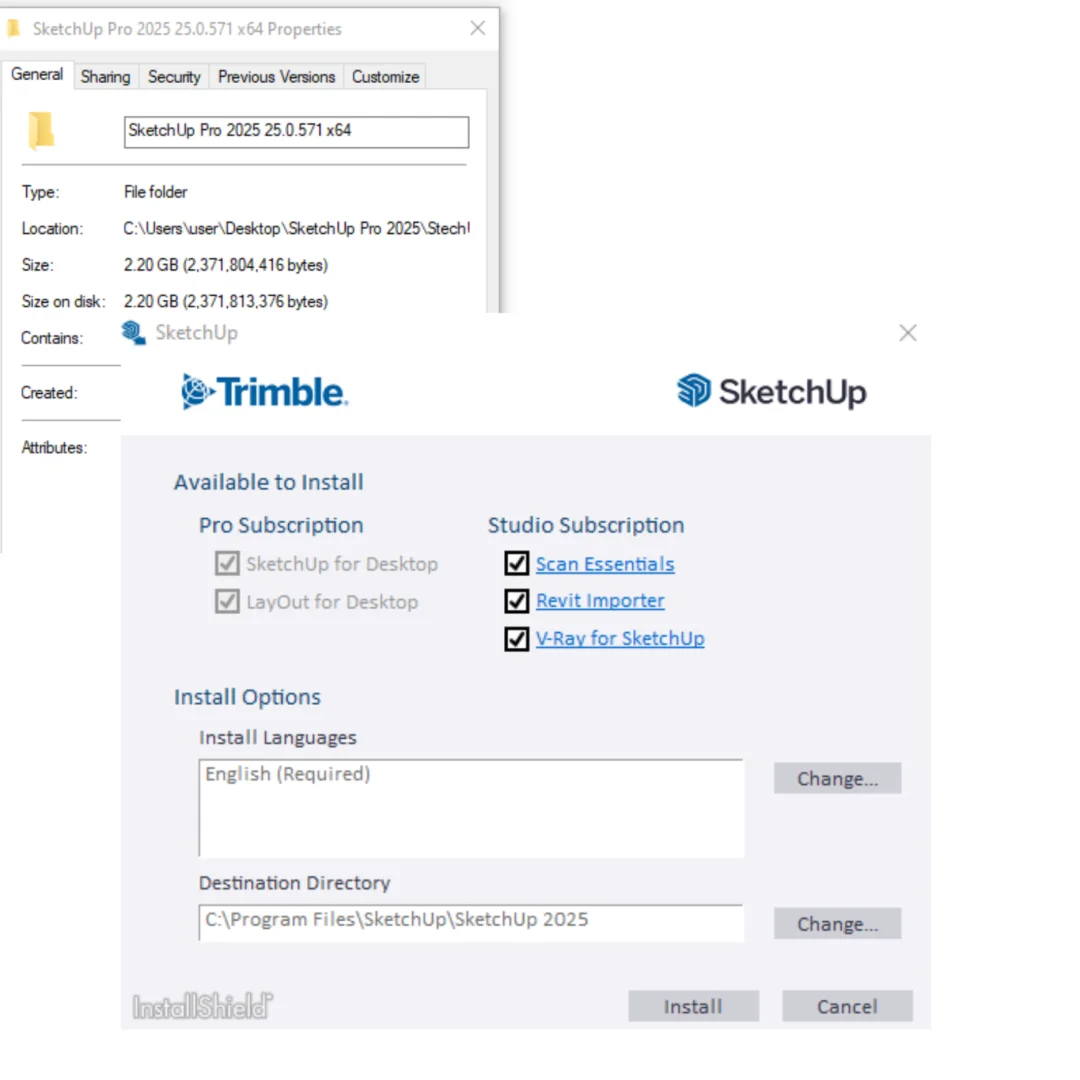
- Complete 2.2GB Package: Full installation including SketchUp Pro, LayOut, Trimble Scan Essentials, style libraries, and all component templates in a single comprehensive package.
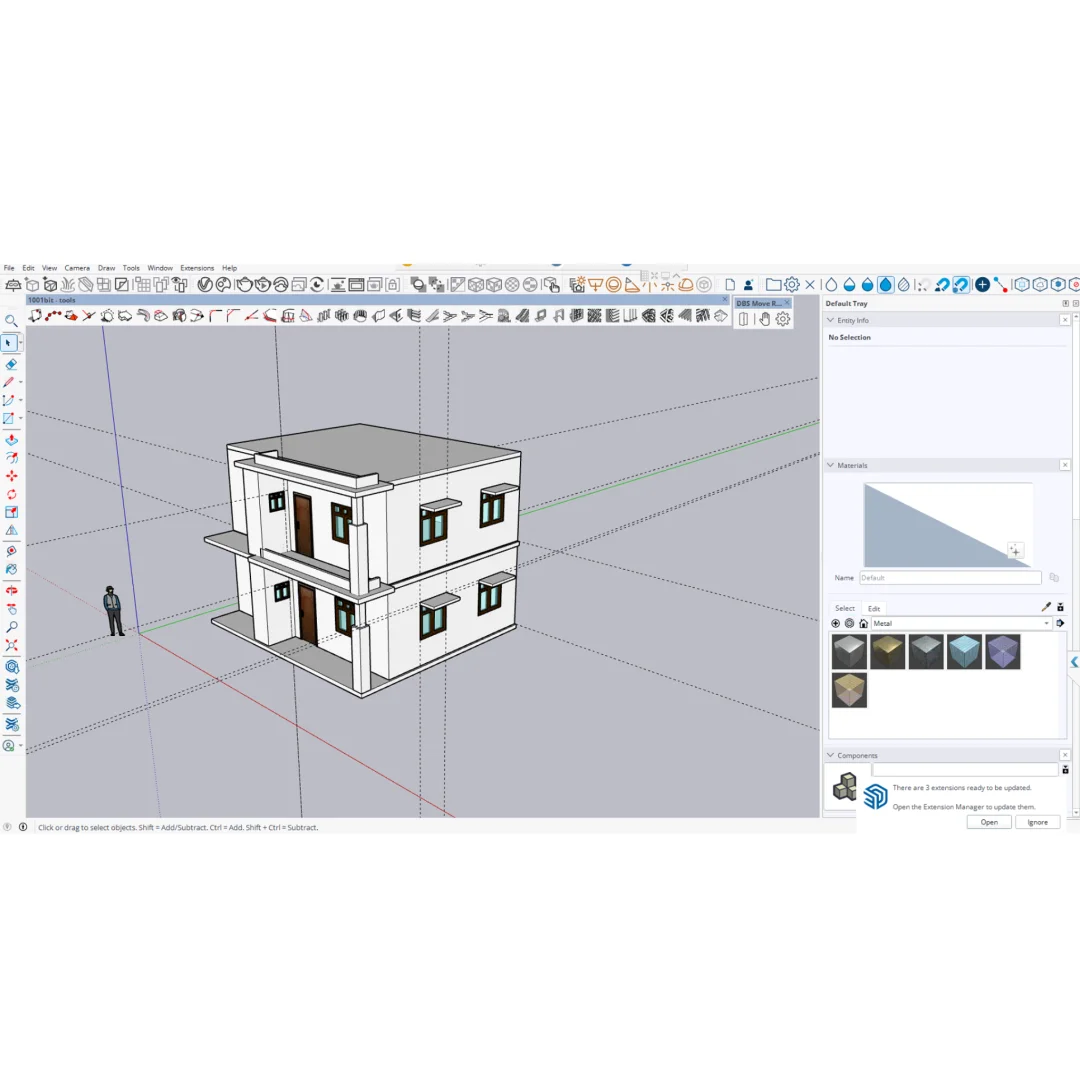
- Intuitive 3D Modeling: Create and modify three-dimensional models using the signature push-pull tools that make professional 3D design fast and accessible.
- LayOut Integration: Generate dimensioned floor plans, elevations, sections, and construction documents linked directly to your 3D model for automatic updates.
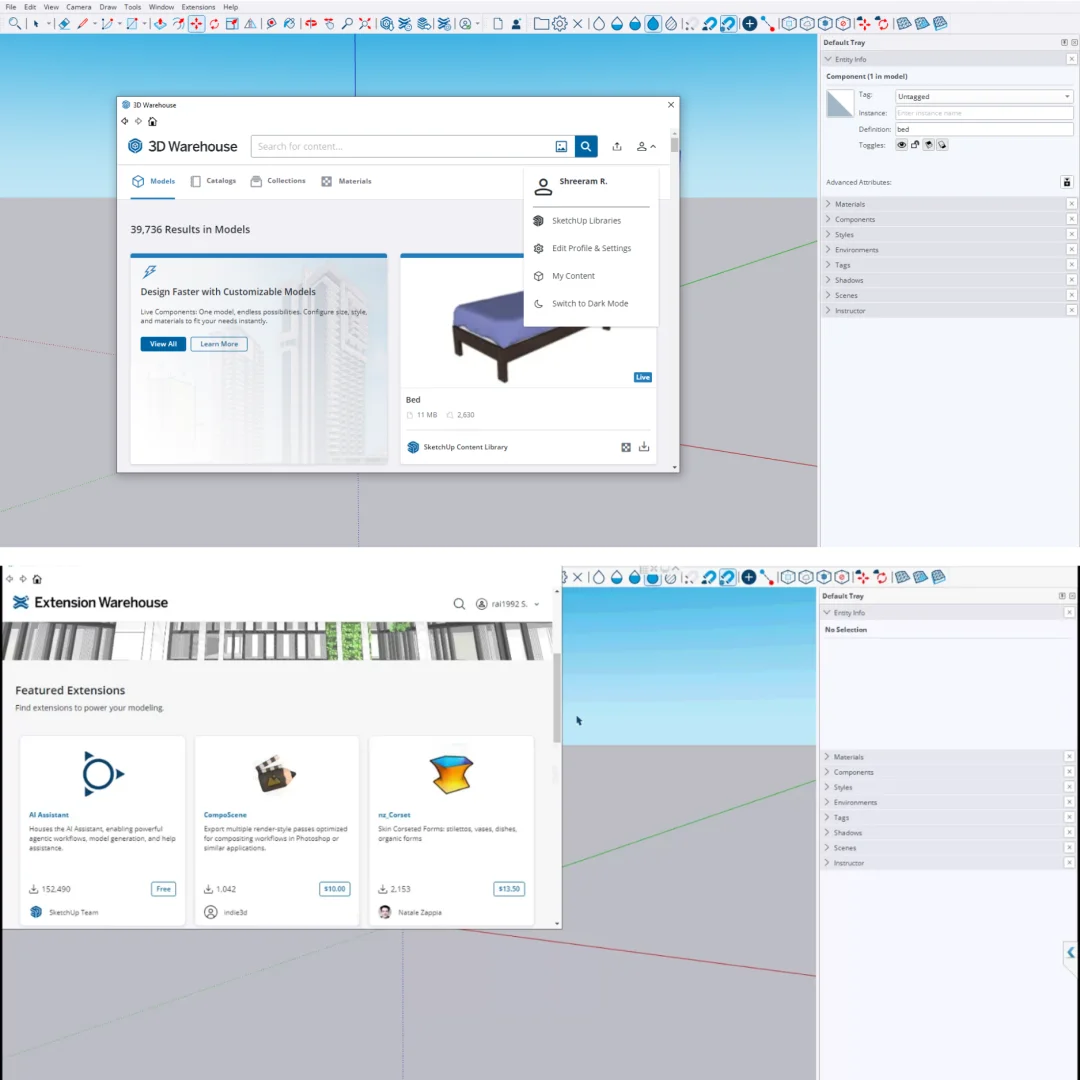
- 3D Warehouse Access: Browse and download millions of pre-built architectural components, furniture, fixtures, and design elements from the online library.
- Dynamic Components: Build parametric objects with configurable attributes that adjust dimensions and properties based on user-defined input settings.
- Multi-Format Support: Import and export DWG, DXF, STL, IFC, OBJ, FBX, and other industry-standard formats for cross-platform collaboration.
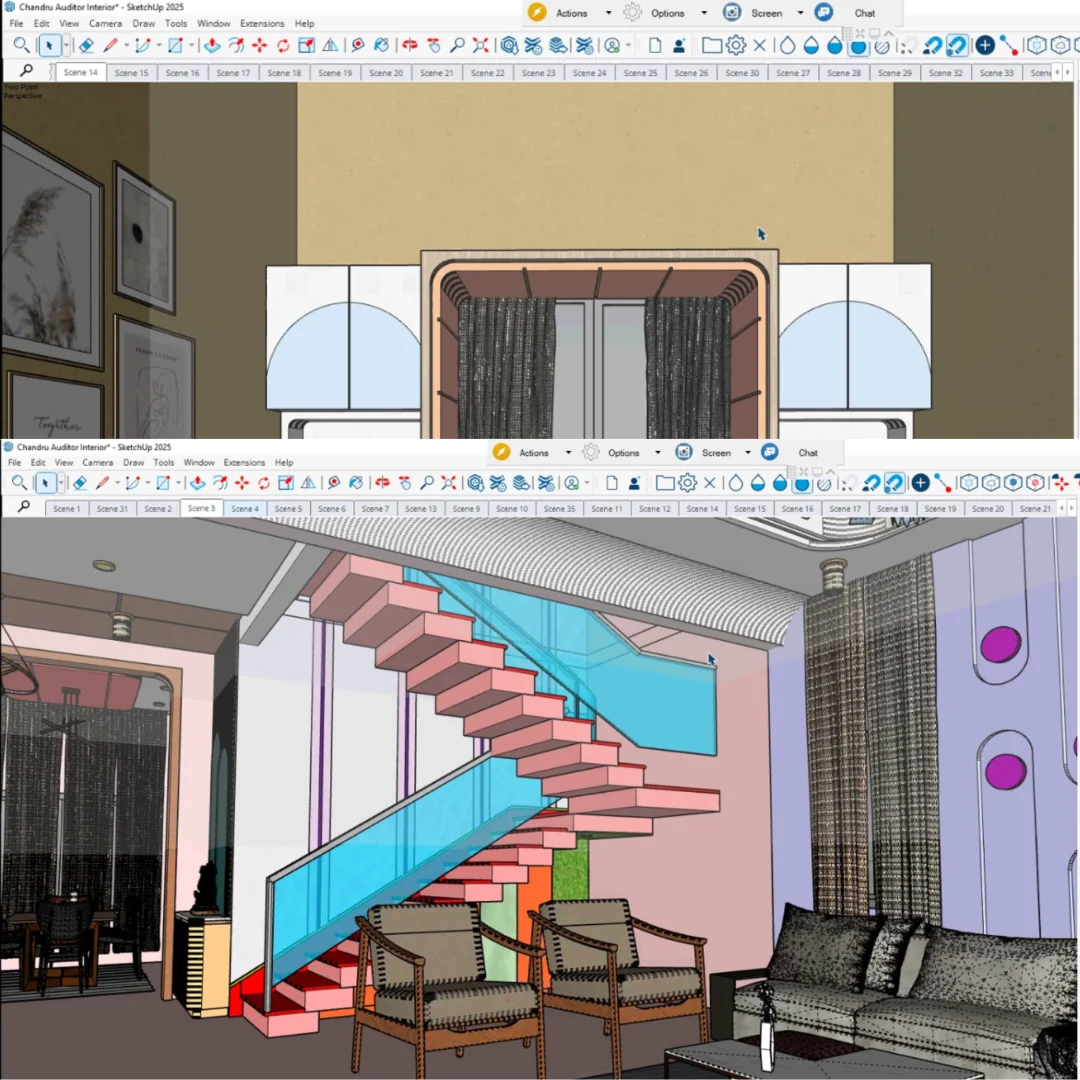
- Visual Customization: Control edge styles, rendering modes, shadow analysis, and section cuts with compatibility for V-Ray photorealistic rendering.
Why Buy From Sofryx
- Personally tested by Mani before every listing goes live
- Genuine manufacturer-issued licence — not cracked, not trial
- One-time payment — lifetime activation, zero renewal fees
- Instant access via your website dashboard after payment
- Telegram support available for all installation queries
System Requirements
- Operating System: Windows 10 or Windows 11 (64-bit only)
- Processor: 1 GHz or faster (multiple cores recommended, especially for point cloud processing)
- RAM: 4GB minimum (8GB or more recommended; 16GB recommended for large point cloud datasets)
- Storage: 2GB available hard disk space for installation (additional space needed for point cloud data files)
- Graphics Card: 3D class video card with 1GB memory or higher and support for hardware acceleration
- Internet Connection: Required for licence activation, 3D Warehouse access, and some online features
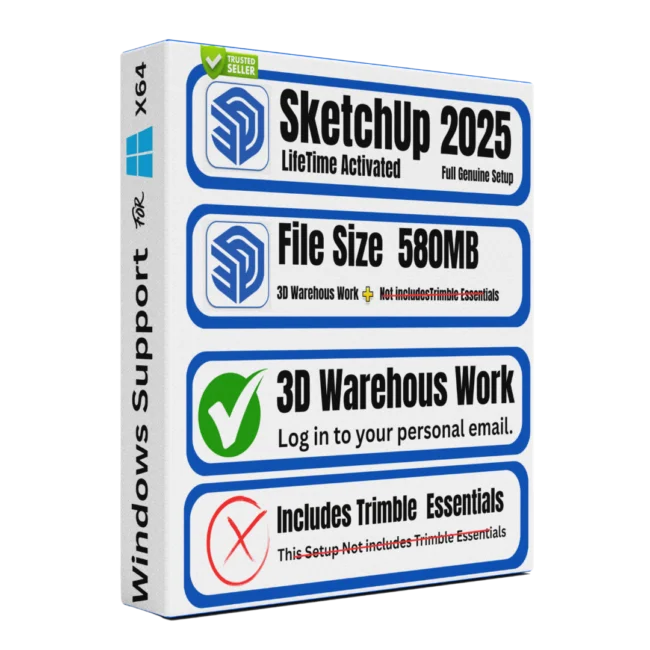
- Note: This is the Full Package that INCLUDES Trimble Scan Essentials. 2.2GB file size. 3D Warehouse access works. Log in with your personal email.
What You Get After Purchase
- Licence key or activation file
- Official download link via your account dashboard
- Step-by-step installation guide (video or written)
- Telegram support contact for installation help
Who Is This For
SketchUp Pro 2025 Full Package with Trimble Scan Essentials serves professionals who need the complete SketchUp toolkit including point cloud integration for working with real-world 3D scan data. Surveyors and scan technicians import laser scan point clouds into SketchUp for converting captured site conditions into workable 3D models. Architects planning renovations, additions, and adaptive reuse projects use Trimble Scan Essentials to model over existing building scans rather than manually measuring every dimension. Construction professionals coordinating scan-to-BIM workflows import site scans for clash detection, progress monitoring, and as-built documentation. Interior designers working on renovation projects overlay new design proposals onto 3D scans of existing spaces for precise fit verification. Civil engineers and site planners import terrain scans for grading design, drainage planning, and site development modeling. BIM coordinators integrate point cloud data with SketchUp models for cross-discipline coordination on complex projects. Heritage preservation specialists create accurate 3D records of historic structures from laser scan data. This Full Package is the premium option for users who need Trimble Scan Essentials. If you do not need point cloud features, Sofryx also offers the standard SketchUp Pro 2025 at a lower price point.
Trimble Scan Essentials — Point Cloud Integration for SketchUp
Point cloud data from 3D laser scanners captures millions of precise spatial measurements that represent the exact geometry of existing buildings, sites, and structures. Trimble Scan Essentials brings this point cloud data directly into the SketchUp modeling environment, allowing you to visualize, navigate, and model over the scanned reality data within the familiar SketchUp interface. The point cloud appears as a dense collection of colored measurement points that you can orbit, pan, zoom, and section through just like any other SketchUp geometry. You then use standard SketchUp modeling tools to trace over the point cloud, creating clean 3D model geometry that accurately represents the existing conditions captured by the scanner. This workflow is fundamentally more efficient and accurate than traditional manual measurement methods for existing buildings, because the scanner captures every surface and detail in minutes rather than the hours or days required for hand measurement. Trimble Scan Essentials supports common point cloud file formats generated by major laser scanner manufacturers, making it compatible with data from Trimble, Leica, FARO, and other scanning hardware.
Full Package vs Standard — What Makes This Different
The SketchUp Pro 2025 Full Package at 2.2GB includes the complete Trimble Scan Essentials toolset that is not included in the standard 580MB SketchUp Pro 2025 installation. This distinction is important for professionals who specifically need point cloud integration for their work. The standard SketchUp Pro includes the core modeler, LayOut, 3D Warehouse access, and all standard features but does not include the Trimble Scan Essentials extension for importing and working with point cloud data. The Full Package includes everything in the standard version plus the complete Trimble Scan Essentials tools, making it the all-in-one solution for users who work with laser scan data. Professional reviews on G2 note that the Trimble Scan Essentials integration differentiates SketchUp Pro from competing 3D modeling tools for renovation and existing conditions workflows. If you are unsure which version you need, consider whether your projects involve working with 3D laser scan data: if yes, choose the Full Package; if your work is primarily new design without scan data, the standard SketchUp Pro 2025 provides everything you need.
Push-Pull 3D Modeling — Intuitive Professional Design
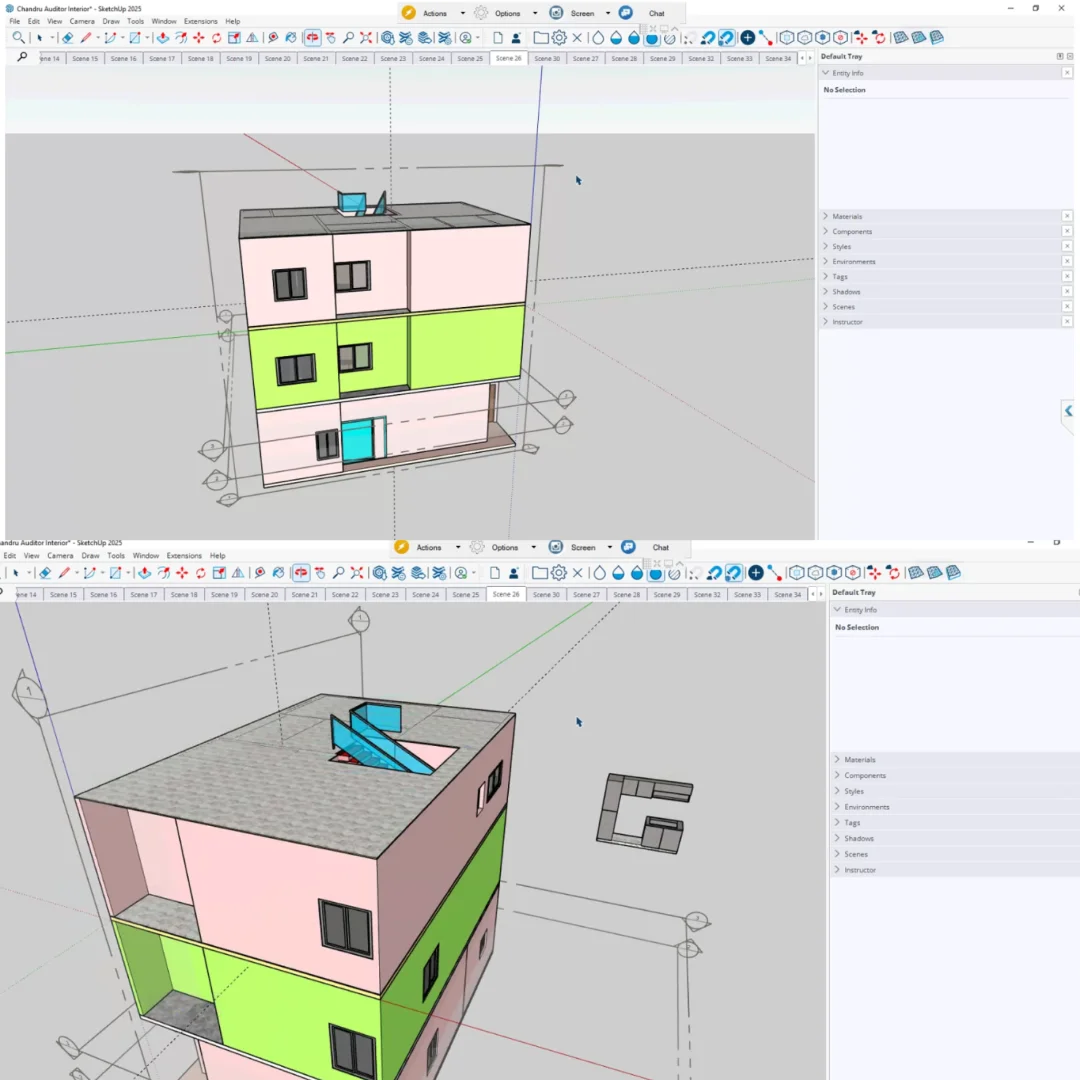
The core modeling experience in SketchUp Pro 2025 Full Package uses the same signature push-pull approach that has made SketchUp the most accessible professional 3D modeling tool for over two decades. Drawing a two-dimensional shape on any surface and pushing or pulling it instantly creates three-dimensional geometry, enabling rapid transformation of floor plans into volumetric building forms, simple profiles into complex moldings, and basic rectangles into furniture components. The inference engine provides continuous geometric feedback by highlighting midpoints, endpoints, perpendicular alignments, and parallel references, ensuring precision without manual dimensioning at every step. When combined with Trimble Scan Essentials, the push-pull workflow becomes even more powerful because you can snap modeling tools directly to point cloud measurement points, ensuring that your new geometry aligns precisely with the scanned existing conditions. This combination of intuitive modeling and scan-referenced accuracy makes the Full Package the ideal tool for renovation, addition, and adaptive reuse projects where new design must integrate seamlessly with existing structures.
LayOut — Construction Documents from 3D Model and Scan Data
LayOut included in the Full Package creates professional construction documents linked directly to your SketchUp models and the underlying point cloud reference data. Floor plans, elevations, building sections, and detail drawings generated in LayOut maintain live links to the 3D model, automatically updating when design changes are made in SketchUp. LayOut provides comprehensive drafting tools including linear and angular dimensions, callout annotations, text blocks, specification tables, and graphic elements that transform model views into complete technical drawings. For renovation projects that use Trimble Scan Essentials, LayOut documents can show both the existing conditions (derived from the scan) and the proposed design changes in the same drawing set, clearly communicating the scope of work to contractors, engineers, and building departments. For detailed LayOut workflow guidance, the SketchUp Help Center provides comprehensive documentation on creating construction document sets from SketchUp models.
3D Warehouse and Dynamic Components
The Full Package includes complete access to the 3D Warehouse online component library containing millions of pre-built three-dimensional models for every design discipline. Architectural elements including doors, windows, stairs, structural systems, and roofing components are available from manufacturer-verified libraries and community contributors worldwide. Interior design components span furniture, fixtures, appliances, lighting, and decorative elements across residential, commercial, and hospitality categories. Dynamic Components add parametric intelligence to standard components, allowing objects to adjust their geometry, materials, and properties based on configurable inputs. A dynamic window component can accept width, height, pane count, and frame material as parameters, automatically generating the correct geometry for each specified configuration. For renovation projects using Trimble Scan Essentials, placing accurate manufacturer components from the 3D Warehouse over point cloud data produces models that reflect both the existing structure and the proposed new elements with dimensional accuracy.
Format Support — DWG DXF STL IFC and Point Cloud Formats
SketchUp Pro 2025 Full Package provides extensive file format support including all standard SketchUp formats plus the point cloud formats handled by Trimble Scan Essentials. DWG and DXF import and export ensures interoperability with AutoCAD-based workflows used by engineers, consultants, and fabricators. STL export enables direct output to 3D printers for physical prototyping and architectural scale models. IFC format support enables Building Information Modeling exchange with BIM coordination platforms. Trimble Scan Essentials adds support for common point cloud file formats including E57 and other industry-standard scan data formats, enabling import from major scanner manufacturers. Industry organizations like the buildingSMART International develop the open standards including IFC that enable interoperability between 3D modeling and BIM platforms.
Visual Styles Rendering and Presentation
The Full Package includes all SketchUp Pro visual customization and presentation capabilities for communicating designs effectively to clients, contractors, and project stakeholders. The style engine controls edge rendering, face shading, shadow simulation, and section cut visualization across multiple configurable presets. Presentation mode delivers full-screen interactive walkthroughs with smooth scene transitions for client meetings and design reviews. High-resolution image export produces print-quality renders for reports and marketing materials, while video animation export creates fly-through sequences for project promotion. For photorealistic output, SketchUp Pro 2025 maintains compatibility with rendering extensions including V-Ray, Enscape, and Lumion. Shadow analysis provides geographically accurate solar simulation for any location and date, essential for site planning and daylighting studies. Leading architecture publications like Dezeen regularly feature projects designed and visualized with SketchUp Pro. The American Institute of Architects recognizes 3D modeling and scan-to-BIM tools as essential for modern architectural practice. Pair the Full Package with other tools from Sofryx like SketchUp Pro 2026 for the latest release, ArchiCAD 29 for advanced BIM, AutoCAD Electrical 2025 for engineering drawings, and Autodesk Inventor Pro 2024 for mechanical design.
Frequently Asked Questions
Q: How do I activate SketchUp Pro 2025 Full Package after purchase
To activate your SketchUp Pro 2025 Full Package on Windows after completing your purchase, follow the provided instructions carefully. Your order includes a detailed step-by-step installation guide that walks you through downloading the 2.2GB full package installer and completing the licence activation including Trimble Scan Essentials setup. A video tutorial or written instruction document will be included alongside the setup files. You will log in with your personal email during setup. All features including 3D Warehouse access and Trimble Scan Essentials are fully functional after activation. If you encounter any difficulties, reach out via Telegram for immediate assistance.
Q: Is this a genuine lifetime licence or a subscription
This is a genuine lifetime-activated licence that you own permanently after a single one-time payment. There are no monthly fees, no annual renewal charges, and no subscription commitments of any kind. Once activated, your SketchUp Pro 2025 Full Package with Trimble Scan Essentials remains fully functional on your Windows system indefinitely without requiring any additional payments. Every licence sold on Sofryx is personally verified by Mani to ensure authenticity and reliable long-term functionality. You receive the complete suite including SketchUp Pro, LayOut, Trimble Scan Essentials, and all features activated for lifetime use.
Q: Can I use this on multiple computers
Yes, multiple device use is supported with your SketchUp Pro 2025 Full Package licence. You can install and activate the complete suite including Trimble Scan Essentials on more than one Windows computer, allowing you to work between your office desktop workstation and a portable laptop for site visits and client meetings. This flexibility ensures that your complete 3D modeling and point cloud toolkit is available wherever you need to design and present. The activation process works identically on each machine.
Q: Will I receive future software updates
There is no immediate need to update your SketchUp Pro 2025 Full Package after installation as the current version includes all the latest features, Trimble Scan Essentials tools, and Windows 10 and 11 compatibility. If a critical update becomes necessary in the future or if you require a newer version for specific compatibility reasons, contact Mani directly through Telegram support. The update will be provided free of charge within one year of your original purchase date. This ensures you always have access to a functioning version without additional cost.
Q: How long does delivery take after payment
Delivery is instant and fully automated. Immediately after completing your payment through the Sofryx checkout, your download links become available in your personal account dashboard. Simply log in to your Sofryx account, navigate to the My Account section, and click on Downloads to access all your purchased files. The complete SketchUp Pro 2025 Full Package (2.2GB) including Trimble Scan Essentials and installation instructions will be ready for immediate download. There is no waiting period and no manual processing required. You can begin installing within minutes.
Q: Which operating system versions are compatible
SketchUp Pro 2025 Full Package is compatible with Windows 10 and Windows 11 in 64-bit editions only. Your system requires a 1 GHz or faster processor with multiple cores recommended especially for point cloud processing, 4GB RAM minimum with 8GB or more recommended (16GB recommended for large point cloud datasets), 2GB available hard disk space plus additional space for point cloud data files, and a 3D class video card with 1GB memory or higher. An internet connection is required for licence activation and 3D Warehouse access. 32-bit Windows versions are not supported.
Q: What is your refund policy
For complete details regarding our refund terms and conditions, please review the full Refund Policy page available on our website at bydigital.in/refund_returns/. The refund policy outlines all applicable terms including eligibility criteria, timeframes, and the process for requesting a refund on digital product purchases. We encourage every customer to read the policy thoroughly before completing their purchase so they have a clear understanding of their rights and our obligations. Our commitment is to ensure complete customer satisfaction with every product sold on the Sofryx platform.
Q: How do I get support if I have an installation problem
If you encounter any installation difficulties with your SketchUp Pro 2025 Full Package on Windows, comprehensive support is available through multiple channels. Windows users can receive direct remote support via AnyDesk, UltraViewer, or Zoom Meeting where a support representative will connect to your computer and resolve the installation issue in real time. This is particularly helpful for configuring both SketchUp Pro and Trimble Scan Essentials, verifying 3D Warehouse access, and ensuring LayOut integration is working correctly. If the standard installation encounters any issues, an alternative setup file along with revised instructions will be provided promptly. For all support requests, contact us directly through Telegram at t.me/sofryxhelp for fast and reliable assistance.
Only logged in customers who have purchased this product may leave a review.


Reviews
There are no reviews yet.