





SketchUp Plugin Collection — Lifetime Licence | Sofryx
Original price was: $300.00.$20.00Current price is: $20.00.
Buy SketchUp plugin collection genuine lifetime 40+ extensions. Personally tested. Instant delivery. No subscriptions. Sofryx.
SketchUp Plugin Collection — 40+ Professional Extensions & Lifetime Access
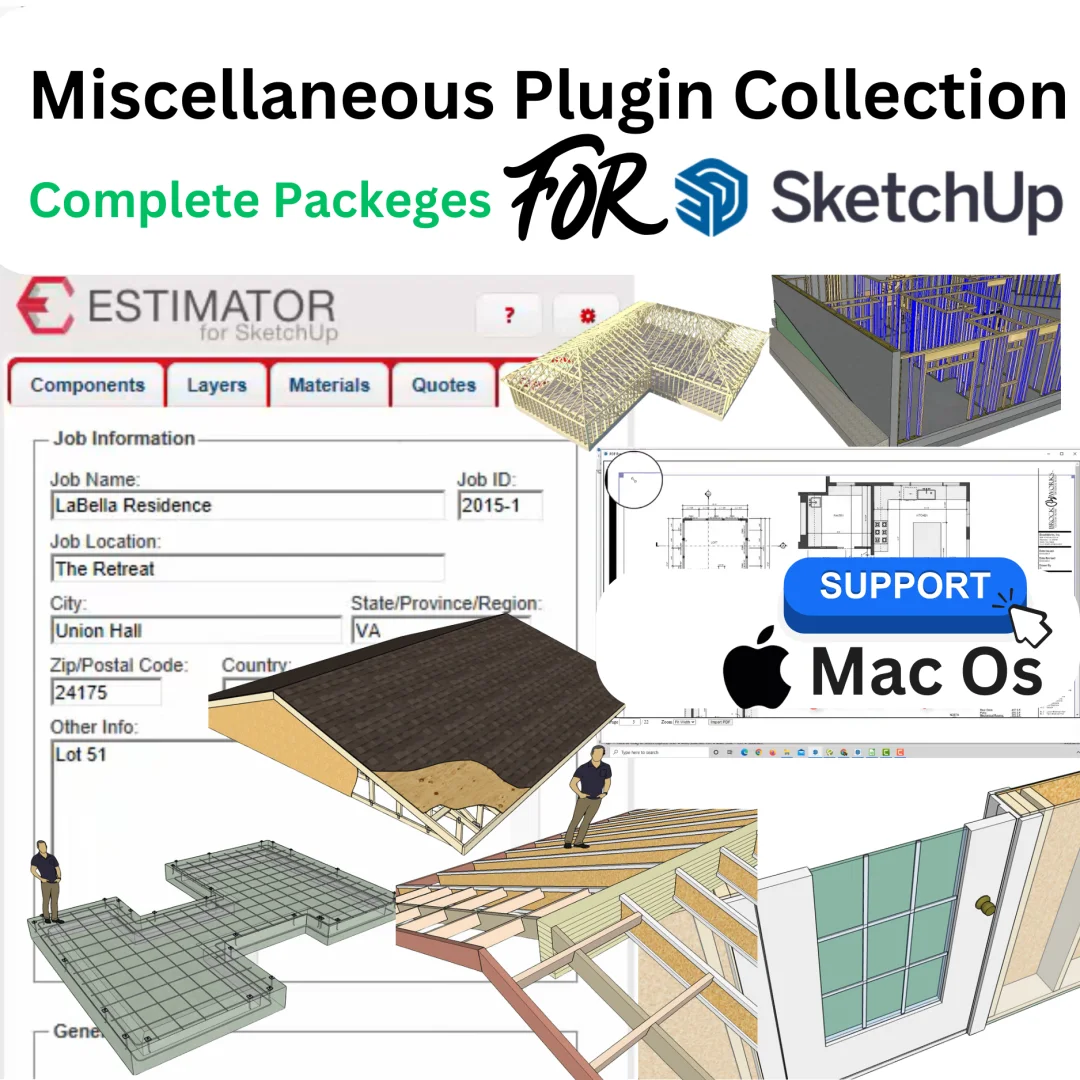
Miscellaneous Plugin Collection for SketchUp is a comprehensive bundle of 40+ professionally-developed plugins, extensions, and utilities designed to dramatically enhance SketchUp’s functionality and accelerate design workflows. This collection includes specialized tools for building design, construction estimation, material management, visualization, and structural analysis—everything professional architects, contractors, and designers need to work more efficiently. The collection features regularly updated plugins from renowned developers like Medeek Engineering, G&G tools, Estimator, and numerous specialized utility creators. Compatible with SketchUp versions 2017 through 2026 on both Windows and Mac platforms, this lifetime bundle provides permanent access to all plugins and future updates without subscription costs. Personally tested by Mani before listing, every plugin is genuine and fully functional. Whether you’re designing residential homes, commercial buildings, or complex structures, this plugin collection accelerates your SketchUp workflow and delivers professional results.
Key Features of SketchUp Plugin Collection
- 40+ Professional Plugins: Comprehensive bundle including estimating tools, building design extensions, material calculators, and specialized utilities covering virtually every SketchUp design need.
- Regular Updates & New Additions: Plugins are regularly updated with new versions and features added monthly, keeping your collection current with latest SketchUp versions and design capabilities.
- Cross-Platform Compatibility: Full support for Windows 7/8/10/11 and Mac OS 10 through 26, enabling seamless workflows across your entire professional environment.
- Multi-Version SketchUp Support: Compatible with SketchUp 2017, 2018, 2019, 2020, 2021, 2022, 2023, 2024, 2025, and 2026, protecting your investment across version upgrades.
- Professional Estimating Tools: Integrated estimating plugins enabling accurate cost calculations, material quantification, and project budgeting directly within SketchUp.
- Building Design Automation: Advanced construction tools automating common building design tasks, reducing design time and improving consistency and accuracy.
- 32/64-bit & ARM Architecture: Full support for 32-bit and 64-bit processors plus ARM32/64 compatibility ensuring installation on any modern computer architecture.
- Community-Driven Development: Ongoing feedback from professional users drives continuous improvements, new feature requests, and specialized plugin development.
Why Buy From Sofryx?
- Personally tested by Mani before every listing goes live
- Genuine manufacturer-issued plugins — not cracked, not trial versions
- One-time payment — lifetime activation, zero renewal fees, no hidden costs
- Instant access via your website dashboard after payment
- Telegram support available for all installation queries and technical assistance
System Requirements for SketchUp Plugin Collection
- Operating System: Windows 7, 8, 10, or 11; Mac OS 10, 11, 12, 13, 14, 15, or 26 (latest versions recommended)
- SketchUp Versions: Full compatibility with SketchUp 2017, 2018, 2019, 2020, 2021, 2022, 2023, 2024, 2025, and 2026
- Processor: Standard 64-bit processor, 32-bit processors supported, ARM32/64 compatible
- RAM: 4 GB minimum (8 GB recommended for complex models and multiple plugins)
- Storage: 2 GB available hard drive space for plugin installation
- Format: RBZ format for easy installation and compatibility
What You Get After Purchase
- Complete plugin bundle with 40+ extensions and utilities
- Official download link for latest collection via your account dashboard
- Step-by-step installation guide for all included plugins
- Telegram support contact for installation assistance and troubleshooting
- Lifetime access to all plugins and future updates included in the collection
Who Is This For?
SketchUp Plugin Collection lifetime licence is ideal for professional architects designing residential and commercial buildings, construction contractors managing building projects and estimating costs, 3D designers and visualization specialists creating detailed models, building information modelers (BIM) coordinating complex construction projects, estimators and cost consultants preparing accurate project quotes, structural engineers analyzing building designs, interior designers detailing interior spaces, construction planners scheduling and organizing project workflows, architectural students learning professional SketchUp workflows, building companies requiring standardized design tools, design firms managing multiple projects with consistent tools, and any organization using SketchUp professionally where productivity and accurate project data are essential. Whether you’re a solo designer, small architecture firm, large multinational design company, or educational institution, this lifetime plugin collection provides permanent access to professional-grade tools without ongoing subscription costs.
Comprehensive Plugin Collection & Regular Updates
SketchUp Plugin Collection provides continuously expanding bundle of professional extensions. The collection receives regular updates—the latest update on January 27, 2026 added Curic Pie Menu v1.4.2, Shader Tech WrapR v2026.0, Boc File Management v1.3.0 Hotfix 2, UNI TOOLS v1.2.6.6, Boc Object Randomizer v2.0.0, and ZSU v2.9.8. Previous months added Curic toCAD, Curic Scale++, radial menu updates, G&G dimension tools, foundation tools, structural analysis capabilities, and JArchitect dimensioning tools. This ongoing development ensures the collection stays current with latest SketchUp versions, industry demands, and user feedback. New plugins addressing emerging design needs are added regularly, expanding collection capabilities over time without additional cost to lifetime licence holders.
Professional Estimating Tools Integration
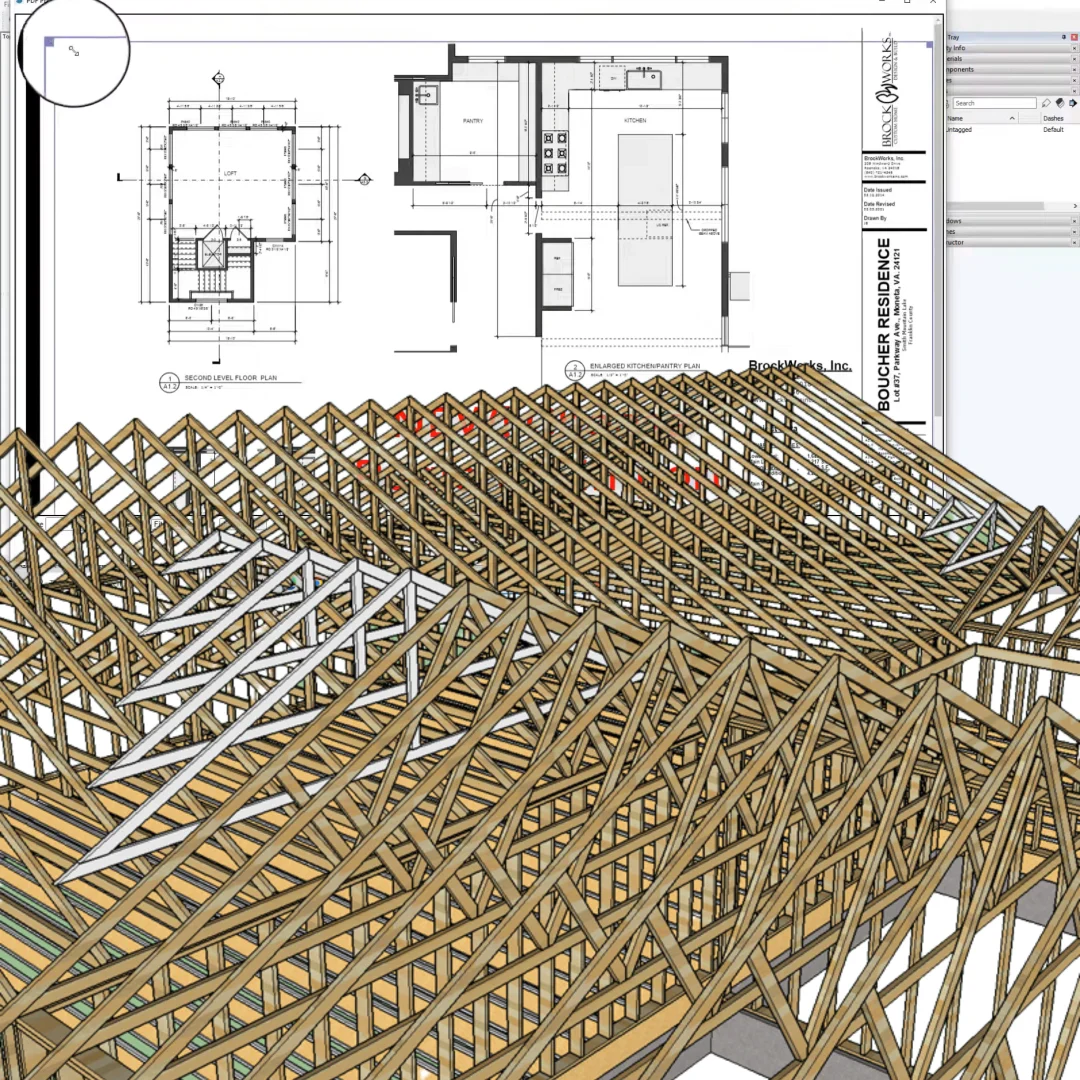
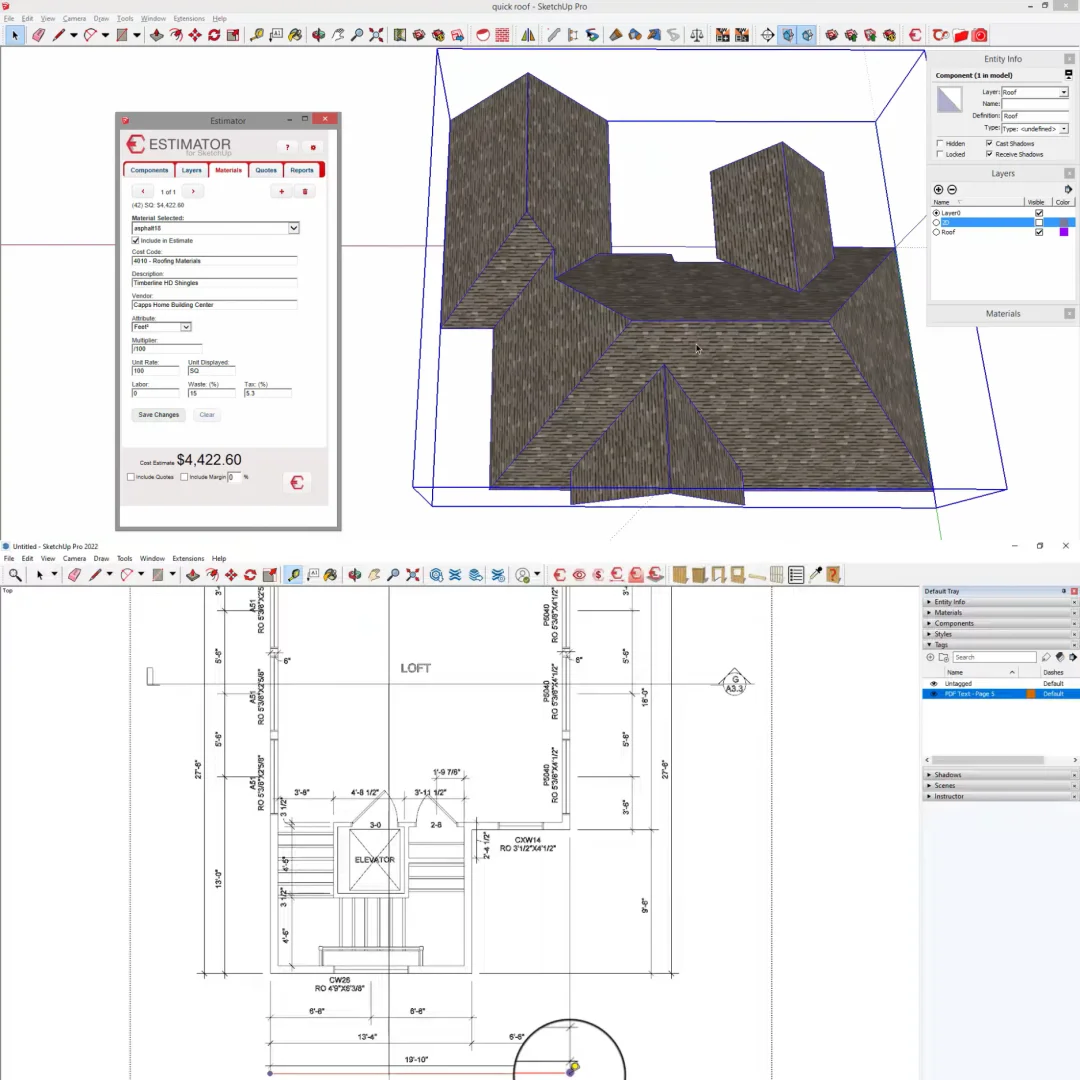
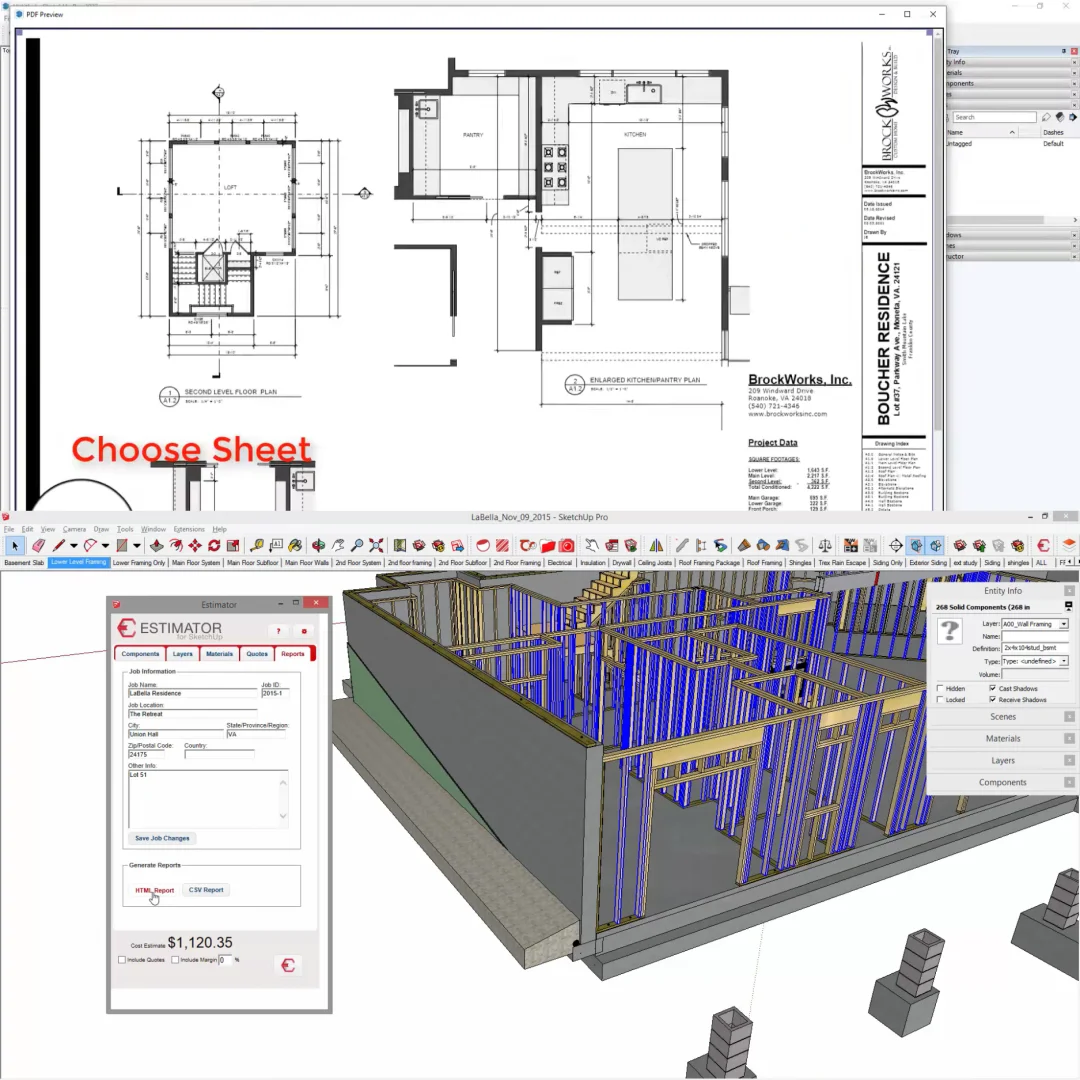
One of the collection’s standout features is Estimator for SketchUp, a comprehensive suite of specialized estimating plugins including Estimator Core, Framer, Issue Tracker, PDFImport, Phases, Components, Layers, and Materials tools. These integrated tools enable architects and contractors to generate accurate cost estimates, material takeoffs, and project budgets directly from SketchUp models. Automatically calculate material quantities from 3D models, generate detailed material lists, produce professional quotes, and track project phases. The estimating tools reduce manual calculation time and improve accuracy of cost projections. For contractors and estimating professionals, these tools translate directly into improved project profitability and client satisfaction through accurate, reliable quotes.
Advanced Building Design Automation Tools
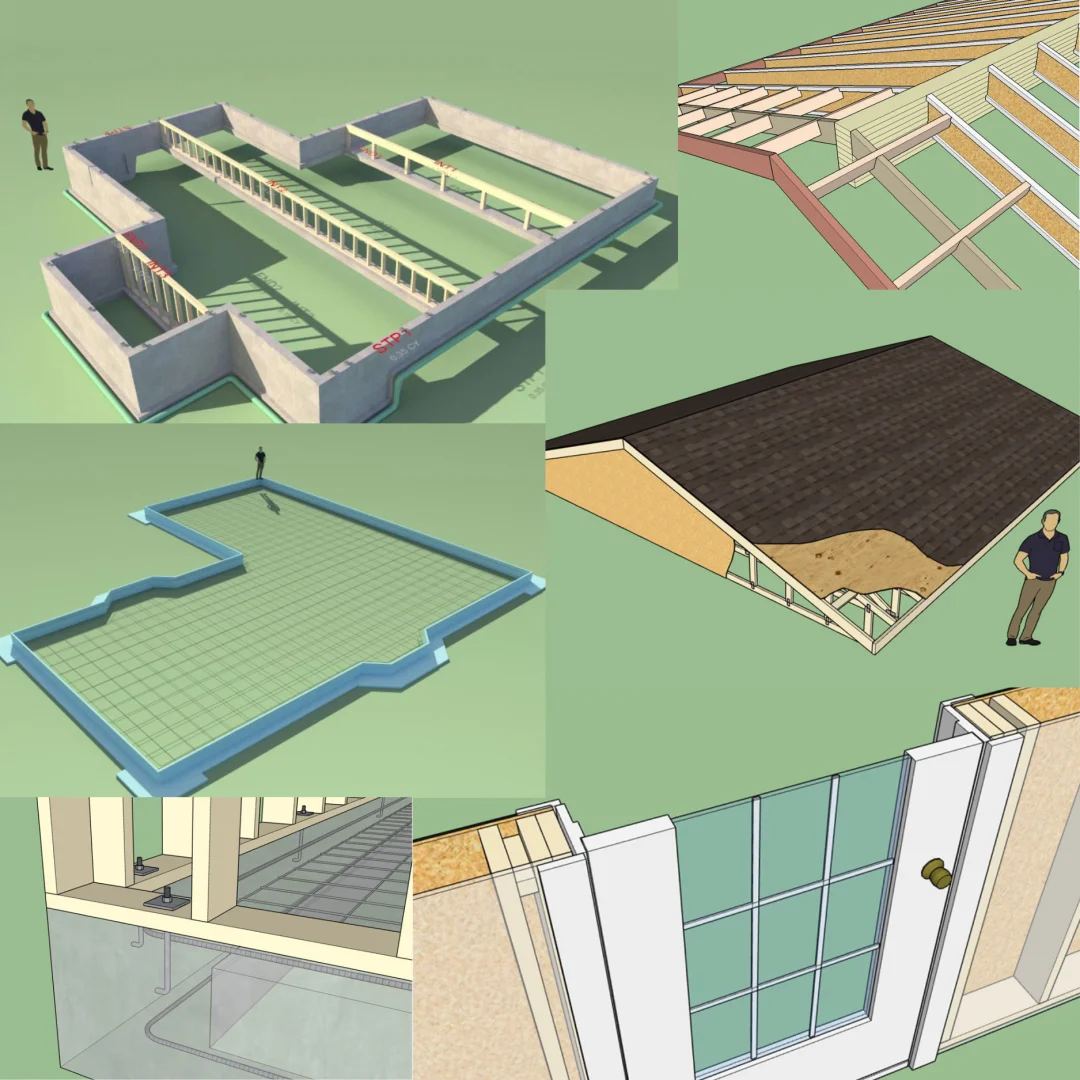
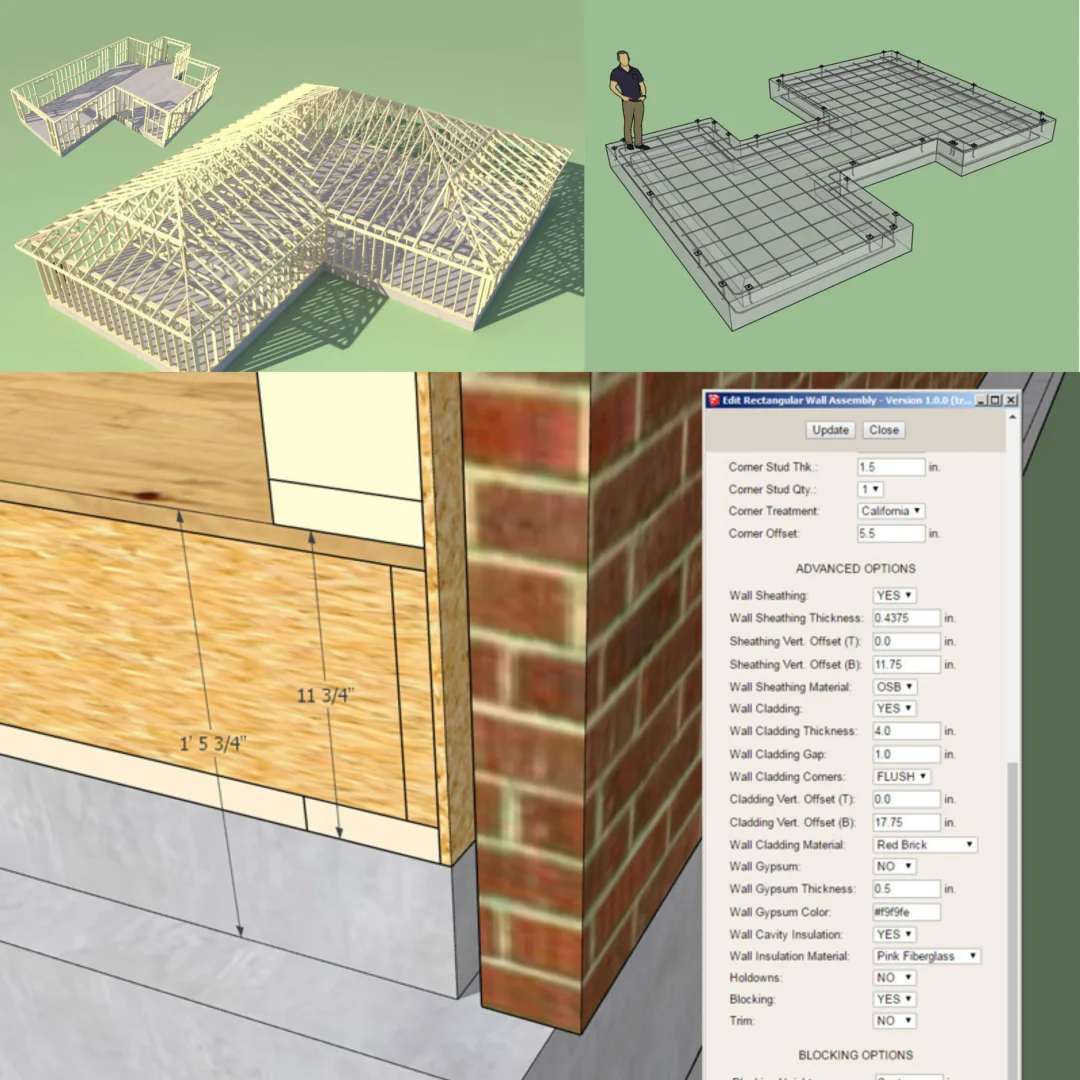
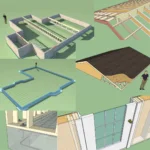
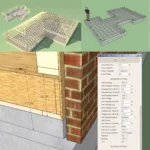
The collection includes specialized building design plugins from Medeek Engineering, a leading provider of SketchUp building automation tools. Medeek plugins automate common building design tasks including wall generation, roof truss design, structural framing, foundation design, electrical system layout, and project management. Design complex roof trusses parametrically—modify dimensions and the entire truss structure updates automatically. Generate exterior walls with customizable materials, finishes, and details. Create detailed electrical plans with circuit management. These automation tools accelerate design workflows dramatically, reducing hours of manual drawing to minutes of parametric modeling.
Structural Analysis & Engineering Tools
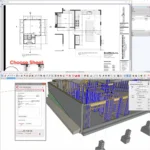
For engineering-focused users, the collection includes G&G Dimension, G&G Foundation, and G&G Structural tools enabling structural analysis and engineering calculations directly within SketchUp. These specialized tools support professional structural engineers in analyzing designs for code compliance, calculating load paths, determining member sizing, and generating structural documentation. Import structural requirements, define loads, and verify design adequacy before manufacturing or construction begins. The integration of structural analysis within the design environment reduces workflow friction and catches potential issues early in the design process.
Visualization & Rendering Enhancement Plugins
The collection includes specialized visualization tools including Skelion (advanced visualization and rendering), Shader Tech WrapR (material and texture management), and VBO Grids (visualization layout tools). These plugins enhance SketchUp’s presentation capabilities, enabling creation of stunning visualizations and renderings directly from SketchUp models. Skelion v5.5.2 provides advanced rendering and visualization capabilities enabling photorealistic presentation of designs. Texture wrapping and material management tools ensure accurate material representation. Grid visualization tools organize complex models for clearer presentation and analysis.
Utility & Specialized Extension Tools
Beyond major categories, the collection includes numerous specialized utility plugins addressing specific design needs: Dibac (database integration), UNI TOOLS (general utilities), Renderiza CompoScene (scene composition and rendering), Sutech Plate Tools (metal fabrication design), VMS SketchUp Wood Extensions (wood design specialists), Toh Rebars (reinforcing steel design), and many others. These specialized tools enable professionals in specific disciplines to work more efficiently. Cabinet designers benefit from Family_Bim_Sketchup Cabinet Plus. Electrical designers use Medeek Electric and 00b Electrical. Terrain designers use 00b Terrain. The breadth of specialized tools ensures virtually any SketchUp user finds relevant plugins accelerating their specific workflow.
Frequently Asked Questions
Q: How do I install the SketchUp Plugin Collection after purchase?
After purchasing SketchUp Plugin Collection lifetime licence from Sofryx, you will immediately receive installation instructions in your account dashboard under “Downloads.” The installation process is straightforward: download the complete plugin bundle in RBZ format, launch SketchUp, navigate to Extensions → Extension Manager, click “Install Extension,” select the RBZ file, and follow the wizard. The plugins automatically install into your SketchUp extensions folder. Comprehensive step-by-step instructions (video and written) guide you through installation for both Windows and Mac. If you encounter installation issues—missing dependencies, version compatibility questions, or activation problems—contact Sofryx support via Telegram. Our technical team provides remote assistance through AnyDesk or UltraViewer, walking you through installation and ensuring all plugins function correctly on your system.
Q: Is this a genuine plugin collection or cracked version?
The SketchUp Plugin Collection provided through Sofryx is completely genuine and authentic—not cracked, trial, or student versions. Every plugin is licensed and legitimate. The setup files differ completely from typical cracked software. Mani personally verifies and tests every product before listing to ensure authenticity, functionality, and full feature access. You receive permanent, genuine activation enabling complete access to all plugin features. Genuine licences provide legitimate business protection—your design work isn’t at risk from software licensing complications. All plugins receive updates and technical support ensuring your investment remains valuable and current over time.
Q: Can I use this plugin collection on multiple computers?
Yes—your SketchUp Plugin Collection lifetime licence supports installation and use across multiple computers. Your single licence covers your primary workstation, portable laptop, office workstation at different location, and backup systems. This multi-device capability is one major advantage of lifetime licensing compared to subscription models restricting installations. Whether you upgrade hardware, work across multiple offices, or maintain redundant systems, your lifetime licence covers all devices. Install the plugins on each SketchUp installation, and they activate automatically. The flexibility enables seamless workflow across your professional environment.
Q: Will I receive future plugin updates and new additions?
Your SketchUp Plugin Collection lifetime licence provides permanent access to all current plugins with regular updates included at zero additional cost. Plugins are updated monthly with performance improvements, new features, and bug fixes. New plugins addressing emerging design needs are added to the collection regularly. The software never expires or requires renewal for updates. The latest update (January 27, 2026) added six new plugins and updated existing ones with latest versions and capabilities. Lifetime licence holders automatically receive all these updates and new additions at no extra cost. This perpetual model ensures your collection stays current with SketchUp versions and design industry evolution.
Q: How quickly do I receive the plugin collection after payment?
Digital delivery is immediate and instantaneous—within seconds of payment confirmation through Razorpay or PayPal, your Sofryx account receives the complete plugin collection, installation instructions, and download links. Log into your Sofryx account and navigate to “My Account” → “Downloads” to find your product with the complete collection, installation guide, video tutorial, and support contact. You can immediately begin downloading and installing on compatible SketchUp installations. No waiting for physical media, no shipping delays. Many customers complete downloading and installing all plugins within 30-45 minutes of purchase.
Q: Which SketchUp versions and operating systems are supported?
SketchUp Plugin Collection supports SketchUp 2017, 2018, 2019, 2020, 2021, 2022, 2023, 2024, 2025, and 2026 on both Windows and Mac platforms. For Windows: Windows 7, 8, 10, or 11. For Mac: OS X 10, 11, 12, 13, 14, 15, or 26. Processors include standard 64-bit, 32-bit (legacy), and ARM32/64 compatibility. Verify your SketchUp version in Help > About SketchUp and your operating system in Settings > System > About (Windows) or Apple > About This Mac (Mac). Check your system specifications before purchasing for compatibility confirmation.
Q: What is Sofryx’s refund policy for the plugin collection?
Sofryx maintains transparent refund policies designed to protect your purchase satisfaction and investment. For complete details about refund eligibility, specific conditions, timelines, procedures, and applicable limitations, please visit our comprehensive Refund Policy page at https://bydigital.in/refund-policy. Since the SketchUp Plugin Collection is genuine software personally tested by Mani before listing, refund situations are uncommon. However, your purchase is completely protected. If you experience any issues—compatibility concerns, installation problems, feature questions—contact Sofryx support via Telegram immediately. Our team frequently resolves issues through troubleshooting and remote assistance before refunds become necessary.
Q: How do I access technical support if installation fails?
Sofryx provides comprehensive technical support for SketchUp Plugin Collection customers. If you experience installation difficulties, version compatibility issues, plugin activation problems, or other technical challenges, contact our support team immediately via Telegram with your order number and detailed problem description. For Windows and Mac users, our technical team provides remote assistance through AnyDesk, UltraViewer, or Zoom Meeting, enabling technicians to access your system, guide installation step-by-step through the complete process, diagnose compatibility issues, and ensure all plugins function correctly on your specific SketchUp installation. If the initial installation encounters problems, alternative installation files and updated setup instructions are provided at no additional cost. Most technical issues are successfully resolved within 24 hours. Telegram support is available for urgent assistance across time zones. Your successful plugin installation is our commitment.
Only logged in customers who have purchased this product may leave a review.




Reviews
There are no reviews yet.