
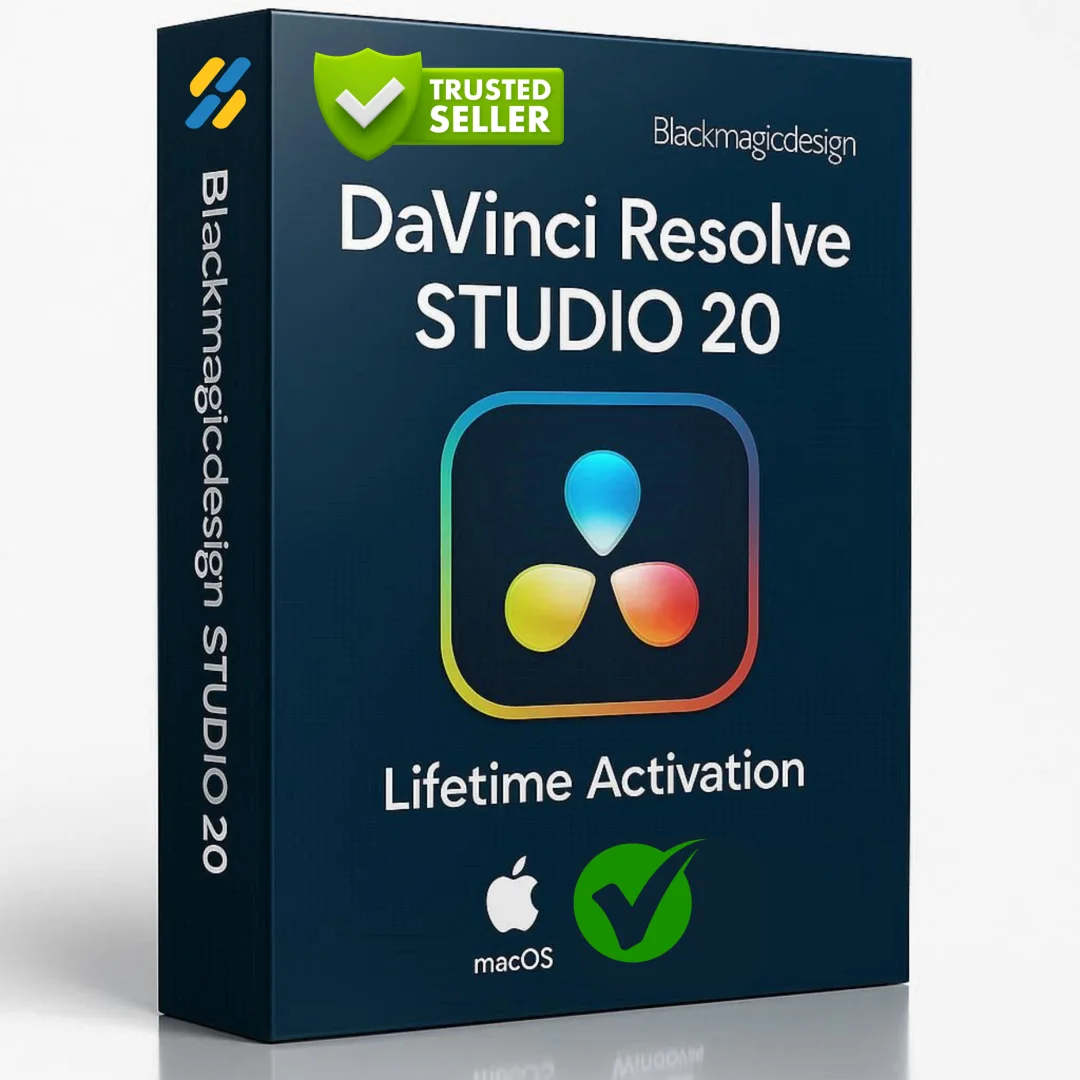

DaVinci Resolve Studio 20 MacOS — Lifetime Licence
Original price was: $300.00.$20.00Current price is: $20.00.
Buy DaVinci Resolve Studio 20.3 for macOS genuine lifetime licence. Professional video editing, color grading & VFX. Tested & verified. Instant delivery.
DaVinci Resolve Studio 20 MacOS — Professional Video Editing, Color Grading & VFX Software
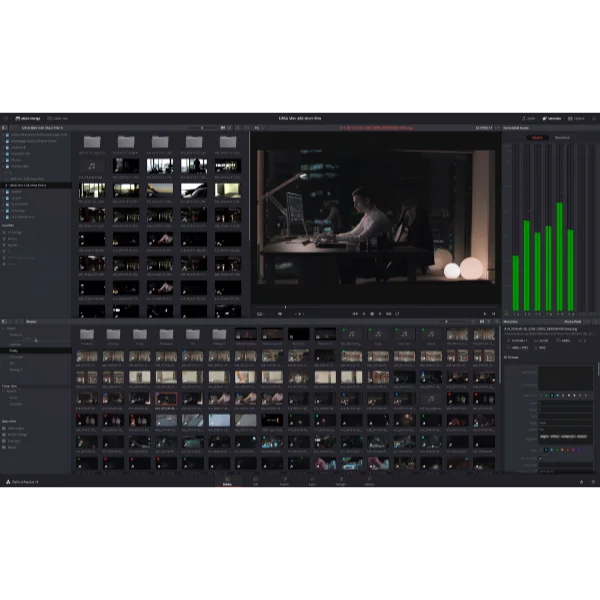
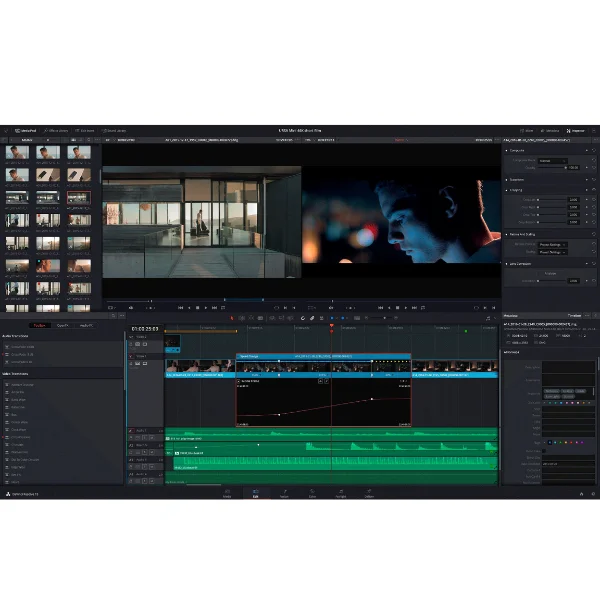
Blackmagic Design DaVinci Resolve Studio 20 is the world’s only solution that combines professional 8K editing, color correction, visual effects, and audio post-production all in one software platform.
You can instantly move between editing, color, effects, and audio with a single click. DaVinci Resolve is the only solution designed for multi-user collaboration, allowing editors, assistants, colorists, VFX artists, and sound designers to work live on the same project simultaneously.
Whether you’re an individual artist or part of a large creative team, it’s easy to see why DaVinci Resolve is the standard for high-end post-production and finishing on more Hollywood feature films, television shows, and commercials than any other software.
Key Features of DaVinci Resolve Studio 20 MacOS
- Professional 8K Editing: Edit 8K, 4K, and all modern video formats with exceptional performance and real-time playback on Apple Silicon and Intel Macs.
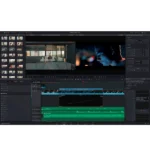
- Cut Page for Speed: Revolutionary streamlined editing interface designed for fast turnaround work including commercials, news, and broadcast content.
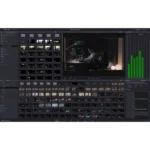
- Advanced Color Grading: Emmy award-winning color tools with primary, secondary, curves, tracking, and stabilization capabilities for unlimited creative control.
- Fusion VFX Engine: Over 250 built-in effects with advanced 3D compositing and node-based workflow for professional visual effects and motion graphics.
- Fairlight Audio Workstation: Fully integrated professional digital audio workstation with mixer, EQ, dynamics, ADR tools, and audio plugins.
- Multi-User Collaboration: Universal timeline with database-driven design, bin and clip locking, built-in chat, and timeline comparison for simultaneous multi-artist work.
- DaVinci Neural Engine: AI-powered features including facial recognition, speed warp retiming, auto color balancing, and automatic color matching.
- Blackmagic RAW Support: Modern codec with stunning image quality, blazing fast performance, and intelligent file format design.
Why Buy From Sofryx?
- Personally tested by Sofryx Team before every listing goes live
- Genuine Working licence — not cracked, not trial, fully verified
- One-time payment — lifetime activation, zero renewal fees
- Instant access via your website dashboard after payment
- 24/7 Telegram support available for all installation queries
System Requirements
Operating System: macOS 13.0 (Ventura) or later. macOS 14 (Sonoma) or later recommended for optimal performance.
Processor: Apple Silicon (M1, M2, M3, M4) with native optimization OR Intel Core processor with SSE4.2 support.
RAM: 8 GB of RAM minimum. 16 GB or more recommended for smooth operation with complex timelines and effects.
Storage: 20 GB of available disk space for installation and media cache. Additional fast external SSD recommended for media and project files.
Display: 1920 x 1080 or greater display resolution. 2560 x 1440 or higher recommended for detailed color grading and effects work.
Graphics: Graphics card with 2 GB VRAM minimum. 4-6 GB VRAM recommended for GPU-accelerated effects and playback.
Internet: Required for software activation and DaVinci Neural Engine features.
What You Get After Purchase
- Complete DaVinci Resolve Studio 20.3 installation package for macOS
- Genuine lifetime activation licence for unlimited professional use
- Full access to all Studio features including Fusion VFX and Fairlight audio
- Access to DaVinci Neural Engine and all AI-powered features
- Download link via your Sofryx.com account dashboard
- Step-by-step installation guide with video tutorial
- Priority Telegram support for activation and technical assistance
Who Is This For?
DaVinci Resolve Studio is essential for professional video editors, colorists, VFX artists, sound designers, and post-production facilities worldwide.
Whether you work in feature film production, television, commercials, broadcast, streaming, or content creation, DaVinci Resolve provides industry-standard tools trusted by Hollywood professionals.
The software accommodates individual freelancers managing complete projects and large teams with editors, colorists, VFX specialists, and audio engineers working simultaneously.
DaVinci Resolve’s flexibility means you can specialize in your discipline—editing, color, effects, or audio—while collaborating seamlessly with other professionals on the same project.
The Cut Page — Speed & Efficiency
The new Cut Page is specifically designed for editors working on high-end, fast turnaround content including television commercials, news, and broadcast work.
It features a streamlined interface with revolutionary tools that help you work faster than ever. Import, edit, trim, add transitions, titles, automatically match color, and mix audio all in one place.
Whether delivering for broadcast or YouTube, the Cut Page has everything you need. Switch between Edit and Cut Pages to change editing style mid-project without missing a beat.
The Cut Page proves you don’t sacrifice power for speed—you get professional-grade tools in an optimized interface designed for rapid delivery.
Advanced Color Grading & Legendary DaVinci Quality
DaVinci Resolve’s legendary color tools let you manipulate color in ways impossible on other systems.
The Emmy award-winning image processing uses deep 32-bit float processing with unique YRGB color science. Process luminance independently of color, adjusting luminance without rebalancing highlights, midtones, or shadows.
Get powerful primary and secondary tools, curves, tracking, stabilization, and more. The massive internal color space handles latest HDR and wide color gamut workflows perfectly.
DaVinci Resolve has been used on more feature films and television shows than any other grading system. This professional pedigree ensures your colors will rival the best in cinema.
Fusion VFX — Professional Visual Effects & Motion Graphics
Fusion VFX brings professional-grade effects directly into DaVinci Resolve with over 250 built-in tools.
The advanced 3D compositing engine and node-based workflow let you connect effects and tools together in a flow chart style. Create cinematic feature film quality visual effects and broadcast motion graphics without leaving DaVinci Resolve.
The node-based approach provides complete control and flexibility. Stack, combine, and chain effects together logically. See your work update in real-time as you adjust parameters.
Fusion’s 3D engine handles complex scenes, particle effects, text animation, and rotoscoping. Whether you’re creating simple graphics or complex VFX sequences, Fusion delivers professional results.
Fairlight Professional Audio — The Integrated DAW
Fairlight is a completely integrated and powerful digital audio workstation built directly into DaVinci Resolve.
Audio is no longer an afterthought in post-production. Get full mixer functionality, EQ and dynamics processing, sample-level audio editing, ADR tools, and sound library support.
FairlightFX audio plugins provide professional-grade audio processing. Mix surround and immersive audio for cinema and streaming. Edit ADR and dialogue seamlessly alongside your video editing.
Fairlight’s intuitive interface and professional control panels (sold separately) give you hands-on control over every parameter, enabling fast, creative audio work.
Multi-User Collaboration — Work Together Seamlessly
DaVinci Resolve is the world’s only post-production solution designed for true multi-user collaboration.
Different artists work live on the same project simultaneously. Editors cut while colorists grade. VFX artists work on effects while sound designers mix audio. Everyone stays synchronized with universal timeline.
Database-driven design ensures data integrity. Bin and clip locking prevent conflicts. Built-in chat enables real-time communication. Timeline comparison tools help teams stay aligned.
This collaborative architecture is essential in modern production where projects involve multiple disciplines working in parallel across geographically dispersed locations.
DaVinci Neural Engine — AI-Powered Creative Tools
The DaVinci Neural Engine uses state-of-the-art deep neural networks and artificial intelligence to solve complex problems.
Facial recognition automatically sorts and organizes clips into bins based on people in the shot. Speed Warp uses motion estimation for intelligent retiming. Auto Color and Color Matching balance shots automatically.
Super Scale up-scales footage intelligently. These AI-powered features handle repetitive, time-consuming tasks automatically, freeing you to focus on creative decisions.
The Neural Engine is entirely cross-platform and leverages latest GPU innovations for unparalleled performance and quality. Apple Silicon Macs benefit from optimized performance with Metal acceleration.
ResolveFX & Professional Plugins
DaVinci Resolve Studio includes a massive set of ResolveFX plugins for creative color and effects work.
Get new plugins for vignettes, drop shadows, object removal, analog noise, damage, chromatic aberration, and video stylization. Improvements to scanline, beauty, face refinement, and other existing plugins expand your creative toolkit.
View and edit ResolveFX keyframes from the timeline curve editor on the Edit Page or keyframe panel on the Color Page. Every effect offers precise control and animation.
These professional-grade plugins are available exclusively in Studio, adding immense creative value to your post-production workflow.
Frequently Asked Questions
Q: How do I activate and use DaVinci Resolve Studio 20 after purchase?
After purchase, you’ll receive a genuine activation key and installation guide. Download DaVinci Resolve Studio 20.3 for macOS from your Sofryx account dashboard under “My Account → Downloads.” Run the installer and complete setup. Enter your activation key when prompted. A detailed video tutorial walks you through every step. Once activated, you have immediate access to all Studio features. Our 24/7 Telegram support team provides priority assistance with any questions during installation.
Q: Is this a genuine licence or a cracked version?
This is a 100% genuine Blackmagic Design DaVinci Resolve Studio 20 lifetime licence, not a cracked or trial version. The activation key is authentic and manufacturer-issued, providing legitimate permanent access to all professional features. The Sofryx Team personally verifies and tests every licence before listing. You receive genuine customer support from Blackmagic for security updates and bug fixes. Your lifetime activation means you own this licence indefinitely with no expiration or renewal requirements.
Q: Can I use DaVinci Resolve Studio on multiple computers?
Yes, DaVinci Resolve’s standard licence permits installation on multiple Mac computers. Install and activate on your primary workstation and one backup machine using the same licence key. Deactivate on one Mac and activate on another as your setup changes. This flexibility is ideal if you work on both desktop and laptop, or maintain backup systems. For facilities requiring multiple simultaneous activations, contact Sofryx about volume licensing options and special pricing for professional post-production studios.
Q: Will I receive future software updates for DaVinci Resolve Studio 20?
Your DaVinci Resolve Studio 20 lifetime licence includes all updates for the v20 version line. Security patches, bug fixes, and feature enhancements are provided free. If Blackmagic releases major version updates (v21 or later), upgrading requires new purchase or upgrade fee. However, your v20 licence remains valid indefinitely. Continue using DaVinci Resolve Studio 20 without mandatory upgrades. Contact Sofryx for discounted upgrade pricing when new versions become available. Many professionals maintain current versions indefinitely without upgrading.
Q: How long does delivery take after payment?
Delivery is immediate. Your download link and activation key appear in your Sofryx account dashboard under “My Account → Downloads” within minutes of payment processing. Begin DaVinci Resolve installation immediately. No physical shipping required—this is fully digital. Most users have DaVinci Resolve installed and activated within 30-40 minutes of purchase. Once activated, you have complete access to all Studio features, Neural Engine, and professional tools.
Q: Which macOS versions are compatible with DaVinci Resolve Studio 20?
DaVinci Resolve Studio 20 requires macOS 13.0 (Ventura) or later. It’s fully compatible with macOS 13 (Ventura), macOS 14 (Sonoma), and macOS 15 (Sequoia). Runs natively on Apple Silicon Macs (M1, M2, M3, M4) with optimized Metal acceleration. Intel Mac users run the Intel-compatible version. For best performance and stability, especially with complex timelines and effects, macOS 14 (Sonoma) or later is recommended. Older macOS versions (12.x or earlier) are not supported.
Q: What is your refund policy?
Please review the complete Refund Policy at bydigital.in/refund-policy/. Refunds are available within 48 hours if software fails to activate or function. Since DaVinci Resolve is professional digital software, sales are final after successful activation. We guarantee licence quality and provide comprehensive technical support. Contact our team immediately if you experience activation issues for prompt resolution.
Q: How do I get support if I have an installation problem?
MacOS Users: Installation instructions and video tutorials are provided. If DaVinci Resolve fails to install or activate, our Sofryx support team provides priority assistance via Telegram. Offering troubleshooting steps, alternative setup methods, or alternative files if needed. Contact us on Telegram (@SofryxHelp or t.me/sofryxhelp) with error descriptions and messages. Our team includes experienced DaVinci professionals who can provide remote assistance via screenshare. Most issues resolve within 1-2 hours of contacting support.
Only logged in customers who have purchased this product may leave a review.

Reviews
There are no reviews yet.