

AutoCAD 2026 MacOS — Lifetime Licence | Sofryx
Original price was: $6,000.00.$25.00Current price is: $25.00.
Buy AutoCAD 2026 for macOS genuine lifetime licence. Professional 2D/3D CAD design software. Personally tested. Instant delivery & Telegram support.
AutoCAD 2026 MacOS — Professional 2D/3D CAD Design & Documentation Software
Autodesk AutoCAD 2026 is the world’s leading 2D and 3D CAD (Computer-Aided Design) software that enables professionals to design and shape the world around you using powerful and flexible features. Whether you’re an architect, engineer, designer, or construction professional, AutoCAD 2026 provides comprehensive tools to speed documentation, share ideas seamlessly, and explore concepts more intuitively in 3D. This professional-grade design software is the industry standard for creating precise technical drawings, architectural plans, engineering designs, and detailed documentation. With thousands of available add-ons and customization options, AutoCAD delivers the ultimate flexibility tailored to your specific design disciplines and workflow needs. It’s time to take your design further with the world’s most trusted CAD platform.
Key Features of AutoCAD 2026 MacOS
- Comprehensive 2D & 3D CAD Tools: Create precise technical drawings, 3D models, architectural plans, engineering designs, and detailed construction documentation using industry-standard CAD tools.
- Intuitive 3D Exploration: Explore and visualize design concepts in 3D with intuitive navigation, realistic rendering, and dynamic visualization tools that enhance creative decision-making.
- Professional Documentation: Generate complete technical documentation including plans, elevations, sections, details, and specifications with full control over drawing standards and presentation.
- Seamless Collaboration: Share ideas and designs seamlessly with team members, consultants, and stakeholders using cloud-based collaboration features and standard file formats.
- Thousands of Add-ons: Customize AutoCAD with thousands of available add-ons, plugins, and extensions designed for specific industries—architecture, engineering, construction, manufacturing, and more.
- Advanced Drawing Tools: Create, modify, and refine drawings with advanced tools including parametric constraints, dynamic blocks, and intelligent object libraries.
- Professional Visualization: Apply materials, lighting, and rendering to create photorealistic visualizations of your designs for presentations and client communication.
- Industry-Standard Format Support: Import and export DWG, DXF, PDF, and other industry-standard formats, ensuring compatibility with other design professionals and software platforms.
Why Buy From Sofryx?
- Personally tested by Sofryx Team before every listing goes live
- Genuine Working licence — not cracked, not trial, fully verified
- One-time payment — lifetime activation, zero renewal fees
- Instant access via your website dashboard after payment
- 24/7 Telegram support available for all installation queries
System Requirements
Operating System: macOS 11.0 (Big Sur) or later; macOS 12 (Monterey) or higher recommended for optimal performance
Processor: Intel Core processor with SSE2 support OR Apple Silicon (M1/M2/M3) with native optimization
RAM: 8 GB of RAM minimum (16 GB recommended for smooth operation with complex drawings and 3D models)
Storage: 10 GB of available disk space for installation, plus additional space for project files and temporary files
Display: 1920 x 1080 or greater display resolution (2560 x 1440 recommended for detailed CAD work and technical drawing visualization)
Graphics: Graphics card with 2 GB VRAM (4 GB recommended for 3D visualization and rendering)
Internet Connection: Required for software activation, cloud features, and add-on management
What You Get After Purchase
- Complete Autodesk AutoCAD 2026 installation package for macOS
- Genuine lifetime activation licence for unlimited professional use
- Full access to all AutoCAD 2026 features and functionality
- Access to AutoCAD cloud collaboration features (limited to features included in your licence)
- Download link via your Sofryx.com account dashboard
- Step-by-step installation guide (written instructions + video tutorial)
- Priority Telegram support for activation and technical assistance
Who Is This For?
Autodesk AutoCAD 2026 is essential for professional architects, engineers, designers, CAD technicians, construction professionals, product designers, technical illustrators, surveying professionals, and any design discipline requiring precise technical drawings and 3D visualization. Whether you’re working in a large engineering firm, architectural practice, construction company, manufacturing facility, or as a freelance designer, AutoCAD provides the professional tools needed for modern design practice. The software accommodates everyone from senior designers conceptualizing complex systems to technicians managing detailed construction documentation. AutoCAD’s flexibility means you can specialize in your discipline while maintaining access to cutting-edge CAD technology trusted by millions of professionals worldwide.
2D & 3D CAD Design Tools — Creating Precision & Visualization
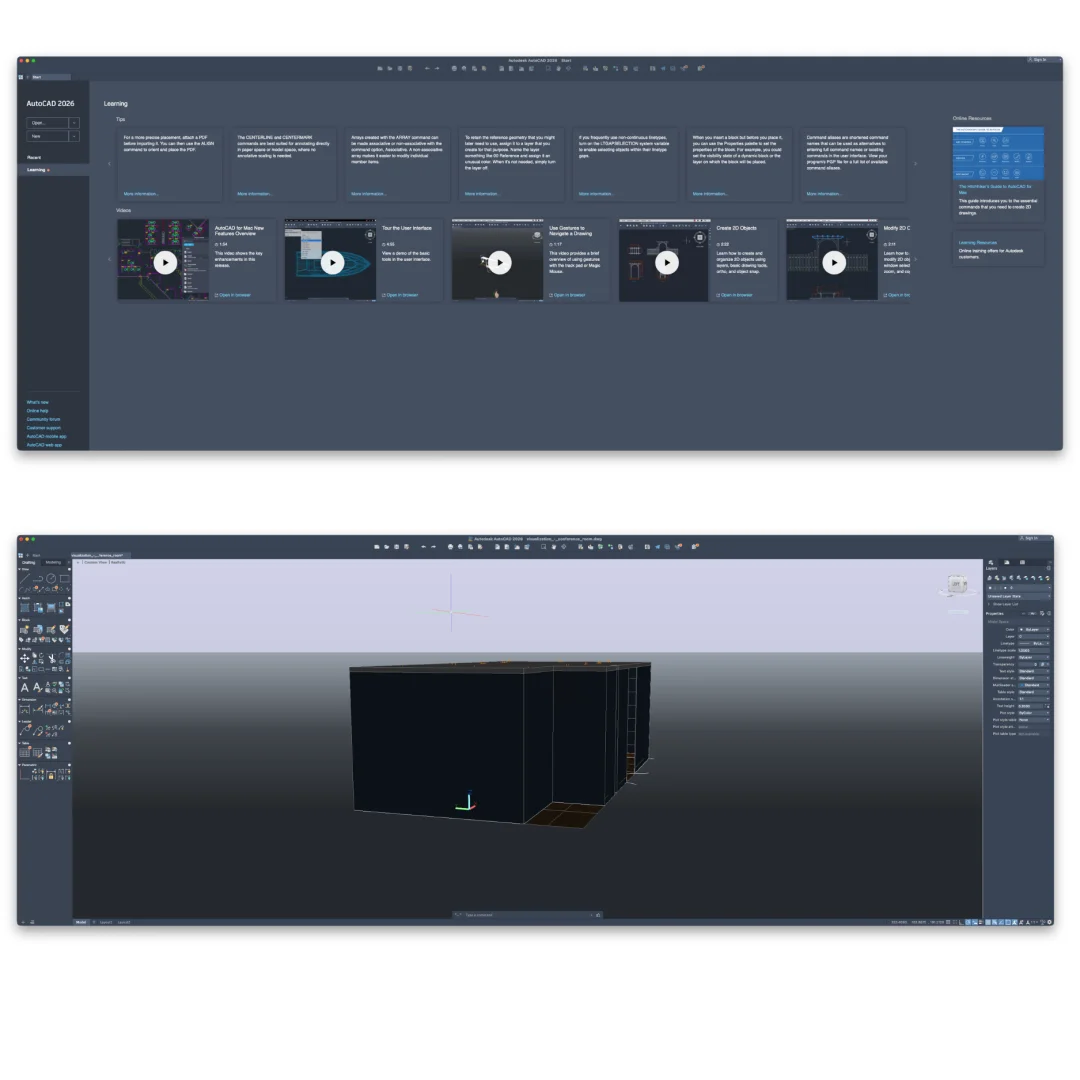
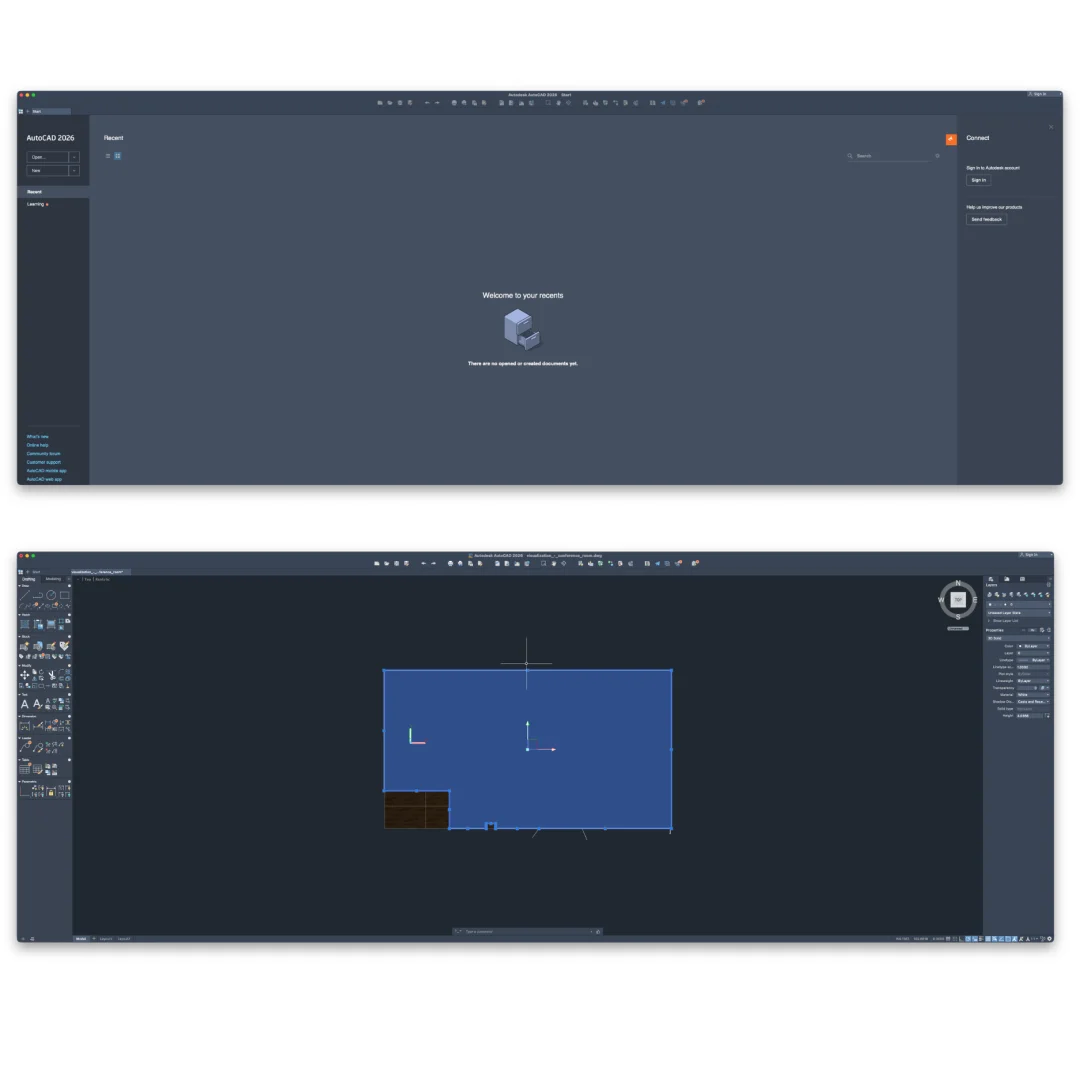
AutoCAD 2026 provides comprehensive tools for both 2D technical drawing and 3D modeling. In 2D, create precise architectural plans, engineering drawings, construction details, and technical documentation with exact measurements, constraints, and professional presentation standards. In 3D, model complex objects, assemblies, and structures with full 3D geometry, Boolean operations, and parametric constraints. Switch seamlessly between 2D drawing and 3D modeling within the same project. The software’s intelligent drawing tools understand architectural and engineering conventions, enabling you to work efficiently whether you’re creating floor plans, electrical schematics, mechanical assemblies, or structural designs.
Seamless Collaboration & Cloud Integration
Share design files and ideas seamlessly with team members, consultants, and stakeholders using AutoCAD’s cloud-based collaboration features. Store drawings in the cloud, enabling access from multiple locations and devices. Share files with consultants and contractors using industry-standard DWG format. Collaborate on projects with real-time awareness of other users’ activities. Comment and annotate drawings directly within AutoCAD or through the cloud interface. The seamless collaboration features are essential in modern design practice where projects involve multiple disciplines and geographically dispersed teams working simultaneously.
Thousands of Add-ons & Industry Customization
AutoCAD’s extensibility through thousands of available add-ons enables specialization for virtually any design discipline. Architecture-specific add-ons provide parametric wall, door, and window tools. Civil engineering add-ons include surveying, mapping, and infrastructure design tools. Manufacturing add-ons provide sheet metal, electrical, and mechanical design functionality. Map-based add-ons enable geospatial design. Machine learning add-ons assist with design optimization. The AutoCAD App Store provides access to these tools, or your organization can develop custom add-ons tailored to your specific workflows. This customization ensures AutoCAD adapts to your practice rather than forcing your practice to adapt to software limitations.
Professional Documentation & Presentation
Generate complete technical documentation from your 2D drawings and 3D models. Create professional layouts with multiple viewports, scales, and detail levels. Apply industry-standard drawing standards including line weights, hatching patterns, and text styles. Generate bills of materials, schedules, and lists from your drawing data. Export to PDF with full control over appearance and layer visibility. Apply professional rendering and visualization to create photorealistic presentations for clients, decision-makers, and construction teams. AutoCAD’s documentation tools eliminate manual redrafting and ensure consistency across all project deliverables.
Intuitive 3D Exploration & Visualization
Explore design concepts intuitively in 3D using AutoCAD’s dynamic navigation and visualization tools. Rotate, pan, and zoom through 3D models with smooth, responsive performance. Apply materials, lighting, and ambient effects to create realistic visualizations. Generate rendering passes showing different design options or material choices. Use photorealistic rendering to communicate design intent to clients and stakeholders who may not understand technical drawings. The 3D exploration features transform your design work from abstract technical drawings into intuitive, visual communication of your design intent.
Advanced Constraint & Parametric Design
Use geometric and dimensional constraints to create intelligent, parametric drawings that automatically update when design parameters change. Define relationships between objects—maintaining perpendicularity, parallelism, concentricity, and tangency constraints. Apply dimensional constraints that control object sizes and positions. Use parametric blocks to create reusable, intelligent design components. When you modify a constrained dimension, the entire design updates automatically while maintaining all geometric relationships. This parametric approach is fundamental to modern CAD practice, enabling efficient design iteration and reducing manual drafting time.
Industry-Standard File Format Support
AutoCAD reads and writes industry-standard DWG file format, the most widely used format in architecture, engineering, and construction industries worldwide. Import and export DXF (drawing exchange format) for compatibility with other software. Export to PDF with full control over appearance and publishing options. Support for other standard formats including SAT, STEP, IGES, and more enables collaboration across different software platforms. This industry-standard format support ensures you can share designs with any stakeholder, regardless of their software platform.
Frequently Asked Questions
Q: How do I activate and use AutoCAD 2026 after purchase?
After purchase, you’ll receive a genuine activation key and comprehensive installation guide. Download the AutoCAD 2026 installation package for macOS from your Sofryx account dashboard under “My Account → Downloads.” Run the installer, complete the setup process, and enter your activation key when prompted. A detailed video tutorial walks you through the entire installation and activation process step-by-step. Once activated, you’ll have immediate access to all AutoCAD features and cloud functionality. For any questions during installation, our 24/7 Telegram support team provides priority assistance with detailed troubleshooting if needed.
Q: Is this a genuine licence or a cracked version?
This is a 100% genuine Autodesk AutoCAD 2026 lifetime licence, not a cracked or trial version. The activation key is authentic and manufacturer-issued, providing legitimate, permanent access to all professional features without limitations. The Sofryx Team personally verifies and tests every software licence before listing to ensure quality, functionality, and authenticity. You’ll receive genuine customer support from Autodesk for security updates, bug fixes, and new features released during the 2026 version cycle. Your lifetime activation means you own this licence indefinitely with no expiration date or need to renew.
Q: Can I use AutoCAD 2026 on multiple computers?
Yes, AutoCAD’s standard licence terms permit installation on multiple Mac computers. You can install and activate AutoCAD on your primary workstation and one backup machine using the same licence key. You can deactivate AutoCAD on one Mac and activate it on another as your setup changes. This flexibility is ideal if you work on both a desktop and laptop, or need to maintain backup systems. For design firms or teams requiring multiple simultaneous activations across multiple machines, contact Sofryx about volume licensing options and special pricing for professional practices.
Q: Will I receive future software updates for AutoCAD 2026?
Your AutoCAD 2026 lifetime licence includes all updates and improvements released for the 2026 version line. Minor updates, security patches, and feature enhancements for AutoCAD 2026 are provided free of charge throughout the support cycle. If Autodesk releases a major version update (AutoCAD 2027 or later), upgrading would require a new purchase or upgrade fee. However, your 2026 licence remains valid indefinitely—you can continue using AutoCAD 2026 without mandatory upgrades. When new versions become available, contact Sofryx for discounted upgrade pricing. Many design professionals continue using 2026 indefinitely without upgrading.
Q: How long does delivery take after payment?
Delivery is immediate. Immediately after your payment is processed, your download link and activation key will be available in your Sofryx account dashboard under “My Account → Downloads.” You can begin the AutoCAD 2026 installation process within minutes of purchase. No physical shipping is required—this is a fully digital product with instant delivery. Most users have AutoCAD installed and activated within 20-30 minutes of purchase. Once activated, you have immediate access to all professional CAD tools, cloud features, and add-on ecosystem.
Q: Which macOS versions are compatible with AutoCAD 2026?
AutoCAD 2026 requires macOS 11.0 (Big Sur) or later. It is fully compatible with macOS 11 (Big Sur), macOS 12 (Monterey), macOS 13 (Ventura), macOS 14 (Sonoma), and macOS 15 (Sequoia). The software runs on both Intel and Apple Silicon (M1/M2/M3) Macs with optimized performance on Apple Silicon. For best performance and stability, especially when working with large, complex CAD drawings or 3D models, macOS 12 (Monterey) or later is recommended. Intel Mac users can run the Intel-compatible version. Older macOS versions (10.15 or earlier) are not supported.
Q: What is your refund policy?
Please review the complete Refund Policy on our website at bydigital.in/refund-policy/. In general, refunds are available within 48 hours of purchase if the software fails to activate or function as described. Since AutoCAD is a professional digital product, all sales are final after successful activation. However, we stand behind the quality of our activation keys and provide comprehensive technical support to ensure successful installation. If you experience any activation or installation issues, contact our support team immediately for resolution.
Q: How do I get support if I have an installation problem?
MacOS Users: Complete installation instructions, video tutorials, and technical documentation are provided with your download. If AutoCAD fails to install or activate, the Sofryx support team provides priority assistance via Telegram, offering troubleshooting steps, alternative setup methods, or alternative installation files if needed. Simply contact us on Telegram (@SofryxHelp or t.me/sofryxhelp) with a description of the error and any error messages you see. Our team includes experienced CAD professionals who can provide remote assistance via screenshare if needed. Most installation issues are resolved within 1-2 hours of contacting support.
Only logged in customers who have purchased this product may leave a review.






Reviews
There are no reviews yet.