
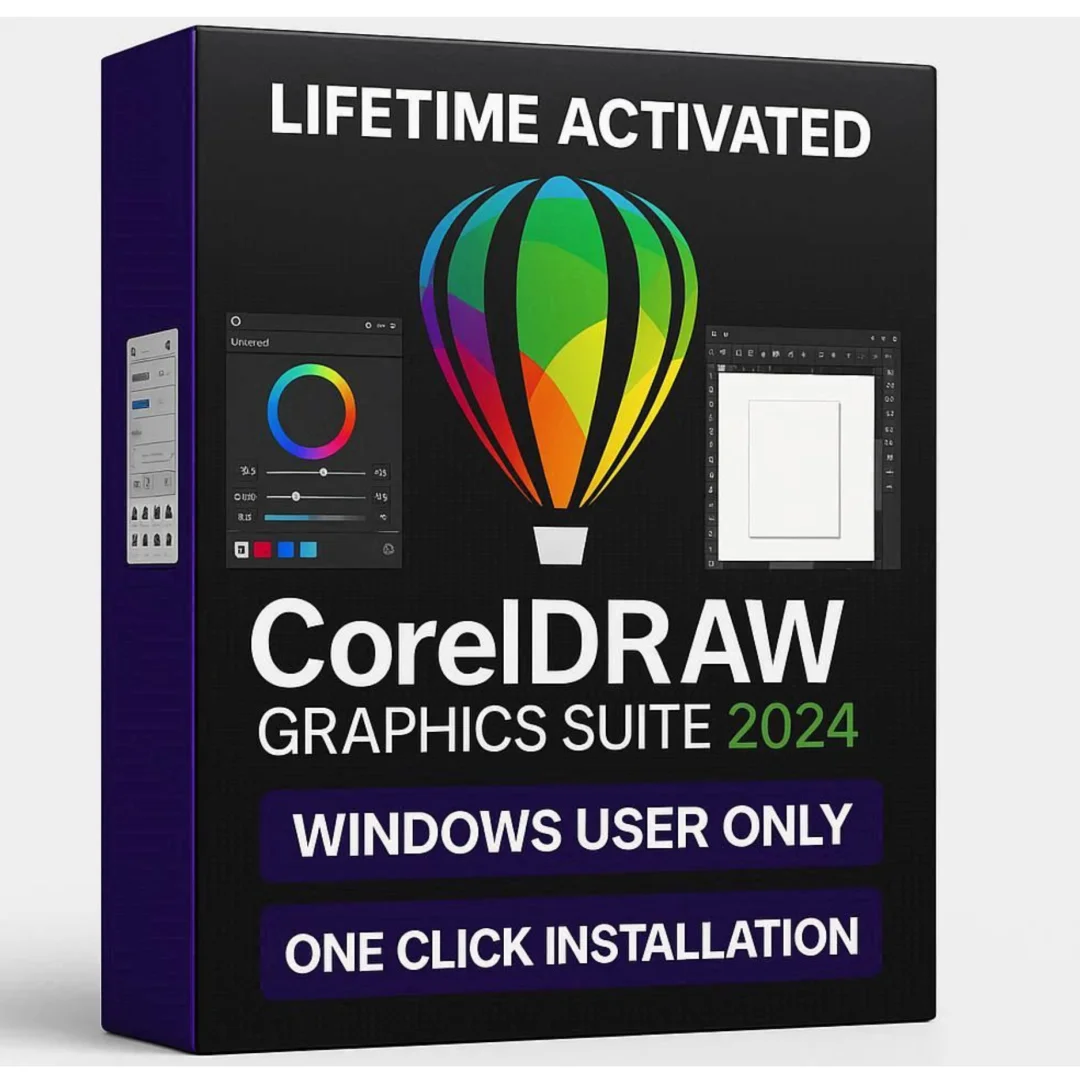
CorelDRAW Graphics Suite 2024 – Lifetime Licence | Sofryx
Original price was: $600.00.$15.00Current price is: $15.00.
Buy genuine CorelDRAW 2024 lifetime licence at Sofryx. Professional vector design suite with official product key. Instant delivery. Tested by Mani.
CorelDRAW Graphics Suite 2024 – Proven Professional Design Suite With Lifetime Activation and Official Product Key
CorelDRAW Graphics Suite 2024 is a professional graphic design application developed by Corel Corporation that provides vector illustration, multi-page layout, photo editing, and print production in one integrated package. This proven and stable release is trusted by sign makers, packaging designers, print professionals, and illustrators worldwide for producing high-quality commercial output. The 2024 version delivers refined performance, reliable tools, and a mature feature set that handles every design task from logo creation to large-format signage and multi-page catalog production. Available at Sofryx with a genuine lifetime licence, official product key, safe online activation, and instant digital delivery. Every copy is personally tested by Mani before listing to guarantee it works flawlessly.
Key Features of CorelDRAW Graphics Suite 2024
- Professional Vector Illustration: Create logos, signage, technical drawings, and detailed illustrations using precision Bezier tools, shape tools, node editing, and the LiveSketch natural drawing feature.
- Multi-Page Layout Design: Build brochures, catalogs, newsletters, menus, and marketing materials with master pages, text frames, guides, and professional typography controls in a single project file.
- Corel PHOTO-PAINT: Edit photographs and bitmap images with retouching, color correction, masking, effects, and RAW camera support integrated directly into your design workflow.
- Advanced Typography: Control text with OpenType features, variable font support, artistic and paragraph text, text on path, and the built-in font manager for organizing large typeface collections.
- CMYK Print Production: Prepare files for commercial printing with spot color libraries, ICC color profiles, PDF/X export, preflight checks, imposition, and trapping for error-free press output.
- PowerTrace Conversion: Convert bitmap images into fully editable vector graphics with adjustable detail, smoothing, and corner controls for clean scalable artwork from any source image.
- Official Product Key Activation: Activate through safe online activation using an official Corel product key that permanently registers your licence with no risk of deactivation.
- Stable 2024 Release: A mature and thoroughly tested version that delivers proven reliability for production environments where consistent performance matters more than bleeding-edge features.
Why Buy From Sofryx
- Personally tested by Mani before every listing goes live
- Genuine manufacturer-issued licence – not cracked, not trial
- One-time payment – lifetime activation, zero renewal fees
- Instant access via your website dashboard after payment
- Telegram support available for all installation queries
System Requirements
CorelDRAW Graphics Suite 2024 requires Windows 10 or Windows 11 in 64-bit edition only. 32-bit operating systems are not supported. You need a minimum of 8 GB RAM though 16 GB is recommended for working with complex designs, large format files, and multiple open documents. An Intel Core i3, i5, i7, or i9 processor, or AMD Ryzen processor with SSE2 support is required. The installation needs approximately 4.3 GB of free disk space. An OpenCL 1.2 capable video card with 3 GB VRAM is recommended for GPU-accelerated effects and rendering. An internet connection is required for the initial online activation.
What You Get After Purchase
- Official product key for online activation
- Genuine setup file via your account dashboard
- Step-by-step installation guide (video or written)
- Telegram support contact for installation help
Who Is This For
CorelDRAW Graphics Suite 2024 is built for professionals who depend on reliable design software for daily production work. This includes graphic designers creating brand identities, business cards, and corporate materials. Sign makers and large-format printing professionals who need precise vector artwork for vinyl cutters, plotters, and wide-format printers. Print shops preparing client files for offset and digital press output. Illustrators producing detailed artwork for editorial, advertising, and publishing. Packaging designers creating dielines, labels, and product packaging with accurate color specifications. Marketing professionals designing flyers, posters, banners, and social media content. T-shirt and apparel designers producing print-ready artwork for screen printing, DTG, and sublimation. If you need a dependable and feature-complete design suite that handles professional output without compromises, CorelDRAW 2024 delivers exactly that.
Professional Vector Illustration and Precision Drawing
CorelDRAW has earned its reputation as one of the most capable vector illustration tools in the industry and the 2024 release continues that tradition with refined drawing tools. The Bezier pen creates complex curves and paths with surgical precision. Shape tools generate geometric forms with interactive handles for instant modification. Node editing provides complete control over anchor points and curve segments for fine-tuning artwork down to the smallest detail. The Knife tool splits objects along any path while the Eraser removes sections cleanly. Smart Fill detects enclosed areas and fills them automatically. The Contour tool creates parallel outlines at adjustable distances for sign-making and decorative effects. Blend creates smooth transitions between objects for shading and dimensional effects. These tools work together seamlessly so experienced designers can achieve complex results quickly while beginners can learn progressively. According to Wikipedia, CorelDRAW has been a standard in the graphic design industry since its original 1989 release and remains one of the most widely adopted vector editors globally.
Multi-Page Layout for Print Materials
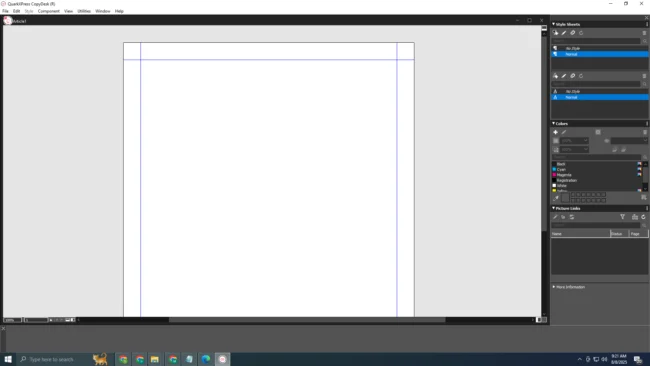
CorelDRAW 2024 functions as both an illustration tool and a complete page layout application. You can create multi-page documents for brochures, catalogs, manuals, menus, and booklets without switching to a separate layout program. Master pages define repeating elements like headers, footers, logos, and page numbers that appear consistently across every page. Linked text frames flow body copy across columns and pages automatically. Guidelines, grids, and snap settings position objects with mathematical accuracy. The alignment and distribution tools arrange multiple objects with equal spacing and precise positioning. Bleed and margin settings ensure your designs meet printing house specifications. The document outline view provides quick navigation through large multi-page projects. For designers who handle both illustration and layout work regularly, this integrated approach eliminates the overhead of maintaining separate applications and transferring files between them, keeping the entire project in a single CorelDRAW file.
Corel PHOTO-PAINT for Image Editing
The CorelDRAW Graphics Suite 2024 includes Corel PHOTO-PAINT, a dedicated bitmap image editor that handles every photo editing task within your design workflow. Professional retouching tools include clone brush, healing brush, red-eye correction, and blemish removal for cleaning up photographs. Color correction features provide levels, curves, color balance, hue and saturation, and selective color adjustments for precise tonal control. The masking system creates accurate selections using wand, lasso, brush, and path tools for isolating subjects and applying targeted edits. The effects library includes sharpening, blur, noise reduction, lens correction, and artistic filters. RAW camera file support imports images from professional DSLR and mirrorless cameras with full exposure and white balance control. PHOTO-PAINT integrates with CorelDRAW through a shared clipboard and direct editing links so you can modify placed images without exporting and reimporting. Review platforms like G2 highlight the integrated vector and bitmap workflow as a significant advantage over using separate applications for design and photo editing.
Advanced Typography and Font Management
Text handling in CorelDRAW 2024 satisfies the demanding requirements of professional typographic design. Artistic text creates standalone text objects ideal for headlines, logos, and decorative elements with full formatting control over individual characters. Paragraph text creates structured text blocks with column support, bullet lists, drop caps, and hyphenation for body copy in layout projects. Text on path places characters along any curve, circle, or custom shape for labels, badges, and circular logos. OpenType support exposes ligatures, stylistic alternates, swash characters, and contextual substitutions for advanced typographic refinement. Variable font technology provides continuous adjustment of weight, width, and other design axes rather than fixed font styles. The Corel Font Manager organizes, previews, and activates typefaces across your system and network. Font filtering by classification, style, and visual similarity helps locate the right typeface quickly. For signage, packaging, and editorial designers who work extensively with text, CorelDRAW provides the precision and flexibility that professional output demands.
CMYK Color Management and Prepress Production
CorelDRAW 2024 is engineered for professional print production with comprehensive color management and prepress capabilities. The CMYK workflow ensures screen colors translate accurately to printed output. Spot color libraries including Pantone, HKS, TOYO, and DIC let you specify exact ink formulations for brand-consistent reproduction. ICC color profile management maintains accuracy across monitors, proofing printers, and commercial presses. The preflight tool scans documents for common print problems including missing fonts, low-resolution images, RGB objects in CMYK documents, and transparency issues. PDF/X export generates press-ready files compliant with ISO printing standards. Imposition tools arrange pages for multi-up printing, saddle-stitch booklets, and signature layouts. Trapping and overprint settings prevent white gaps at color boundaries caused by press misregistration. For commercial print shops and designers who deliver files to external printers, these production tools eliminate costly errors and reprints. The Prepressure resource provides comprehensive guides on the print production standards that CorelDRAW fully supports.
PowerTrace Bitmap-to-Vector Conversion
PowerTrace is CorelDRAW’s built-in tracing engine that converts bitmap images into fully editable vector graphics. This is essential for designers who receive client logos as JPEG or PNG files and need to produce scalable vector versions for signage, embroidery, or large-format printing. You import the bitmap, run PowerTrace, and the engine analyzes the image to generate vector paths. Controls for detail level, smoothing, corner sharpness, and minimum object size let you fine-tune the conversion for optimal results. Color reduction options simplify the output palette for cleaner vector artwork. The preview window shows the vector result alongside the original bitmap for side-by-side comparison. Centerline tracing handles technical drawings and line art, while outline tracing converts full-color images including photographs. For sign makers who frequently convert customer artwork from low-resolution files to production-ready vectors, PowerTrace saves hours compared to manual redrawing. The Corel Learning Center provides tutorials on optimizing PowerTrace settings for different source image types.
Web and Digital Output Capabilities
Beyond print, CorelDRAW 2024 exports graphics for web, social media, and digital platforms. The pixel preview mode displays how vector artwork renders at screen resolution so you can verify clarity and alignment before exporting. Export formats include PNG, JPEG, SVG, GIF, and WebP with compression controls for optimizing file size. Preset export profiles for social media dimensions ensure graphics meet platform specifications without manual calculation. Batch export generates multiple sizes and formats from a single design in one operation. SVG export creates scalable vector files for responsive web designs. The Objects docker manages layers and object stacking for complex compositions. For designers who deliver both print and digital assets from the same source artwork, CorelDRAW handles both output paths from a single file, eliminating the need to maintain separate versions for different delivery channels.
Genuine Online Activation and Stability Guarantee
When you purchase CorelDRAW Graphics Suite 2024 from Sofryx, you receive the original genuine setup file with an official product key for safe online activation. The activation registers your licence permanently through official Corel servers. Once activated, the software runs with full stability and will never stop working or crash when used with an internet connection. This is a critical distinction from unauthorized copies that can fail unexpectedly or lose activation. The genuine setup file provided by Sofryx is the original installer that no other seller can provide. An installation video is available so you can watch and verify the complete setup process before installing on your own machine. For designers whose livelihood depends on reliable software, this genuine activation guarantee means uninterrupted productivity. The AIGA professional design association recognizes CorelDRAW as an established tool in the global graphic design industry. For additional design tutorials and community resources, Creative Bloq regularly publishes CorelDRAW tips and workflow guides.
Frequently Asked Questions
Q: How do I activate CorelDRAW Graphics Suite 2024 after purchase?
After completing your purchase on Sofryx, you will receive your official product key and the genuine setup file download link in your My Account dashboard under the Downloads section. Download the installer and run it on your Windows 10 or Windows 11 computer (64-bit only). During installation, enter your product key when prompted for safe online activation through official Corel servers. A detailed step-by-step installation guide is included along with a video tutorial showing the complete setup process on a real desktop so you can verify everything before installing on your own machine.
Q: Is CorelDRAW 2024 a genuine lifetime licence?
Yes, when you purchase CorelDRAW Graphics Suite 2024 from Sofryx, you receive a genuine lifetime-activated licence with an official product key. You pay once and own the software permanently with no monthly fees, no annual subscriptions, and no recurring charges. The licence activates through official Corel servers and is registered permanently. Mani personally tests every copy before listing it on Sofryx. The software is guaranteed to never stop working or crash when used online because the activation is fully legitimate and permanent.
Q: Can I use this on multiple computers?
Yes, multiple device use is supported with CorelDRAW Graphics Suite 2024. You can install and activate the software on your Windows devices using the same product key provided after purchase. This is perfect for designers who work on a desktop workstation in the studio and a laptop when meeting clients or working remotely. All installations have full access to every application in the suite including CorelDRAW, PHOTO-PAINT, and all bundled utilities and content.
Q: Will I receive future software updates?
There is no immediate need to update the software after purchase as it comes with the latest stable build of CorelDRAW 2024 fully configured and ready for production work. The 2024 version is a mature and stable release. If an update becomes necessary in the future due to compatibility or technical requirements, you can contact Mani directly through Telegram support. The update will be provided free of charge within one year of your original purchase date to keep your installation functional and current.
Q: How long does delivery take after payment?
Delivery is instant. Immediately after your payment is confirmed, the download link for the genuine setup file and your official product key become available in your My Account dashboard on Sofryx under the Downloads section. There is no waiting period and no manual processing required. You can download the CorelDRAW 2024 installer, activate it with your product key through online activation, and start designing within minutes of completing your purchase. This applies to all payment methods accepted on Sofryx.
Q: Which operating system versions are compatible?
CorelDRAW Graphics Suite 2024 is compatible with Windows 10 and Windows 11 in 64-bit edition only. 32-bit operating systems are not supported. You need a minimum of 8 GB RAM though 16 GB is recommended for working with complex designs and large format files. An Intel Core i3 or higher processor or AMD Ryzen processor with SSE2 support is required. You need approximately 4.3 GB of free disk space for the full installation. An OpenCL 1.2 capable video card with 3 GB VRAM is recommended for optimal performance.
Q: What is your refund policy?
Sofryx has a clearly defined refund policy that protects all customers. For complete details regarding eligibility, timelines, and the refund process, please refer to the full Refund Policy page available on the Sofryx website at https://bydigital.in/refund-policy/. We recommend reading the complete policy before making your purchase so you understand all terms and conditions. If you have specific questions about refund eligibility for this product, you can reach out to Mani directly through Telegram support.
Q: How do I get support if I have an installation problem?
Sofryx provides dedicated installation support for all customers. For Windows users, Mani offers full remote support through AnyDesk, UltraViewer, or Zoom Meeting where he can connect to your computer and resolve the installation issue directly. Since CorelDRAW 2024 is a Windows-only application, all customers are eligible for remote installation assistance. You can reach support through the Telegram contact details included with your purchase. All support is provided at no additional cost and Mani will ensure your CorelDRAW suite is properly installed and activated before ending the session.
Only logged in customers who have purchased this product may leave a review.
Reviews
There are no reviews yet.