
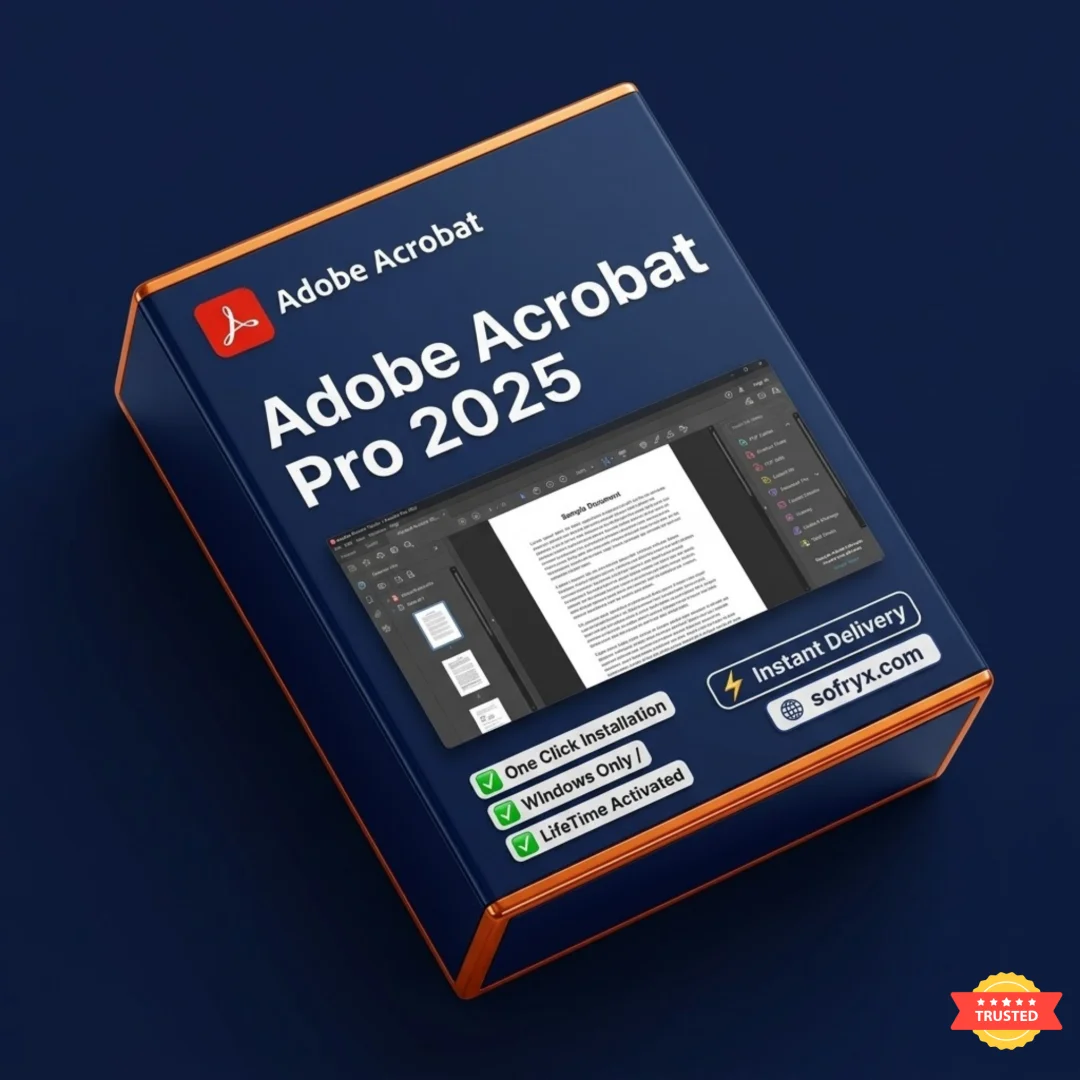


Adobe Acrobat Pro 2025 — Lifetime Licence | Sofryx
Original price was: $70.00.$10.00Current price is: $10.00.
Buy Adobe Acrobat Pro 2025 genuine lifetime PDF software. Personally tested document editor. Instant delivery. No subscriptions. Sofryx
Adobe Acrobat Pro 2025 — Complete PDF Solution for Modern Professionals
Adobe Acrobat Pro 2025 is the world’s most comprehensive and trusted PDF solution, completely redesigned for modern professionals and mobile workflows. Acrobat Pro empowers users with intelligent tools for creating, editing, protecting, signing, and managing PDF documents from any device—desktop, tablet, or smartphone. The platform combines a powerful desktop application with mobile capabilities and Document Cloud services enabling seamless productivity across locations. Whether you’re working in the office, commuting home, or managing documents from anywhere, Acrobat Pro delivers consistent, professional-grade PDF capabilities. The beautiful touch user interface simplifies access to essential tools while maintaining powerful functionality for sophisticated workflows. Acrobat’s electronic signature services operate on over one billion devices worldwide, making it the global standard for digital document management. Personally tested by Mani before listing, this lifetime licence provides permanent access to professional PDF tools without subscription costs or version restrictions.
Key Features of Adobe Acrobat Pro 2025
- Combine Files Seamlessly: Merge documents, spreadsheets, emails, and files into single organized PDFs with powerful file combining tools.
- Scan to PDF Conversion: Transform paper documents into editable, searchable PDFs using smartphone photography and intelligent OCR technology.
- Advanced PDF Protection: Secure documents with password protection, restrict copying, editing, and printing with granular permission controls.
- Create Interactive Forms: Convert paper forms, Word documents, and existing PDFs into electronic forms enabling easy digital completion and signing.
- Electronic Signatures: Add legally binding signatures with simple touchscreen swipes or browser clicks, with tracking and audit trail capabilities.
- Cross-Platform Access: Work seamlessly across Windows, Mac, iPad, and smartphone with synchronized files and consistent experience.
- Edit and Export to Office: Edit PDFs and export directly to Word, Excel, and PowerPoint while maintaining formatting and structure.
- Multimedia Integration: Add audio, video, text, images, and interactive elements to PDFs for engaging document presentations.
Why Buy From Sofryx?
- Personally tested by Mani before every listing goes live
- Genuine manufacturer-issued licence — not cracked, not trial, not student version
- One-time payment — lifetime activation, zero renewal fees, no hidden costs
- Instant access via your website dashboard after payment
- Telegram support available for all installation queries and technical assistance
System Requirements for Adobe Acrobat Pro 2025
- Operating System: Windows 10, Windows 11, or macOS 10.15 or later (latest versions recommended)
- Processor: Intel or AMD 64-bit processor for reliable performance and compatibility
- RAM: 4 GB minimum (8 GB recommended for optimal performance with large files)
- Hard Drive Space: 2 GB available space for installation and temporary document processing
- Display: Minimum 1024×768 resolution screen for proper interface display
- Internet Connection: Required for Document Cloud services, mobile access, and signature features
- Browser: Compatible with modern browsers for web-based PDF tools and cloud services
What You Get After Purchase
- Complete Adobe Acrobat Pro 2025 lifetime licence with all features
- Official download link via your account dashboard
- Step-by-step installation guide (video + written instructions provided)
- Document Cloud access for web-based PDF tools and mobile apps
- Telegram support contact for technical assistance and troubleshooting
- Lifetime access to all Acrobat Pro tools and Document Cloud services
Who Is This For?
Adobe Acrobat Pro 2025 lifetime licence serves business professionals managing documents and contracts daily, legal professionals handling case documents and agreements, administrative staff organizing and processing documents, corporate teams requiring standardized PDF workflows, students and educators working with academic documents, creative professionals integrating PDFs into projects, financial professionals managing reports and statements, healthcare administrators handling patient documents, government employees processing official documentation, and any professional requiring robust PDF creation, editing, and security. Whether you’re a solo professional, small business, large enterprise, educational institution, or government organization, this lifetime licence provides permanent access to professional PDF tools without ongoing subscription costs.
Completely Redesigned Desktop Platform & Mobile Experience
Adobe Acrobat Pro 2025 represents a complete redesign of the PDF platform, delivering an entirely new experience optimized for modern professional workflows. The beautiful touch user interface simplifies access to needed tools through intuitive design principles. The redesigned platform maintains power professionals expect while introducing streamlined workflows and intelligent tool organization. The interface adapts intelligently to different devices—from powerful desktop computers to tablets and smartphones—providing optimized experiences across all platforms. Professional users appreciate the refined design reducing complexity while expanding capabilities. The mobile app enables document management from anywhere, transforming your office into a mobile workspace. Your office becomes as mobile as you are—start creating documents in the office, edit during your commute, and submit final versions from home.
Mobile App & Document Cloud Integration
Acrobat Pro 2025 includes a comprehensive mobile app enabling full document management from any device. The mobile app provides complete access to PDF tools including signing capability, form filling, document editing, and collaboration features. Document Cloud services synchronize files across all devices ensuring latest versions are always available. Work begins on desktop with powerful editing tools, continues on tablet with full mobile capabilities, and completes on smartphone with signature functions. The seamless integration eliminates file transfer frustrations and ensures document consistency across locations and devices. Your Document Cloud account keeps files organized and accessible from any web browser regardless of location.
Intelligent Document Scanning & Text Recognition
Transform paper documents into editable, searchable PDFs with intelligent scanning technology. Simply photograph a paper document with your smartphone and open it in the desktop application. Acrobat transforms your photo into a professional PDF ready for editing on tablets or computers. The advanced optical character recognition (OCR) technology recognizes text with remarkable accuracy, enabling copy and paste functionality. The intelligence extends to font recognition—even matching fonts from the original document for seamless editing. This capability revolutionizes document handling, eliminating manual retyping and enabling rapid digitization of paper-based workflows. Legal professionals scan contracts, healthcare administrators digitize patient records, and educational institutions preserve historical documents—all with professional-quality results.
Secure PDF Protection & Access Control
Protect sensitive documents with comprehensive security features preventing unauthorized copying, editing, and printing. Apply password protection to restrict access to specific individuals. Set granular permissions enabling some users to view while preventing others from modifying content. The protection mechanisms comply with industry standards for document security. Organizations handling confidential information—legal firms, healthcare providers, financial institutions—depend on Acrobat’s security features. Professional users recognize Acrobat’s security as industry standard for protecting sensitive documents. Sensitive information can be permanently deleted from PDFs ensuring no recovery possibilities. The comprehensive approach to security protects intellectual property while enabling safe sharing with authorized recipients.
Create Interactive Forms & Digital Workflows
Transform paper forms and static documents into interactive electronic forms enabling easy digital completion. Convert existing paper forms, Word files, and PDF documents into forms that guide users through required fields. Electronic forms reduce transcription errors and accelerate document completion. Organizations streamline workflows by replacing paper forms with digital alternatives. Employees submit forms faster, fewer errors require correction, and managers access completed forms immediately. The form creation tools handle simple surveys and complex multi-page applications. Conditional logic enables smart forms asking relevant questions based on previous answers. The digital approach reduces costs while improving accuracy and speed.
Legally Binding Electronic Signatures Everywhere
Add legally binding signatures to documents with simple technology enabling broad adoption across organizations. Signers add signatures with touchscreen swipes on mobile devices or mouse clicks in web browsers—no specialized hardware required. Acrobat’s electronic signature services operate on over one billion devices worldwide, making signatures universally accessible. The signature process maintains audit trails documenting who signed, when they signed, and any document modifications after signing. Recipients can verify signature authenticity and document integrity. Organizations eliminate printing, scanning, and mailing bottlenecks by enabling digital signatures. Contracts can be signed in minutes rather than days. The legal enforceability of Acrobat signatures is recognized globally, enabling confident business transactions. Acrobat makes it easy to send, track, and store signed documents with complete transparency.
Cross-Platform Compatibility & Device Flexibility
Work with PDFs across Windows computers, Macintosh systems, and mobile devices with consistent functionality and synchronized files. The desktop application provides full editing capabilities and advanced features. The mobile app delivers essential tools optimized for tablet and smartphone interfaces. The web-based platform enables PDF access from any browser without installation requirements. Users maintain productivity regardless of location or device constraints. A professional can begin work on a laptop, continue on a tablet during travel, and finalize on a smartphone—with all files synchronized automatically. The cross-platform approach eliminates device constraints and enables true workplace mobility without compatibility concerns.
Edit and Export to Microsoft Office
Convert PDFs to editable Microsoft Office documents maintaining formatting, layout, and structure. Export to Word documents preserving text formatting and images. Convert to Excel maintaining table structures and calculations. Export to PowerPoint preserving slide layouts. The intelligent conversion recognizes document structure and translates it appropriately to Office formats. Professionals no longer need to manually recreate document content—the conversion handles the transformation automatically. The accuracy of conversion eliminates hours of manual reformatting and reduces errors. Organizations standardized on Office formats can integrate PDF workflows without tool multiplication.
Add Multimedia & Interactive Elements to PDFs
Enhance PDF documents with audio, video, text, images, and interactive elements for engaging presentations. Add video demonstrations to instruction manuals. Include audio narration in presentations. Insert interactive buttons and navigation elements. Embed rich media directly within PDFs eliminating need for separate files. The multimedia capabilities enable creation of professional, engaging documents beyond traditional static PDFs. Training materials become interactive learning experiences. Product documentation becomes multimedia guides. Marketing materials become interactive presentations. The multimedia integration transforms PDFs from simple documents into rich, engaging content.
Frequently Asked Questions
Q: How do I install and activate Adobe Acrobat Pro 2025 after purchase?
After purchasing Adobe Acrobat Pro 2025 lifetime licence from Sofryx, you will immediately receive installation instructions in your account dashboard under “Downloads.” The installation process involves downloading the installer appropriate for your operating system (Windows or Mac), running the setup program, and following the step-by-step wizard. Enter the permanent licence key provided during the activation phase. The software automatically activates enabling full feature access and Document Cloud integration. Comprehensive instructions (video and written) guide you through installation for both Windows and Mac systems. If you encounter installation issues—system compatibility questions, missing dependencies, or activation problems—contact Sofryx support via Telegram. Our technical team provides remote assistance through AnyDesk or UltraViewer, walking you through installation and ensuring Acrobat Pro functions correctly.
Q: Is Adobe Acrobat Pro 2025 genuine or a cracked version?
Adobe Acrobat Pro 2025 provided through Sofryx is completely genuine and authentic—not cracked software, trial version, or student edition. The installation files and activation process are fully legitimate and differ completely from typical cracked software. Mani personally verifies and tests every product before listing to ensure authenticity, complete functionality, and full feature access. You receive permanent, genuine activation enabling complete access to all Acrobat Pro features, Document Cloud services, and mobile apps. Genuine licences provide legitimate business protection—your document workflows aren’t at risk from software licensing complications. All features remain available without limitations or time-based restrictions. The authenticity ensures seamless integration with professional environments and business workflows.
Q: Can I use Adobe Acrobat Pro 2025 on multiple computers?
Yes—your Adobe Acrobat Pro 2025 lifetime licence supports installation and use across multiple computers. Your single licence covers your primary office workstation, secondary computer at home, portable laptop for mobile work, and backup machines. This multi-device capability is one major advantage of lifetime licensing compared to subscription models restricting installations. Whether you upgrade hardware, work across multiple locations, or maintain redundant systems, your lifetime licence covers all devices. Install Acrobat on each system using the provided setup and permanent licence key, and they activate automatically. The flexibility enables seamless document workflows across your entire work environment without licensing conflicts.
Q: Will I receive updates and improvements to Adobe Acrobat Pro 2025?
Your Adobe Acrobat Pro 2025 lifetime licence provides permanent access to version 2025 with all updates, patches, performance improvements, and feature enhancements released throughout its lifecycle. Adobe regularly releases updates improving stability, adding capabilities, and optimizing performance—all included at zero additional cost. The software never expires or requires renewal for updates. For future major releases (Acrobat 2026, 2027, etc.), you maintain complete flexibility: continue using Acrobat Pro 2025 perpetually at no cost, or contact Mani directly for upgrade options to newer versions. Upgrades from your existing lifetime licence are typically provided at minimal cost within one year of purchase. This perpetual licence model preserves your investment while maintaining optional upgrade pathways.
Q: How quickly do I receive Adobe Acrobat Pro 2025 after payment?
Digital delivery is immediate and instantaneous—within seconds of payment confirmation through Razorpay or PayPal, your Sofryx account receives the complete Acrobat Pro 2025 setup, comprehensive installation instructions, and download links. Log into your Sofryx account and navigate to “My Account” → “Downloads” to locate your product with the complete setup files, detailed installation guide, video tutorial, and support contact information. You can immediately begin downloading and installing on compatible Windows or Mac systems. No waiting for physical media, no shipping delays. Most customers complete downloading, installing, and activating Acrobat Pro within 30-45 minutes of purchase completion.
Q: Which operating systems and hardware specifications are required?
Adobe Acrobat Pro 2025 supports Windows 10, Windows 11, and macOS 10.15 or later on modern computer systems. Your system requires 64-bit Intel or AMD processors, 4 GB RAM minimum (8 GB recommended for optimal performance with large files), 2 GB available storage space, and 1024×768 display resolution minimum. Internet connection is required for Document Cloud services and mobile app synchronization. Verify your operating system version in Windows Settings > System > About or Mac System Preferences > About This Mac. Check your system specifications before purchasing for compatibility confirmation. Acrobat Pro runs smoothly on any system meeting these specifications without additional requirements.
Q: What is Sofryx’s refund policy for Adobe Acrobat Pro 2025?
Sofryx maintains transparent refund policies designed to protect your purchase satisfaction and investment. For complete details about refund eligibility, specific conditions, timelines, procedures, and applicable limitations, please visit our comprehensive Refund Policy page. Since Adobe Acrobat Pro 2025 is genuine professional software personally tested by Mani before listing, refund situations are uncommon. However, your purchase is completely protected. If you experience any issues—compatibility concerns, installation problems, feature questions—contact Sofryx support via Telegram immediately. Our team frequently resolves issues through troubleshooting and remote assistance before refunds become necessary. Your satisfaction with Acrobat Pro is our priority.
Q: How do I access technical support if installation fails?
Sofryx provides comprehensive technical support for Adobe Acrobat Pro 2025 customers. If you experience installation difficulties, activation issues, system compatibility problems, or other technical challenges, contact our support team immediately via Telegram with your order number and detailed problem description. For Windows and Mac users, our technical team provides remote assistance through AnyDesk, UltraViewer, or Zoom Meeting, enabling technicians to access your system, guide installation step-by-step through the complete process, diagnose compatibility issues, and ensure Acrobat Pro functions correctly on your specific system configuration. If the initial installation encounters problems, alternative installation files and updated setup instructions are provided at no additional cost. Most technical issues are successfully resolved within 24 hours. Telegram support is available for urgent assistance across time zones. Your successful Acrobat Pro installation is our commitment.
Only logged in customers who have purchased this product may leave a review.

Reviews
There are no reviews yet.