
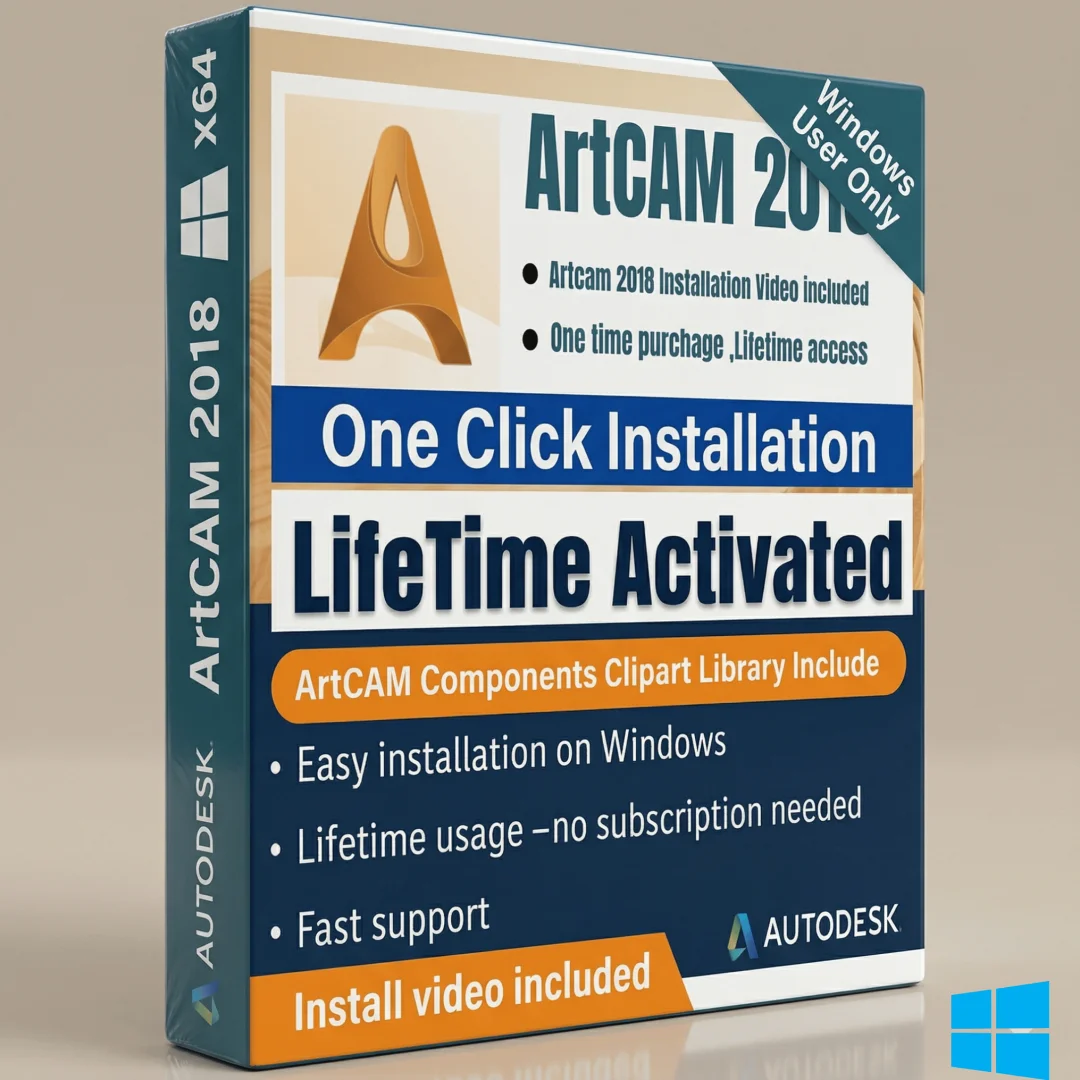

Autodesk ArtCAM 2018 Premium x64 – Lifetime Activation
Original price was: $3,000.00.$26.00Current price is: $26.00.
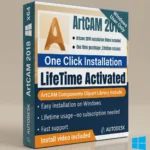
Autodesk ArtCAM 2018 Premium x64 with lifetime activation. Professional 3D relief design software for engravers, designers & woodworkers. Offline installation included
Autodesk ArtCAM 2018 Premium x64 – Professional 3D Design & Relief Modeling
Unleash your creativity with Autodesk ArtCAM 2018 Premium x64, now available with lifetime activation. This is the complete, professional-grade version packed with expanded component libraries and relief clipart—ideal for designers, engravers, woodworking professionals, and craftspeople who demand precision and artistic control. No monthly subscriptions, no licensing fees: pay once and use forever.
What Is Autodesk ArtCAM 2018?
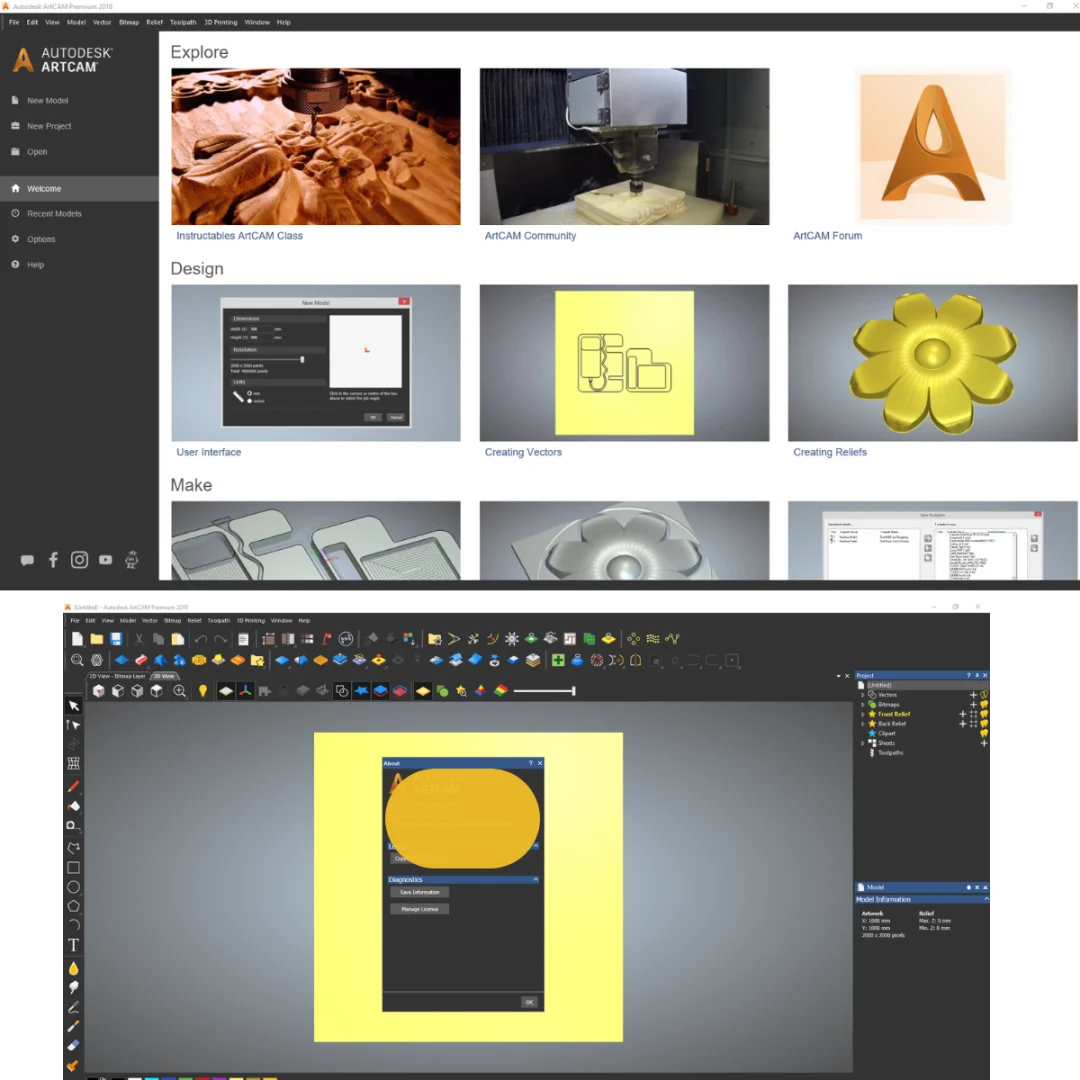
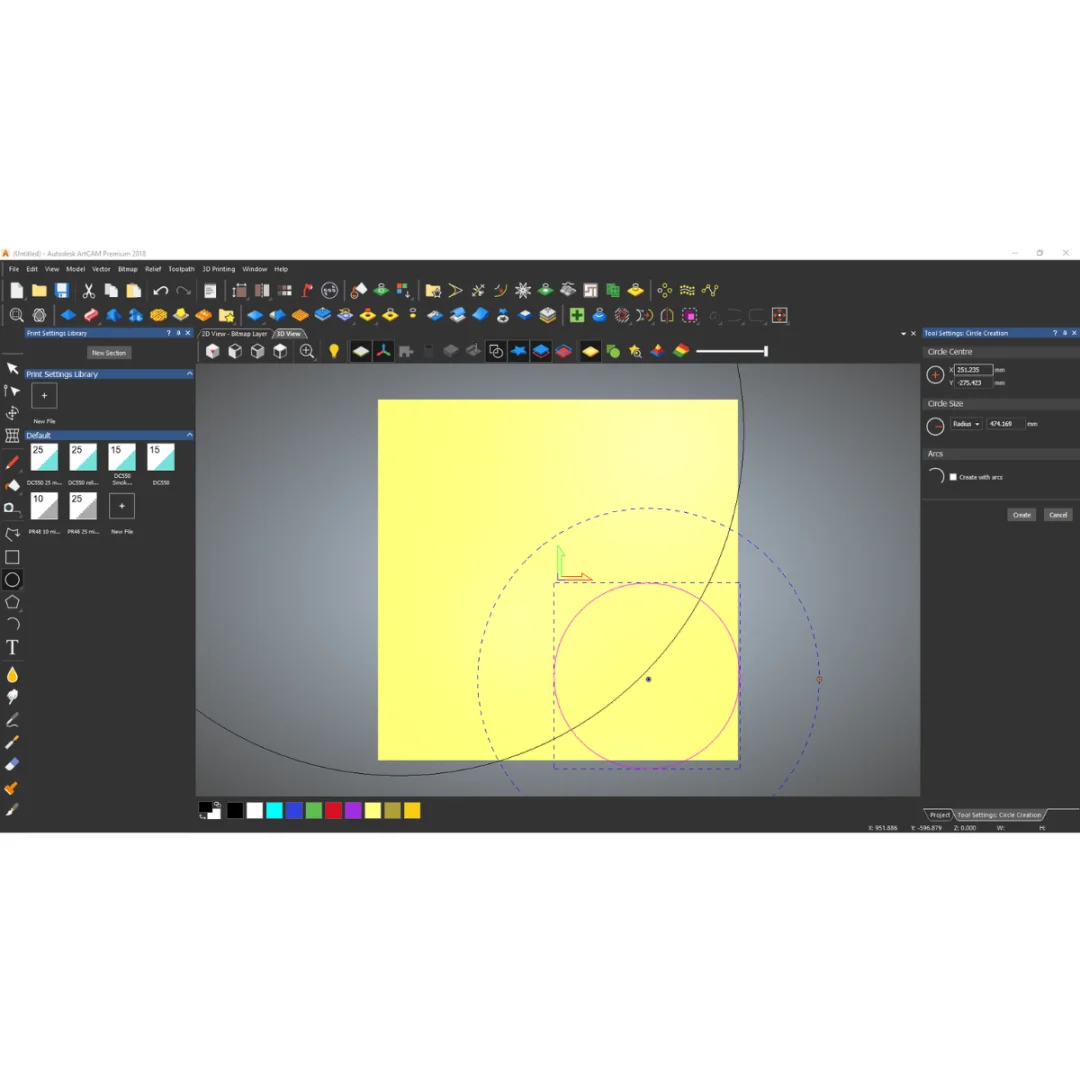
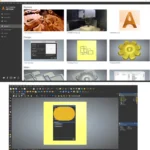
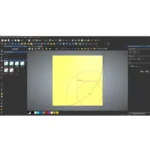
ArtCAM is a revolutionary 3D modeling and design software that bridges the gap between traditional art and modern digital production. Unlike generic CAD tools, ArtCAM specializes in creating and editing 3D reliefs using methods that mimic manual sculptural modeling—transforming your artistic vision into machine-ready toolpaths for CNC engravers, routers, and milling equipment.
Whether you’re producing personalized gift boxes, architectural panels, wooden plaques, or jewelry designs, ArtCAM provides the creative freedom and technical precision professional craftspeople require. The software is trusted by design studios, fabrication shops, and individual artisans worldwide for its intuitive relief-modeling workflow and industry-standard output compatibility.
Complete Package Contents
This lifetime-activated version includes the full software suite plus two comprehensive component libraries:
- SetupAutodeskArtCAMComponentsLibrary2018 – 634 MB of design components and modular elements for rapid design assembly
- SetupAutodeskArtCAMReliefClipartLibrary2018 – 900 MB of professional relief clipart and pre-designed motifs ready for customization
- Main ArtCAM 2018 Installation – 1.5 GB full application with all rendering engines and tools
- Offline Installation Guide – Step-by-step instructions for air-gapped Windows systems
- Installation Video – Visual walkthrough for seamless setup on Windows 7, 8.1, or 10
Total Package Size: ~3.4 GB (all components)
Key Features – Professional-Grade Design Capabilities
1. Advanced 3D Relief Modeling Engine
ArtCAM’s relief modeling tools give you complete control over sculptural geometry without requiring traditional sculpting expertise. Autodesk’s official ArtCAM overview highlights the software’s unique ability to translate 2D artwork into production-ready 3D relief geometry. Create raised surfaces, embossed patterns, and complex contours using parametric modeling—adjust depth, scale, and curvature dynamically until your design matches your exact creative vision.
2. Vector-to-3D Conversion
Import vector files (Adobe Illustrator, EPS, DXF) and instantly convert flat artwork into sculpted relief models. ArtCAM automatically calculates 3D geometry from 2D profiles, saving hours of manual modeling work while maintaining artistic detail and intentional form.
3. Bitmap Tracing & Vectorization
Scan hand sketches, photographs, or print artwork directly into ArtCAM. The software’s intelligent bitmap-to-vector conversion tools trace outlines, detect edges, and auto-generate relief depth maps—turning physical artwork into digital models in minutes.
4. Integrated CNC Toolpath Generation
Design and production workflow converge in ArtCAM. Generate machine-ready G-code toolpaths for CNC routers, engravers, and mills directly from your relief models. CNC Cookbook’s guide to G-code and toolpaths explains the technical foundation—ArtCAM handles all the complex calculations automatically, outputting optimized paths that maximize tool life and cut quality.
5. Material Library – 500+ Professional Render-Ready Textures
Preview your designs with realistic material rendering. ArtCAM ships with extensive texture libraries including wood finishes, stone, metal, marble, and leather—essential for client presentations and design approval before fabrication begins.
6. Text & Typography Tools
Add dimensional text to your designs with full control over font, depth, kerning, and relief style. Perfect for personalized engravings, nameplate designs, and branded architectural elements. All typography converts seamlessly to CNC toolpaths.
7. Photorealistic Preview & Lighting Simulation
Before cutting a single piece of material, visualize your finished design with professional lighting setups and material previews. Adjust lighting direction, intensity, and color temperature to ensure your design will look stunning under real-world conditions.
8. Extensive Clipart & Design Library
The included 900 MB relief clipart library gives you instant access to thousands of professionally designed motifs, borders, ornaments, and design elements. Mix, modify, and combine pre-designed components to accelerate your workflow while maintaining creative control.
================================================================================
System Requirements – Windows 7, 8.1, or 10 (64-Bit)
Ensure your system meets these specifications for optimal ArtCAM 2018 performance:
| Requirement | Specification |
|---|---|
| Operating System | Microsoft Windows 7, 8.1, or 10 (64-bit edition required) |
| Processor | Single- or multi-core Intel or AMD processor with 64-bit architecture and SSE2 support |
| RAM Memory | Minimum: 4 GB | Recommended: 16 GB (for large projects with complex geometry) |
| Display Resolution | Minimum: 1280×1024 | Recommended: 1920×1200 or higher in True Color mode |
| Graphics Card | 1 GB VRAM minimum (2 GB recommended), OpenGL 4.0 compatible, DirectX 11 capable |
| NVIDIA/AMD Support | Expanded GPU acceleration in 2018.1 Update for faster rendering and viewport performance |
| Hard Drive Space | 5 GB free space for installation and project files |
| Internet Connection | NOT required after offline activation (air-gap installation fully supported) |
Note: After installation on Windows 10, you may need to uninstall the Autodesk Desktop App to prevent background conflicts.
================================================================================
Why Choose Autodesk ArtCAM 2018 Premium?
Industry-Standard Reliability
ArtCAM is trusted by fabrication studios, sign companies, jewelry makers, and woodworking professionals worldwide. Over 20 years of development have refined the software’s relief-modeling tools into the most intuitive and powerful in the industry. Autodesk’s manufacturing and CNC solutions page confirms ArtCAM’s position as a leading design tool for precision production workflows.
One-Time Payment, Lifetime Use
Unlike Adobe Creative Cloud or subscription CAD software, ArtCAM 2018 requires no ongoing fees. With lifetime activation, you own the full version permanently—perfect for freelancers, small studios, and anyone tired of monthly licensing costs.
Professional Output Quality
Every relief model exports to production-grade G-code compatible with CNC routers, laser engravers, and precision mills from leading manufacturers (Shopbot, Thermwood, Epilog, and others). Your designs will cut clean, accurate, and beautiful—first time, every time.
Intuitive Design Workflow
ArtCAM’s design environment feels natural to artists and craftspeople, not just CAD engineers. Drag-and-drop simplicity combined with professional depth ensures a gentle learning curve without sacrificing creative control or technical capability.
Expanded Component & Clipart Libraries
This complete version includes both the Component Library (634 MB) and Relief Clipart Library (900 MB)—giving you thousands of ready-to-use design elements, ornaments, borders, and motifs. Save weeks of design time while maintaining unique, personalized output.
================================================================================
Installation – Easy Offline Setup (Air-Gap Compatible)
Prerequisites
- Windows 7, 8.1, or 10 (64-bit required)
- At least 5 GB free hard drive space
- Administrator access to your Windows account
- Valid serial number (included with this lifetime-activated package)
- No internet connection required (offline installation fully supported)
Installation Steps
- Download & Extract Files: Extract all three installation files to a single directory on your Windows computer (USB drive or local folder).
- Disable Internet (Optional): For air-gap systems, disconnect network adapters before starting installation.
- Run Main Installer: Double-click
SetupAutodeskArtCAM2018.exeto launch the installation wizard. - Accept License Terms: Read and accept the Autodesk End-User License Agreement.
- Choose Installation Location: Select destination folder (default: C:\Program Files\Autodesk\ArtCAM2018) or custom path.
- Install Components Library: When prompted, run
SetupAutodeskArtCAMComponentsLibrary2018.exein the same directory. - Install Clipart Library: Follow with
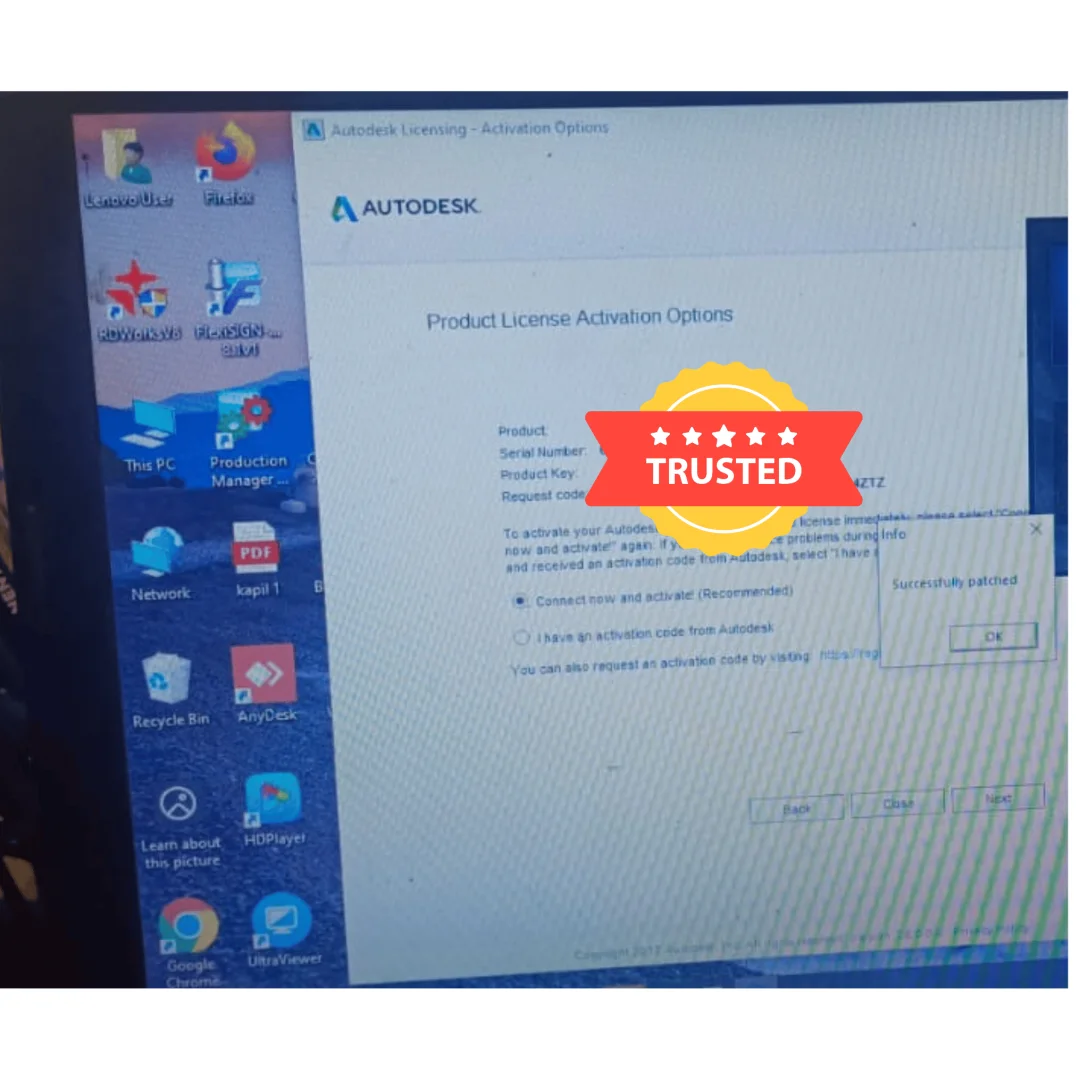
SetupAutodeskArtCAMReliefClipartLibrary2018.exeto add the 900 MB relief design library. - Activation (Offline Method): Choose “I have a serial number” and enter your activation code. ArtCAM will generate an offline activation file; no internet connection needed.
- Post-Installation Cleanup (Windows 10): If you see Autodesk Desktop App notifications, uninstall it from Settings → Apps to prevent background conflicts.
- Launch ArtCAM: Click Start → Autodesk ArtCAM 2018 to verify installation and licensing.
Installation Video Included: Visual walkthrough available in the package for step-by-step guidance on your specific Windows version.
================================================================================
Professional Use Cases
Architectural & Interior Design
Create stunning wall panels, column reliefs, ceiling tiles, and architectural ornaments. ArtCAM excels at translating architectural drawings and decorative concepts into production-ready CNC designs for carved wood, cast stone, and composite materials.
Custom Woodworking & Furniture
Design intricate wood carvings for furniture embellishment, decorative boxes, and art pieces. The 3D relief tools let woodworkers preview how light and shadow will interact with their carved designs before a single cut is made.
Sign Making & Fabrication
Professional sign shops use ArtCAM for dimensional letter design, logo carving, and decorative panel work. Integrate company branding, logos, and custom artwork into carved or routed signage with precision and speed.
Jewelry & Metalworking
Create detailed relief designs for jewelry casting, metal etching, and precious metal inlay. ArtCAM’s precision geometry tools ensure intricate detail translates perfectly from digital design to finished piece.
Engraving & Personalization
Add dimensional depth to personalized gifts, awards, and commemorative items. Combine relief patterns, text, and imagery into cohesive engraved designs that command premium pricing and customer loyalty.
Art & Craft Production
Artists and craftspeople use ArtCAM to scale up hand-created designs into production pieces. Whether hand-carved prototypes or digital illustrations, ArtCAM bridges artistic vision with machine production.
================================================================================
Frequently Asked Questions (FAQ)
Q1: Does ArtCAM 2018 Premium require an internet connection?
No. ArtCAM activates offline using a serial number-based licensing system. Once activated on your Windows machine, the software runs completely offline. This makes it ideal for air-gapped systems, secure facilities, and environments where internet access is restricted.
Q2: Can I use ArtCAM 2018 on Mac or Linux?
ArtCAM 2018 is Windows-only software (64-bit Windows 7, 8.1, or 10 required). There is no native Mac or Linux version. If you need cross-platform compatibility, consider running Windows in a virtual machine (Parallels Desktop on Mac, or VirtualBox on Linux), though performance may be reduced depending on VM resources.
Q3: Is this a lifetime license or a temporary subscription?
This is a lifetime, perpetual license. There are no monthly or annual fees. You purchase once and retain full rights to use ArtCAM 2018 indefinitely. Future updates and technical support depend on your subscription status, but the core software remains fully functional forever.
Q4: What file formats does ArtCAM support for import and export?
ArtCAM imports vector formats (DXF, EPS, AI, SVG), raster images (BMP, JPG, PNG, TIFF), and native ArtCAM project files (.art). Export options include G-code (CNC toolpaths), DXF vectors, STL 3D models, BMP/JPG images, and proprietary ArtCAM formats. This broad compatibility ensures your designs work with virtually any CNC machine or downstream software.
Q5: How much disk space do I need for the complete installation?
The full package (main software + component library + clipart library) requires approximately 3.4 GB of installation space, plus an additional 1-2 GB for Windows system files and caching. We recommend at least 5 GB of free space. Project files vary widely depending on design complexity.
Q6: Can I transfer my license to another computer?
ArtCAM 2018 activates per-machine using offline licensing. Yes, you can transfer your license to a new computer by reactivating with your serial number. Contact us for deactivation support if needed on your old machine to ensure compliance with licensing terms.
Q7: What CNC machines is ArtCAM compatible with?
ArtCAM generates standard G-code output compatible with virtually all CNC routers, engravers, and mills: Shopbot, Thermwood, Epilog laser systems, Trotec, AXYZ, Multicam, Heian, Tamco, and industrial CNC controllers. Verify your machine’s G-code dialect in the documentation, but most modern equipment accepts ArtCAM’s output directly.
Q8: Is technical support included with this purchase?
This is a software license sale. Technical support is available through Autodesk’s official channels or third-party support providers specializing in ArtCAM. We provide installation guidance and compatibility verification; detailed ArtCAM training and advanced technical support can be sourced through Autodesk or certified training partners.
Only logged in customers who have purchased this product may leave a review.
Reviews
There are no reviews yet.