
V-Ray 7 Hotfix 2 for SketchUp
Original price was: $600.00.$20.00Current price is: $20.00.
Professional real-time rendering software for SketchUp 21-25. Advanced visualization with V-Ray Vision, Light Mix, 500+ materials. Used by 92 of top 100 architecture firms.
V-Ray 7 Hotfix 2 for SketchUp: Professional Real-Time Rendering Engine
Chaos V-Ray 7 Hotfix 2 is the latest professional rendering software for SketchUp 2021-2025, engineered specifically for architects and visualization professionals demanding photorealistic output without compromising workflow speed. V-Ray is the world’s #1 rendering software for architectural visualization, combining SketchUp’s modeling power with V-Ray’s rendering technology to create photorealistic renders at every stage of the design process.
This industry-standard rendering engine is trusted by 92 of the world’s top 100 architectural firms for daily production work, as documented on ArchiDaily. The rendering quality rivals architectural photography, making it the preferred choice for professional client presentations and published architectural documentation.
Real-Time Visualization with V-Ray Vision
V-Ray Vision allows you to visualize your designs in real-time while you work within SketchUp, enabling you to move around your model, apply materials, set up lights and cameras—all in a live real-time view of your scene. This revolutionary feature is documented in the official V-Ray documentation.
Real-Time Viewport Rendering allows designers to see changes to lighting, materials, and textures instantly within SketchUp, streamlining the design and approval process. Instead of waiting for batch renders, you see render-quality feedback immediately as you work.
The viewport overlay displays your render directly within SketchUp’s workspace, offering an always-on preview that eliminates switching between modeling and rendering environments. This accelerates decision-making and keeps your creative workflow uninterrupted.
For architects and designers, this means making client-ready iterations in minutes rather than hours. You can confidently present design changes with immediate visual feedback, knowing that what you see in V-Ray Vision matches the final photorealistic render exactly.
Intelligent Lighting with Light Mix Technology
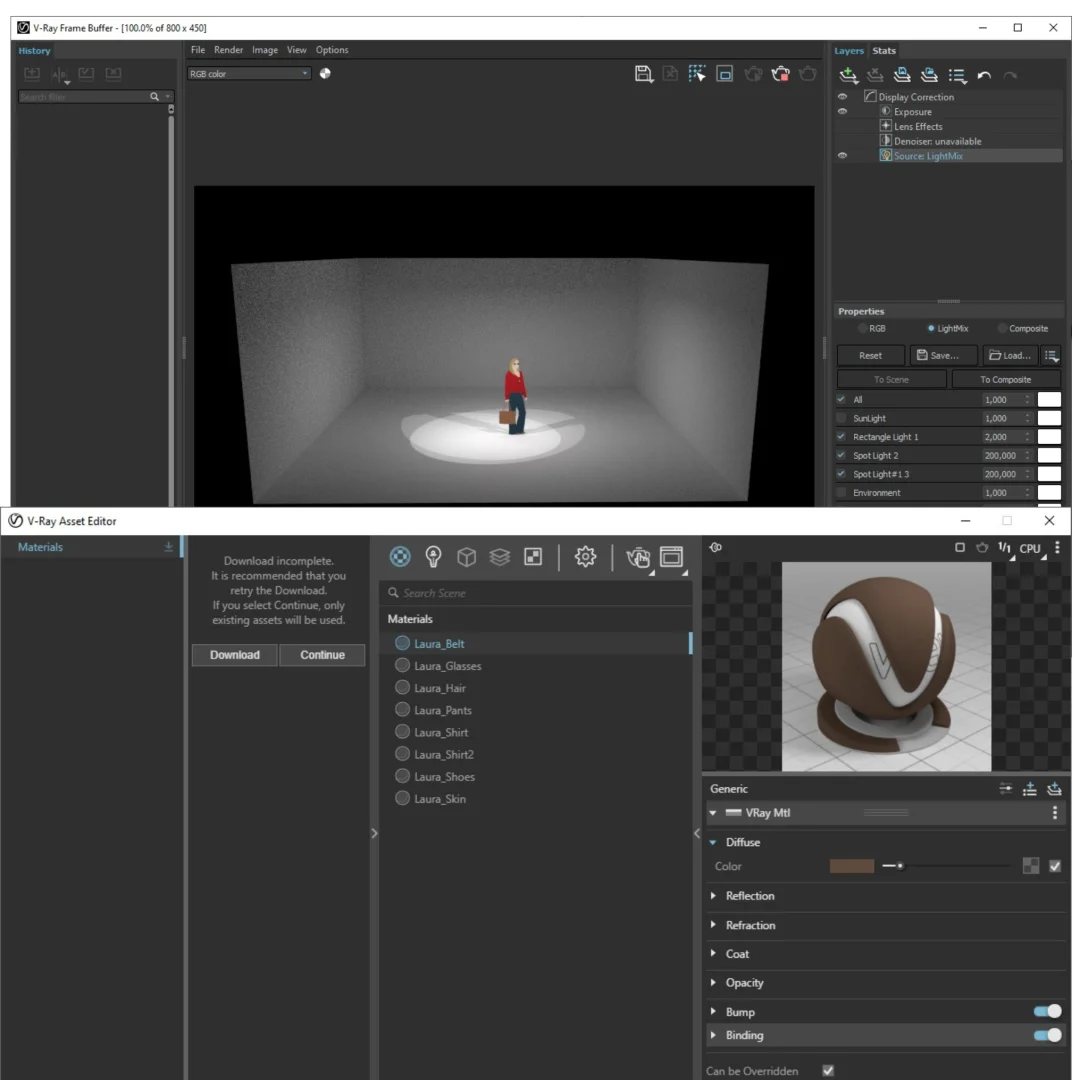
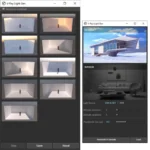
Light Mix utilizes ray tracing to track light contributions, enabling post-render adjustments without manual setup or external compositing tools. You can adjust the intensity and color of individual lights in your scene after rendering, and with Light Mix in V-Ray, you can change the color and intensity of lights after rendering, enhancing flexibility in lighting adjustments.
With ray tracing, it’s possible to track the entire contribution each light has on a rendered scene: diffuse, specular, reflection, refraction and global illumination. When you combine this advantage of ray tracing with the additive nature of light, you can adjust the color and intensity of lights—even after they’ve been rendered.
This eliminates the frustrating cycle of adjusting lighting settings and re-rendering. Light Mix allows you to easily adjust the color and intensity of your lights both during and—more importantly—after rendering, making it ideal for architectural visualization as it allows you to make lighting decisions quickly and efficiently.
Create multiple lighting variations from a single render—daylight scenarios, golden hour presentations, or night lighting concepts—all without touching the original scene. With Light Mix, you can create impressive client presentations showing your project at different times of day, from bright midday sun to soft golden hour mornings and evenings, to cozy nights—all without re-rendering.
Advanced Compositing and Post-Processing Built-In
V-Ray 7 Hotfix 2 includes professional-grade compositing tools directly within the application. The Layer Compositor offers a faster path to final images, helping users post-process shots in the new VFB without outside applications, using a non-destructive workflow to adjust different render elements and perform color corrections with ease.
Color correct your renders, combine render elements, apply effects, and finalize images without switching to external software like Photoshop. The compositing engine is lightweight yet powerful, supporting adjustments to exposure, curves, color balance, and creative effects directly in the V-Ray Frame Buffer.
This integrated workflow keeps you in SketchUp and maintains project continuity without losing quality. You can save custom compositing setups as presets for consistent application across multiple projects and render variations.
Extensive Material Library with 500+ Render-Ready Textures
V-Ray 7 Hotfix 2 provides access to over 500 professionally created, high-resolution materials covering metals, glass, wood, fabrics, stone, and countless other surfaces—all optimized for V-Ray rendering. Over 500 readymade materials are designed to cover most objects and spaces, with new built-in presets helping dial-in everyday options like metal, glass, and plastic.
Materials are production-ready, meaning they’re already configured with proper maps, displacement, and rendering settings. You can immediately apply them to your SketchUp model without manual setup or searching for texture websites.
The library is continuously updated through Chaos Cosmos, with new materials regularly added based on design trends and professional requirements. Integration with Chaos Cosmos assets allows quickly incorporating high-quality models, furniture, vegetation, and people into your architectural visualizations.
GPU-Accelerated Rendering for Maximum Speed
V-Ray 7 introduces Caustics support that’s fully optimized for GPU hardware, faster time-to-first-pixel, and even better memory efficiency. V-Ray GPU now supports Caustics, enabling realistic reflections and refractions in both production and interactive rendering, with a new Caustics solver based on Photon Mapping, optimized to fully utilize GPU hardware.
V-Ray 7 supports NVIDIA GPU rendering with Maxwell-generation graphics cards and newer, including RTX-enabled cards. V-Ray supports NVIDIA GPUs starting from the Maxwell architecture (compute capability 5.2 or higher), with RTX 20-series and newer cards enabling the RTX mode for hardware-accelerated ray tracing.
GPU acceleration dramatically reduces render times, delivering significantly faster performance compared to CPU rendering alone. V-Ray GPU delivers significantly faster results compared to CPU rendering, with optimizations in rendering scatter and texture-heavy scenes providing even better interactive rendering with faster time to first pixel.
Hybrid rendering combines CPU and GPU power for optimal results on any scene. RTX acceleration provides cutting-edge performance for the most demanding architectural visualization requirements, with dedicated ray-tracing cores enabling substantially faster photorealistic output.
Professional-Grade Quality with Industry-Leading Algorithms
V-Ray’s rendering engine has been refined over decades to produce photorealistic results matching architectural photography. Advanced algorithms handle complex lighting scenarios, including caustics, subsurface scattering, volumetric effects, and physically accurate material behavior.
Every render achieves museum-quality output suitable for client presentations, marketing materials, and professional publications. The rendering fidelity is so superior that many architectural firms use V-Ray renders instead of or in addition to traditional photography for project documentation.
With rendering features such as true-to-life lights, cameras, and materials, rendering with V-Ray is as real as it gets, allowing you to see exactly how your project will look.
Comprehensive Lighting Controls for Creative Expression
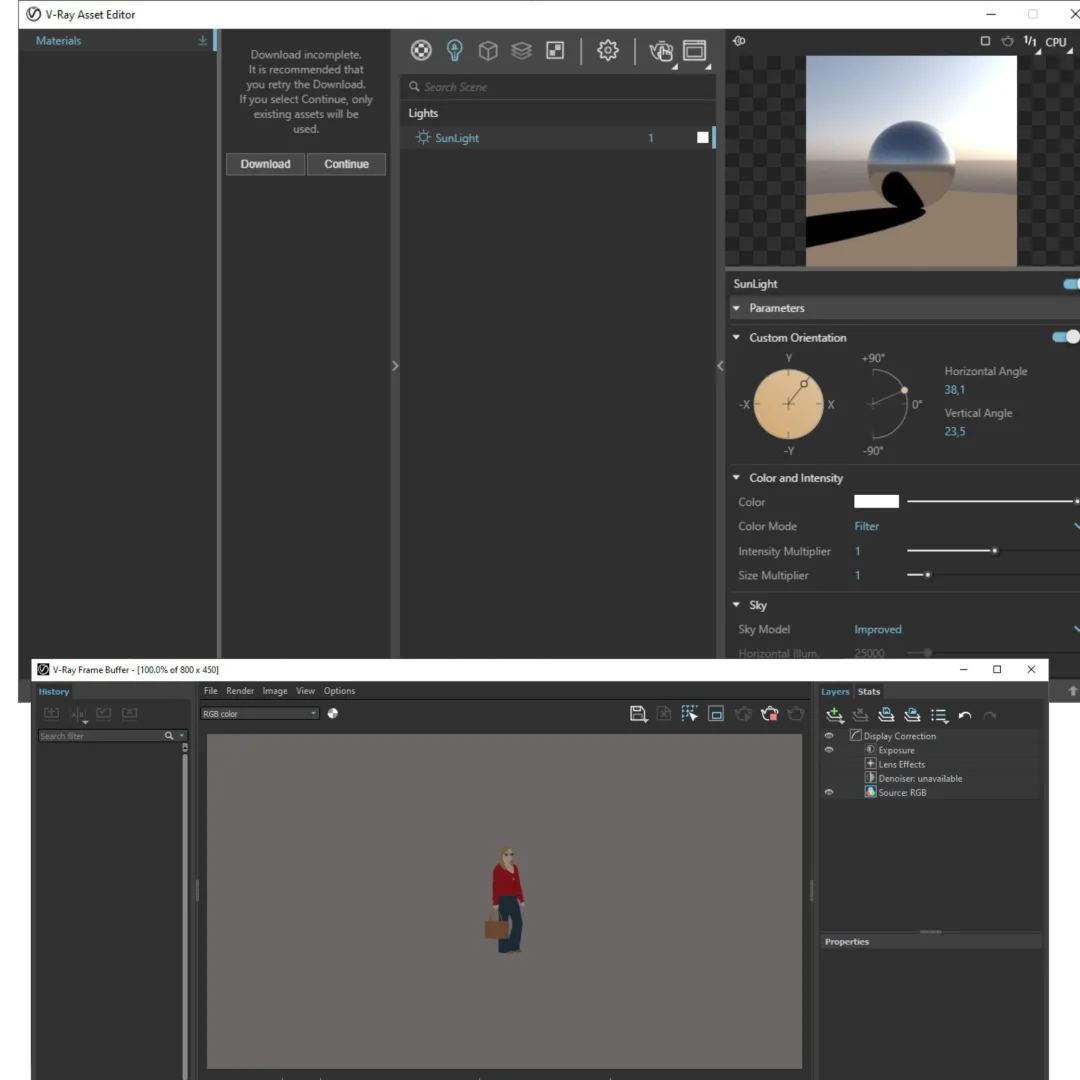
V-Ray provides complete control over all lighting aspects in architectural visualization. Natural daylight simulation with accurate sun positioning, atmospheric effects, and sky modeling creates photorealistic exterior renders.
Interior lighting can be customized with IES profiles, photometric data, and precise light placement for accurate representations of residential and commercial spaces. Render photorealistic rooms and interiors with powerful and fast global illumination, with support for any type of natural, artificial, or image-based lighting including a wide range of built-in light types.
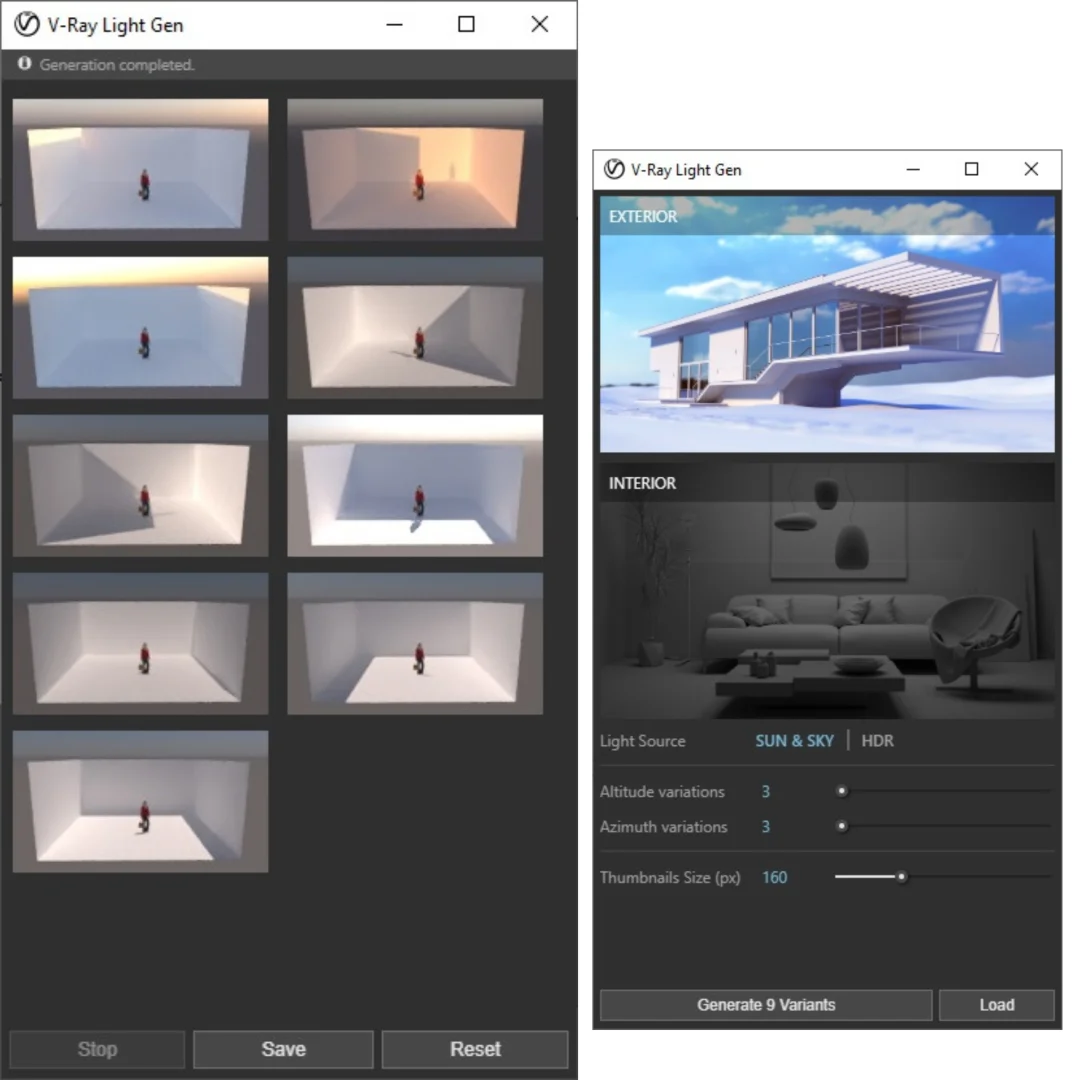
Advanced lighting tools simulate realistic daylight, sunrise and sunset, and even atmospheric conditions for any time and location. You can animate the sun across time and seasons, creating compelling presentations showing how your design performs at different times of day.
Full Material Customization and Shader Support
Beyond the material library, V-Ray allows unlimited customization of shaders and materials for unique effects. Create high-detail textures with a Photoshop-style powerful new layering system. V-Ray’s advanced shader system supports procedural textures, displacement maps, bump maps, and complex shader networks.
Material layering allows combining multiple materials and effects for sophisticated, realistic surfaces. Professional material creation tools are equivalent to standalone 3D software, providing complete creative control for specialized requirements.
Easy Integration with SketchUp Workflow
V-Ray 7 Hotfix 2 is designed as a native SketchUp extension, seamlessly integrating with your existing SketchUp workflow. No need to export models to external software or deal with translation issues and file format problems.
SketchUp’s modeling tools work perfectly with V-Ray rendering—all geometry types, materials, and organization structures are fully supported. Toggle between SketchUp’s native viewport and V-Ray rendering instantly to compare and iterate on designs.
The integrated experience keeps you productive within a single environment, maintaining project continuity and eliminating software switching.
Cross-Version Compatibility (SketchUp 2021-2025)
V-Ray 7 Hotfix 2 supports SketchUp versions 2021, 2022, 2023, 2024, and 2025, ensuring your investment works with current and recent SketchUp versions. This broad compatibility provides protection as you upgrade your SketchUp installation.
Future SketchUp updates are supported through regular V-Ray maintenance releases. Work collaboratively with teams using different SketchUp versions without rendering conflicts.
Advanced Camera Controls and Professional Depth of Field
Professional camera controls include focal length, aperture, shutter speed, and depth of field simulation. Camera EV Control allows you to adjust the exposure value of the V-Ray Physical Camera without affecting motion blur or depth of field.
Depth of field effects create photorealistic focus effects, directing viewer attention and adding dimensional quality to renderings. Motion blur can be applied for dynamic presentations and animated walkthroughs.
Industry-Proven Reliability and Professional Support
V-Ray’s adoption by 92 of the world’s top 100 architectural firms demonstrates proven reliability for professional workflows. Chaos Group provides comprehensive documentation, tutorials, and community resources for support. Professional support is available for mission-critical projects and professional implementations.
The software has been refined through decades of use in demanding professional environments. Your investment in V-Ray is backed by the industry’s most respected rendering software provider.
System Requirements and Technical Specifications
Operating System: Windows 10 or Windows 11 (64-bit required)
Processor: Intel 64-bit, AMD64, or compatible processor with AVX2 instruction set support (Intel i7/i9 or AMD Ryzen 7/9 recommended)
RAM: Minimum 8 GB, Recommended 16 GB (32 GB for complex projects)
GPU: NVIDIA Maxwell generation or later (RTX series recommended for optimal performance)
Storage: Minimum 2 GB installation, Recommended 12 GB including materials library
SketchUp: SketchUp 2021, 2022, 2023, 2024, or 2025
Network: IPv4 TCP/IP connection for material library and updates
Professional Applications and Real-World Use Cases
Architectural visualization for design presentations and client approvals. Interior design visualization for residential and commercial spaces. Urban planning and large-scale project rendering. Real estate marketing and property visualization. Construction documentation and client communication. Heritage restoration and renovation proposals. Landscape visualization with vegetation and environmental context.
Frequently Asked Questions About V-Ray 7 Hotfix 2
Q: Is V-Ray 7 professional-grade for architectural firms?
Yes, absolutely. V-Ray is the industry standard for professional architectural visualization, used by 92 of the world’s top 100 architectural firms for daily production work. The rendering quality, speed, and reliability meet the highest professional standards for client presentations and published work.
Q: What SketchUp versions does V-Ray 7 Hotfix 2 support?
V-Ray 7 Hotfix 2 supports SketchUp 2021, 2022, 2023, 2024, and 2025. This broad compatibility ensures your investment works with current and recent SketchUp versions, with continued support as new versions are released.
Q: How much faster is V-Ray GPU rendering?
GPU acceleration with NVIDIA graphics cards provides substantially faster rendering compared to CPU-only rendering. NVIDIA RTX cards provide the fastest performance due to dedicated ray-tracing cores.
Q: Can I adjust lighting after rendering is complete?
Yes. Light Mix technology allows you to interactively adjust every light source in your scene after rendering. Change brightness, color, saturation, and temperature without re-rendering. This feature saves enormous amounts of time when fine-tuning lighting for final presentations.
Q: What is V-Ray Vision and how does it help my workflow?
V-Ray Vision provides real-time visualization within SketchUp, showing your scene render quality while you work. You can navigate, apply materials, adjust lighting, and move cameras in real time, seeing changes instantly. This accelerates design decisions and eliminates waiting for batch renders during the design process.
Q: How many materials are included in the Material Library?
The updated Material Library includes over 500 professionally created, high-resolution materials covering metals, glass, wood, fabrics, stone, and countless other surfaces. Materials are production-ready and optimized for V-Ray rendering, eliminating the need to source or create custom materials.
Q: Can I do compositing and post-processing within V-Ray?
Yes. V-Ray includes professional compositing tools for color correction, render element combining, and effects application. All post-processing can be done within V-Ray without switching to external software, keeping your workflow streamlined and maintaining project continuity.
Q: What are the recommended hardware specifications?
For optimal performance, use Windows 10 or 11 with an Intel i7/i9 or AMD Ryzen 7/9 processor, 16 GB RAM (32 GB for very complex scenes), and an NVIDIA RTX graphics card. Minimum requirements are lower, but these specifications ensure fast rendering and smooth real-time visualization.
Only logged in customers who have purchased this product may leave a review.
Reviews
There are no reviews yet.