

FL Studio v20.8 MacOS — Lifetime Licence | Sofryx
Original price was: $200.00.$20.00Current price is: $20.00.
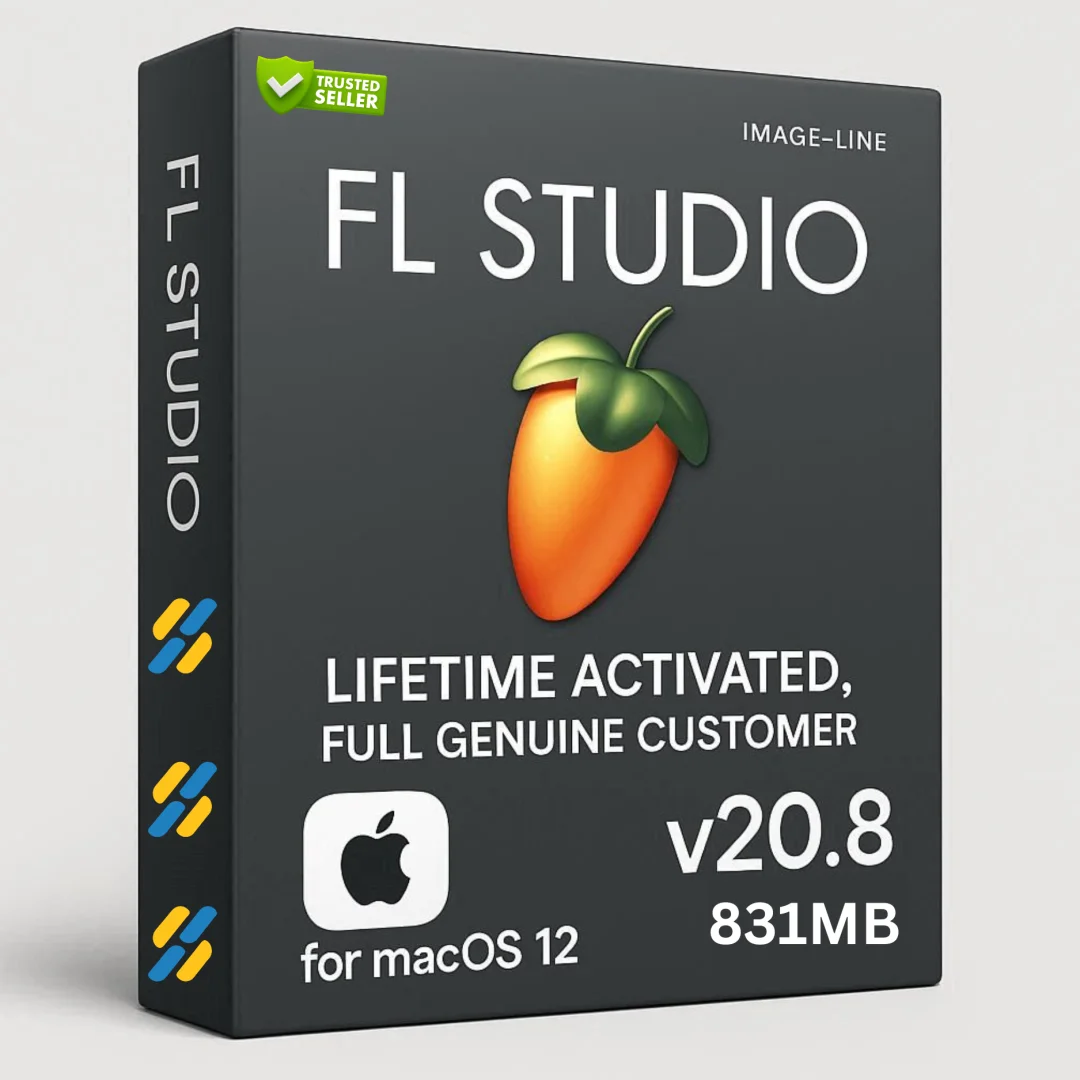
Buy FL Studio v20.8 for macOS genuine lifetime licence. Professional music production DAW. Tested & verified. Instant delivery & 24/7 Telegram support included
FL Studio v20.8 MacOS — Professional Music Production Digital Audio Workstation
FL Studio is the complete software music production environment and Digital Audio Workstation (DAW) representing more than 20 years of innovative development. This comprehensive platform has everything you need in one integrated package to compose, arrange, record, edit, mix and master professional quality music.
FL Studio runs natively on macOS with full support for Intel and Apple Silicon processors. Whether you’re producing hip-hop beats, electronic music, pop songs, or cinematic scores, FL Studio provides all professional tools needed for complete music production.
Used by Grammy-nominated producers, platinum-selling artists, and music studios worldwide, FL Studio delivers exceptional creative control, intuitive workflow, and professional-grade sound quality. Join millions of producers worldwide who rely on FL Studio for musical creativity and professional results.
Key Features of FL Studio v20.8 MacOS
- Piano Roll Editor: Industry-leading piano roll with well-deserved reputation as the best in the business. Intuitive note editing with advanced manipulation tools.
- Multi-track Recording: Record multiple audio tracks with pristine quality. Time-stretching and pitch-shifting preserve audio integrity.
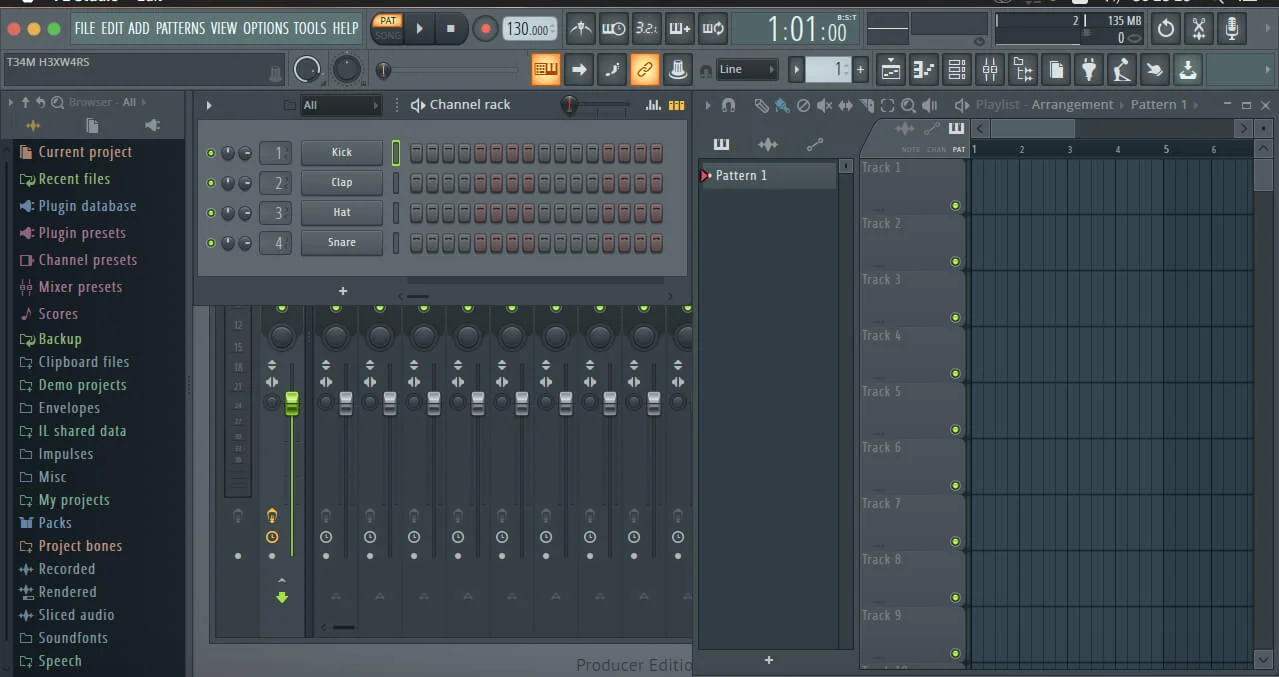
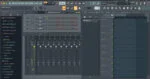
- Professional Mixer: Mix and master music to highest professional standards. Effects chains, audio sends, sidechain control, and advanced automation.
- VST Plugin Support: VST 1, 2, and 3 support gives access to widest range of third-party plugins available.
- Native Instruments & FX: Huge array of included instruments and effects provide complete sound design toolkit.
- Sequencing: Pattern or linear workflow flexibility. Arrange all project elements in intuitive Playlist.
- MIDI Control: Powerful MIDI Learn functionality enables intuitive controller linking.
- Live DJ Mode: Live performance capabilities with clip-triggering and performance controls.
Why Buy From Sofryx?
- Personally tested by Sofryx Team before every listing goes live
- Genuine Working licence — not cracked, not trial, fully verified
- One-time payment — lifetime activation, zero renewal fees
- Instant access via your website dashboard after payment
- 24/7 Telegram support available for all installation queries
System Requirements
Operating System: macOS 10.9 (Mavericks) or later. macOS 11 (Big Sur) or later recommended for optimal performance.
Processor: 64-bit processor required. Intel Core processor OR Apple Silicon (M1, M2, M3, M4) with native universal binary optimization.
RAM: 4 GB of RAM minimum. 8 GB or more recommended for working with multiple tracks and complex projects.
Storage: 1.5 GB of disk space for installation. Additional fast SSD storage recommended for audio files and projects.
Display: Retina display recommended. Vectorial interface scales beautifully on any resolution.
What You Get After Purchase
- Complete FL Studio v20.8 installation package for macOS
- Genuine lifetime activation licence for unlimited music production
- Full access to all included instruments, effects, and tools
- VST plugin support for third-party plugins
- Download link via your Sofryx.com account dashboard
- Step-by-step installation guide with video tutorial
- Priority Telegram support for activation and technical assistance
Who Is This For?
FL Studio is perfect for music producers working in hip-hop, electronic, pop, and all modern music genres. Beat makers and hip-hop producers worldwide rely on FL Studio for intuitive beat creation and arrangement.
Electronic music creators find FL Studio’s workflow perfectly suited for dance music, EDM, dubstep, and experimental electronic production. Songwriters and composers use FL Studio as primary composition tool.
Recording studios integrate FL Studio into professional workflows. Mixing engineers and mastering professionals trust FL Studio’s professional-grade mixing capabilities. Music students and aspiring producers benefit from FL Studio’s intuitive learning curve.
Piano Roll — Industry-Leading Sequencing
FL Studio’s Piano Roll has the well-deserved reputation as the best piano roll in the business. This powerful sequencing tool enables note and automation data to route to plugin instruments.
Wide range of editing tools aid complex score editing and manipulation. Velocity editing, quantization, humanization, and advanced note arrangement provide complete control.
Drag-and-drop simplicity combined with powerful features enable both quick ideas and detailed arrangement work. Pattern editing and linear arrangement modes provide workflow flexibility.
Piano Roll supports MIDI data editing with visual feedback. See exactly what you’re programming. Intuitive editing feels natural whether you’re a beginner or advanced producer.
Mixer & Professional Mixing
FL Studio’s mixer enables mixing and mastering music to highest professional standards. All features needed for today’s most complex productions included.
Effects chains allow stacking multiple processors on individual tracks. Audio sends create parallel compression and reverb workflows. Sidechain control enables pumping effects and dynamic mixing.
Advanced automation control shapes levels, effects, and parameters over time. Plugin delay compensation ensures perfect sync between tracks. Professional metering helps make confident mixing decisions.
Master fader provides final mix control. Comprehensive mixing capabilities rival professional mixing consoles. Create mixes that translate perfectly to any playback system.
Audio Recording & Editing
Multi-track audio recording captures live instruments and vocals with pristine quality. Record directly into FL Studio’s timeline with professional-grade tools.
Time-stretching adjusts audio length without affecting pitch. Pitch-shifting changes pitch without affecting timing. These powerful tools enable flexible audio editing.
Waveform editing provides visual feedback for precise audio control. Cut, copy, and arrange audio elements intuitively. Professional audio editing rivals dedicated audio editors.
Audio quality remains pristine throughout editing and processing. Full-resolution recording preserves all audio detail. Mix audio and MIDI seamlessly in one environment.
VST Plugin Support — Unlimited Possibilities
FL Studio supports all VST standards: VST 1, VST 2, and VST 3 plugins. This opens access to widest range of third-party plugins currently available.
Use industry-standard plugins from Native Instruments, Serum, Sylenth1, and thousands more. VST support provides unlimited sound design possibilities.
FL Studio itself can be used as VST plugin in other DAWs. Import sessions from Ableton, Logic, or Studio One. Flexibility enables hybrid workflows.
Plugin compatibility enables integration with your existing plugin collection. Consolidate your music production into one powerful DAW.
Native Instruments & Sound Design
FL Studio includes huge array of professional-grade instruments. Synthesizers, samplers, and drum instruments cover all music production needs.
Comprehensive effects library includes EQ, compression, reverb, delay, distortion, and creative effects. Built-in processing rivals expensive plugin collections.
Sound design tools enable creating unique instruments and effects. Layer multiple sound sources. Process audio creatively.
Combine native tools with third-party VST plugins. Create unlimited sonic possibilities. No additional plugin purchases necessary to create professional music.
Advanced Features & Flexibility
Vectorial interface resizes and rearranges intuitively. Customize FL Studio to match your workflow. Touch-control enabled for iPad and tablet use.
Automation recording and editing captures live control movements. Draw automation curves for precise parameter control. Create dynamic, expressive music production.
ReWire support enables synchronized use with other DAWs. Master clock keeps all applications in perfect sync.
Advanced help system provides context-aware manual. Press F1 for immediate assistance. Learning curve is intuitive even for complete beginners.
Live DJ Control & Performance
FL Studio includes powerful live performance features. Clip-triggering enables DJ-style performance and improvisation.
Control clips, effects, and parameters in real-time. Perform live with FL Studio running on stage. DJ mode enables looping and scene transitions.
MIDI controller support enables hands-on control. Map any MIDI controller for intuitive performance workflow.
Professional Output & Delivery
Export to all professional audio formats: WAV, MP3, OGG, FLAC, and more. Choose bit depth and sample rate for any platform.
4K video rendering capability enables visualizer effects. Create music videos directly from FL Studio without external software.
Master mixes to loudness standards. Export stems for collaborative mixing. Deliver professional-quality music files ready for streaming and distribution.
Frequently Asked Questions
Q: How do I activate and use FL Studio v20.8 after purchase?
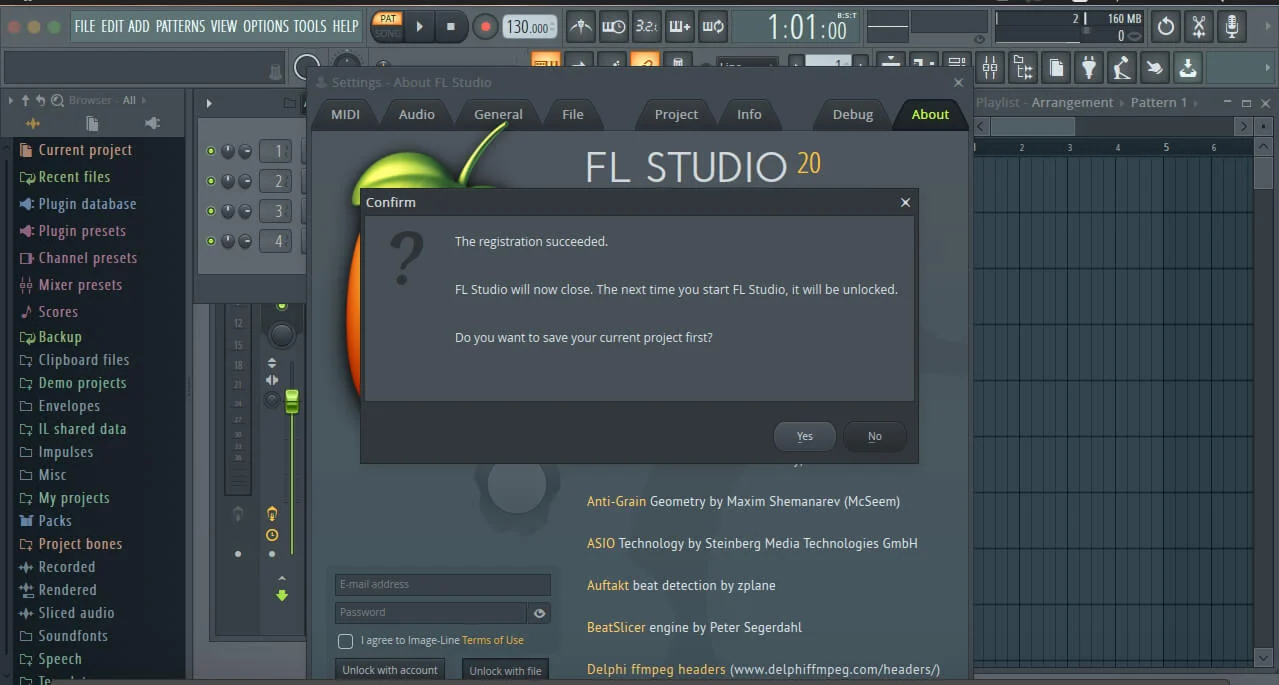
After purchase, you’ll receive complete installation files and activation instructions. Download FL Studio v20.8 for macOS from your Sofryx account dashboard under “My Account → Downloads.” Run the installer package. FL Studio installs to your Applications folder. Open FL Studio and enter your activation credentials when prompted. A detailed installation guide covers first-time setup including preferences configuration. Our 24/7 Telegram support team provides priority assistance if questions arise during installation or activation process. Most users have FL Studio running within 15 minutes of purchase.
Q: Is this a genuine licence or a cracked version?
This is a 100% genuine FL Studio v20.8 lifetime licence, not a cracked or trial version. The activation is authentic and Image-Line-issued, providing legitimate permanent access to all music production features. The Sofryx Team personally verifies and tests every licence before listing to ensure quality and functionality. You receive genuine FL Studio support for updates and technical assistance. Your lifetime activation means you own this licence indefinitely with no expiration date or renewal requirements. This is professional-grade software fully ready for commercial music production.
Q: Can I use FL Studio v20.8 on multiple computers?
Yes, FL Studio’s standard licence permits installation on multiple Mac computers. You can install and activate on your primary production workstation and one backup machine using the same licence. Deactivate on one Mac and activate on another as your setup changes. This flexibility is ideal if you work on multiple Macs, maintain backup systems, or work in different studio locations. For professional studios with multiple workstations, contact Sofryx about volume licensing options and special pricing for multiple activations within one facility.
Q: Will I receive future software updates for FL Studio v20.8?
Your FL Studio v20.8 lifetime licence includes all updates for the v20 version line. Performance improvements, bug fixes, new features, and instrument updates are provided free throughout the support cycle. Image-Line regularly releases updates adding new functionality. If FL Studio releases major new versions (FL Studio 21 or later), upgrading would require purchase of new version. However, your FL Studio v20 licence remains valid indefinitely. Continue using FL Studio v20 without mandatory upgrades. Contact Sofryx for discounted upgrade pricing when new versions become available.
Q: How long does delivery take after payment?
Delivery is immediate. Your download link and activation information appear in your Sofryx account dashboard under “My Account → Downloads” within minutes of payment processing. Begin FL Studio installation immediately. No physical shipping required—this is fully digital software. Most users have FL Studio downloaded and activated within 15-20 minutes of purchase. Once activated, you have immediate access to all music production, sequencing, and mixing tools for creating professional music.
Q: Which macOS versions are compatible with FL Studio v20.8?
FL Studio v20.8 requires macOS 10.9 (Mavericks) or later. It’s fully compatible with macOS 10.9, OS X 10.10-10.15 (Yosemite through Catalina), macOS 11 (Big Sur), macOS 12 (Monterey), macOS 13 (Ventura), macOS 14 (Sonoma), and macOS 15 (Sequoia). Fully optimized on Apple Silicon Macs (M1, M2, M3, M4) with native universal binary support. Intel Mac users run the Intel-compatible version. For best performance and stability, macOS 11 (Big Sur) or later is recommended. Older macOS versions (10.8 or earlier) are not supported.
Q: What is your refund policy?
Please review the complete Refund Policy at bydigital.in/refund-policy/. Refunds are available within 48 hours if the software fails to activate or function as described. Since FL Studio is professional music production software, sales are final after successful activation. We stand behind the quality of our activation and provide comprehensive technical support. Contact our support team immediately if you experience any activation or installation issues for prompt resolution.
Q: How do I get support if I have an installation problem?
MacOS Users: Complete installation instructions are provided with your download. If FL Studio fails to install or activate, our Sofryx support team provides priority assistance via Telegram. We offer troubleshooting steps, alternative installation methods, or alternative files if needed. Simply contact us on Telegram (@SofryxHelp or t.me/sofryxhelp) with details of any issues. Our team includes experienced music producers and engineers who can provide remote assistance via screenshare if necessary. Most installation issues are resolved within 1-2 hours of contacting support. We’re committed to getting you making music as quickly as possible.
Only logged in customers who have purchased this product may leave a review.

Reviews
There are no reviews yet.