
AutoPlotter Pro — Surveying Software Lifetime | Sofryx
Original price was: $300.00.$20.00Current price is: $20.00.
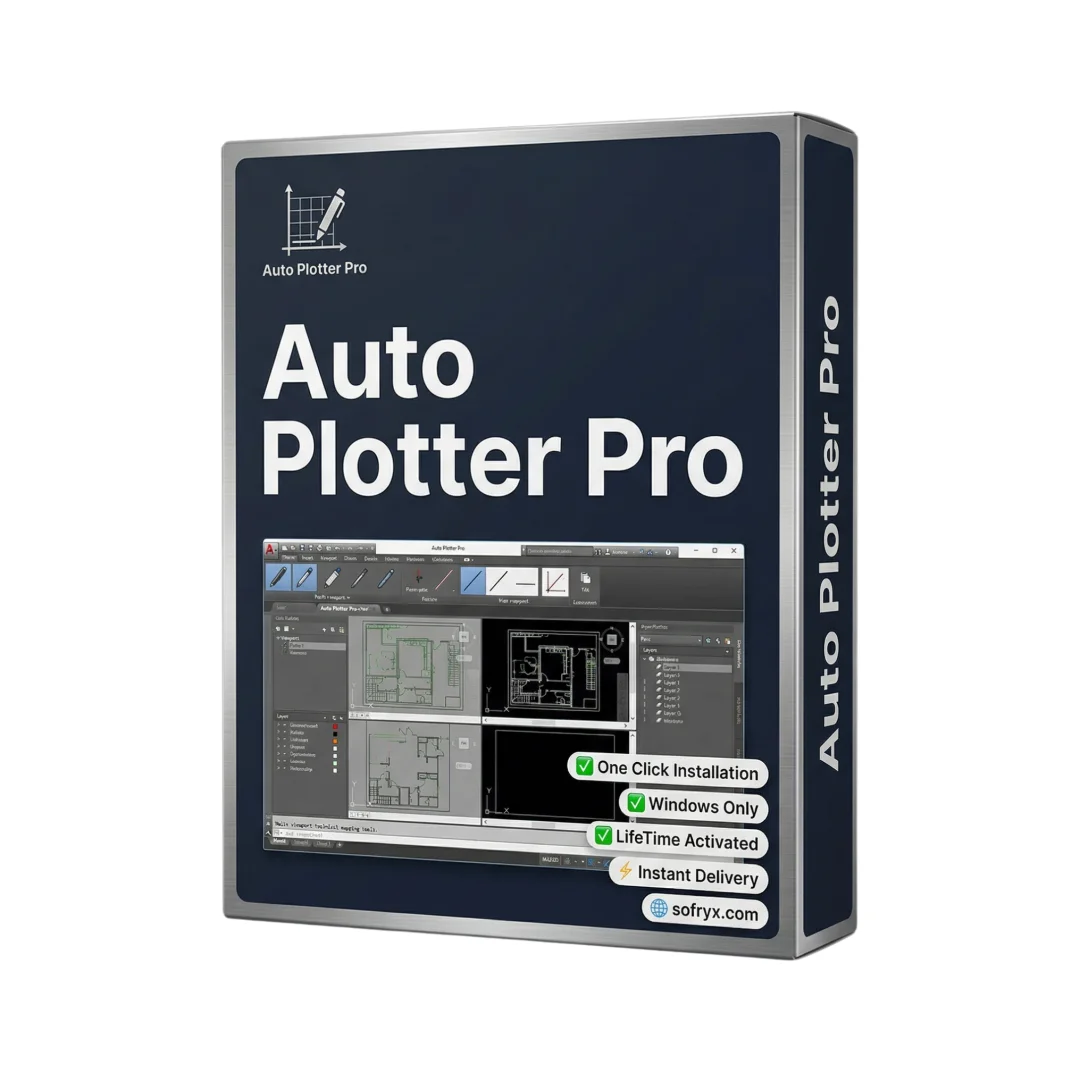
Buy AutoPlotter Pro genuine lifetime licence. Professional surveying software with DTM, 3D terrain, volume calculation. Tested & verified. Instant delivery
AutoPlotter Pro — Professional Surveying and Land Mapping Solution
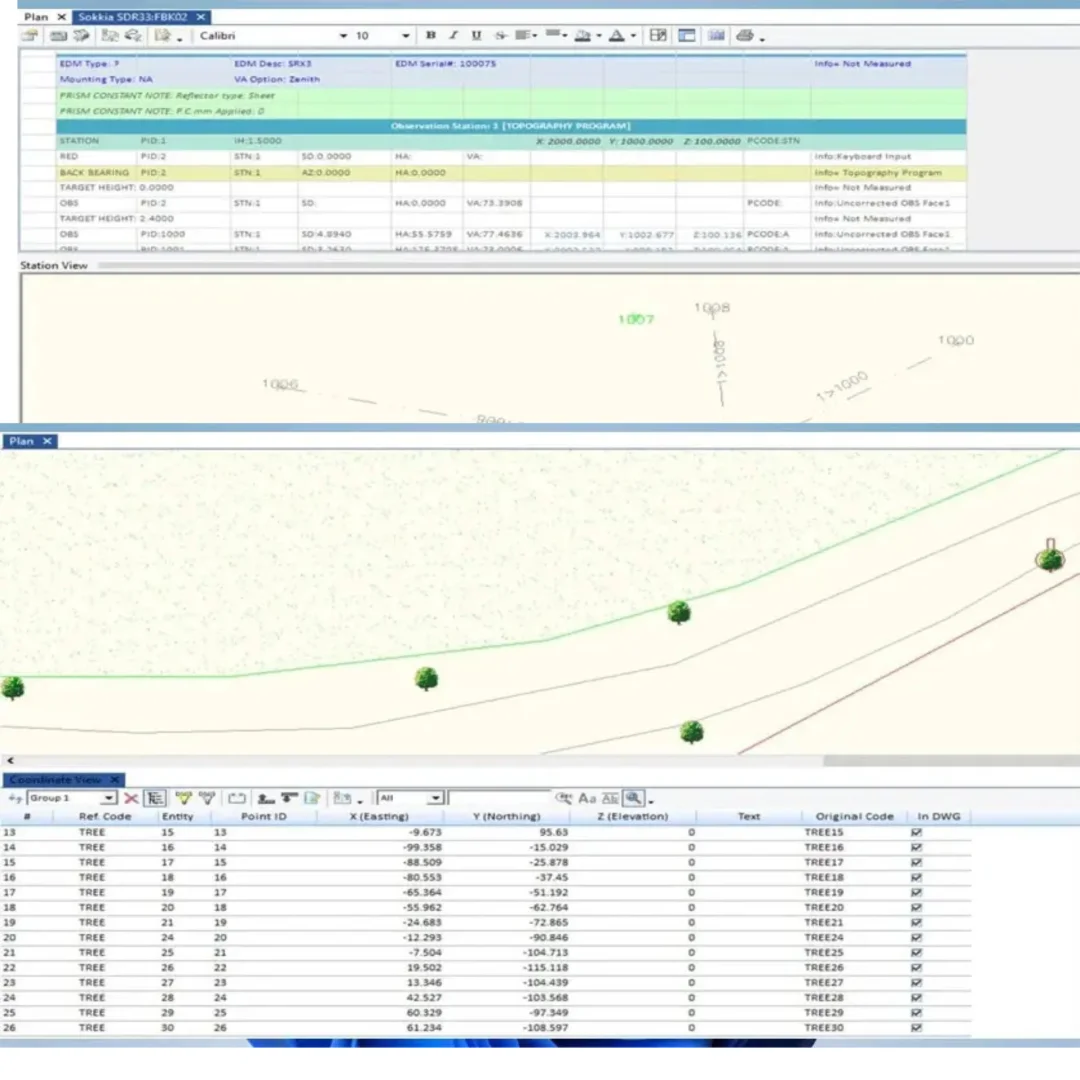
AutoPlotter Pro is the go-to solution for surveyors and civil engineers managing land mapping and construction planning projects. This comprehensive surveying software supports all major equipment manufacturers including Topcon, Trimble, Leica, Sokkia, and others seamlessly. The software integrates survey data processing, design capabilities, and CAD functionality in one unified platform.
Version features advanced DTM engine, enhanced contour generation, and sophisticated 3D terrain visualization. Works perfectly with both conventional and modern surveying equipment. Whether mapping land for development, building roads, managing hydrographic surveys, or handling mining operations, AutoPlotter Pro brings all essential features together. One-time lifetime purchase eliminates recurring licensing costs for growing surveying businesses.
Thousands of surveying professionals worldwide rely on AutoPlotter Pro for accurate, efficient land data processing. The clean, intuitive interface makes complex surveying tasks simple. Powerful automation tools accelerate workflows from raw field data to finished drawings. Professional-grade solution trusted by independent surveyors and major engineering firms alike.
Key Features of AutoPlotter Pro
- Universal Equipment Support: Compatible with Topcon, Trimble, Leica, Sokkia, and virtually all surveying equipment brands.
- Integrated Survey Processing: Combines survey data processing, design modules, and CAD capabilities in one package.
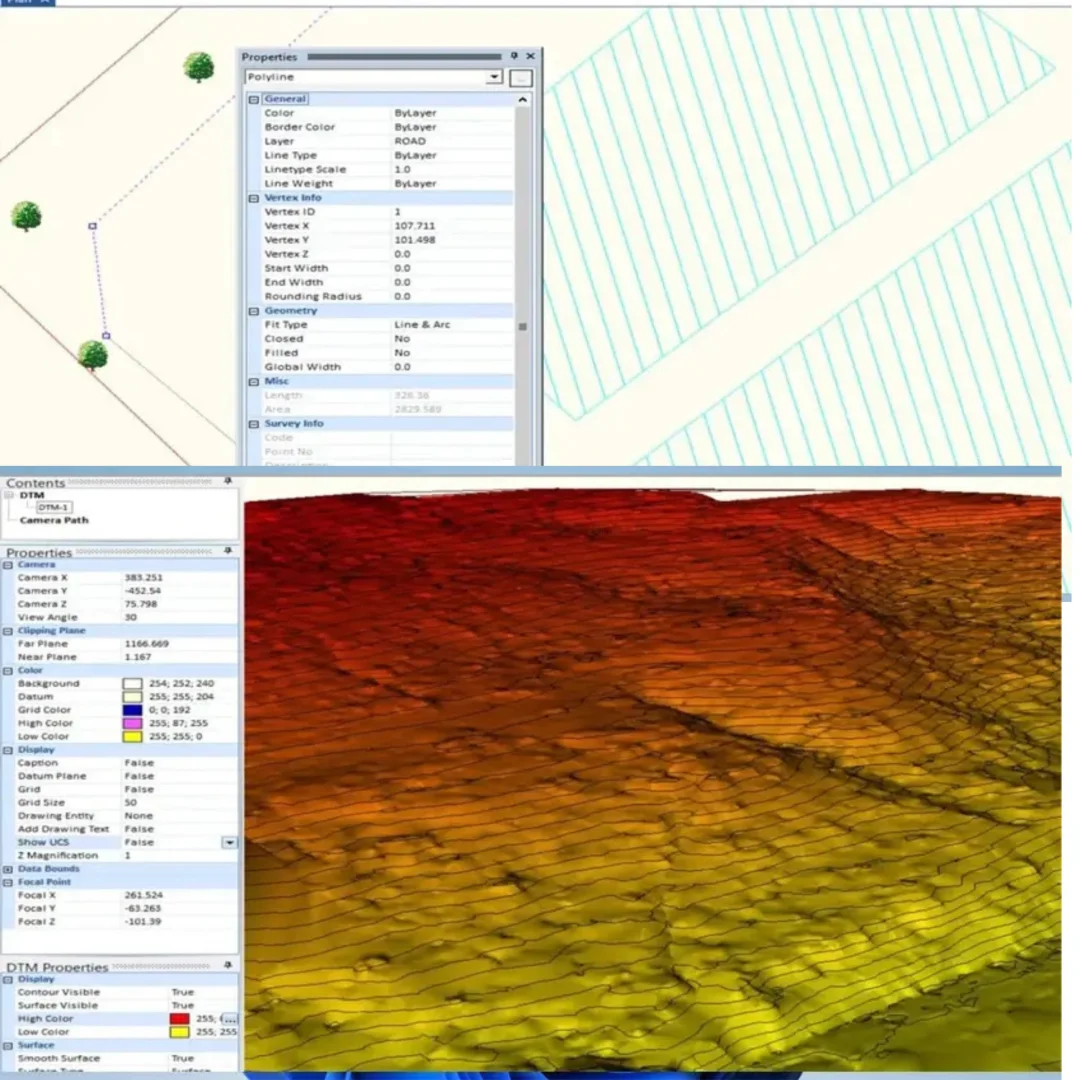
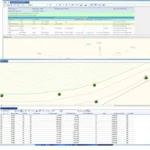
- Advanced DTM Engine: Enhanced Digital Terrain Model for fast contour generation, slope analysis, and terrain visualization.
- Traverse Adjustment: Built-in quality check and traverse adjustment tools ensure data accuracy before design stages.
- Automated Volume Calculation: Section generation and volume calculations use various methods with automation for efficiency.
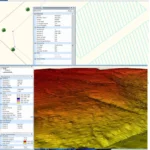
- 3D Terrain Visualization: Real-time 3D terrain viewer shows elevation, slopes, and terrain features clearly.
- Cut/Fill Analysis: Generate cut/fill diagrams and earthwork visualizations for excavation and filling planning.
- Rapid Contour Generation: Create topographic maps and contour lines with just few clicks.
Why Buy From Sofryx?
- Personally tested by Sofryx Team before every listing goes live
- Genuine Working licence — not cracked, not trial, fully verified
- One-time payment — lifetime activation, zero renewal fees
- Instant access via your website dashboard after payment
- 24/7 Telegram support available for all installation queries
System Requirements
Operating System: Windows 7, Windows 8, Windows 8.1, Windows 10, or Windows 11. All editions fully supported.
Processor: Minimum 1 GHz processor required. 2.4 GHz or higher recommended for optimal performance and faster data processing.
RAM: 8 GB of RAM recommended for smooth operation. More RAM enables handling larger datasets without slowdown.
Storage: 1 GB or more of available disk space recommended for installation and project files.
Additional Requirements: Internet connection for activation and updates. Standard graphics support sufficient for excellent performance.
What You Get After Purchase
- Complete AutoPlotter Pro professional license for lifetime use
- Unlimited surveying projects with no project limits
- Full access to all processing, design, and 3D visualization features
- Equipment support for all major surveying manufacturers
- Download link via your Sofryx.com account dashboard
- Step-by-step installation guide with video tutorial
- Priority Telegram support for activation and technical assistance
Who Is This For?
AutoPlotter Pro serves professional surveyors and civil engineers worldwide. Land development planners use it for comprehensive site analysis. Road engineers design optimal route layouts. Mining professionals track excavation volumes accurately. Hydrological engineers analyze water flow and terrain relationships.
Independent surveyors complete projects faster with automated workflows. Engineering firms manage multiple large projects efficiently. Construction companies plan grading and earthwork operations. Government agencies handle public infrastructure projects. Universities teach surveying with industry-standard software.
The professional-grade toolkit serves diverse surveying needs. Lifetime licensing ensures unlimited project opportunities. No per-project fees. Complete solution in single software.
Universal Equipment Compatibility
Works seamlessly with Topcon total stations and measurement devices. Trimble surveying equipment fully supported. Leica surveying instruments recognized and processed. Sokkia equipment compatible. Many other manufacturers also supported.
Field equipment flexibility means using preferred instruments. Data from multiple equipment brands combined in single project. No need for separate software for different equipment. Professional compatibility across entire industry.
Integrated Survey Processing and Design
Stop juggling multiple software tools. Survey data processing, design modules, and CAD all in one platform. Raw field data becomes finished drawing seamlessly. Workflow efficiency improves dramatically. Time spent learning multiple systems eliminated.
Data transfers automatically between processing and design stages. No manual data re-entry errors. Design changes reflect processing updates immediately. Professional integration saves countless hours.
Advanced DTM and Contour Generation
Enhanced Digital Terrain Model engine creates contours in seconds. Topographic maps generated with just few clicks. Contour lines reflect terrain accurately. Visualization improves understanding of land features.
Slope analysis identifies steep areas and challenges. Cut/fill diagrams show earthwork requirements. Terrain profile understanding improved. Professional map quality suitable for client presentations.
Accurate Traverse Adjustment and Quality Control
Field data naturally contains variations and errors. Traverse adjustment tools refine survey results automatically. Quality check functions verify data integrity. Accuracy improved before design stages begin.
Professional accuracy ensures real-world implementation success. Adjustments follow industry-standard methods. Quality control prevents costly design errors. Confidence in survey results increased.
Automated Volume Calculation and Section Generation
Generate cross-sections and longitudinal profiles automatically. Volume calculations use multiple industry-standard methods. Earthwork visualization in 3D makes planning intuitive. Mining projects benefit most from automation.
Excavation and filling quantities calculated accurately. Cut and fill balance determined quickly. 3D visualization shows earthwork clearly. Project planning accelerated significantly.
3D Terrain Visualization and Analysis
Built-in 3D terrain viewer shows elevation and slopes realistically. Terrain features visible from all angles. Potential challenges identified early in planning. Client presentations enhanced with 3D visualization.
Design decisions based on accurate visual understanding. Stakeholder confidence increased with professional 3D views. Engineering clarity improved. Project planning optimized.
Fast Processing and Excellent Performance
Despite powerful capabilities, software runs smoothly on standard hardware. No heavy graphics requirements. Data processes nearly instantly. Large datasets handled without slowdown or crashes.
System efficiency means more projects completed daily. Hardware investment minimized. Processing speed enables tight project timelines. Professional productivity maximized.
Frequently Asked Questions
Q: How do I activate and use AutoPlotter Pro after purchase?
After purchase, you’ll receive complete installation files and activation instructions via your Sofryx account dashboard. Download AutoPlotter Pro from “My Account → Downloads.” Run the installer on your Windows 7-11 system. Installation completes within 10-15 minutes. Open AutoPlotter Pro and enter your activation credentials when prompted. Detailed installation guide covers first-time setup, equipment configuration, and workflow customization. Video tutorials show processing workflows for different surveying scenarios. Telegram support provides priority assistance with activation or setup questions. Most users have AutoPlotter Pro running within 20-25 minutes of purchase and ready for surveying operations. Lifetime activation means permanent access without renewal needs.
Q: Is this a genuine licence or a cracked version?
This is 100% genuine AutoPlotter Pro lifetime licence, not a cracked or trial version. Activation is authentic and verified, providing legitimate permanent access to all professional surveying features including DTM engine, 3D visualization, and volume calculation. Sofryx Team personally verifies and tests each licence before listing to ensure quality and functionality. You receive genuine support for updates and technical assistance. Your lifetime activation means you own this licence indefinitely without expiration or renewal requirements. Full professional feature access immediately upon activation including all processing capabilities and design tools.
Q: Can I use this on multiple computers?
Yes, AutoPlotter Pro’s professional licence permits installation on multiple Windows computers. You can install and activate on your office workstation and field laptop simultaneously. This flexibility is ideal if you work across multiple locations or manage surveying teams. For surveying firms with multiple workstations, this licensing enables unlimited surveying projects without per-seat restrictions. Deactivate on one computer and activate on another as your setup changes. Perfect for growing surveying practices and engineering firms.
Q: Will I receive future software updates for AutoPlotter Pro?
Your AutoPlotter Pro lifetime licence includes all updates for the current version line. Performance improvements, bug fixes, new equipment support, and feature enhancements are provided free throughout the support cycle. Software regularly releases updates adding capabilities and improving processing speed. If future major versions become available, upgrading would require purchase of new version. However, your current AutoPlotter Pro licence remains valid indefinitely. Continue using your version without mandatory upgrades. Contact Sofryx for discounted upgrade pricing when new major versions become available.
Q: How long does delivery take after payment?
Delivery is immediate. Your download link and activation information appear in your Sofryx account dashboard under “My Account → Downloads” within minutes of payment processing. Begin AutoPlotter Pro installation immediately. No physical shipping required—this is fully digital software. Most users have AutoPlotter Pro downloaded and activated within 20-25 minutes of purchase. Once activated, you have immediate access to all professional surveying features including DTM, 3D visualization, and volume calculation. Start surveying projects right away.
Q: Which Windows versions are compatible with AutoPlotter Pro?
AutoPlotter Pro fully supports Windows 7, Windows 8, Windows 8.1, Windows 10, and Windows 11. Compatible with all Windows editions (Home, Professional, Enterprise). Works with processors running at 1 GHz minimum (2.4 GHz recommended). Requires 8GB RAM for recommended performance and 1GB disk space. Standard graphics support sufficient. Internet connection required for activation and updates. Modern Windows systems recommended for optimal performance. For very old Windows versions, compatibility inquiry recommended via Sofryx support.
Q: What is your refund policy?
Please review the complete Refund Policy at bydigital.in refund-policy. Refunds are available within 48 hours if the software fails to activate or function as described. Since AutoPlotter Pro is professional surveying software, sales are final after successful activation and testing. We stand behind the quality of our activation and provide comprehensive technical support. Contact our support team immediately if you experience any activation or installation issues for prompt resolution and assistance.
Q: How do I get support if I have an installation problem?
Windows Users: Complete installation instructions are provided with your download. If AutoPlotter Pro fails to install or activate, our Sofryx support team provides priority assistance via Telegram. We offer troubleshooting steps, alternative installation methods, or alternative setup files if needed. Simply contact us on Telegram with details of any issues. Our team includes professional surveyors and IT specialists who can provide remote assistance via screenshare if necessary. Most installation issues are resolved within 1-2 hours of contacting support. Equipment configuration setup assistance available.
Only logged in customers who have purchased this product may leave a review.

Reviews
There are no reviews yet.