




CutList Plus FX Platinum — Lifetime Licence | Sofryx
Original price was: $300.00.$15.00Current price is: $15.00.
Buy CutList Plus FX Platinum genuine lifetime. Professional woodworking software with 3D visualization, cut optimization, cost estimation. Tested & verified.
CutList Plus FX Platinum — Professional Woodworking Design Solution
CutList Plus FX Platinum Edition is the definitive solution for professional woodworkers, cabinet makers, and furniture designers seeking precision and efficiency. This comprehensive woodworking software eliminates guesswork from cutting wood by generating precise measurements for every piece. Whether tackling simple shelves or complex cabinetry, this professional tool ensures accurate cuts while minimizing waste.
Version Platinum introduces advanced 3D visualization, optimized material usage algorithms, and seamless design software integration. Create detailed cut lists, optimize material layouts, and estimate project costs within minutes. The intuitive interface combines power with simplicity. Professional-grade capabilities meet beginner-friendly workflows. One-time lifetime purchase eliminates recurring licensing expenses for growing woodworking businesses.
Thousands of professional woodworkers worldwide trust CutList Plus FX for accurate project planning. From independent craftspeople to cabinet shops, this software accelerates workflows and enhances quality. Transform design concepts into optimized cutting plans instantly. Time-saving automation enables completing more projects daily. Professional precision ensures client satisfaction consistently.
Key Features of CutList Plus FX Platinum
- Accurate Cut Lists: Precise measurements and dimensions for every piece eliminate guesswork and reduce material waste.
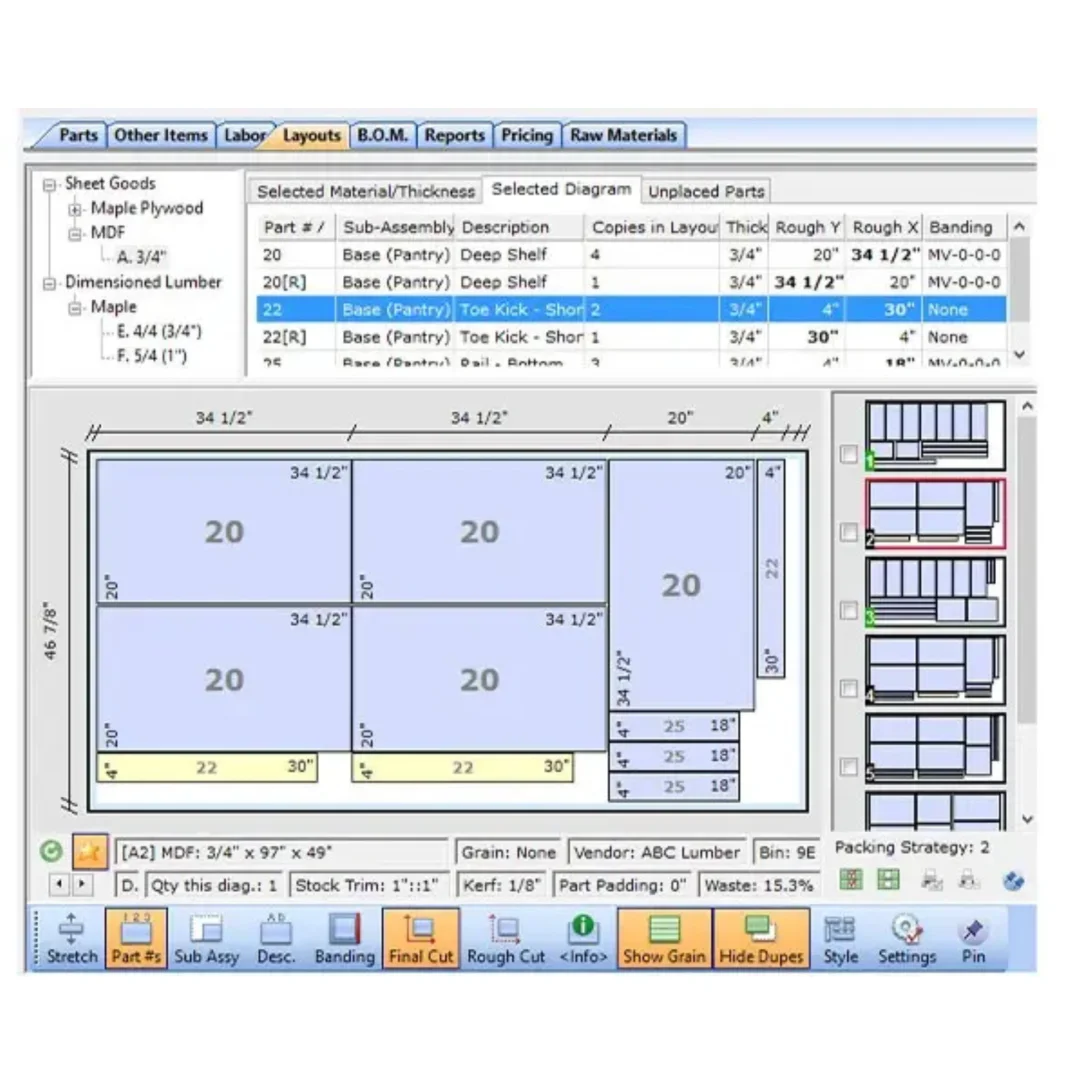
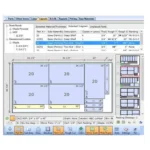
- Optimized Material Usage: Advanced algorithms analyze designs and generate cutting diagrams minimizing scrap.
- 3D Visualization: View complete projects virtually before cutting to identify issues early.
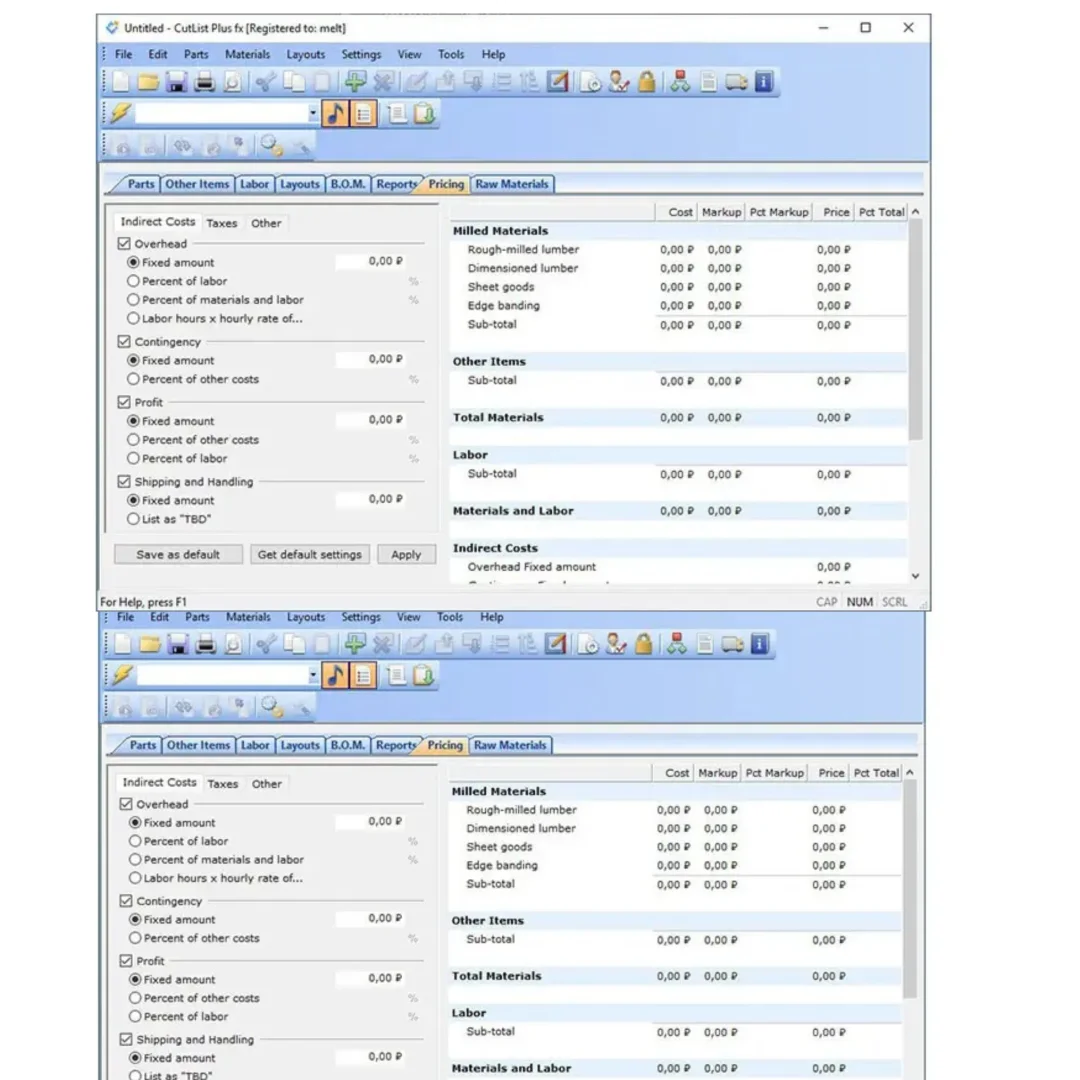
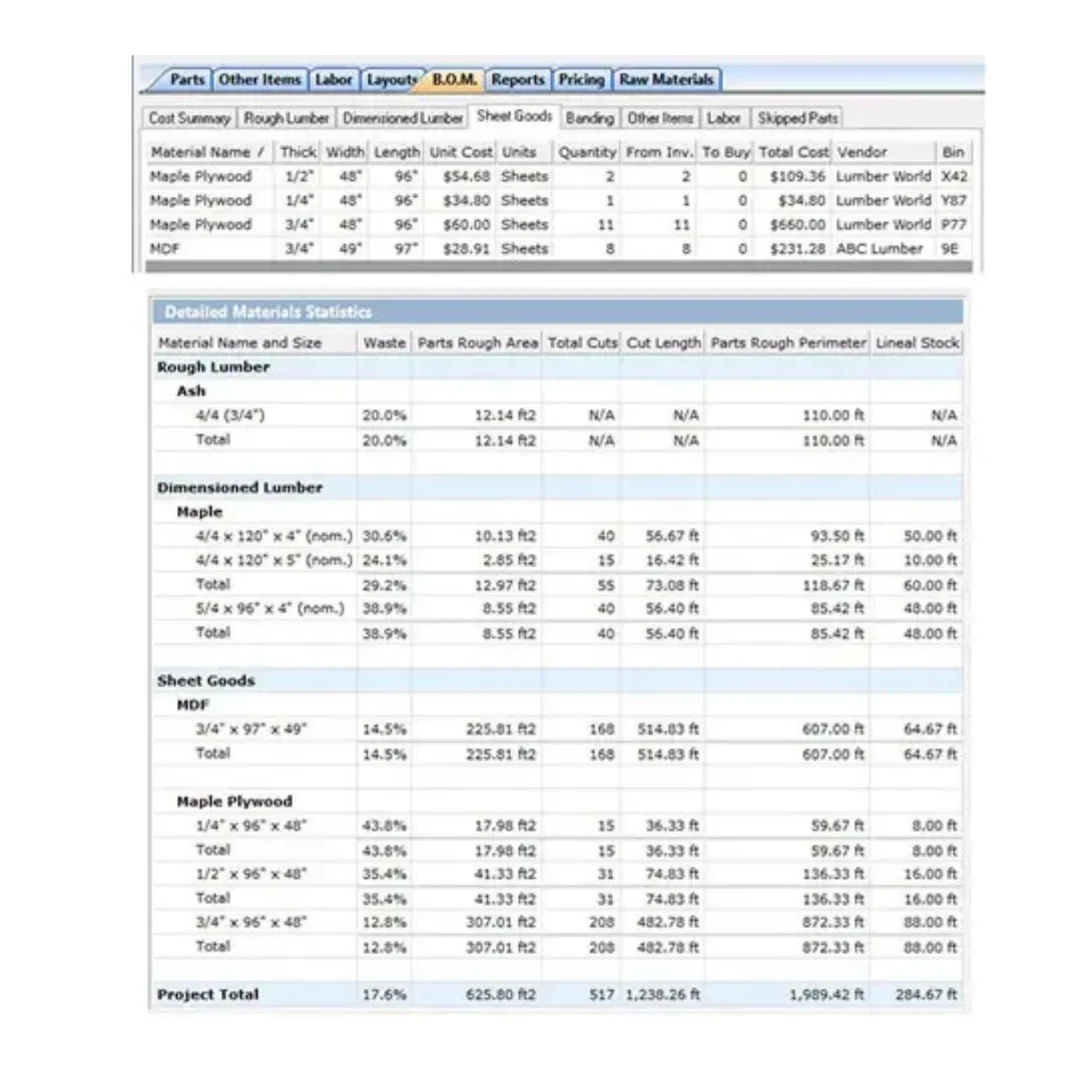
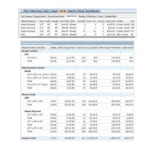
- Cost Estimation: Calculate project material costs based on design for accurate budgeting.
- Design Software Integration: Direct import from SketchUp and AutoCAD saves time and eliminates manual entry.
- Automated Diagrams: Generate optimized cutting diagrams automatically for efficiency.
- Professional Precision: Industry-standard accuracy ensures professional quality results.
- Time-Saving Workflow: From design to finished cutting plans in minutes, not hours.
Why Buy From Sofryx?
- Personally tested by Sofryx Team before every listing goes live
- Genuine Working licence — not cracked, not trial, fully verified
- One-time payment — lifetime activation, zero renewal fees
- Instant access via your website dashboard after payment
- 24/7 Telegram support available for all installation queries
System Requirements
Operating System: Windows 7, Windows 8, Windows 10, or Windows 11 in 32-bit or 64-bit versions. All editions fully supported.
Processor: Dual-core processor or higher required. Faster processors enable quicker calculations and rendering.
RAM: 4 GB of RAM or higher recommended for optimal performance with complex projects.
Storage: 100 MB of available disk space required for installation and project files.
Graphics: 3D graphics card with OpenGL support essential for 3D visualization features.
Additional Requirements: Internet connection required for software activation and updates.
What You Get After Purchase
- Complete CutList Plus FX Platinum Edition license for lifetime use
- Unlimited woodworking projects with no project limits
- Full access to all design, visualization, and optimization features
- Integration capabilities with SketchUp and AutoCAD
- Download link via your Sofryx.com account dashboard
- Step-by-step installation guide with video tutorial
- Priority Telegram support for activation and technical assistance
Who Is This For?
CutList Plus FX Platinum serves professional woodworkers managing complex projects. Cabinet makers optimize material efficiency and reduce costs. Furniture designers visualize creations before production. Hobbyists tackle ambitious woodworking projects confidently. Carpentry shops manage multiple client projects efficiently. Construction professionals plan built-in cabinetry. Design studios coordinate team projects seamlessly. Project managers track material costs and timelines. Anyone seeking precision woodworking benefits from this professional solution.
The software scales from simple shelves to intricate furniture designs. Lifetime licensing ensures unlimited project opportunities. No per-project fees or constraints. Complete solution in single comprehensive software.
Accurate Cutting Measurements and Precision
Eliminates cutting errors through precise calculations. Every measurement automatically generated and verified. Complex geometries handled effortlessly. Professional tolerances maintained throughout. Finished pieces fit perfectly according to design specifications.
Manual measurement errors prevented entirely. Consistency across multiple identical pieces guaranteed. Professional quality results achieved every time. Client confidence increased through visible precision.
Optimized Material Usage and Waste Reduction
Advanced algorithms analyze designs and determine optimal cutting layouts. Scrap material minimized through intelligent arrangement. Material costs reduced significantly through waste elimination. Profitability improved with every project completed.
Environmental sustainability enhanced through material conservation. Cost savings accumulate across numerous projects. Material investment becomes more efficient. Business margins improved measurably.
3D Visualization and Design Review
See complete projects in three-dimensional virtual reality. Identify potential issues before cutting begins. Design modifications made easily in planning stage. No costly mistakes after materials purchased. Client presentations enhanced with professional 3D views.
Spatial relationships understood clearly. Assembly processes visualized and optimized. Design conflicts discovered early. Quality improvements result from thorough visualization.
Project Cost Estimation and Budgeting
Calculate total material costs based on design specifications. Budget planning becomes accurate and reliable. Client quotes provided with confidence. Project profitability determined before work begins. Cost surprises eliminated entirely.
Material pricing updated easily for different suppliers. Budget tracking throughout project lifecycle. Financial planning simplified dramatically. Business profitability maximized.
Design Software Integration
Import designs directly from SketchUp projects seamlessly. AutoCAD designs imported without manual conversion. Data entry eliminated reducing errors and time. Workflow efficiency increased dramatically. Design changes propagate automatically to cut lists.
Familiar design environments used for initial planning. Integration enables single unified workflow. No switching between multiple software applications. Productivity gains significant.
Automated Cutting Diagram Generation
Generate optimized cutting diagrams automatically within seconds. Manual layout planning eliminated. Material efficiency maximized through intelligent arrangement. Production-ready diagrams generated instantly. Layout optimization accomplished through powerful algorithms.
Multiple diagram options provided for selection. Best layouts automatically identified. Time savings enable more projects completed daily. Quality improved through consistent optimization.
Frequently Asked Questions
Q: How do I activate and use CutList Plus FX Platinum after purchase?
After purchase, you’ll receive complete installation files and activation instructions via your Sofryx account dashboard. Download CutList Plus FX Platinum from “My Account → Downloads.” Run the installer on your Windows system. Installation completes within 10-15 minutes. Open the software and enter your activation credentials. Detailed installation guide covers first-time setup, design import configuration, and material library setup. Video tutorials demonstrate workflow from design import through cut list generation. Telegram support provides priority assistance with activation or setup questions. Most users have CutList Plus running within 20 minutes of purchase and ready for projects. Lifetime activation means permanent access without renewal needs.
Q: Is this a genuine licence or a cracked version?
This is 100% genuine CutList Plus FX Platinum lifetime licence, not a cracked or trial version. Activation is authentic and verified by publisher, providing legitimate permanent access to all professional features including 3D visualization and design integration. Sofryx Team personally verifies and tests each licence before listing to ensure quality and functionality. You receive genuine support for updates and technical assistance. Your lifetime activation means you own this licence indefinitely without expiration or renewal requirements. Full professional feature access immediately upon activation including all design tools and optimization capabilities.
Q: Can I use this on multiple computers?
Yes, CutList Plus FX Platinum’s professional licence permits installation on multiple Windows computers. You can install and activate on your shop workstation and office computer simultaneously. This flexibility is ideal if you work across multiple locations. For woodworking shops with multiple workstations, this licensing enables unlimited project work without per-seat restrictions. Deactivate on one computer and activate on another as your setup changes. Perfect for growing woodworking businesses and design studios.
Q: Will I receive future software updates for CutList Plus FX Platinum?
Your CutList Plus FX Platinum lifetime licence includes all updates for the current version line. Performance improvements, bug fixes, new features, and compatibility enhancements are provided free throughout the support cycle. Software regularly releases updates adding capabilities and improving efficiency. If future major versions become available, upgrading would require purchase of new version. However, your current licence remains valid indefinitely. Continue using your version without mandatory upgrades. Contact Sofryx for discounted upgrade pricing when new major versions become available.
Q: How long does delivery take after payment?
Delivery is immediate. Your download link and activation information appear in your Sofryx account dashboard under “My Account → Downloads” within minutes of payment processing. Begin CutList Plus FX Platinum installation immediately. No physical shipping required—this is fully digital software. Most users have software downloaded and activated within 15-20 minutes of purchase. Once activated, you have immediate access to all professional design and optimization features. Start your projects right away.
Q: Which Windows versions are compatible with CutList Plus FX Platinum?
CutList Plus FX Platinum fully supports Windows 7, Windows 8, Windows 10, and Windows 11 in both 32-bit and 64-bit editions. Compatible with all Windows editions (Home, Professional, Enterprise). Requires dual-core processor, 4GB RAM, and OpenGL graphics card support. Needs 100MB disk space and internet connection for activation. Modern Windows systems recommended for optimal performance. For very old Windows versions, compatibility inquiry recommended via Sofryx support.
Q: What is your refund policy?
Please review the complete Refund Policy at bydigital.in refund-policy. Refunds available within 48 hours if software fails to activate or function as described. Since CutList Plus FX is professional design software, sales are final after successful activation and testing. We stand behind quality of activation and provide comprehensive technical support. Contact support team immediately if you experience any activation or installation issues for prompt resolution.
Q: How do I get support if I have an installation problem?
Windows Users: Complete installation instructions provided with download. If CutList Plus FX fails to install or activate, our Sofryx support team provides priority assistance via Telegram. We offer troubleshooting steps, alternative installation methods, or alternative setup files if needed. Simply contact us on Telegram with details of any issues. Our team includes professional woodworking software specialists and IT experts who can provide remote assistance via screenshare if necessary. Most installation issues are resolved within 1-2 hours of contacting support. Design import setup assistance available.
Only logged in customers who have purchased this product may leave a review.




Reviews
There are no reviews yet.