
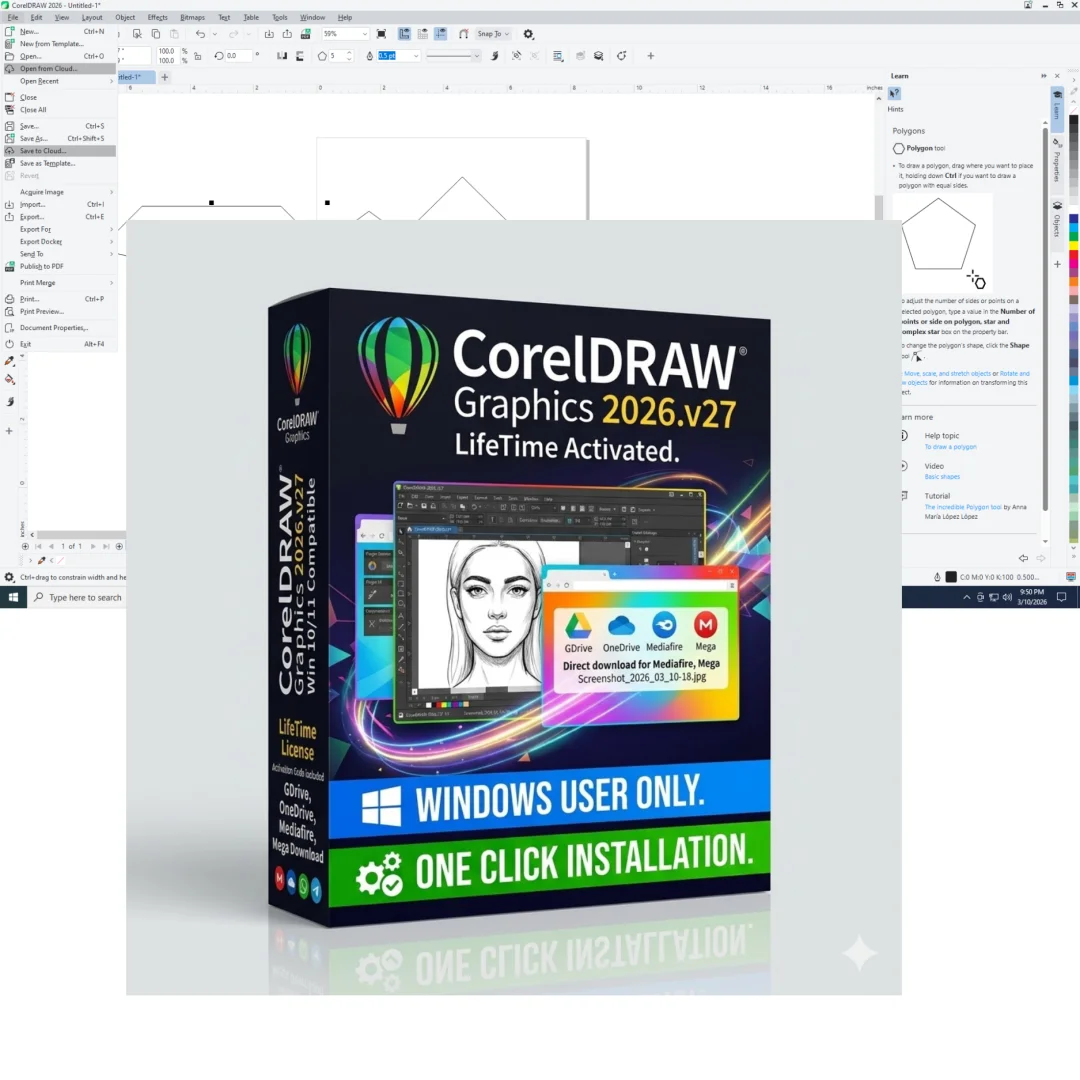
CorelDRAW Graphics Suite 2026 v27 – Professional Design
Original price was: $600.00.$20.00Current price is: $20.00.
CorelDRAW Graphics Suite 2026 v27 x64. Professional vector design, photo editing, and layout software. Windows 10/11. Lifetime activation. Genuine license included.
CorelDRAW Graphics Suite 2026 (v27) x64 – Professional Design & Photo Editing
Unleash your creative potential with CorelDRAW Graphics Suite 2026 (v27) x64, the industry-leading professional design platform trusted by graphic designers, illustrators, photo editors, and creative professionals worldwide. This comprehensive suite combines powerful vector illustration tools, advanced photo editing capabilities, and intuitive layout design into a single, integrated creative environment.
CorelDRAW Graphics Suite 2026 empowers designers of all skill levels—from beginners discovering their creative voice to seasoned professionals managing complex projects—to quickly and confidently achieve high-quality results. Whether you’re creating logos, brochures, web graphics, social media content, or stunning photo edits, CorelDRAW 2026 provides the professional-grade tools and creative freedom modern design demands.
With lifetime activation and no recurring subscription fees, this is a one-time investment in professional design software that will serve your creative needs for your entire career. Work with CorelDRAW your way—completely.
What Is CorelDRAW Graphics Suite 2026?
CorelDRAW Graphics Suite 2026 (v27) is Corel’s flagship creative design platform—a comprehensive suite of professional-grade applications designed to handle every aspect of modern graphic design, illustration, and photo editing. Unlike subscription-based Creative Cloud services, CorelDRAW offers a one-time purchase with lifetime use, making it the economical choice for professionals seeking ownership of their design tools.
Corel’s official CorelDRAW Graphics Suite product page confirms that version 2026 represents the latest evolution of design technology, now with enhanced Windows 11 support, multi-display viewing capabilities, and 4K monitor optimization.
The suite combines four powerful applications: CorelDRAW (vector illustration and layout), Corel PHOTO-PAINT (raster editing and photo manipulation), Corel CAPTURE (professional screenshot tool), and Corel Font Manager (comprehensive font management). Together, these applications create a complete creative workflow without requiring external software.
Complete Suite Applications – Four Powerful Tools in One
1. CorelDRAW – Professional Vector Illustration & Layout
CorelDRAW is the heart of the Graphics Suite—a professional-grade vector illustration and page layout application used by design studios, marketing departments, and freelance designers worldwide. Create everything from logos and illustrations to multi-page publications:
- Vector Drawing Tools: Create scalable graphics from simple shapes to complex illustrations
- Bezier Drawing: Professional curve and path control for precise vector design
- Page Layout Capabilities: Design multi-page documents with professional layout tools
- Text Tools: Advanced typographic controls for professional typography
- Object Management: Organize and manage complex designs with layers and grouping
- Export Options: Export to any format (PDF, SVG, PNG, JPG, and hundreds more)
2. Corel PHOTO-PAINT – Advanced Photo Editing & Raster Design
Corel PHOTO-PAINT delivers professional photo editing rivaling dedicated photo editing software—all within the CorelDRAW suite. Edit photos, create raster designs, and manipulate images with advanced professional tools:
- Advanced Photo Editing: Comprehensive editing tools for professional photo manipulation
- Brush Engine: Thousands of professional brushes for artistic painting and editing
- Healing & Clone Tools: Professional retouching for portrait and photo restoration
- Content-Aware Fill: Intelligent pixel replacement for seamless object removal
- RAW Format Support: Edit photos from over 300 camera models in RAW format
- Layer Support: Non-destructive editing with professional layer management
- Adjustment Layers: Apply non-destructive color and tone adjustments
3. Corel CAPTURE – Professional Screenshot & Screen Recording
Corel CAPTURE is a dedicated screen capture tool enabling professional screenshots and screen recording—essential for tutorials, documentation, and user interface design:
- Screenshot Capture: Capture full screens, regions, or objects with precision
- Screen Recording: Record screen activity with audio for tutorials and demos
- Editing Tools: Annotate screenshots with shapes, text, and arrows
- Quick Sharing: Instantly share captures to cloud storage or social media
- Multi-Monitor Support: Capture from multiple monitors simultaneously
4. Corel Font Manager – Professional Font Organization
Corel Font Manager organizes and manages your font library—essential when working with hundreds or thousands of fonts:
- Font Organization: Organize fonts into collections and groups
- Font Preview: Preview fonts instantly before installing
- Activate/Deactivate: Enable only the fonts you need to reduce system overhead
- Font Information: View complete font details and character sets
- Quick Access: Access organized fonts from CorelDRAW and Corel PHOTO-PAINT
================================================================================
Core Features – Advanced Design Capabilities
1. Redesigned, Fully Customizable Interface
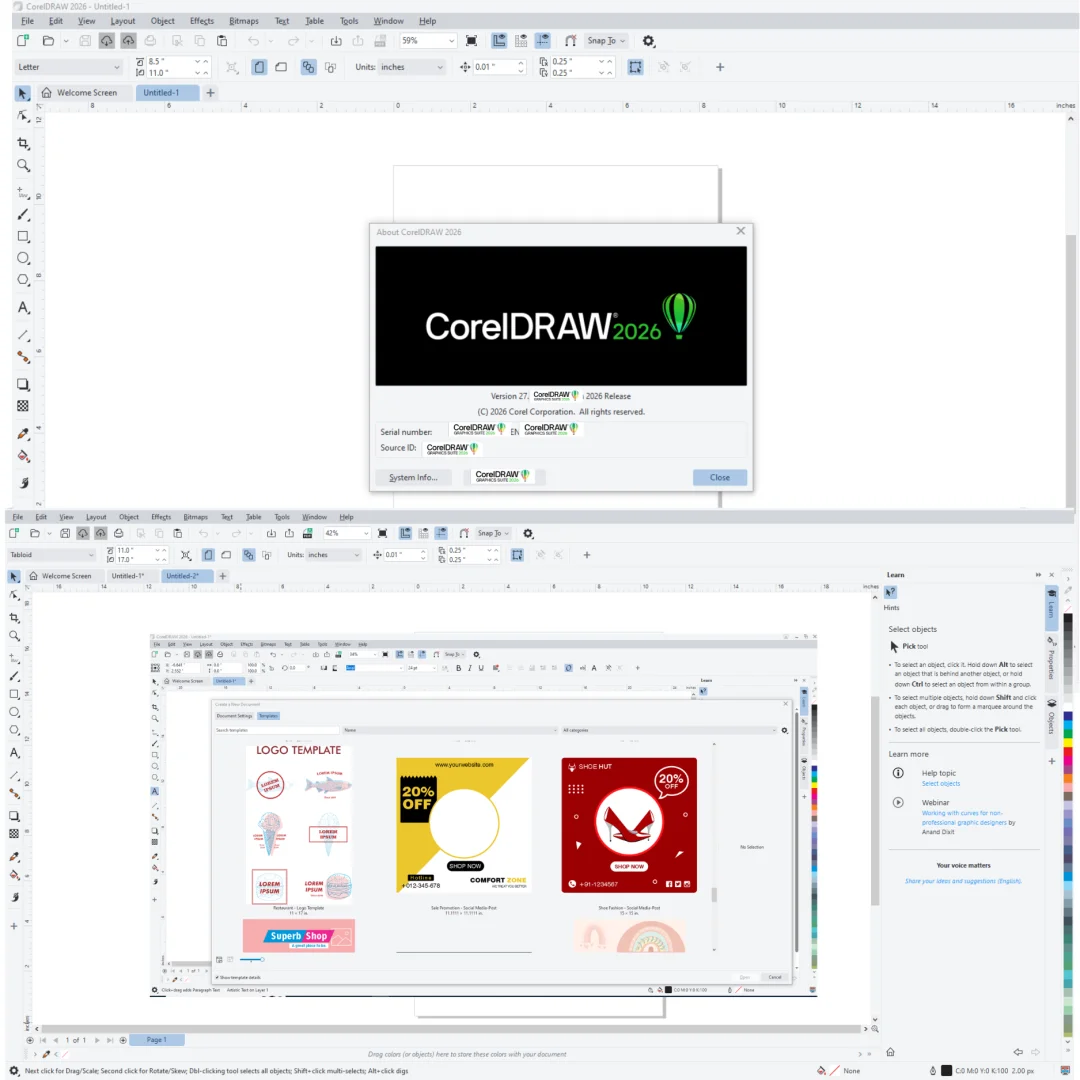
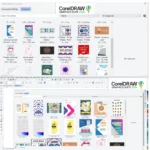
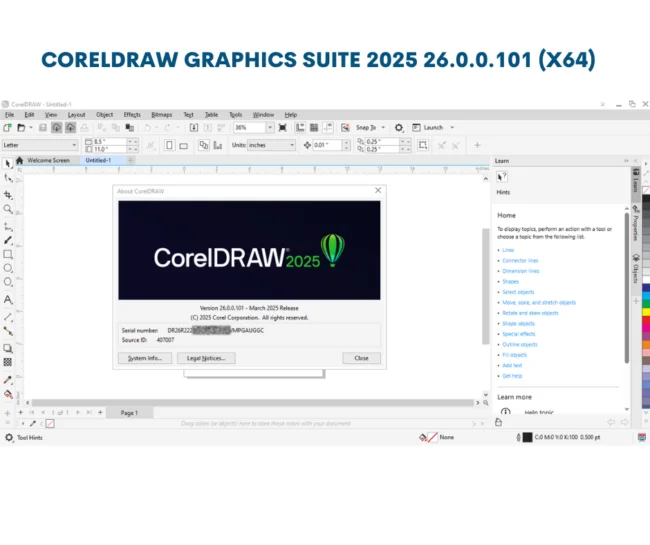
CorelDRAW 2026 features a completely redesigned, customizable interface that adapts to your unique workflow. Choose from professional workspace presets or create custom configurations:
- Default Workspace: Balanced layout for general design work
- Simplified Workspace: Minimal interface for distraction-free creativity
- Classic Workspace: Traditional CorelDRAW layout for familiar workflow
- Page Layout Workspace: Optimized for document and publication design
- Illustration Workspace: Specialized tools for vector illustration work
- Adobe Creative Suite Workspace: Familiar layout easing transition from Photoshop/Illustrator
- Quick Setup Feature: Customize toolbars and panels to match your preferences
Adobe Creative Cloud’s workspace approach inspired CorelDRAW’s customizable interface, making transitions from other software seamless while maintaining CorelDRAW’s superior functionality and one-time purchase advantage.
2. Complete Control Over Fills & Transparency
CorelDRAW 2026’s most powerful fill engine yet provides complete control over sophisticated fill effects:
- Fountain Fills: Create smooth color gradients with elliptical and rectangular options
- Transparency Control: Adjust transparency of individual fountain fill colors
- Raster Fills: Apply bitmap images as fills with advanced control
- Vector Pattern Fills: Create seamless patterns from vector objects
- Hatching Fills: Apply professional hatching patterns for technical drawings
- Fill Repetition: Repeat fountain fills within objects for complex effects
- Outline Positioning: Position outlines inside, outside, or equally on object borders
The advanced fill engine enables sophisticated visual effects impossible in simplified design software—essential for professional graphic design work.
3. Convenient Font Preview & Advanced Character Customization
Finding the perfect font and customizing typography is streamlined with powerful font tools:
- Font Application Docker: Preview different fonts before application
- Font Experiments: Test fonts on sample text instantly
- Insert Symbol Docker: Automatically displays all characters, symbols, and glyphs
- Character Set Browsing: Find and insert specific characters, accents, and symbols
- Glyph Management: Access alternative glyphs within fonts
- Character Panel: Advanced character formatting and text effects
- OpenType Support: Full support for advanced OpenType font features
Professional typography control ensures your designs maintain typographic excellence across all projects.
4. Special Effects & Advanced Photo Editing
CorelDRAW 2026’s effect library in Corel PHOTO-PAINT includes powerful new artistic effects enabling unique image manipulation:
- Pressure-Sensitive Blur Tools: Smudge, Swirl, Attract, and Repel effects
- Camera Effects: Bokeh, Color grading, Time Machine, and Sepia filters
- Artistic Filters: Oil painting, watercolor, pencil sketch, and comic book effects
- Distortion Effects: Ripple, twirl, lens distortion, and perspective correction
- Lighting Effects: Lens flare, lighting effects, and shadow manipulation
- Color Correction: Professional color grading and tone mapping
- RAW Format Support: Edit from over 300 camera models with professional RAW processing
Photography Life’s guide to professional photo editing confirms that Corel PHOTO-PAINT provides professional-grade photo editing capabilities comparable to dedicated photo editing software.
5. Precise Drawing & Layout Tools
CorelDRAW 2026 ensures absolute precision in positioning and layout with improved alignment and measurement tools:
- Guides Window: Quickly position objects with suggested alignment options
- Smart Alignment: Visual guides show object relationships as you position elements
- Rulers & Measurements: Precise measurement and positioning controls
- Grid & Snap Options: Snap objects to grid for aligned, organized layouts
- Distribute Tools: Evenly space objects across your design
- Align Tools: Align objects to canvas, page, or selection
- Outline Options: Specify whether outlines are inside, outside, or centered on object borders
Precision layout tools are essential for professional design work where exact alignment and spacing make the difference between amateur and professional results.
6. QR Code Generator – Mobile Marketing Integration
CorelDRAW 2026 includes an integrated QR code generator enabling seamless mobile marketing integration:
- Quick QR Code Creation: Generate QR codes instantly from text, URLs, or contact information
- Customization Options: Apply custom colors and styles to match your design
- Image Integration: Insert images within QR codes while maintaining scannability
- Validation Feature: Built-in validation ensures QR codes work and decode correctly
- Mobile-Optimized: Generate codes readable by any smartphone with scanning app
- Design Integration: Seamlessly add QR codes to logos, brochures, packaging, and social media
QR codes are essential modern design elements—CorelDRAW’s native QR generation eliminates the need for external tools.
7. Integrated Content Center – Community Design Library
CorelDRAW’s Content Center provides interactive online community content—accessible directly within the application:
- Vector Fills Library: Access and share thousands of professionally designed fills
- Raster Fills: Discover and download texture and bitmap fills
- Fountain Fills: Browse community-created fountain fill designs
- Community Sharing: Share your designs and see how others use them
- Voting System: Vote for favorite designs and support the community
- Search & Discovery: Find inspiration through community design browsing
- Quality Control: Community-curated designs ensure professional-quality content
The Content Center transforms CorelDRAW into a collaborative creative platform—essential for designers seeking inspiration and staying current with design trends.
8. Windows 11 & Multi-Display Support
CorelDRAW 2026 is fully optimized for modern Windows systems and multi-monitor setups:
- Windows 11 Compatibility: Native Windows 11 support with full feature integration
- Multi-Display Viewing: Spread your workspace across multiple monitors
- 4K Monitor Support: High-resolution display optimization for crisp interface and canvas
- Touch Support: Full touch screen compatibility for interactive design
- Pen Tablet Support: Professional graphics tablet integration
- Performance Optimization: Efficient system resource usage on modern hardware
Modern hardware support ensures CorelDRAW 2026 takes full advantage of contemporary computer capabilities.
================================================================================
System Requirements – Windows 10/11 64-Bit
| Requirement | Specification |
|---|---|
| Operating System | Windows 10 or Windows 11 (64-bit required) |
| Processor | Intel Core i5 or AMD equivalent or higher |
| RAM Memory | Minimum: 8 GB | Recommended: 16 GB for large projects |
| Hard Drive Space | 3 GB for installation + space for project files |
| Graphics | DirectX 12 compatible graphics card with 2GB VRAM (4GB recommended) |
| Display | 1920×1080 minimum (1440p or 4K recommended) |
| Internet Connection | Required for activation and Content Center access (not required for daily use) |
Note: CorelDRAW Graphics Suite 2026 requires Windows 10/11 64-bit. Adequate RAM (8GB+, preferably 16GB) is essential for working with large files and complex designs. Graphics card with dedicated VRAM accelerates rendering and canvas performance.
================================================================================
Professional Use Cases – Who Uses CorelDRAW 2026
Graphic Design Studios & Creative Agencies
Professional design studios use CorelDRAW 2026 for client work spanning logos, branding, publications, and marketing materials. The comprehensive feature set and multi-application suite eliminate the need for external software, reducing costs and workflow complexity.
Logo & Branding Design
Logo designers and branding professionals rely on CorelDRAW’s vector tools and precision controls to create distinctive, scalable logos. The ability to export to any format ensures seamless delivery to clients for various applications.
Marketing & Print Design
Marketing departments use CorelDRAW to design brochures, flyers, business cards, and print materials. The layout capabilities and export options ensure professional results ready for commercial printing.
Web & Social Media Graphics
Web designers and social media managers use CorelDRAW to create banners, social media posts, web graphics, and digital assets. The 4K support and multi-format export enable creation of graphics for any digital platform.
Illustration & Fine Art
Digital illustrators and fine artists use CorelDRAW’s vector and painting tools to create artistic works. The combination of vector precision and raster creativity enables both technical and artistic approaches.
Photo Editing & Retouching
Professional photographers use Corel PHOTO-PAINT for advanced photo editing, retouching, and manipulation. The RAW support and professional editing tools provide capabilities rivaling dedicated photo software.
Packaging & Product Design
Packaging designers use CorelDRAW for product label design, packaging artwork, and brand application. The layout precision and professional output ensure designs print perfectly.
Sign Making & Vehicle Wraps
Sign makers and vehicle wrap designers use CorelDRAW’s vector tools to design large-format graphics suitable for vinyl cutting and printing.
================================================================================
CorelDRAW Graphics Suite 2026 vs. Alternatives
CorelDRAW vs. Adobe Creative Cloud
Adobe Creative Cloud offers comprehensive creative tools but requires monthly subscriptions (expensive over time). CorelDRAW 2026 provides similar capabilities with a one-time purchase—dramatically more economical for long-term use. CorelDRAW wins on cost; Adobe offers broader integration with enterprise workflows.
CorelDRAW vs. Affinity Designer
Affinity Designer is an excellent one-time purchase alternative but lacks the integrated photo editing (PHOTO-PAINT), font management, and screenshot tools CorelDRAW provides. CorelDRAW is more comprehensive; Affinity is simpler and lighter.
CorelDRAW vs. Inkscape
Inkscape is free and open-source but lacks professional features, polish, and performance of CorelDRAW. For professional work requiring speed, stability, and advanced features, CorelDRAW is superior. Inkscape is excellent for budget-conscious users accepting limited functionality.
CorelDRAW vs. Photoshop
Photoshop is the standard for photo editing but primarily raster-focused. CorelDRAW excels at vector design and offers integrated photo editing. For design projects requiring both vector and raster work, CorelDRAW eliminates switching between applications.
Only logged in customers who have purchased this product may leave a review.
Reviews
There are no reviews yet.