
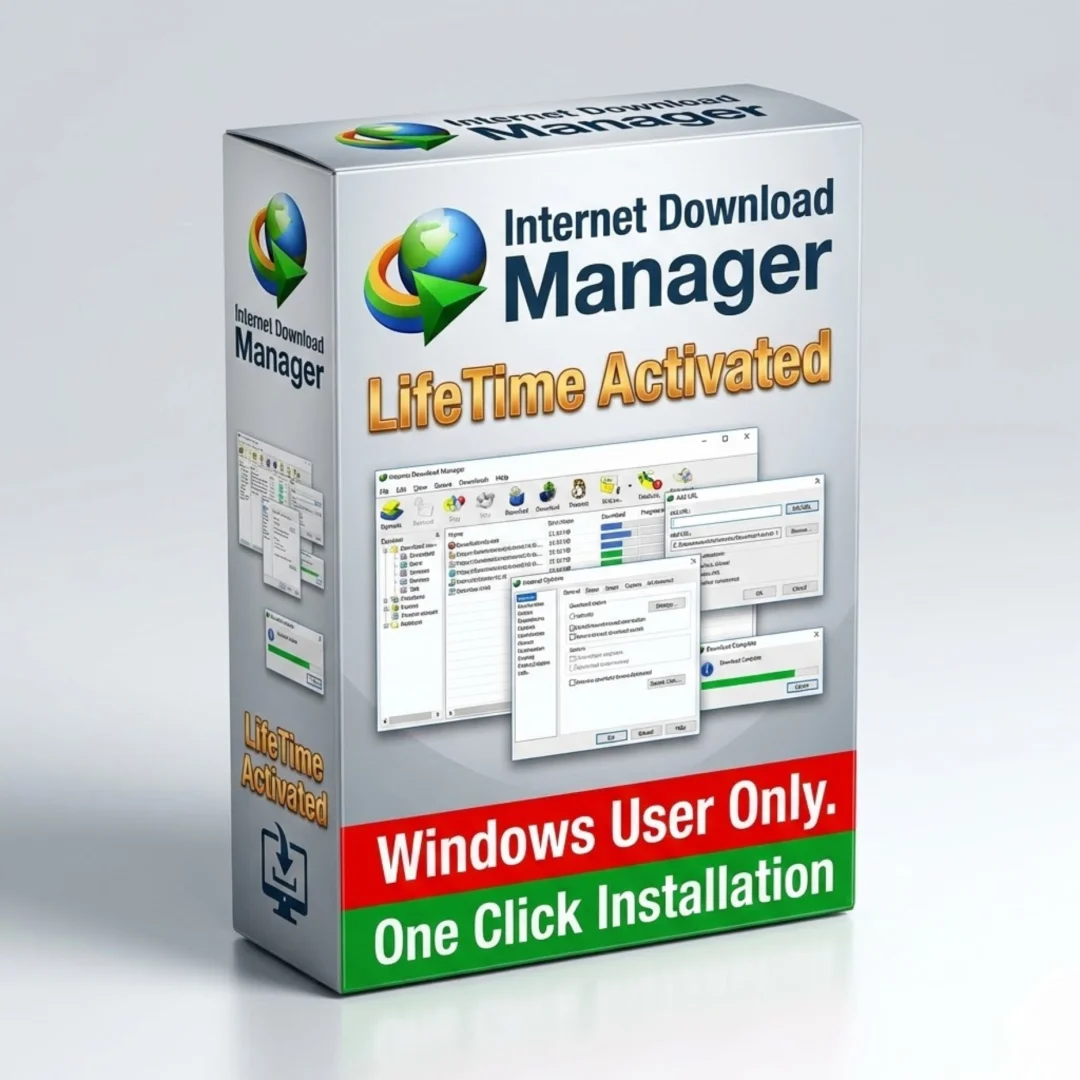


Internet Download Manager (IDM): Lifetime
Original price was: $50.00.$10.00Current price is: $10.00.
Internet Download Manager (IDM) accelerates downloads with intelligent
segmentation and multi-layer technology. Resume interrupted downloads, schedule
downloads.
Internet Download Manager: Professional Download Accelerator Software for Faster Downloads
Internet Download Manager (IDM) is a convenient professional download accelerator software tool.
This file download optimization program increases download speeds significantly compared to standard browsers.
IDM supports download resume and scheduled downloads for maximum flexibility.
According to user reviews, this is an excellent program for downloading software, games, music, movies, and all file types.
Internet Download Manager features built-in logical acceleration technology.
Why Internet Download Manager Accelerates Your Downloads
Internet Download Manager increases download speeds through intelligent technology.
This download accelerator software includes a built-in logical accelerator engine.
IDM uses intelligent dynamic file segmentation for faster downloads.
Secure multi-layer download technology accelerates all file transfers.
This fast download manager tool works with all file types and protocols.
Intelligent Dynamic File Segmentation Technology
Internet Download Manager uses advanced file segmentation technology.
This download accelerator software splits files into multiple segments automatically.
Download multiple file segments simultaneously from the server.
Segmentation dramatically increases overall download speed and efficiency.
The intelligent algorithm optimizes segment sizes for maximum performance.
Secure Multi-Layer Download Technology
IDM implements secure multi-layer download technology for reliable transfers.
This file download optimization technology ensures secure, fast downloads.
Multiple redundancy layers protect against data corruption and loss.
Professional encryption protocols secure all transferred data.
Enterprise-grade security meets the highest professional standards.
Download Resume Capability for Interrupted Transfers
Internet Download Manager includes comprehensive download resume functionality.
Resume downloads interrupted by connection loss automatically.
This download manager tool continues from the exact interruption point.
Network problems, computer shutdown, or power surges no longer cause data loss.
Never restart a download from the beginning again.
Comprehensive Error Analysis and Recovery System
IDM includes comprehensive error analysis for download reliability.
The system analyzes connection problems and applies solutions automatically.
This fast download manager tool identifies and fixes common download issues.
Intelligent error recovery maintains download stability.
Professional-grade error handling rivals expensive enterprise solutions.
Scheduled Downloads for Automatic File Retrieval
Internet Download Manager supports scheduled downloads for convenience.
Schedule downloads to begin at specific times automatically.
This download accelerator software feature enables off-hours downloading.
Set downloads to run during off-peak hours when bandwidth is plentiful.
Automatic scheduling reduces impact on daily network usage.
Simple Graphical Interface for Easy Operation
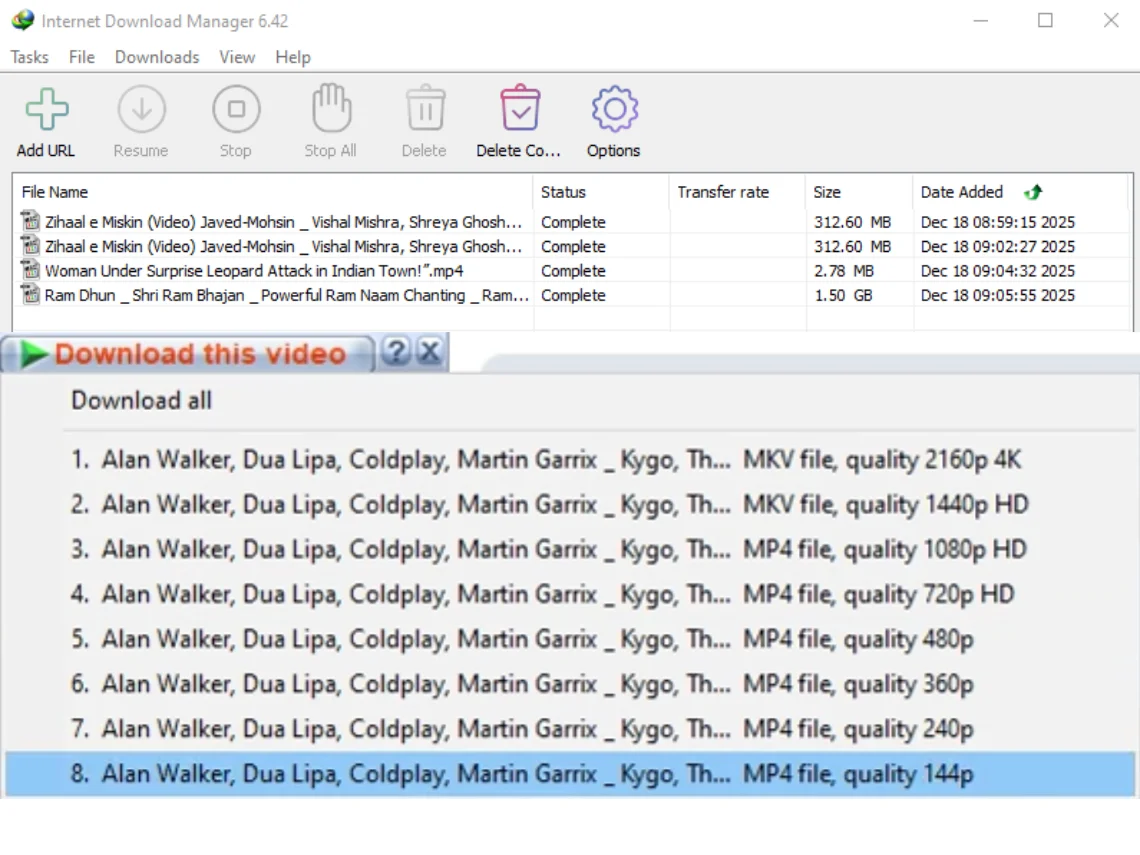
Internet Download Manager features a simple, intuitive graphical interface.
The user-friendly design makes download manager tool operation straightforward.
No technical knowledge required for basic operation.
Advanced features remain accessible for experienced users.
The clean interface minimizes clutter and confusion.
Support for All File Types and Protocols
Internet Download Manager works with all file types and protocols.
Download software, games, CDs, DVDs, MP3 music, movies, and more.
This file download optimization software handles freeware and shareware.
HTTP, FTP, and secure protocols all supported.
Unlimited file type and size compatibility.
Professional Download Acceleration for All Users
IDM serves home users and professionals seeking download acceleration.
This download accelerator software benefits anyone downloading large files regularly.
Home users download multimedia content faster.
Business professionals transfer large files efficiently.
Media professionals work with massive video files reliably.
System Requirements for Internet Download Manager
Operating System Compatibility
Supports Windows 11 operating system.
Also compatible with Windows 10, 8.1, 8, and 7.
This download manager tool works on all modern Windows systems.
Universal compatibility ensures broad accessibility.
Architecture Support – 32-bit and 64-bit
Internet Download Manager supports both 32-bit and 64-bit architecture.
This dual-architecture support means this download accelerator software runs on any Windows computer.
64-bit version leverages modern processor capabilities.
32-bit compatibility ensures accessibility on older systems.
Hardware and Network Requirements
Internet connection required for file download optimization functionality.
Works with any internet speed—faster connections deliver maximum benefit.
Broadband, cable, DSL, and fiber optic connections all supported.
Works effectively on slower connections too.
Benefits of Using Internet Download Manager
Internet Download Manager dramatically increases download speeds.
Users report significantly faster downloads with this download accelerator software.
Resume capability protects against connection interruptions.
Scheduled downloads automate the download process.
Simple interface requires no technical knowledge.
Support for all file types provides universal utility.
Error analysis system ensures reliable downloads.
Professional Applications for Download Acceleration
Software developers download large development tools and frameworks.
This fast download manager tool accelerates professional workflows.
System administrators deploy software across networks efficiently.
Content creators download multimedia assets quickly.
Designers work with large graphics and design files.
Programmers download source code repositories faster.
Network administrators optimize bandwidth usage effectively.
Educational institutions download course materials efficiently.
Why Choose Internet Download Manager for Download Acceleration
Internet Download Manager represents exceptional value for download acceleration.
This download accelerator software delivers professional performance affordably.
The intelligent technology significantly improves download efficiency.
Professional features combined with simplicity make this ideal for everyone.
The comprehensive error recovery system ensures reliability.
Resume and scheduling features add unprecedented convenience.
Choose Internet Download Manager when you want professional-grade file download optimization.
How Internet Download Manager Works
Internet Download Manager analyzes your download request automatically.
The software segments files into multiple optimized parts.
Download begins from multiple sources simultaneously.
Segmentation technology accelerates overall download speed dramatically.
Error detection continuously monitors transfer quality.
Completion notifications alert you when downloads finish.
Key Features Summary
Built-in logical download accelerator engine.
Intelligent dynamic file segmentation technology.
Secure multi-layer download technology for safety.
Download resume capability for interrupted transfers.
Comprehensive error analysis and recovery system.
Scheduled downloads for automatic file retrieval.
Simple graphical interface for easy operation.
Support for all file types and protocols.
Windows 11, 10, 8.1, 8, 7 compatibility.
Both 32-bit and 64-bit architecture support.
Frequently Asked Questions About Internet Download Manager
Q: How much faster does Internet Download Manager make downloads?
Internet Download Manager typically increases download speeds by 6 to 10 times faster than standard browser downloads.
This download accelerator software delivers dramatic speed improvements consistently.
Actual speed depends on connection, file size, and server capacity.
Users report significant improvements even with basic broadband connections.
Q: Does Internet Download Manager work with all file types?
Yes—Internet Download Manager works with all file types and protocols.
Download software, games, documents, images, music, movies, and any other files.
This file download optimization software handles all common formats.
HTTP, FTP, secure protocols, and more are all supported.
Q: Can I resume downloads if my connection gets interrupted?
Yes—Internet Download Manager includes comprehensive download resume capability.
If connection drops, the download pauses and resumes from the exact interruption point.
This download manager tool protects against data loss from interruptions.
Works with connection loss, power surges, and computer shutdowns.
Q: Is Internet Download Manager compatible with Windows 11 and Windows 10?
Yes—Internet Download Manager fully supports Windows 11 and Windows 10.
Also compatible with Windows 8.1, 8, and 7 for broad accessibility.
This download accelerator software works on all modern Windows systems.
Both 32-bit and 64-bit architecture fully supported.
Q: Can I schedule downloads to run automatically?
Yes—Internet Download Manager supports scheduled downloads.
Set downloads to begin at specific times automatically.
This fast download manager tool feature enables off-hours downloading.
Schedule downloads to run when bandwidth is plentiful.
Q: Does Internet Download Manager provide download security?
Yes—Internet Download Manager includes secure multi-layer download technology.
Professional encryption protocols protect all transferred data.
Multiple redundancy layers protect against data corruption and loss.
Enterprise-grade security meets the highest professional standards.
Q: What happens if a download fails or encounters errors?
Internet Download Manager includes comprehensive error analysis and recovery.
The system identifies connection problems and applies solutions automatically.
This file download optimization technology maintains download stability.
Professional-grade error handling prevents common download failures.
Q: Is Internet Download Manager suitable for downloading large files?
Yes—Internet Download Manager is ideal for large file downloads.
The intelligent segmentation technology accelerates large files dramatically.
This download accelerator software handles files of any size efficiently.
Optimize your connection before downloading extremely large files for best results.
Last updated: March 2026 | Internet Download Manager (IDM) | Download Accelerator Software | Windows 11/10/8.1/8/7 (32-bit & 64-bit) | Lifetime Activation
Only logged in customers who have purchased this product may leave a review.





Reviews
There are no reviews yet.