

Logic Pro 11 Lifetime Mac Music Production | Sofryx
Original price was: $300.00.$20.00Current price is: $20.00.
Logic Pro 11 lifetime Mac DAW with 1,200+ instruments, Dolby Atmos mixing, Flex Pitch & professional editing. Genuine, personally tested, instant delivery.
Logic Pro 11 — Professional Music Production & Audio Engineering at Lifetime Rates
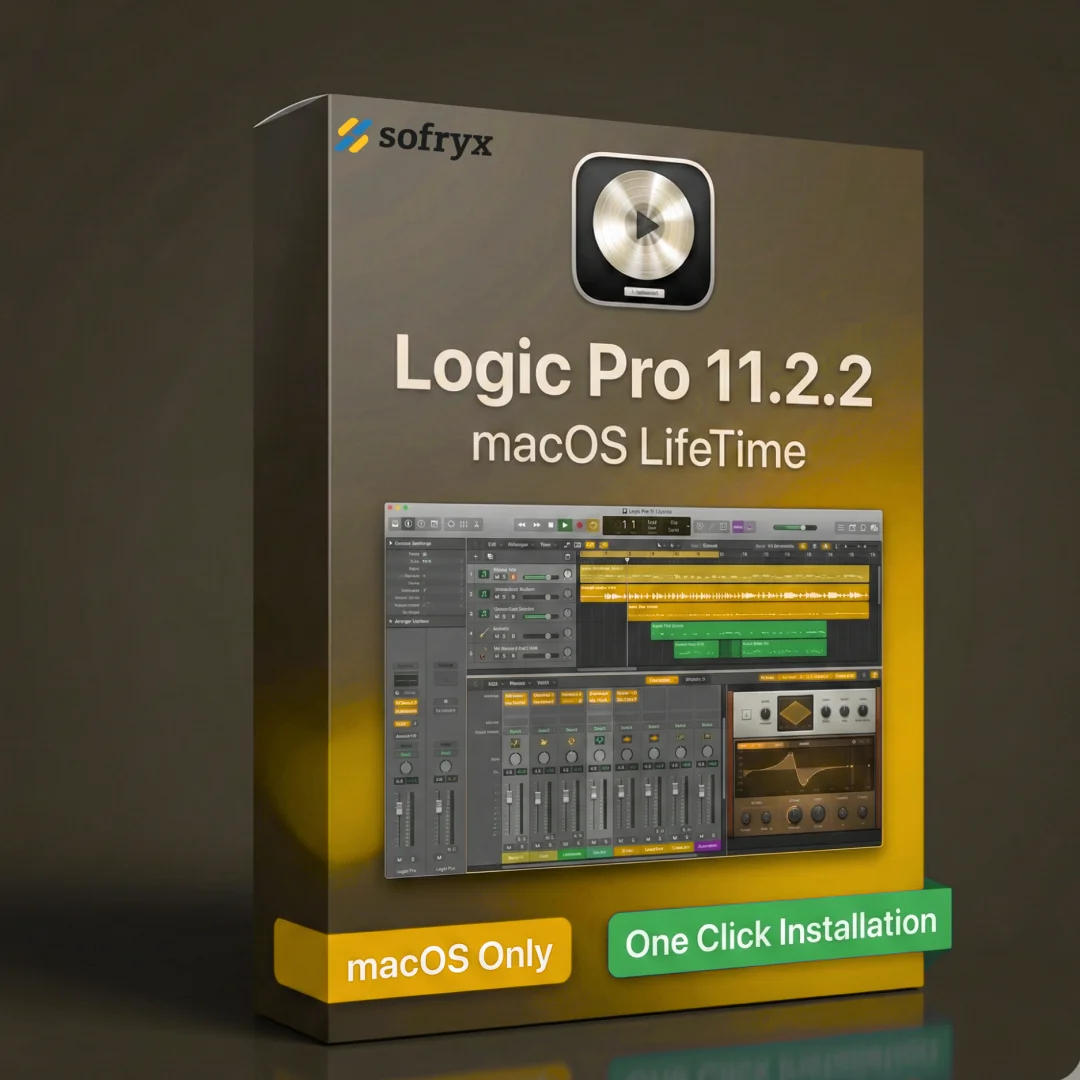
Logic Pro 11 is Apple’s flagship digital audio workstation (DAW) designed for professional music production, sound design, audio engineering, and beat creation. This lifetime-activated version includes the complete Sound Library (1,200+ professionally sampled instruments, 14,750 Apple loops, and 5,900 audio patches), advanced mixing tools including Dolby Atmos spatial audio support, and professional-grade editing capabilities comparable to industry-standard DAWs. Whether you’re a professional producer working in a commercial studio, an indie musician recording at home, a beatmaker crafting hip-hop production, or a songwriter arranging complex compositions, Logic Pro 11 delivers everything needed for world-class audio production. Every copy sold through Sofryx is personally tested by Mani to ensure authenticity, full functionality, and genuine manufacturer activation on Apple’s servers. With one-time payment and no monthly subscriptions, Logic Pro 11 lifetime edition represents the most cost-effective path to professional music production software.
Key Features of Logic Pro 11
- Professional Audio & MIDI Editing: Complete set of advanced tools for recording, editing, arranging, and mixing audio and MIDI tracks with pixel-perfect precision.
- Dolby Atmos Spatial Audio Mixing: Create immersive spatial mixes and export to Dolby Atmos ADM files compatible with Apple Music and professional streaming platforms.
- Flex Pitch & Flex Time: Correct vocal pitch and adjust audio timing without quality loss using advanced time-stretching and pitch-shifting algorithms.
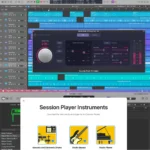
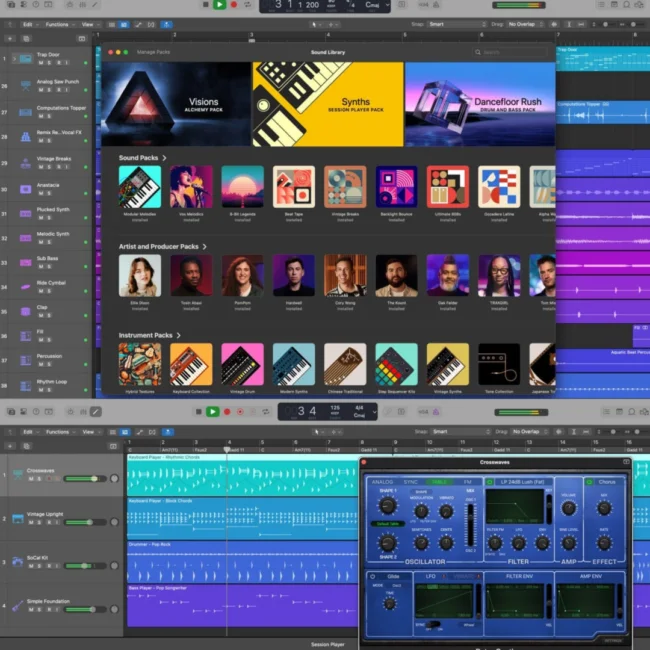
- 1,200+ Professionally Sampled Instruments: Extensive library of meticulously recorded instruments including pianos, guitars, drums, strings, brass, woodwinds, and ethnic instruments.
- Drum Machine Designer & Step Sequencer: Create custom drum kits and program complex rhythmic patterns with professional sequencing tools.
- Advanced Synthesizers: Multiple synthesis engines including analog, wavetable, FM, additive, granular, spectral, and modeling synthesis for unlimited sound design possibilities.
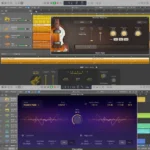
- Virtual Musicians: AI-powered accompaniment tools including virtual bassist, pianist, and drummer that adapt to your musical style and tempo.
- 14,750 Apple Loops & Sound Effects: Massive royalty-free loop library across multiple genres for quick composition and arrangement ideas.
Why Buy From Sofryx?
- Personally tested by Mani before every listing goes live — Each copy is verified for full functionality and authenticity before listing on bydigital.in.
- Genuine manufacturer-issued licence — not cracked, not trial — Your copy is legitimate, activated on official Apple servers with no restrictions.
- One-time payment — lifetime activation, zero renewal fees — Pay once, use forever with no hidden subscription costs or monthly charges.
- Instant access via your website dashboard after payment — Download links and activation credentials delivered immediately after purchase completes.
- Telegram support available for all installation queries — Get help from our team 24/7 via Telegram messenger for setup and configuration questions.
- Complete Sound Library Included — Access all 1,200+ instruments, 14,750 loops, and 5,900 patches without additional purchases.
System Requirements
- Operating System: macOS Sonoma 14.4 or later required. Compatible with Intel-based Macs and Apple Silicon Macs (M1, M2, M3 processors).
- Storage: Minimum 6GB free disk space for base installation. Full Sound Library installation requires 72GB free disk space. Use fast SSD storage for optimal performance.
- RAM: Minimum 8GB system RAM (16GB or higher recommended for professional studio work with large sessions).
- Processor: Intel Core i7 or Apple Silicon (M1, M2, M3 or later) for optimal performance.
- Audio Interface: Works with all third-party audio interfaces supporting Mac Audio Units (Core Audio compatible).
- Display: Minimum 1280×800 resolution (higher resolutions recommended for professional workflow).
- Internet: Internet connection required for activation, Sound Library download, and optional cloud collaboration features.
What You Get After Purchase
- Genuine Apple Activation & License Key — Authentic activation credentials verified on official Apple servers.
- Download Link via Sofryx Account Dashboard — Secure, high-speed download of Logic Pro 11.2.2 installer in your account’s “My Downloads” section.
- Complete Sound Library Access — Immediate access to 1,200+ instruments, 14,750 Apple loops, and 5,900 audio patches.
- Step-by-Step Installation Guide — Detailed written instructions and video tutorial showing installation, activation, and initial setup.
- Telegram Support Contact — Direct messaging support for installation help, activation issues, or technical configuration questions.
- Lifetime Updates Included — Receive all future Logic Pro updates and new content additions at no additional cost.
Who Is This For?
Logic Pro 11 lifetime edition is perfect for professional music producers, audio engineers, beatmakers, composers, songwriters, and sound designers across India and globally. Professional studio engineers appreciate Logic Pro’s professional-grade mixing tools and Dolby Atmos capabilities for commercial release preparation. Independent musicians save thousands by owning Logic Pro outright instead of paying monthly subscription fees. Beatmakers crafting hip-hop, electronic, and R&B production benefit from the Step Sequencer, Drum Machine Designer, and extensive synthesizer collection. Podcast creators and voice-over artists leverage professional audio editing and the Mastering Assistant for production-quality sound. Music educators teaching production and composition gain access to industry-standard software at lifetime cost. Remote collaborators work on the same projects using Logic Pro’s compatibility with iPad and Final Cut Pro. Whether you’re building a professional home studio, managing a commercial recording facility, or learning music production as a student, Logic Pro 11 lifetime provides the complete toolkit needed for professional-quality output without ongoing subscription burden.
Professional Audio & MIDI Recording and Editing
Logic Pro 11 provides a complete suite of professional-grade recording and editing tools comparable to industry-standard DAWs used in Grammy-winning studios. Record multiple audio and MIDI tracks simultaneously with ultra-low latency monitoring. Use Quick Swipe Comping to organize multiple vocal takes into folders and blend seamlessly between performances—a workflow that professional recording engineers consider essential for vocal tracking. Record live instruments and convert performances into MIDI automatically using Smart Tempo, which analyzes your performance and adjusts the project tempo to match your playing. The comprehensive editing tools handle everything from precise sample-level edits to tempo-based arrangement, making Logic Pro suitable for professional recording sessions, live performance capture, and detailed post-production work. Flex Pitch corrects individual notes in vocal recordings or instrument performances without affecting surrounding notes—perfect for achieving polished vocal recordings without obvious processing artifacts.
Dolby Atmos Spatial Audio Mixing — Professional Immersive Audio
Create stunning spatial audio mixes in Dolby Atmos format using Logic Pro’s professional spatial audio tools. Dolby Atmos delivers immersive 3D audio experiences for Apple Music listeners, modern streaming platforms, and home theater systems. Position sounds in three-dimensional space, control height layers above and below the listener, and export your mixes directly to Dolby Atmos ADM files compatible with Apple Music and professional distribution platforms. This capability puts professional-grade immersive audio mixing capabilities in your hands—previously available only to studios with expensive Dolby Atmos-certified monitoring setups. Create spatial mixes for music released to modern streaming services, earning your music the competitive advantage of immersive audio delivery. The Mastering Assistant helps prepare your spatial mixes for commercial release by analyzing frequency content, loudness levels, and compliance with streaming platform specifications—ensuring your professional mixes meet industry standards for Apple Music, Spotify, and other streaming services.
Flex Pitch & Flex Time — Audio Manipulation Without Quality Loss
Correct pitch imperfections and adjust timing using advanced Flex Pitch and Flex Time tools that preserve natural audio quality. Flex Pitch allows you to adjust individual notes in vocal recordings or polyphonic instruments without affecting surrounding notes. Visually edit pitch in a piano roll-like interface, make micro-tuning adjustments for perfect vocal harmonies, or dramatically change melodic content by pitching notes up or down. Flex Time adjusts the timing of audio performances without time-stretching side effects or artifacts common in basic audio time-stretching. Use these tools to tighten up slightly rushed or dragging vocal performances, correct timing on live instrument recordings, or match vocal timing perfectly to instrumental backing tracks. Professional recording engineers appreciate these tools for fixing performances that otherwise would require re-recording, saving time and maintaining the original performance’s character and feeling.
Sound Library: 1,200+ Instruments, 14,750 Loops, 5,900 Patches
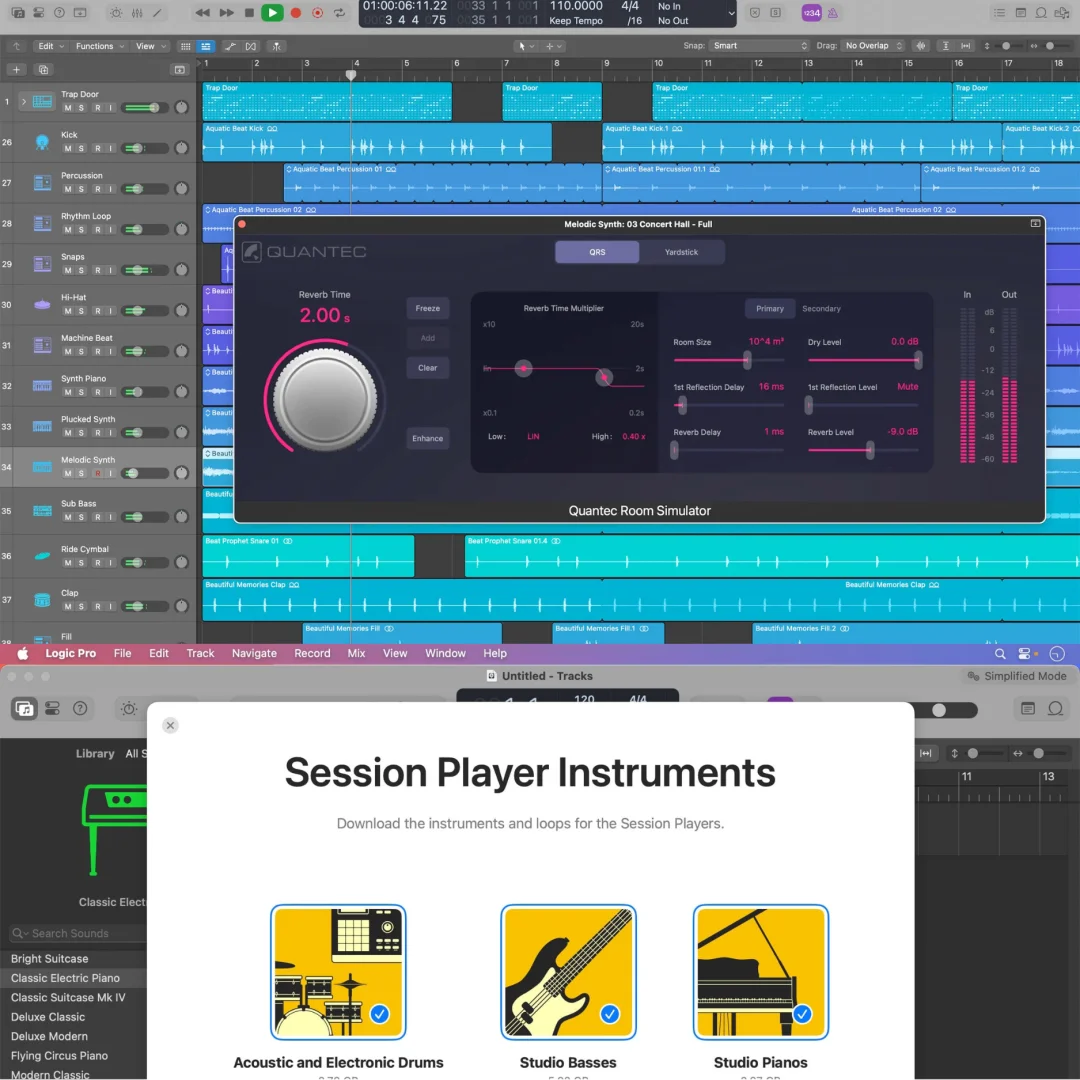
Access Logic Pro’s massive royalty-free sound library with over 1,200 professionally sampled instruments covering traditional orchestral instruments, vintage keyboards, modern synthesizers, acoustic and electronic drums, ethnic instruments, and specialty instruments from around the world. The 14,750 Apple loops span multiple genres—rock, pop, electronic, hip-hop, R&B, jazz, classical, world music, and more—all royalty-free for use in your productions. The 5,900 professional audio patches represent instantly-usable synth sounds, effect presets, and instrument combinations created by professional sound designers. Access this entire library immediately—no additional downloads or purchases required—and use any sounds freely in your compositions without royalty concerns. Many producers find this library sufficient for complete song production without purchasing third-party sounds or loops.
Drum Machine Designer & Step Sequencer — Custom Drum Kit Creation
Create custom drum kits using Drum Machine Designer’s intuitive interface for mapping drum sounds to pads and building professional drum arrangements. Program complex rhythmic patterns using the Step Sequencer with pixel-precise control over timing, velocity, and drum sound selection. Design unique drum sounds by layering multiple samples, applying effects, and customizing each pad’s characteristics. The Step Sequencer provides visual feedback for rhythmic patterns, making it ideal for electronic music production, hip-hop beat creation, and experimental percussion design. Layer multiple drum hits, create fills and breakdowns, and arrange complete drum performances within minutes. Professional beat makers appreciate these tools for rapid beat iteration and creation of unique percussion grooves.
Synthesizers: Analog, Wavetable, FM, Additive, Granular & Modeling Synthesis
Logic Pro 11 includes multiple powerful synthesizers offering different synthesis paradigms for unlimited sound design possibilities. Choose from analog subtractive synthesis for warm, classic synthesizer sounds reminiscent of vintage hardware. Use wavetable synthesis for evolving, movement-rich sounds perfect for electronic music and cinematic soundtracks. Employ FM synthesis for complex, bell-like, metallic, and inharmonic timbres characteristic of expensive hardware synthesizers. Experiment with additive synthesis for granular-level control over harmonic content, or granular synthesis for textural, atmospheric sound design. Additive synthesis reconstructs sounds from their fundamental frequency and harmonic overtones, giving pixel-perfect control over tone color. Alchemy, Logic Pro’s powerful sample-based synthesizer, transforms any audio sample into customizable playable instruments—import your recordings and turn them into expressive synthesizers. This unprecedented flexibility in synthesis engines puts capabilities previously requiring ₹50,000+ in individual hardware synthesizers at your fingertips.
Virtual Musicians — AI-Powered Accompaniment
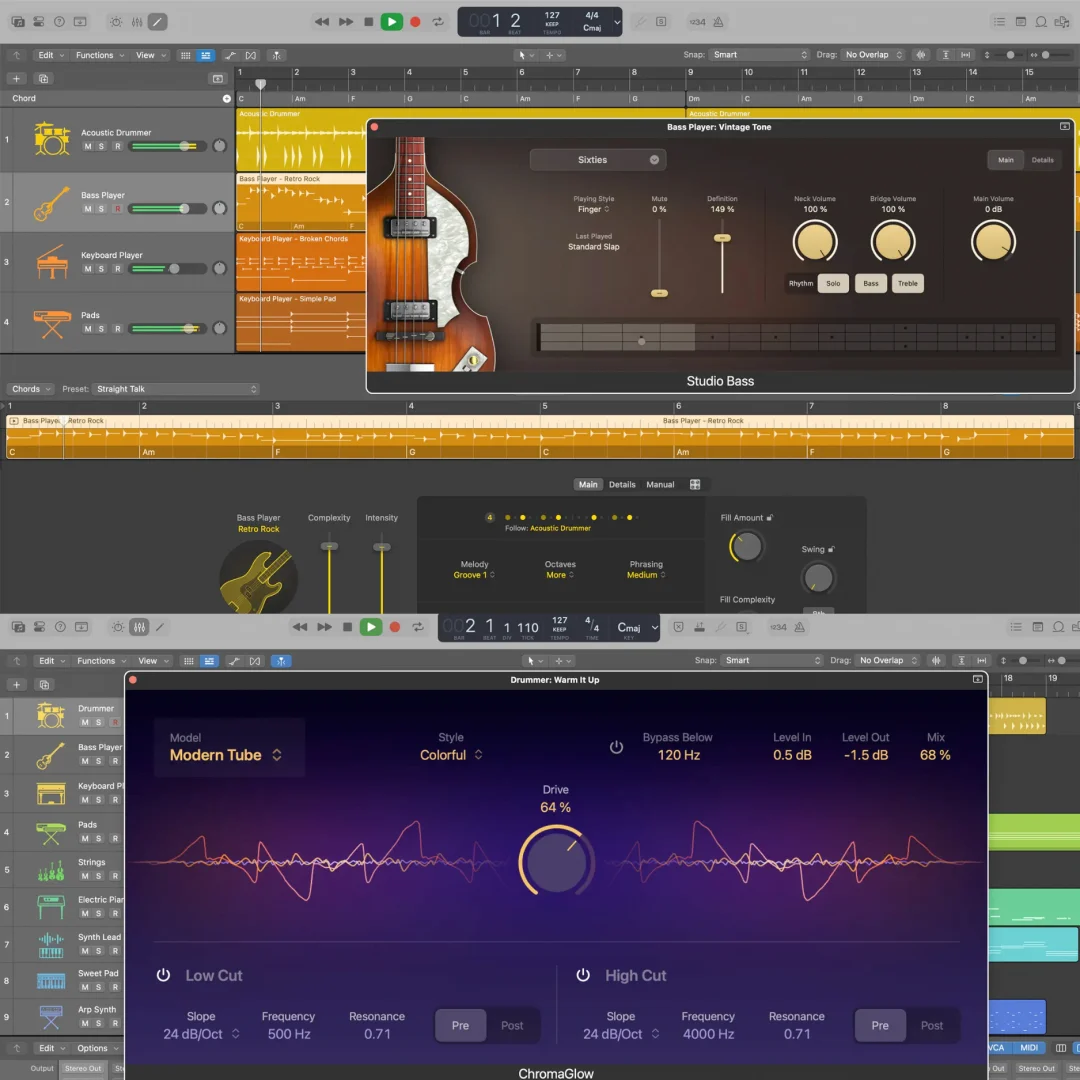
Assemble your own band using AI-powered Virtual Musicians ready to play any musical style. The virtual bassist analyzes your chord progression and plays complimentary bass lines, adapting to your tempo and musical context. The virtual pianist plays accompaniment patterns or chord voicings that support your composition. The virtual drummer creates sophisticated drum patterns and fills matching your chosen style and musical genre. These virtual musicians learn your musical preferences and adapt their performances to match your song structure, creating natural-sounding accompaniment that evolves throughout your arrangement. For songwriters, composers, and producers working without a band, these tools provide instant accompaniment that would typically require hiring multiple musicians.
Audio Effect Suite — Professional Mixing Tools
Master your mixes using Logic Pro’s professional-grade effects collection including vintage-style and modern delays, precise equalization tools, dynamic range compressors, creative modulation effects, and natural-sounding reverb processors. Apply classic SSL-style compression for punchy, aggressive mixing or vintage tube saturation for warmth. Use vintage Neve-style equalization for precise tone shaping or parametric EQ for surgical frequency adjustments. Choose from creative reverbs including vintage halls, springs, and synthesized reverberators. Apply modulation effects like chorus, flanger, phaser, and tremolo for movement and dimension. These professional effects rival expensive third-party plugins while remaining included in your Logic Pro installation. The comprehensive effect suite enables complete professional mixing without purchasing additional effects or plugins.
iPad Collaboration & Final Cut Pro Workflow Integration
Work seamlessly across devices using Logic Pro for Mac and Logic Pro for iPad compatibility to edit the same projects on different devices. Start a song on your Mac, continue composition on your iPad for creative inspiration, and return to Mac for final mixing. Export and import XML files essential for Final Cut Pro workflows, allowing seamless integration with video editing projects. Professional post-production houses use this integration for music-to-picture work, with Logic Pro composers scoring video content in Final Cut Pro timelines.
Frequently Asked Questions
Q: How do I activate Logic Pro 11 after purchase?
After purchase, you’ll receive Apple activation credentials and a download link through your Sofryx account dashboard. Download the Logic Pro 11.2.2 installer, run it, and follow the on-screen installation prompts. When prompted, input your Apple activation credentials to complete the licensing process. Our proprietary activation setup ensures your copy activates smoothly on Apple’s official servers without any technical complications. We provide a detailed video installation guide and written step-by-step instructions covering the entire process from download through initial setup. If you encounter any activation issues, contact our Telegram support team and we’ll provide remote assistance via screen sharing. Activation typically takes 10–15 minutes, including time for the Sound Library to begin downloading and indexing. First launch may take longer as the application initializes and optimizes for your Mac hardware configuration.
Q: Is Logic Pro 11 compatible with my Mac hardware?
Logic Pro 11 runs on Intel-based Macs from 2013 onwards and all Apple Silicon Macs (M1, M2, M3, M4) released since 2020. The software runs natively on Apple Silicon hardware with full optimization, or via Rosetta 2 translation on older Intel Macs. Check your Mac model: Click Apple menu → About This Mac to see your processor and OS version. You need macOS Sonoma 14.4 or later (update your OS if necessary). Minimum storage requirement is 6GB free disk space for base installation; full Sound Library requires 72GB. Most modern Macs meet these requirements easily. Contact our support team with your Mac specifications and we’ll confirm compatibility before you purchase.
Q: Can I use this lifetime license on multiple Mac computers?
Yes, absolutely. Your lifetime Logic Pro 11 license can be activated on multiple Mac computers. Install Logic Pro on your MacBook, desktop Mac, and Mac Studio using the same activation credentials. The license is tied to your Apple account, not to specific hardware. You can install Logic Pro on as many Macs as you own for personal use. However, simultaneous use on multiple computers at the same time is not permitted—you can only use one instance actively at any moment. This means you can freely switch between your desktop Mac and MacBook depending on where you’re working, but can’t run Logic Pro simultaneously on multiple Macs in different locations. Many professional producers maintain Logic Pro on both desktop and mobile studio setups, activating the same license across all their equipment without limitation or additional charges.
Q: Will I receive free updates to Logic Pro 11?
Yes, all updates to Logic Pro 11 are included free of charge throughout your lifetime license. Apple regularly releases point updates (11.2.3, 11.2.4, etc.) addressing stability improvements, new features, and compatibility enhancements. Updates download automatically when you launch Logic Pro, or you can manually check for updates in the Logic Pro menu → Check for Updates. Major version updates (Logic Pro 12, when released) may require separate licensing discussion—contact Mani directly if you need information about major version availability. For the foreseeable future, you’ll receive all updates to Logic Pro 11 and related point releases at no additional cost. This ensures your software remains current with the latest stability improvements, new features, and macOS compatibility.
Q: How long does delivery take after I pay?
Instant delivery. Immediately after your payment processes successfully (typically within seconds), your Sofryx account dashboard displays download links and activation credentials under “My Downloads” or “Order Details.” You don’t wait for email delivery, manual fulfillment, or processing delays. Access your account immediately after payment and you’ll see everything needed to download and activate Logic Pro. The installer file (approximately 5–8GB depending on which version you download) downloads to your Mac at your internet speed. From payment completion to having Logic Pro installed typically takes 30–60 minutes depending on your internet connection speed and Mac performance. Our support team is available 24/7 via Telegram if download links don’t appear within 5 minutes—we can resend credentials immediately. Digital delivery means you’re starting your music production journey minutes after purchase, not days or weeks.
Q: Which versions of macOS does Logic Pro 11 support?
Logic Pro 11 requires macOS Sonoma 14.4 or later. Apple Silicon Macs (M1, M2, M3, M4) and Intel-based Macs from 2013 onwards are supported. Check your current OS version: Apple menu → About This Mac. If you’re running an older macOS version, you’ll need to update your operating system first—visit Apple → System Settings → General → Software Update. The update is free and takes 30–60 minutes to complete. Most Mac users today run Sonoma or newer versions. If you’re using an older Mac with compatibility concerns, contact our support team with your exact Mac model and OS version and we’ll confirm whether Logic Pro 11 will run properly on your system. We can also discuss alternative Apple professional audio software if your Mac cannot upgrade to Sonoma.
Q: What is Sofryx’s refund policy if Logic Pro doesn’t work as expected?
For complete details about our refund policy, satisfaction guarantees, and coverage terms, please visit the full Refund Policy page. Our policy covers software that fails to install properly, doesn’t activate, or doesn’t function as described. Since digital software cannot be “returned” traditionally, we support our customers with technical assistance and alternative solutions before considering refunds. We strongly recommend requesting a pre-purchase consultation call via AnyDesk or UltraViewer where our team demonstrates Logic Pro functionality, answers your questions, and confirms it matches your production needs before you purchase. This live demonstration eliminates purchase uncertainty. After purchase, if Logic Pro doesn’t work as expected despite pre-purchase testing, our support team provides thorough troubleshooting and alternative setup approaches before refund discussions. Please review our complete policy to understand coverage details and our support process before purchase.
Q: How do I get technical support if Logic Pro won’t install or activate?
Installation Support Available: Our Telegram support team provides direct technical assistance for all Mac installation and activation issues. Contact us with your specific problem—whether it’s installation failure, activation errors, system compatibility questions, or Sound Library download issues. We arrange a remote support session via AnyDesk or UltraViewer where our technician shares your screen and walks you through each step. Response Times: Telegram messages receive responses within 2 hours during India business hours (9 AM–9 PM IST); 4-hour response typical during off-hours. What to Provide: Include screenshots of error messages, your Mac model (Apple → About This Mac), macOS version, available storage space, and description of where installation failed. Common Issues Resolved: Storage space limitations, macOS version mismatches, activation credential errors, Sound Library download interruptions, and compatibility issues. Our team has resolved Logic Pro activation problems for hundreds of users successfully. Escalation Path: If standard support doesn’t resolve issues, contact Mani directly for advanced troubleshooting or alternative activation approaches. Most problems resolve within 1–2 hours of support contact.
Only logged in customers who have purchased this product may leave a review.
Reviews
There are no reviews yet.