

Neat Video Pro 6 Premiere Pro — Lifetime Licence | Sofryx
Original price was: $200.00.$15.00Current price is: $15.00.
Buy Neat Video Pro 6 for Premiere Pro genuine lifetime licence. Professional video noise removal plugin with GPU acceleration. Personally tested. Instant delivery.
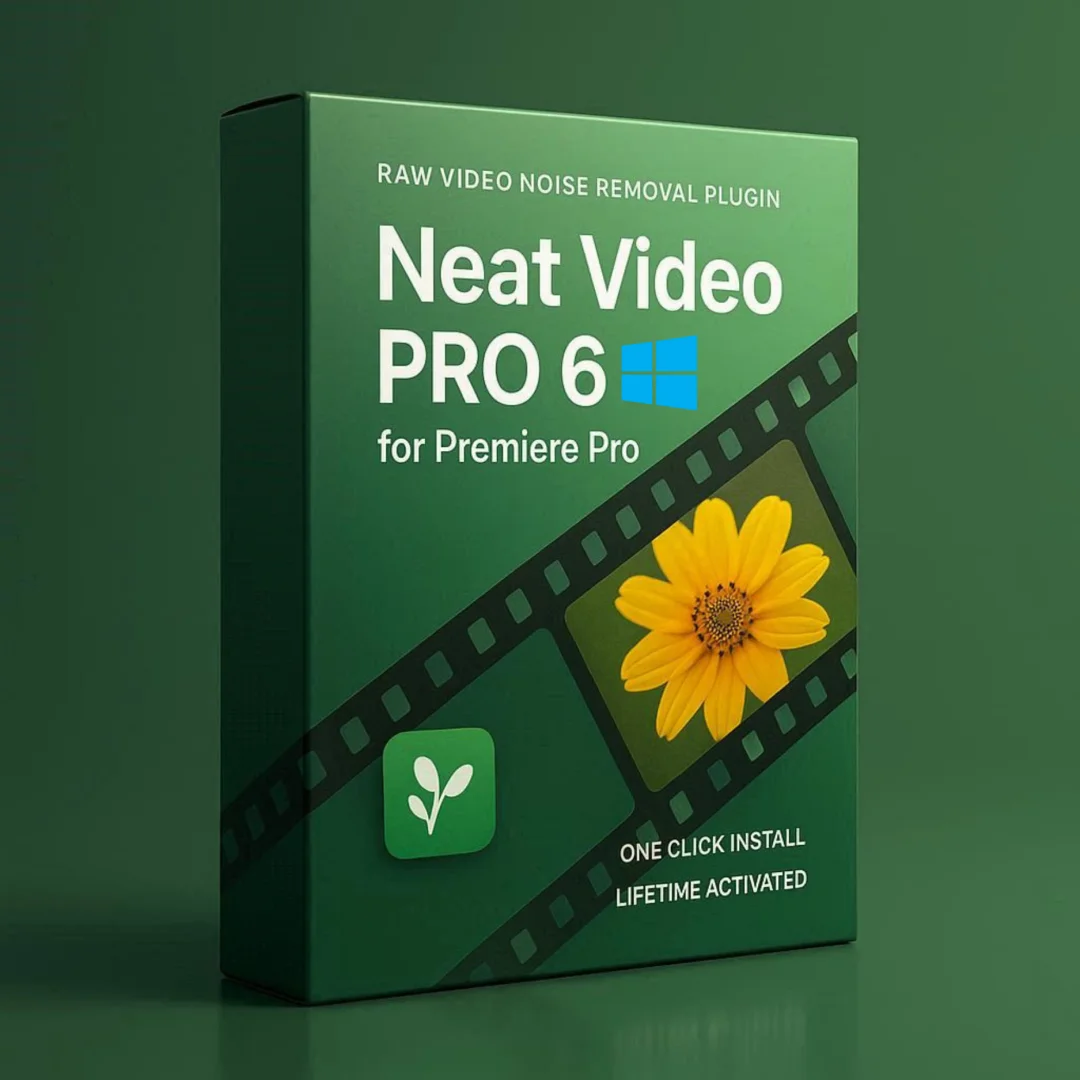
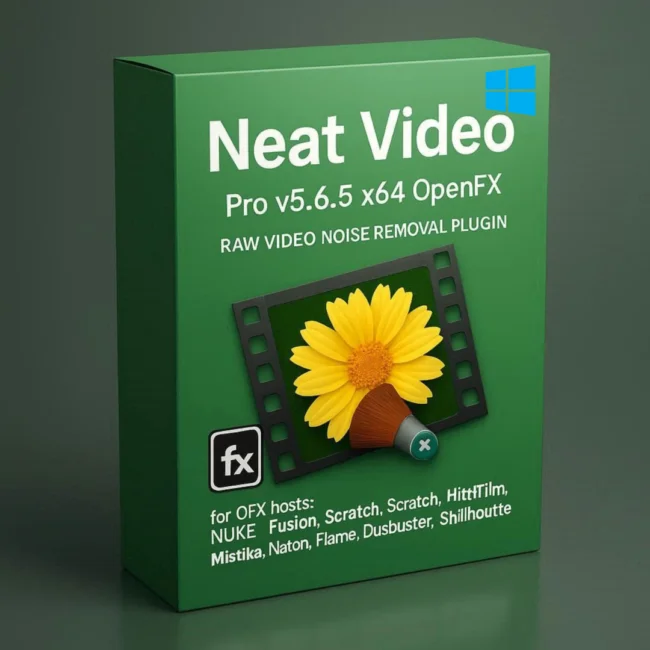
Neat Video Pro 6 for Premiere Pro — Professional Video Noise Removal Plugin with GPU-Accelerated Processing
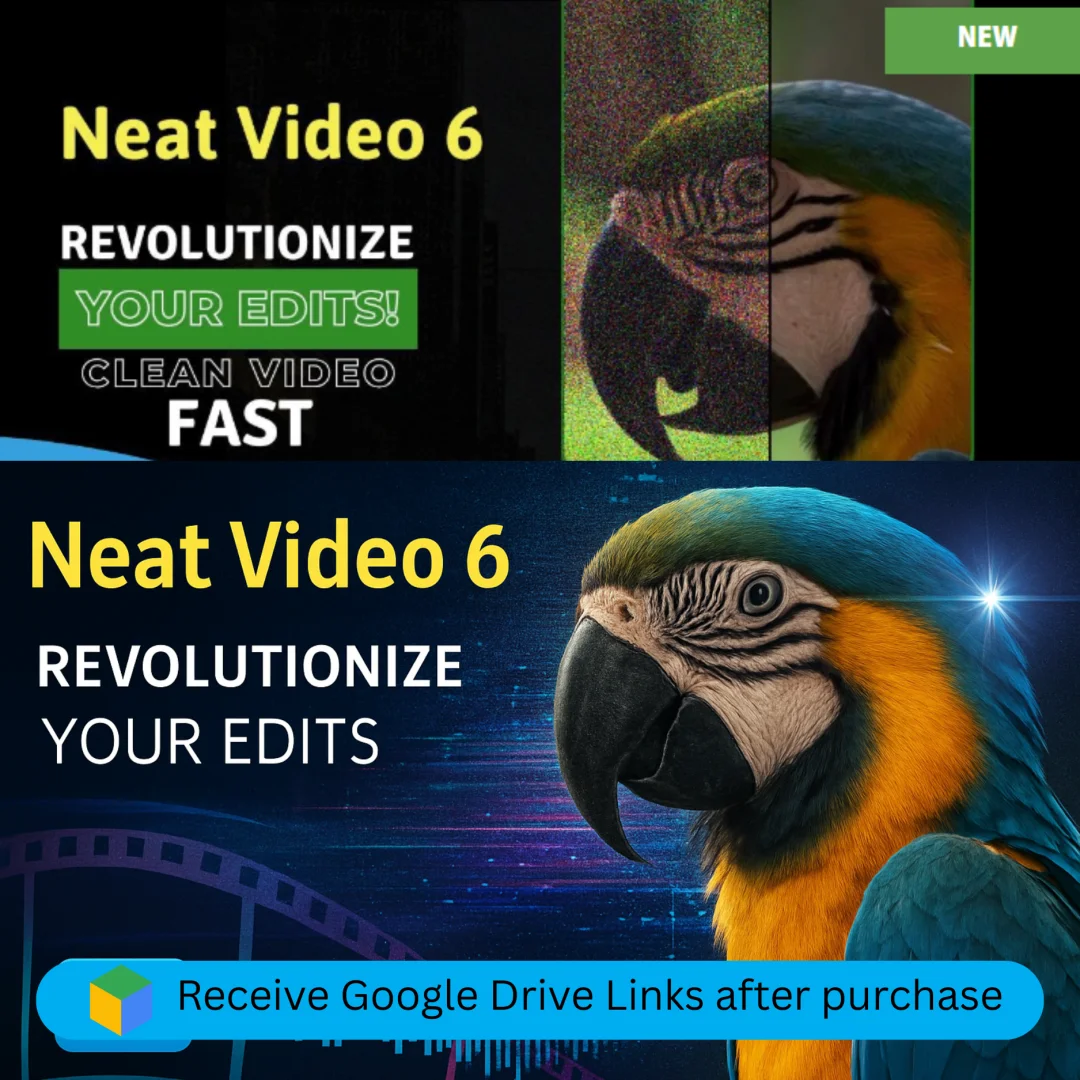
Neat Video Pro 6 is the industry-leading video noise reduction plugin designed specifically for Adobe Premiere Pro that removes visible noise, grain, and digital artifacts from video footage captured by digital cameras, DSLRs, action cameras, TV-tuners, and even digitized film or VHS sources. This professional-grade denoising filter uses temporal analysis across multiple frames combined with GPU-accelerated processing to deliver cinema-quality noise removal while preserving fine detail and natural texture.
Whether you are a filmmaker cleaning low-light footage, a wedding videographer rescuing high-ISO recordings, or a broadcast engineer polishing noisy camera feeds, Neat Video Pro 6 delivers superior results directly within your Premiere Pro timeline. This package also includes the v5.0.2 plugin for After Effects as a bonus. Every licence on Sofryx is personally tested by Mani before listing.
Key Features of Neat Video Pro 6
- Professional Video Denoising: Remove digital noise, grain, speckles, and compression artifacts from video footage while preserving detail, texture, and natural image quality.
- GPU-Accelerated Processing: Leverage Nvidia CUDA and AMD OpenCL GPU acceleration for dramatically faster noise reduction processing on supported graphics cards.
- Automatic Noise Profile Detection: Analyze footage automatically to build an accurate noise profile that ensures optimal denoising settings for each specific clip.
- Temporal Filtering: Analyze multiple surrounding frames to distinguish between noise and actual image detail, producing cleaner results than single-frame denoising methods.
- FHD to UHD 4K Support: Process video footage from standard 1920×1080 Full HD through 3840×2160 Ultra HD 4K resolution with appropriate memory and GPU configurations.
- Wide Premiere Pro Compatibility: Works with Premiere Pro versions from CS6 through 2025 and Premiere Elements versions from 12 through 2025.
- Bonus After Effects Plugin: Package includes Neat Video Pro v5.0.2 for After Effects (CS5 through CC 2019) as an additional plugin at no extra cost.
- Multi-Source Noise Removal: Effectively removes noise from digital cameras, DSLRs, action cameras, smartphone recordings, TV-tuners, digitized film, and VHS transfers.
Why Buy From Sofryx
- Personally tested by Mani before every listing goes live
- Genuine manufacturer-issued licence — not cracked, not trial
- One-time payment — lifetime activation, zero renewal fees
- Instant access via your website dashboard after payment
- Telegram support available for all installation queries
System Requirements
- Operating System: 64-bit Windows 7, 8, 10, or 11
- Processor: Intel or AMD 64-bit processor
- RAM for FHD (1920×1080): 4GB minimum (8GB recommended)
- RAM for UHD 4K (3840×2160): 12GB minimum (24GB recommended)
- VRAM for FHD: 2GB minimum (4GB recommended)
- VRAM for UHD 4K: 8GB minimum (12GB recommended)
- Nvidia GPU (Optional): CUDA-capable GPU with compute capability 5.0 or higher, video driver supporting CUDA 9 or newer
- AMD GPU (Optional): Latest Adrenalin driver with supported Radeon HD, R7, R9, RX, or Pro series GPU
- Supported Host: Premiere Pro CS6 through 2025; Premiere Elements 12 through 2025
What You Get After Purchase
- Licence key or activation file
- Official download link via your account dashboard
- Step-by-step installation guide (video or written)
- Telegram support contact for installation help
Who Is This For
Neat Video Pro 6 for Premiere Pro serves every video professional who encounters noisy footage in their editing workflow. Filmmakers and cinematographers shooting in challenging low-light conditions use Neat Video to clean high-ISO footage while maintaining cinematic detail and texture. Wedding and event videographers rescue recordings from dimly lit reception halls, churches, and outdoor evening celebrations where camera noise is unavoidable. YouTubers and social media content creators shooting with consumer cameras, action cameras, and smartphones in variable lighting conditions produce cleaner, more professional-looking content. Documentary producers working with archival footage, surveillance recordings, and field interviews clean up noisy source material for broadcast quality. Corporate video producers polish interview footage and conference recordings captured in fluorescent-lit office environments. Broadcast engineers processing live camera feeds remove electronic interference and compression artifacts for cleaner transmission quality. Colorists applying aggressive grading that reveals hidden noise in shadow areas use Neat Video as a pre-grading noise reduction step to ensure clean foundations for their color work.
Professional Video Noise Reduction — How It Works
Video noise appears as fine dancing speckles, static, or grain in video footage, caused by factors including low light levels, high sensor gain (ISO), electronic interference, heat-related sensor noise, and aggressive compression of video data. Neat Video Pro 6 addresses all of these noise sources using a sophisticated multi-stage processing pipeline that first builds an accurate noise profile of the specific footage, then applies optimized spatial and temporal filtering algorithms to remove the noise while preserving the underlying image detail. The noise profiling stage is critical to achieving optimal results because different cameras, settings, and shooting conditions produce different noise characteristics. Neat Video analyzes a representative area of the footage where noise is visible against a relatively uniform surface, then builds a mathematical model of the noise pattern that is used to guide the denoising algorithms. This per-clip noise profiling approach produces significantly better results than generic noise reduction tools that apply a one-size-fits-all denoising curve, because the filter is precisely calibrated to the specific noise present in each individual clip.
GPU-Accelerated Processing — Nvidia CUDA and AMD OpenCL
Neat Video Pro 6 leverages the parallel processing power of modern graphics cards to dramatically accelerate noise reduction calculations compared to CPU-only processing. On Nvidia GPUs, the plugin uses CUDA computing technology with support for any CUDA-capable GPU with compute capability 5.0 or higher, covering the entire range from GeForce GTX 900 series through the latest RTX 40 series and professional Quadro and A-series cards. On AMD GPUs, OpenCL acceleration supports a comprehensive list of Radeon graphics cards from the HD 7700 series through the latest RX 7900 series and professional Radeon Pro workstation cards. GPU acceleration is particularly important when processing 4K UHD footage where the computational demands of analyzing and filtering millions of pixels across multiple temporal frames would make CPU-only processing impractically slow. Professional reviews on G2 consistently highlight the GPU acceleration as one of the most important performance features for professional video editing workflows where rendering time directly impacts productivity and project deadlines.
Temporal Filtering — Multi-Frame Noise Analysis
The temporal filtering capability in Neat Video Pro 6 represents a fundamental advantage over single-frame noise reduction methods. Instead of analyzing each video frame independently, the temporal filter examines multiple surrounding frames simultaneously to distinguish between noise and genuine image detail based on their behavior over time. Real image detail appears consistently across frames with coherent motion, while noise appears as random fluctuations that change from frame to frame. By comparing pixels across the temporal dimension, the filter can identify and remove noise with much greater precision and less loss of actual detail than any single-frame approach. This temporal analysis is particularly effective at removing the characteristic dancing speckle pattern that makes video noise so visually distracting, as the random per-frame nature of the speckles is exactly what the temporal filter detects and removes. The result is video that looks naturally clean rather than artificially smoothed, with fine textures, hair detail, fabric patterns, and surface characteristics preserved while the noise is eliminated.
Automatic Noise Profile Detection — Optimal Settings in Seconds
Neat Video Pro 6 includes automatic noise profiling that analyzes your footage and builds an accurate noise model with minimal user intervention. The auto-profiling feature identifies a suitable area of the frame for noise analysis, measures the noise characteristics across the luminance and chrominance channels, and configures the denoising parameters for optimal results specific to that clip. For users who want maximum control, the manual profiling mode provides detailed access to every aspect of the noise profile including frequency-dependent noise levels, luminance and chrominance noise separation, and spatial noise pattern characteristics. The ability to save and reuse noise profiles across multiple clips shot with the same camera and settings enables efficient batch processing of footage from multi-camera shoots or extended recording sessions. For detailed guides on noise profiling techniques, the Neat Video documentation provides comprehensive tutorials and workflow recommendations for different shooting scenarios and camera types.
Wide Premiere Pro and Premiere Elements Compatibility
Neat Video Pro 6 maintains compatibility with a remarkably broad range of Adobe Premiere Pro and Premiere Elements versions, ensuring that users on both current and older systems can benefit from professional noise reduction. The plugin supports Premiere Pro versions spanning from the classic CS6 release through every Creative Cloud version including CC, CC 2014, CC 2015, CC 2017, CC 2018, 2019, 2020, 2021, 2022, 2023, 2024, and 2025. Premiere Elements support covers versions 12 through 2025, making the plugin accessible to both professional editors using Premiere Pro and enthusiast editors using the more affordable Elements platform. This extensive version coverage means that upgrading your Premiere Pro installation does not require purchasing a new noise reduction plugin, and users running older systems with earlier Premiere versions can still access professional-grade denoising capabilities. The plugin integrates seamlessly into the Premiere Pro effects panel, appearing alongside native effects and third-party plugins for straightforward application to any clip on the timeline.
Bonus After Effects Plugin — Extended Creative Workflow
This Neat Video Pro package from Sofryx includes the v5.0.2 plugin for Adobe After Effects as a bonus alongside the primary Premiere Pro v6.0.0 plugin. The After Effects version supports After Effects CS5 through CC 2019, enabling noise reduction within compositing and motion graphics workflows where footage requires denoising before or after visual effects processing. This dual-plugin package provides comprehensive noise reduction coverage across the two most widely used Adobe video production applications, allowing editors to apply Neat Video denoising at whatever stage of their pipeline is most appropriate for each project. After Effects users benefit from the same core denoising technology including temporal filtering, automatic noise profiling, and GPU acceleration that makes the Premiere Pro version so effective. Having both plugins available ensures that noise reduction can be applied in the most efficient location within your production workflow, whether that is during the initial edit in Premiere Pro or during compositing and effects work in After Effects.
Multi-Source Noise Removal — Every Camera Type Covered
Neat Video Pro 6 effectively removes noise from virtually every type of video source that editors encounter in professional and personal projects. Digital cinema cameras and professional broadcast cameras produce noise in low-light conditions and at high ISO settings that Neat Video handles with precision. DSLR and mirrorless cameras used for video recording are particularly prone to noise in their video modes, especially at ISO settings above the native range, and Neat Video restores clean image quality from these recordings. Action cameras and drone cameras shooting in challenging lighting produce significant noise that the temporal filtering effectively eliminates. Smartphone video recordings, which often suffer from aggressive noise reduction artifacts applied in-camera, benefit from Neat Video ability to address both raw noise and processing artifacts. TV-tuner captures contain electronic interference patterns and compression artifacts that the plugin removes cleanly. Digitized film footage contains grain characteristics that Neat Video can reduce while maintaining the organic film look if desired. VHS and other analog video transfers contain a combination of luminance noise, chrominance noise, and dropout artifacts that Neat Video processes effectively. Industry organizations like the Society of Motion Picture and Television Engineers establish the technical standards for video quality that professional noise reduction helps achieve. Leading video production publications like PremiumBeat regularly feature Neat Video in their post-production tool recommendations. Pair Neat Video Pro with other professional tools from Sofryx like DaVinci Resolve Studio for color grading, Topaz Video AI for AI upscaling, Adobe Photoshop CS3 for image editing, FabFilter Total Bundle for audio mastering, and Luminar Neo for AI photo editing.
Frequently Asked Questions
Q: How do I activate Neat Video Pro 6 after purchase
To activate your Neat Video Pro 6 for Premiere Pro on Windows after completing your purchase, follow the provided instructions carefully. Your order includes a detailed step-by-step installation guide that walks you through installing the plugin into your Premiere Pro environment and completing the activation. A video tutorial or written instruction document will be included alongside the setup files to ensure smooth installation. The guide covers plugin installation for both the Premiere Pro v6.0.0 and the bonus After Effects v5.0.2 plugins. If you encounter any difficulties during the activation process, reach out via Telegram for immediate assistance from our support team.
Q: Is this a genuine lifetime licence or a subscription
This is a genuine lifetime-activated licence that you own permanently after a single one-time payment. There are no monthly fees, no annual renewal charges, and no subscription commitments of any kind. Once activated, your Neat Video Pro 6 remains fully functional within Premiere Pro indefinitely without requiring any additional payments. Every licence sold on Sofryx is personally verified by Mani to ensure authenticity and reliable long-term functionality. You receive the complete Pro edition with all denoising features, GPU acceleration, temporal filtering, and the bonus After Effects plugin activated for lifetime use.
Q: Can I use this on multiple computers
Yes, multiple device use is supported with your Neat Video Pro 6 licence. You can install and activate the plugin on more than one Windows computer running Premiere Pro, allowing you to work seamlessly between your primary editing workstation and a portable laptop for on-location editing and client review sessions. This flexibility ensures that your professional noise reduction toolkit is always available wherever you need to work, whether in your editing suite, at a client facility, or on location. The activation process works identically on each machine.
Q: Will I receive future software updates
There is no immediate need to update your Neat Video Pro 6 after installation as the current version 6.0.0 includes all the latest denoising algorithms, GPU support, and Premiere Pro 2025 compatibility. If a critical update becomes necessary in the future or if you require a newer version for compatibility with a future Premiere Pro release, contact Mani directly through Telegram support. The update will be provided free of charge within one year of your original purchase date. This ensures you always have access to a compatible version without additional cost.
Q: How long does delivery take after payment
Delivery is instant and fully automated. Immediately after completing your payment through the Sofryx checkout, your download links become available in your personal account dashboard. Simply log in to your Sofryx account, navigate to the My Account section, and click on Downloads to access all your purchased files. The complete Neat Video Pro package including the Premiere Pro v6.0.0 plugin, After Effects v5.0.2 bonus plugin, and installation instructions will be ready for immediate download. There is no waiting period and no manual processing required. You can begin installing within minutes.
Q: Which operating system versions are compatible
Neat Video Pro 6 for Premiere Pro is compatible with 64-bit Windows 7, Windows 8, Windows 10, and Windows 11. The plugin requires Premiere Pro CS6 or newer (through 2025) or Premiere Elements 12 or newer (through 2025). For FHD 1920×1080 video processing, your system needs 4GB RAM and 2GB VRAM minimum with 8GB RAM and 4GB VRAM recommended. For UHD 4K 3840×2160 processing, you need 12GB RAM and 8GB VRAM minimum with 24GB RAM and 12GB VRAM recommended. GPU acceleration requires an Nvidia CUDA 5.0+ capable GPU or a supported AMD Radeon card with the latest Adrenalin drivers.
Q: What is your refund policy
For complete details regarding our refund terms and conditions, please review the full Refund Policy page available on our website at bydigital.in/refund_returns/. The refund policy outlines all applicable terms including eligibility criteria, timeframes, and the process for requesting a refund on digital product purchases. We encourage every customer to read the policy thoroughly before completing their purchase so they have a clear understanding of their rights and our obligations. Our commitment is to ensure complete customer satisfaction with every product sold on the Sofryx platform.
Q: How do I get support if I have an installation problem
If you encounter any installation difficulties with your Neat Video Pro 6 on Windows, comprehensive support is available through multiple channels. Windows users can receive direct remote support via AnyDesk, UltraViewer, or Zoom Meeting where a support representative will connect to your computer and resolve the installation issue in real time. This is particularly helpful for configuring the plugin within Premiere Pro, verifying GPU compatibility for CUDA or OpenCL acceleration, and troubleshooting any host application integration issues. If the standard installation encounters any issues, an alternative setup file along with revised instructions will be provided promptly. For all support requests, contact us directly through Telegram at t.me/sofryxhelp for fast and reliable assistance.
Only logged in customers who have purchased this product may leave a review.
Reviews
There are no reviews yet.