
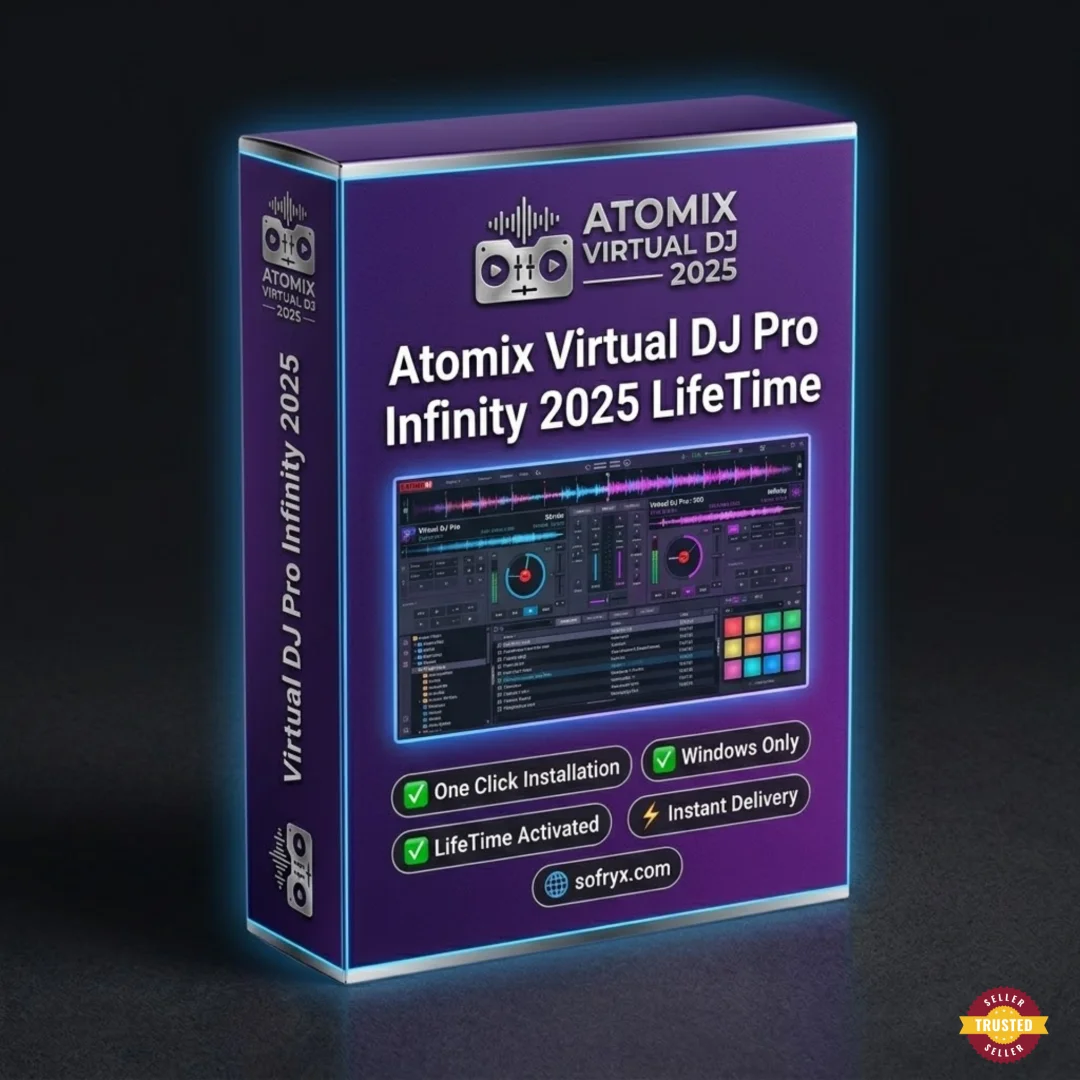
VirtualDJ Pro Infinity 8.2 — Lifetime Licence | Sofryx
Original price was: $200.00.$15.00Current price is: $15.00.
Buy VirtualDJ Pro Infinity 8.2 genuine lifetime licence. Professional DJ mixing with video, scratching, and broadcasting. Personally tested. Instant delivery.
VirtualDJ Pro Infinity 8.2 — Professional DJ Mixing Software with Video Scratching and Live Broadcasting
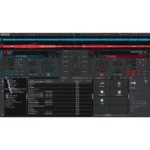
VirtualDJ Pro Infinity 8.2 is the feature-rich professional DJ software that provides more capabilities than any other mixing platform, combining multi-deck audio mixing, realistic vinyl scratch emulation, video mixing with visual effects, intelligent beat matching, live broadcasting, and karaoke mode into a single powerful application. Trusted by millions of DJs worldwide from bedroom beginners to professional club performers, VirtualDJ offers the latest revolutionary technologies and innovative features that keep you one step ahead of the competition. Whether you are a mobile DJ working weddings and corporate events, a club DJ performing nightly residencies, or a livestream broadcaster mixing for online audiences, VirtualDJ Pro Infinity delivers everything you need to turn any event into a true success. Every licence on Sofryx is personally tested by Mani.
Key Features of VirtualDJ Pro Infinity 8.2
- Multi-Deck DJ Mixing: Mix audio tracks across multiple virtual decks with professional crossfading, EQ control, and channel mixing for complex multi-source performances.
- Scratch Performance: Realistic vinyl scratch emulation with accurate turntable physics for authentic scratch performances using mouse, touch, or hardware controllers.
- Video Mixing: Mix music videos, visual loops, and camera feeds alongside audio with transitions, effects, and text overlays for complete audio-visual DJ performances.
- Intelligent Beat Matching: Automatic BPM detection and beat synchronization align tracks perfectly, enabling seamless transitions even for beginners learning to mix.
- Effects Library: Extensive collection of real-time audio effects including echo, reverb, flanger, phaser, filter, and dozens more with adjustable parameters.
- Controller Support: Native compatibility with all major DJ controller brands including Pioneer, Numark, Denon, Hercules, and Reloop with automatic mapping.
- Broadcasting: Built-in streaming capabilities for broadcasting DJ sets to online platforms, internet radio stations, and social media livestream audiences.
- Karaoke Mode: Dedicated karaoke functionality with lyrics display, singer rotation management, and CDG file support for karaoke event hosting.
Why Buy From Sofryx
- Personally tested by Mani before every listing goes live
- Genuine manufacturer-issued licence — not cracked, not trial
- One-time payment — lifetime activation, zero renewal fees
- Instant access via your website dashboard after payment
- Telegram support available for all installation queries
System Requirements
- Operating System: Windows 7, Windows 8, Windows 8.1, Windows 10, or Windows 11
- Processor: Intel Core i5 or equivalent (multicore recommended for video mixing)
- RAM: 4GB minimum (8GB recommended for smooth video mixing performance)
- Storage: 500MB free disk space for installation (additional space for music library)
- Graphics: Dedicated graphics card recommended for video mixing and visual effects
- Audio: Multi-channel sound card recommended for pre-cueing and headphone monitoring
What You Get After Purchase
- Licence key or activation file
- Official download link via your account dashboard
- Step-by-step installation guide (video or written)
- Telegram support contact for installation help
Who Is This For
VirtualDJ Pro Infinity 8.2 serves DJs and music performers at every level from bedroom beginners to touring professionals. Professional mobile DJs who work weddings, corporate events, birthday parties, and private functions use VirtualDJ for reliable, feature-rich performances with video mixing and karaoke capabilities that clients demand. Club and bar DJs performing regular residencies rely on the multi-deck mixing, effects processing, and controller support for engaging dance floor performances night after night. Bedroom DJs learning the craft develop their mixing, scratching, and beat matching skills using the intuitive interface before advancing to live performances. Radio hosts and internet broadcasters use the built-in streaming capabilities to deliver professional-quality mixes to online audiences. Livestream DJs on platforms like Twitch and YouTube broadcast performances with video mixing and visual effects. Karaoke operators manage singer rotations and lyrics display for entertainment venues and private events. Event producers and party planners who handle their own music use VirtualDJ for easy playlist management and automatic mixing. Music enthusiasts who enjoy mixing tracks at home for personal enjoyment access professional features without a steep learning curve.
Professional Multi-Deck DJ Mixing — Audio Performance Engine
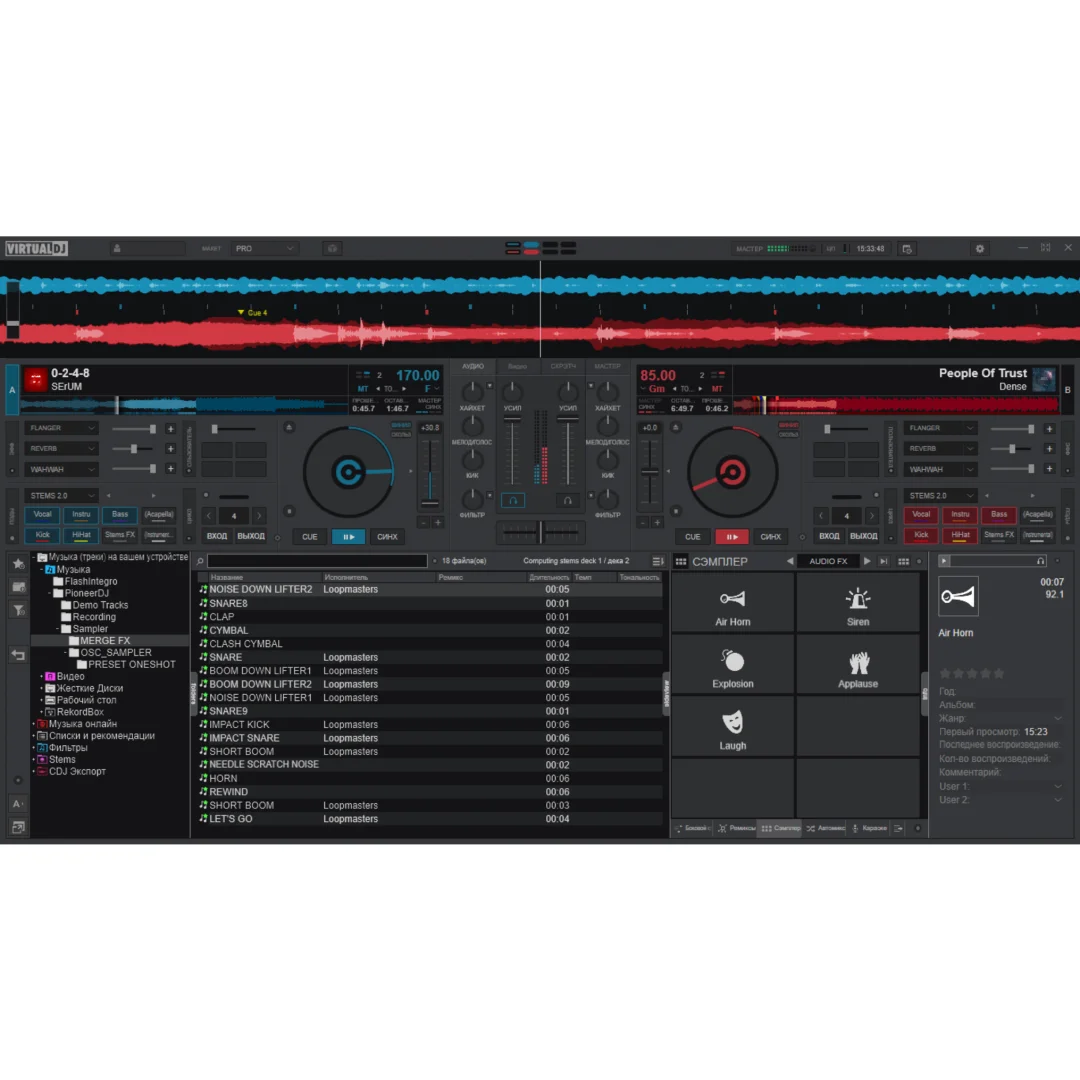
VirtualDJ Pro Infinity provides a professional multi-deck mixing engine that supports simultaneous playback and manipulation of multiple audio sources with independent volume, EQ, effects, and playback controls for each deck. The three-band equalizer on each channel provides independent control over low, mid, and high frequencies for precise tonal shaping during transitions and live mixing. The crossfader enables smooth transitions between decks with configurable crossfader curves that suit different mixing styles from smooth blend transitions to sharp cuts. Looping controls create seamless repeating sections of any length from fraction-of-a-beat loops to multi-bar phrases for creative remixing and performance extension. Hot cue points mark specific positions within tracks for instant jump access during performances, enabling complex routine structures and creative mashup performances. The sampler engine triggers pre-loaded audio samples including sound effects, vocal drops, jingles, and musical phrases over the playing tracks for enhanced performance variety.
Scratch Performance — Realistic Vinyl Emulation
VirtualDJ Pro Infinity 8.2 includes scratch performance capabilities with realistic vinyl emulation that accurately reproduces the feel and sound of manipulating physical vinyl records on turntables. The scratch engine models the physical characteristics of a vinyl record on a turntable platter, including inertia, friction, and the audio response to forward and reverse motion, producing authentic scratch sounds that satisfy even experienced turntablists. Scratch performance can be controlled using the mouse for basic practice, a touch screen for tactile interaction, or dedicated DJ hardware controllers with motorized platters or touch-sensitive jog wheels for the most realistic physical experience. Professional reviews on G2 consistently praise VirtualDJ scratch emulation as among the most realistic in any software DJ platform. The scratch engine responds to velocity and pressure variations, enabling nuanced performances including baby scratches, chirps, flares, crabs, and complex scratch combinations that form the foundation of turntablism and hip-hop DJ performance.
Video Mixing — Complete Audio-Visual DJ Performances
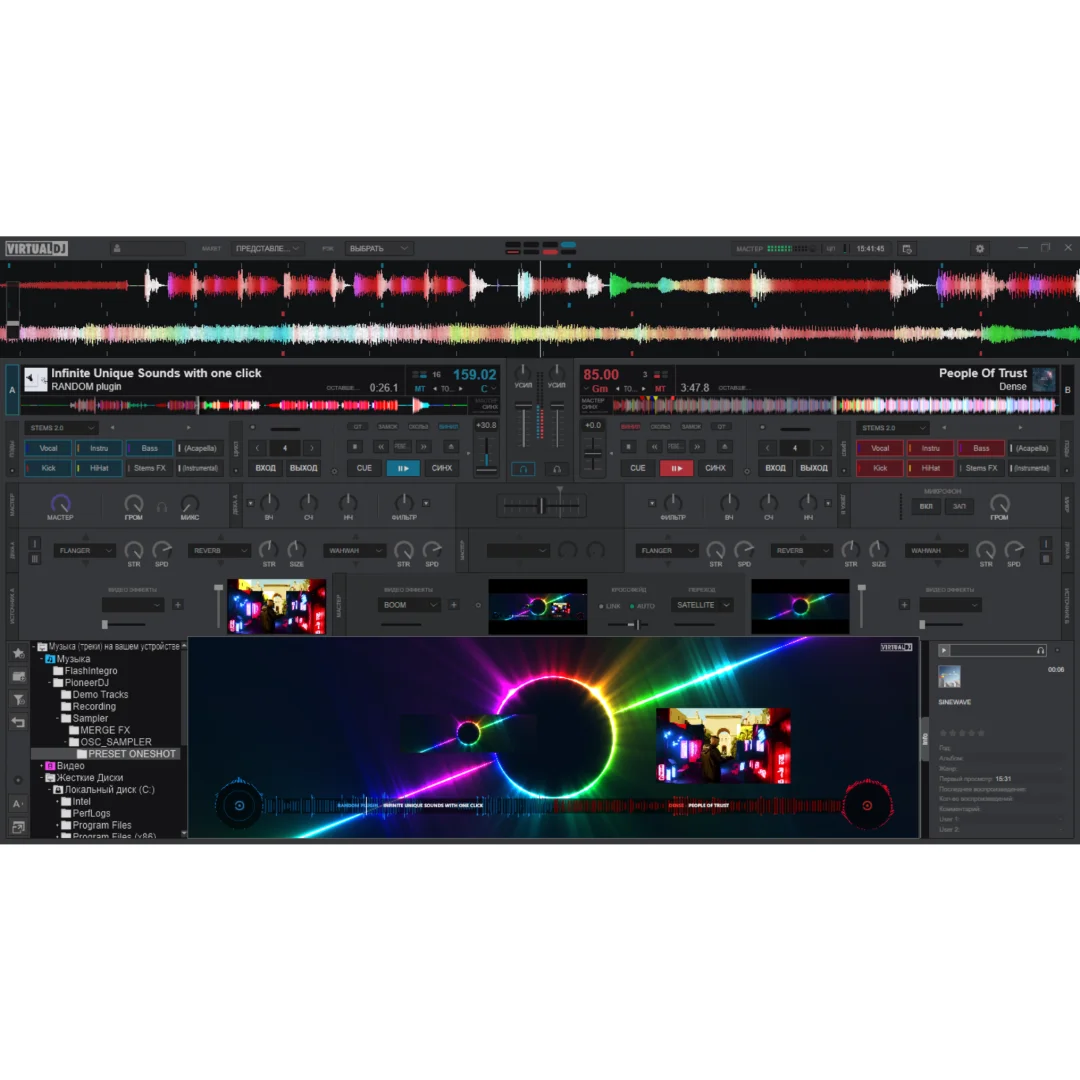
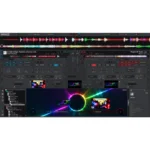
VirtualDJ Pro Infinity extends beyond audio-only mixing to provide complete video mixing capabilities that enable DJs to deliver full audio-visual performances at venues equipped with projection screens and displays. Music videos, visual loops, custom graphics, camera feeds, and text overlays can be mixed alongside audio tracks with independent video transitions, effects, and compositing controls. The video engine renders transitions including dissolves, wipes, and creative effects between video sources in real time, synchronized to the beat of the music for visually coherent performances. Video output routes to external displays and projectors through dedicated GPU outputs while maintaining the DJ interface on the primary monitor for control visibility. This dual-output architecture ensures that audiences see only the polished video performance while the DJ retains full access to the mixing interface. Video mixing transforms standard DJ performances into immersive visual experiences that command premium pricing for events and differentiate you from audio-only competitors.
Intelligent Beat Matching — Automatic BPM Synchronization
The intelligent beat matching system in VirtualDJ Pro Infinity analyzes every track in your music library to detect BPM (beats per minute), downbeat positions, and rhythmic structure automatically. When you load a track onto a deck, VirtualDJ instantly displays the precise BPM and aligns the beat grid to the rhythmic content, enabling one-button synchronization that locks both tracks to identical tempos with phase-aligned beats. This automatic synchronization makes seamless transitions accessible to DJs at every skill level, allowing beginners to focus on track selection and energy management while learning the fundamentals of mixing. For experienced DJs who prefer manual beat matching, the BPM display and visual waveform alignment provide reference information without forcing automatic behavior. The key detection feature identifies the musical key of each track, enabling harmonic mixing where transitions occur between compatible keys for musically pleasing blends. For detailed mixing tutorials, the VirtualDJ Wiki provides comprehensive guides on beat matching and harmonic mixing techniques.
Effects Library — Real-Time Audio Processing
VirtualDJ Pro Infinity 8.2 includes an extensive library of real-time audio effects that transform, enhance, and creatively manipulate audio during live performances. Standard DJ effects including echo, delay, reverb, flanger, phaser, filter sweep, bitcrusher, and distortion provide the essential sound manipulation tools for creative mixing and transition enhancement. Beat-synchronized effects automatically align their timing to the BPM of the playing track, ensuring that effect patterns fall on musically appropriate beats and subdivisions. Effect chaining allows multiple effects to be applied simultaneously on the same deck, creating complex sound design combinations that produce unique sonic textures. Each effect provides adjustable parameters that can be mapped to hardware controller knobs and sliders for tactile real-time manipulation during performance. The effect library is expandable, allowing the addition of third-party effect plugins and custom sound processing tools for DJs who want to develop signature sonic characteristics that distinguish their performances.
Hardware Controller Support — Every Major DJ Brand
VirtualDJ Pro Infinity provides native compatibility with virtually every DJ controller available from all major manufacturers including Pioneer DJ, Numark, Denon DJ, Hercules, Reloop, Native Instruments, Allen and Heath, and Roland. When you connect a compatible controller, VirtualDJ automatically detects the hardware and loads the correct mapping configuration, making the controller immediately functional without manual setup. The automatic mapping system assigns every button, knob, fader, jog wheel, and LED on the controller to the appropriate VirtualDJ function, providing instant plug-and-play operation. For controllers that require custom configurations or for DJs who want to modify default mappings, the mapping editor provides complete control over every hardware element assignment. This universal controller compatibility means you can upgrade your hardware at any time without worrying about software compatibility, and you can use different controllers for different performance situations. Industry organizations like the National Association of Music Merchants showcase the DJ controller ecosystem that VirtualDJ supports comprehensively.
Broadcasting and Live Streaming — Online Performance
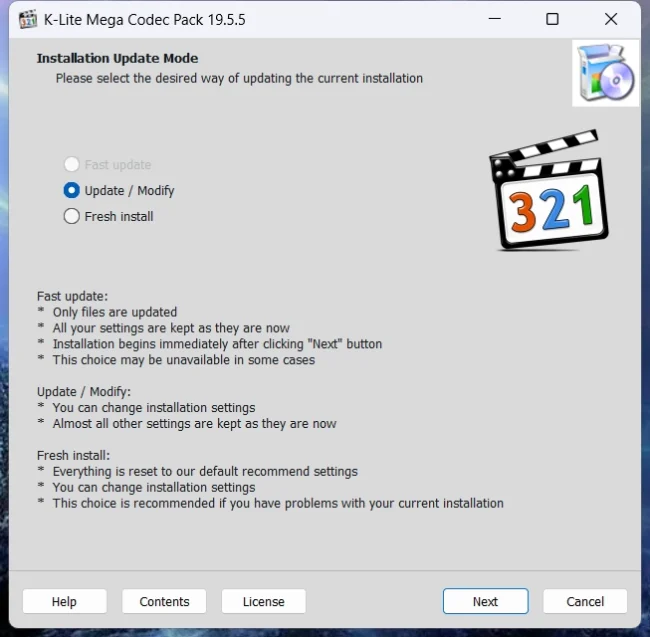
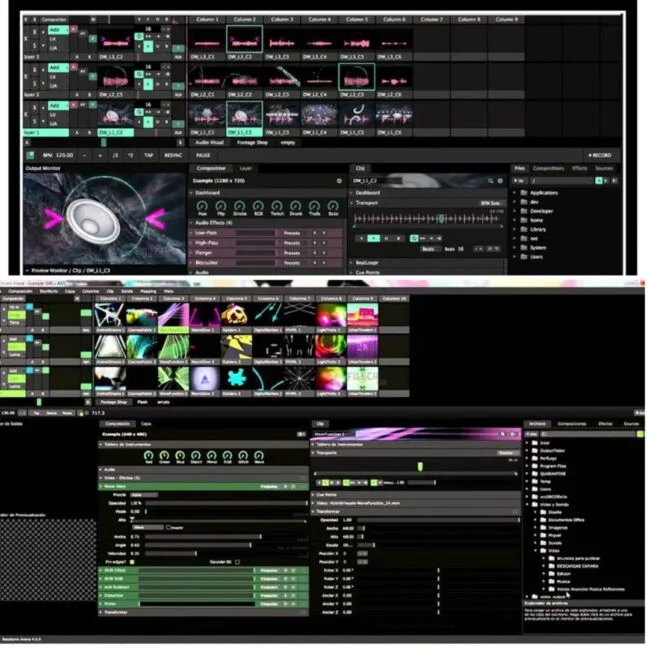
VirtualDJ Pro Infinity 8.2 includes built-in broadcasting capabilities that enable DJs to stream their performances live to online audiences through internet radio platforms, social media livestreams, and dedicated streaming services. The broadcast engine encodes the mixed audio output in real time and transmits it to configured streaming servers, enabling audiences anywhere in the world to listen to your performance as it happens. For video livestreaming, VirtualDJ can output the video mix to virtual camera devices that are recognized by streaming platforms including YouTube Live, Twitch, Facebook Live, and Instagram Live, enabling complete audio-visual broadcast performances. The broadcasting feature includes metadata transmission that displays track information to listeners, providing artist and title details for each song as it plays. Recording capabilities capture your entire performance to disk in high-quality audio formats for later distribution as podcast episodes, mixtapes, or promotional content. Leading DJ community resources like Digital DJ Tips regularly feature VirtualDJ in their coverage of broadcasting and livestream DJ performance tools. Pair VirtualDJ with other tools from Sofryx like Resolume Arena for visual performance, Cubase Pro v15 for music production, FabFilter Total Bundle for audio processing, Spectrasonics Omnisphere 3 for sound design, and K-Lite Codec Pack for media format support.
Karaoke Mode — Singer Management and Lyrics Display
VirtualDJ Pro Infinity includes a dedicated karaoke mode that transforms the DJ software into a complete karaoke hosting solution with lyrics display, singer rotation management, and CDG file support. The karaoke interface displays synchronized lyrics on the external output screen while maintaining the DJ control interface on the primary monitor, providing a professional karaoke experience for entertainment venues, private parties, and corporate events. The singer rotation system manages a queue of performers, displaying the upcoming singer list and automatically advancing to the next performer when a song ends. CDG (CD Graphics) file support reads the standard karaoke file format used by the vast majority of commercial karaoke libraries, ensuring compatibility with existing karaoke content collections. The dual functionality of professional DJ mixing and karaoke hosting in a single application makes VirtualDJ the ideal choice for mobile entertainers who provide both DJ and karaoke services at different events or during different portions of the same event.
Frequently Asked Questions
Q: How do I activate VirtualDJ Pro Infinity 8.2 after purchase
To activate your VirtualDJ Pro Infinity 8.2 on Windows after completing your purchase, follow the provided instructions carefully. Your order includes a detailed step-by-step installation guide that walks you through the entire setup process from downloading the installer to entering your licence information and completing the Infinity activation. A video tutorial or written instruction document will be included alongside the setup files to ensure smooth installation. If you encounter any difficulties during the activation process, reach out via Telegram for immediate assistance from our support team.
Q: Is this a genuine lifetime licence or a subscription
This is a genuine lifetime-activated licence that you own permanently after a single one-time payment. There are no monthly fees, no annual renewal charges, and no subscription commitments of any kind. Once activated, your VirtualDJ Pro Infinity 8.2 remains fully functional on your Windows system indefinitely without requiring any additional payments. Every licence sold on Sofryx is personally verified by Mani to ensure authenticity and reliable long-term functionality. You receive the complete Pro Infinity edition with all mixing, video, broadcasting, and karaoke features activated for lifetime use.
Q: Can I use this on multiple computers
Yes, multiple device use is supported with your VirtualDJ Pro Infinity 8.2 licence. You can install and activate the software on more than one Windows computer, allowing you to have VirtualDJ on your performance laptop for live gigs and your desktop for practice, preparation, and music library management at home. This flexibility ensures that your professional DJ toolkit is available for both live performance and studio preparation. The activation process works identically on each machine.
Q: Will I receive future software updates
There is no immediate need to update your VirtualDJ Pro Infinity 8.2 after installation as the current version includes all features, effects, controller support, and the latest mixing technologies. If a critical update becomes necessary in the future or if you require a newer version for compatibility with new hardware controllers, contact Mani directly through Telegram support. The update will be provided free of charge within one year of your original purchase date. This ensures you always have access to a functioning version without additional cost.
Q: How long does delivery take after payment
Delivery is instant and fully automated. Immediately after completing your payment through the Sofryx checkout, your download links become available in your personal account dashboard. Simply log in to your Sofryx account, navigate to the My Account section, and click on Downloads to access all your purchased files. The complete VirtualDJ Pro Infinity 8.2 installation package including the setup file and activation instructions will be ready for immediate download. There is no waiting period and no manual processing required. You can begin installing within minutes.
Q: Which operating system versions are compatible
VirtualDJ Pro Infinity 8.2 is fully compatible with Windows 7, Windows 8, Windows 8.1, Windows 10, and Windows 11. Your system requires an Intel Core i5 or equivalent processor with multicore capability recommended for video mixing, 4GB RAM minimum with 8GB recommended, and 500MB free disk space for installation. A dedicated graphics card is recommended for video mixing and visual effects. A multi-channel sound card is recommended for pre-cueing and headphone monitoring during live performances.
Q: What is your refund policy
For complete details regarding our refund terms and conditions, please review the full Refund Policy page available on our website at bydigital.in/refund_returns/. The refund policy outlines all applicable terms including eligibility criteria, timeframes, and the process for requesting a refund on digital product purchases. We encourage every customer to read the policy thoroughly before completing their purchase so they have a clear understanding of their rights and our obligations. Our commitment is to ensure complete customer satisfaction with every product sold on the Sofryx platform.
Q: How do I get support if I have an installation problem
If you encounter any installation difficulties with your VirtualDJ Pro Infinity 8.2 on Windows, comprehensive support is available through multiple channels. Windows users can receive direct remote support via AnyDesk, UltraViewer, or Zoom Meeting where a support representative will connect to your computer and resolve the installation issue in real time. This is particularly helpful for configuring audio output routing, setting up DJ controllers, and verifying video output for projection systems. If the standard installation encounters any issues, an alternative setup file along with revised instructions will be provided promptly. For all support requests, contact us directly through Telegram at t.me/sofryxhelp for fast and reliable assistance.
Only logged in customers who have purchased this product may leave a review.
Reviews
There are no reviews yet.