



NetLimiter Pro — Lifetime Licence | Sofryx
Original price was: $200.00.$13.00Current price is: $13.00.
Buy NetLimiter Pro lifetime genuine license for Windows now at Sofryx. Personally tested. Enjoy instant delivery, unlimited network control, lifetime use.
NetLimiter Pro — Take Complete Control Over Your Network Traffic
NetLimiter Pro is the ultimate network traffic management solution for Windows users who demand full control, visibility, and security over their internet transmissions. With NetLimiter, you can monitor, limit, and prioritize bandwidth for every application and connection, resulting in smoother workflows, protected privacy, and optimized network performance. Ideal for IT professionals, software users, gamers, and anyone sharing internet resources, NetLimiter Pro finally lets you command your network on your terms.
Key Features of NetLimiter Pro
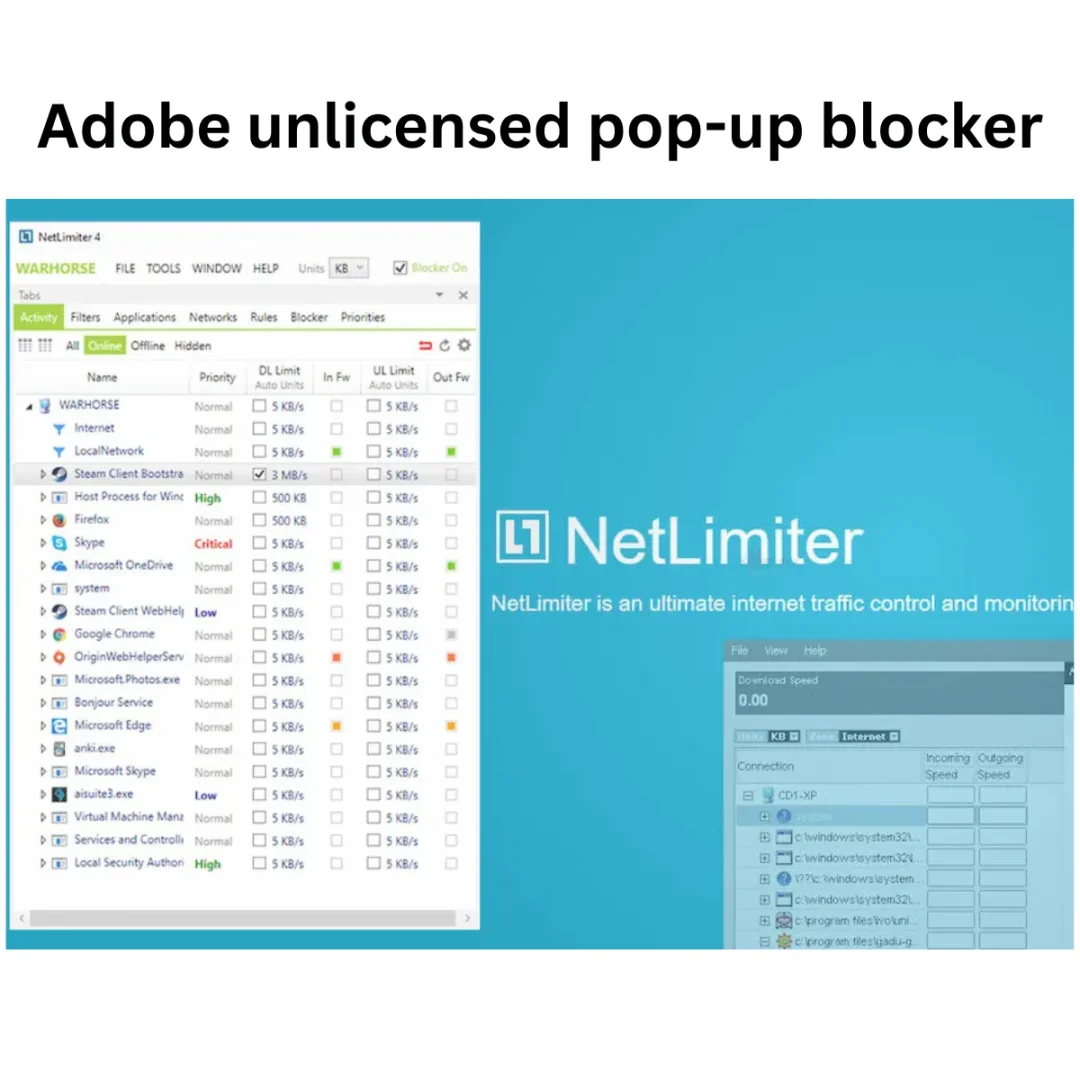
- Real-Time Network Monitoring: View live statistics of all incoming and outgoing traffic per application or connection.
- Application-Level Bandwidth Control: Set download and upload speed limits for each app, ensuring critical tools never get slowed down.
- Block Internet Access for Apps: Instantly block internet for selected programs without uninstalling or disabling them.
- Traffic Prioritization: Assign priority so essential apps get more bandwidth and faster performance.
- Long-Term Statistics with Graphs: Analyze historical data by viewing detailed statistics and trends in customizable charts and tables.
- Configurable Filters: Filter network usage by direction, protocol, IP address, application, or custom rules.
- Task Scheduler: Automate bandwidth controls and restrictions at specific times, perfect for work or play schedules.
- Remote Administration: Manage your network remotely and assign user permissions for ultimate flexibility and security.
Why Buy From Sofryx?
- Personally tested by Mani before every listing goes live
- Genuine manufacturer-issued licence — not cracked, not trial
- One-time payment — lifetime activation, zero renewal fees
- Instant access via your website dashboard after payment
- Telegram support available for all installation queries
System Requirements
- Operating System: Windows 10, 11, 8.1, 8, 7 (both 32 and 64-bit)
- RAM: Minimum 2GB
- Processor: Intel or AMD 1GHz+
- Storage: 100MB free disk space
- GPU: No graphics hardware required
What You Get After Purchase
- Licence key or activation file
- Official download link via your account dashboard
- Step-by-step installation guide (video or written)
- Telegram support contact for installation help
Who Is This For?
NetLimiter Pro is designed specifically for IT professionals, network administrators, power users, and anyone who needs to manage, restrict, or prioritize network usage for Windows applications. Whether you are a freelancer, gamer, or work in a shared household, NetLimiter ensures your work remains uninterrupted, your privacy is secure, and your bandwidth is always allocated optimally, tailored for your unique workflow requirements.
Real-Time Network Monitoring
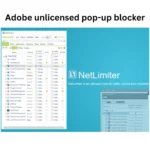
Keep track of all network activities live with NetLimiter Pro’s real-time monitoring. Instantly see which applications or connections are using bandwidth, allowing you to make informed decisions and spot bottlenecks or potentially suspicious activity. Visit the official NetLimiter site for more details on this feature.
- Live view of download/upload rates
- Activity breakdown by app/connection
- Immediate responsiveness for control
Application-Level Bandwidth Control
NetLimiter lets you individually configure speed limits for every app running on your PC. This granular management means resource-heavy applications cannot disrupt other important tasks, supporting productivity and reliable streaming or gaming sessions. Learn more about bandwidth management on Wikipedia’s bandwidth management article.
- Custom upload/download caps
- Prevent bandwidth hogging
- Flexible rule creation
Block Internet Access for Selected Apps
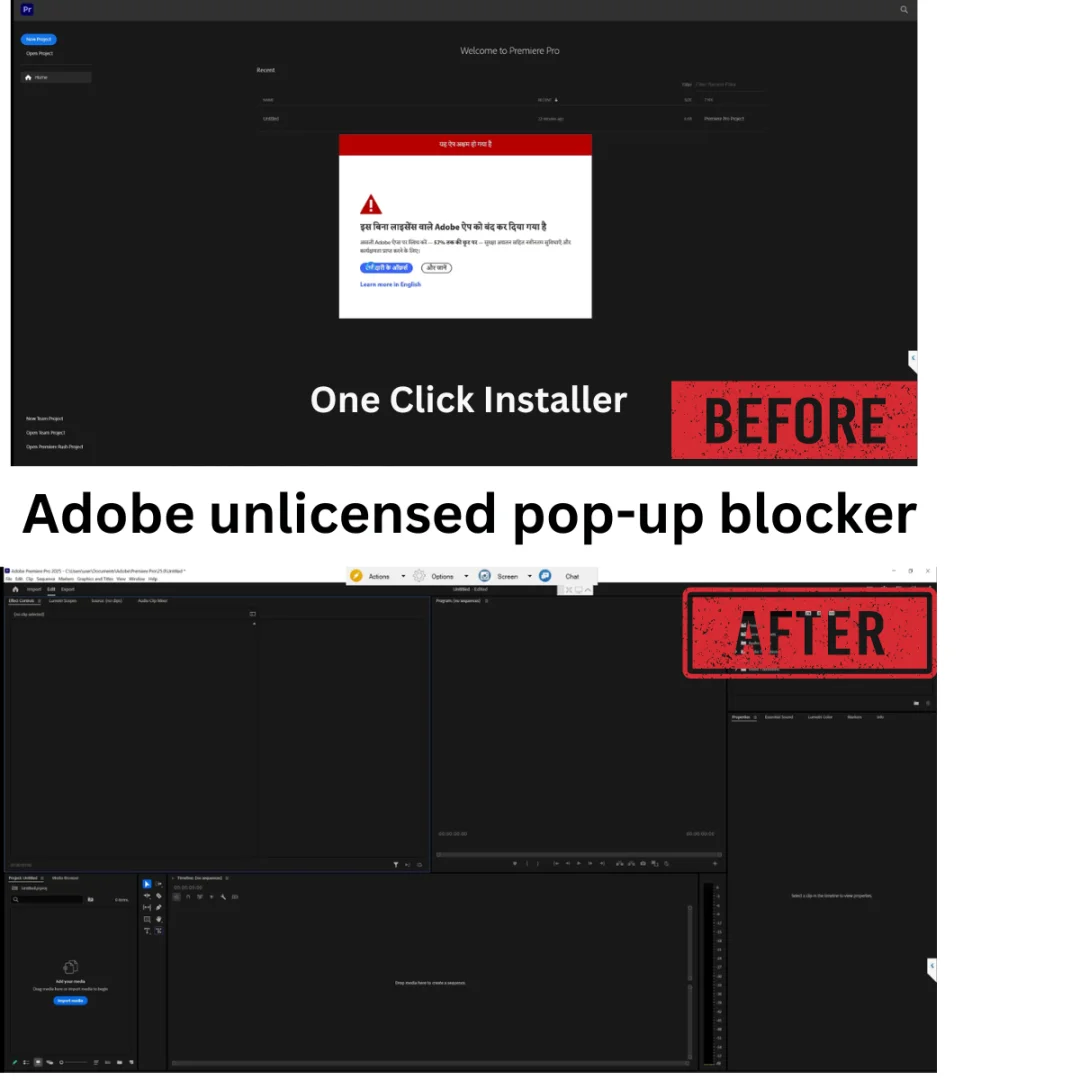
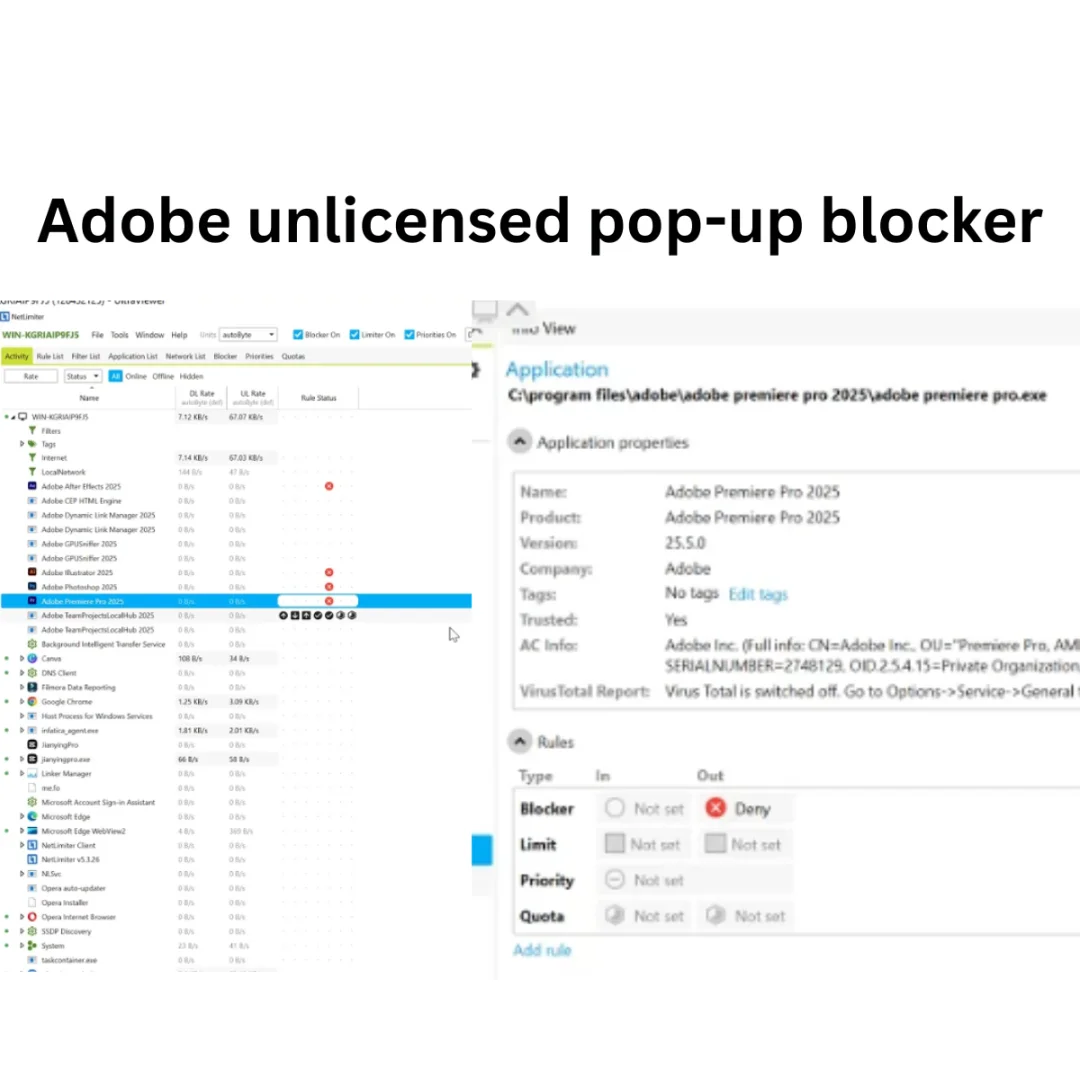
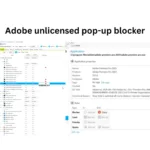
Sometimes you need an application to run without accessing the internet, whether for privacy, licensing, or operational reasons. NetLimiter’s powerful blocking tools let you instantly cut off online connectivity for any app, ensuring sensitive information doesn’t get sent and unwanted pop-ups are prevented. This is essential for software like Adobe, AutoCAD, Edius, etc. — use the program online, but block developers from receiving usage stats. Discover what users think about blocking features at Capterra reviews.
- Temporary or permanent blocking
- Easy toggle with one click
- Use software safely and privately
Traffic Prioritization and Limits
Prioritize your tasks and keep latency-sensitive operations running smoothly. NetLimiter can assign bandwidth to your most critical apps, ensuring uploads, downloads, and streaming are never compromised. Automatically limit background processes when necessary. For tutorials on prioritization, see TechRadar’s bandwidth control guide.
- Set priority levels
- Automate limits for scheduled times
- Optimize gaming, streaming, and work tools
Long-Term Traffic Statistics and Analytics
NetLimiter keeps extensive records of your network activity, visualized in graphs and data tables. By analyzing these, you can troubleshoot issues, plan upgrades, and spot trends in usage, which is ideal for administrators and IT teams. For deeper analytics and documentation, reference NetLimiter official documentation.
- Exportable statistics reports
- Trend analysis over weeks/months
- Customizable visual graphs
Configurable Filters
Build powerful filters based on protocol (TCP, UDP), direction (incoming/outgoing), IP addresses, or specific applications. These rules allow for ultra-precise control of network traffic, suited to advanced users who need security or regulation. Learn more about filtering via IETF standards.
- Protocol-based limits
- IP address-specific control
- Advanced custom rules
Task Scheduler
Automate bandwidth restrictions and priorities by scheduling them for specific periods, like work hours or gaming sessions. This enables seamless transitions between productivity and play, without manual intervention.
- Daily or weekly rule scheduling
- Reduce network conflicts automatically
- Flexible scheduling interface
Remote Administration & User Permissions
NetLimiter supports remote management, letting you control settings from another computer and even assign user permissions, which is ideal for multi-user environments or team management.
- Grant or revoke user access
- Control bandwidth remotely
- Perfect for IT administrators
Informativeness and Traffic Scheme Visualization
Gain actionable insights with comprehensive data views. NetLimiter displays a range of information about connections, applications, and active filters, making troubleshooting or optimization easy.
- Compare usage in visual tables
- Understand flow with live diagrams
- Immediate feedback for decision-making
Video Tutorials & 101% Guarantee
To ensure you get maximum value, Sofryx provides exclusive video tutorials showing how to setup, activate, and use NetLimiter Pro for your particular workflow. Your license is guaranteed to work and deliver all features for lifetime; if any issue arises, support is always available.
- Easy-to-follow video guides
- Step-by-step instructions for beginners
- Support for advanced configuration
Frequently Asked Questions
Q: How do I activate NetLimiter Pro after purchase?
After purchasing NetLimiter Pro from Sofryx, you’ll receive both a license key or activation file and complete instructions. Follow these steps carefully to ensure successful activation. The package includes a written installation guide and exclusive video tutorial, making the process simple even for beginners. If you need help, our Telegram team is available for support.
Q: Can I use this on multiple computers?
Yes, the NetLimiter Pro genuine lifetime license allows installation and activation on multiple devices. Whether it’s your home PC, work laptop, or several workstations, you retain full control and flexibility. This is a major benefit for multi-device households and IT departments.
Q: Will I receive future software updates?
There is currently no immediate requirement to update NetLimiter. However, if an update becomes necessary within one year of your purchase, simply contact Mani directly via Telegram. The update will be provided at no extra charge, ensuring your software remains fully functional and compatible.
Q: How long does delivery take after payment?
Delivery is instant. As soon as your payment is confirmed, login to your “My Account” dashboard and access the Downloads section. All files, including the activation key and guides, are ready for download within seconds of purchase, so you can start monitoring and controlling your network right away.
Q: Which operating system versions are compatible?
NetLimiter Pro is compatible with Windows 10, Windows 11, Windows 8.1, Windows 8, and Windows 7, both 32-bit and 64-bit versions. Make sure your device has at least 2GB RAM and 1GHz+ processor to ensure optimal performance. No specialized GPU is required.
Q: What is your refund policy?
Sofryx offers a clear, customer-friendly refund policy. Please review the full Refund Policy at bydigital.in/refund-policy for details. If your product fails to activate, or if you encounter unsolvable issues, reach out and we will assist or process your refund according to our terms.
Q: How do I get support if I have an installation problem?
If you run into installation difficulties with NetLimiter Pro, Windows users can receive remote support using AnyDesk, UltraViewer, or Zoom. Our team will walk you through everything. For Mac users (NetLimiter is Windows-only), we provide instructions and alternative setup files if needed. Prompt, personalized support is guaranteed.
Q: Is the NetLimiter license genuine and safe?
Yes, all software at Sofryx is genuine, licensed directly from the manufacturer. There are no trials, no cracks, and no risks. Every product is personally tested before listing, and you are assured long-term safety and updates.
Digital delivery only — no physical disc or box included.
- Lifetime Activated — No monthly fees
- Use on Multiple Devices
- 24/7 Telegram Support available
- Instant Digital Delivery: Download links available immediately in My Account → Downloads after payment
- One-time payment — own it forever, no subscriptions
Only logged in customers who have purchased this product may leave a review.


Reviews
There are no reviews yet.