
Buy RX 11 Advanced iZotope — Lifetime Licence | Sofryx
Original price was: $200.00.$15.00Current price is: $15.00.
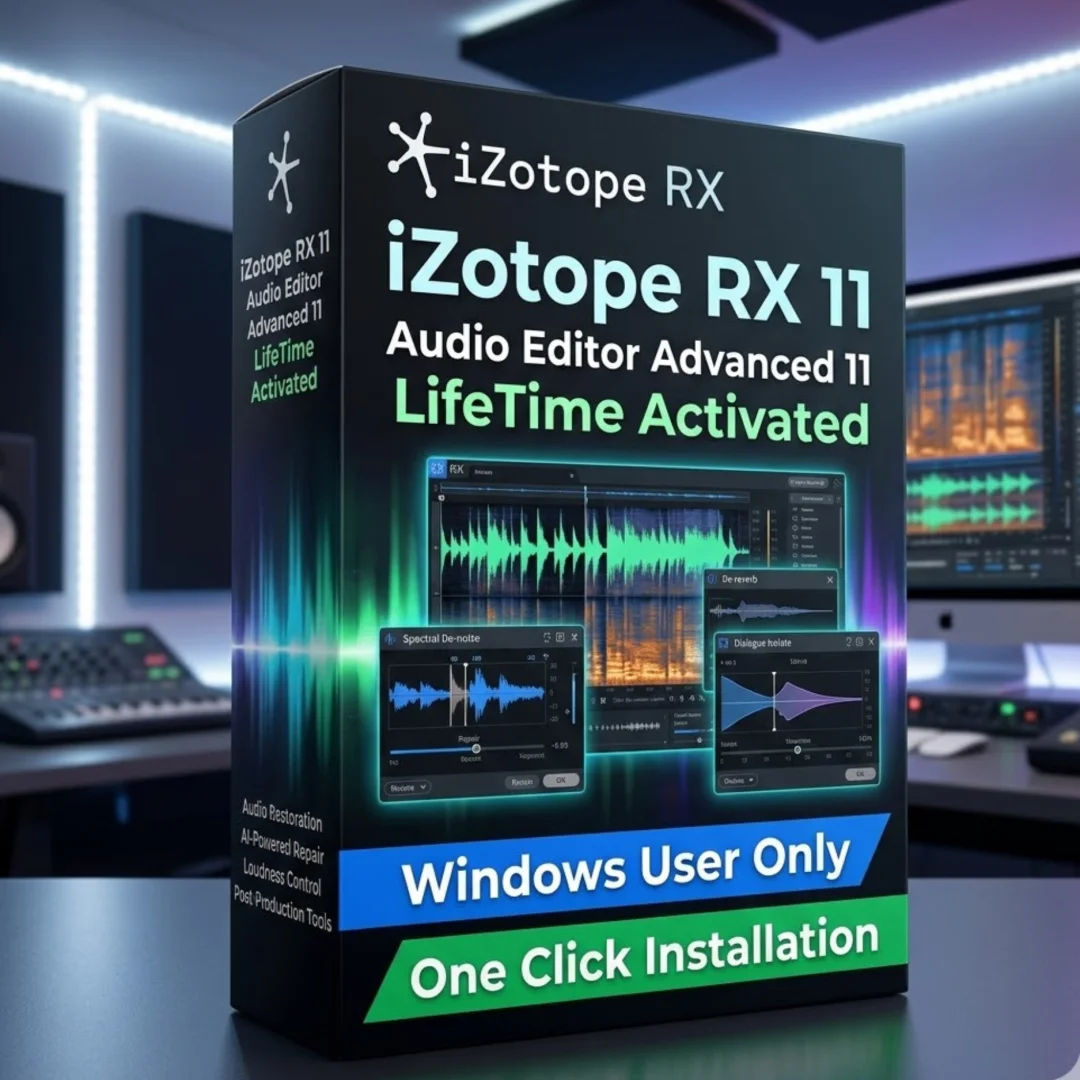
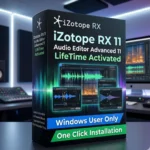
Buy RX 11 Advanced genuine lifetime licence. Instant delivery after payment. Personally tested by Mani. Professional audio repair software for Windows
iZotope RX 11 Audio Editor Advanced 11.1.0 — Buy RX 11 Advanced for Lifetime Audio Repair
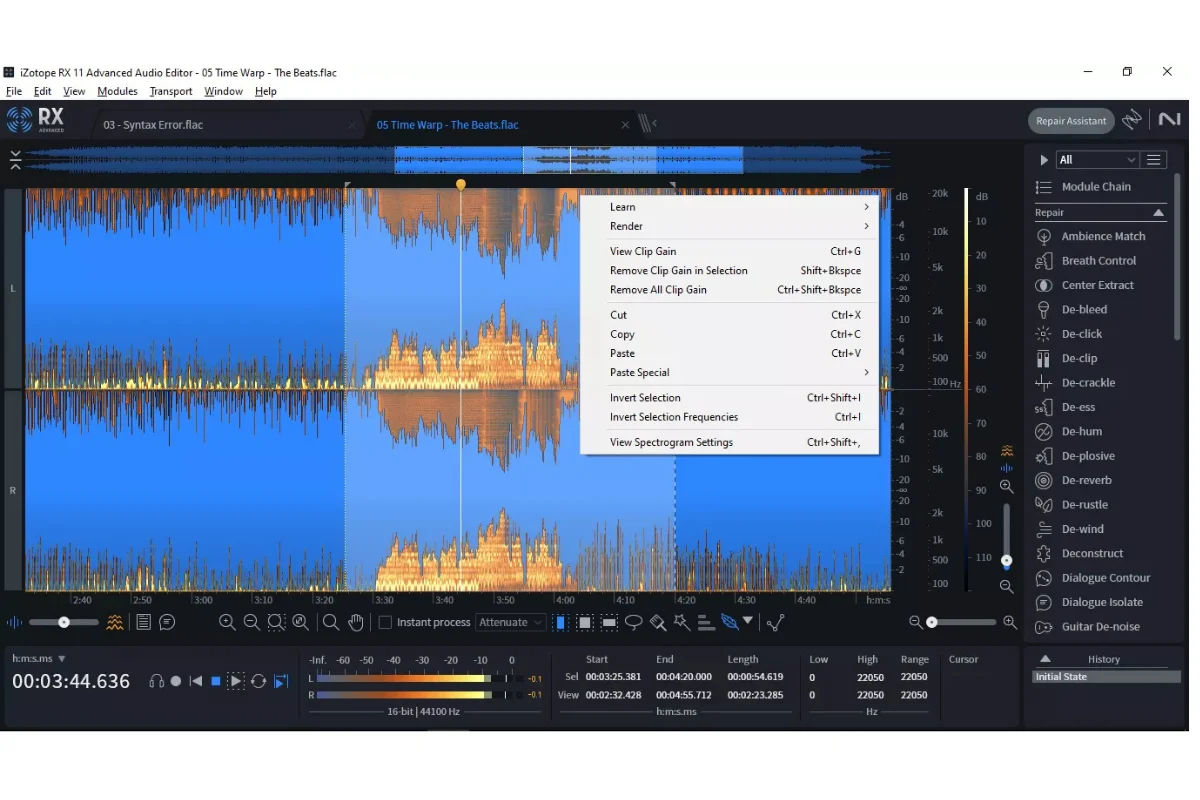
When you buy RX 11 Advanced from Sofryx you get the industry standard for audio restoration with a genuine lifetime licence. iZotope RX 11 Audio Editor Advanced 11.1.0 is built for professionals who cannot re-record. Podcasters remove room echo, film editors rescue location dialogue, and musicians extract clean stems from old mixes. The new machine learning Repair Assistant, real time Dialogue Isolate, and Loudness Optimize for streaming make complex cleanup fast. Every copy is personally tested by Mani before listing.
Key Features of iZotope RX 11 Audio Editor Advanced 11.1.0
- Dialogue Isolate: Separate voice from noise and reverb in real time with dedicated De-Reverb control.
- Music Rebalance: Create vocal, bass, drums, and other stems from any stereo mix using improved source separation.
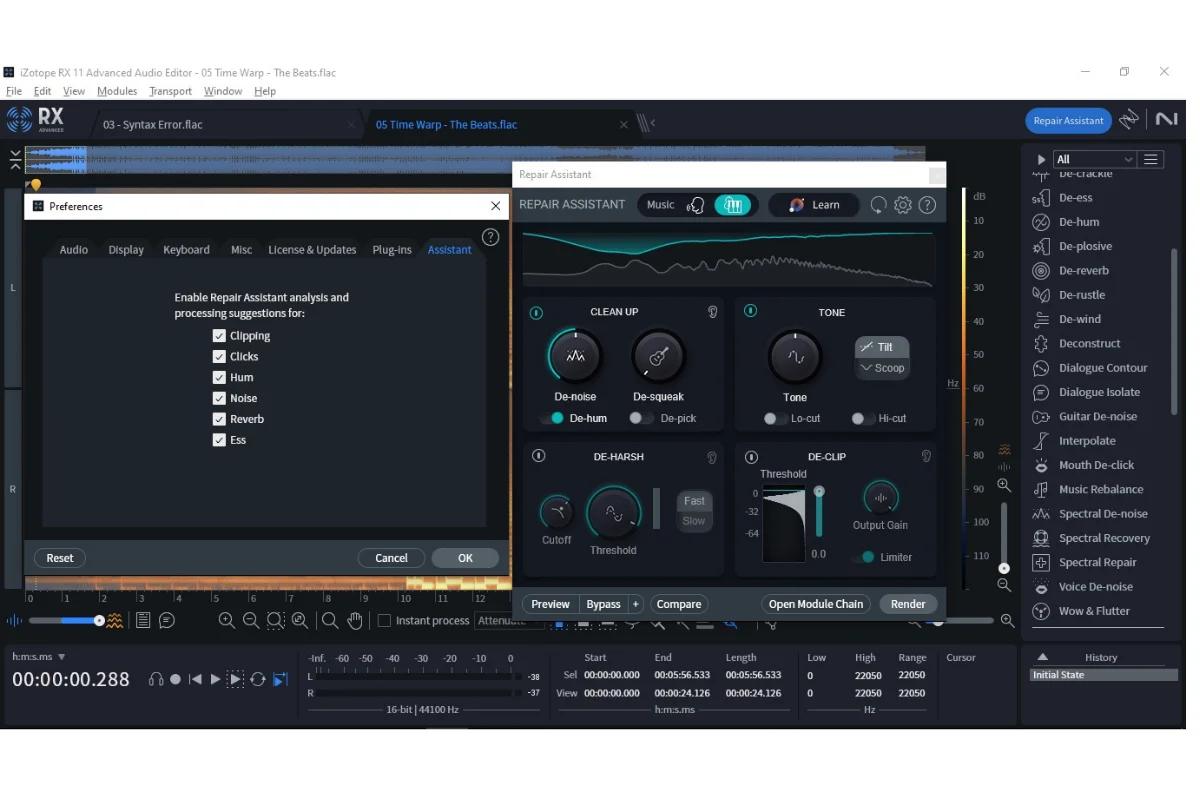
- Repair Assistant: Modernized machine learning listens once and builds a custom repair chain for speed and quality.
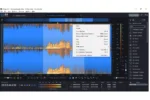
- Spectral Recovery: Restore frequencies above 4 kHz to fix phone calls and compressed video audio.
- Loudness Optimize: Hit LUFS targets for Spotify and Apple Music while maximizing perceived loudness.
- Guitar De-noise: Control fret squeaks, amp hiss, and pick noise without killing tone.
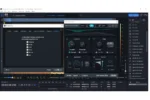
- Module Chain: Stack any modules in any order and apply them in one click with visual preview.
- ARA Integration: Use Spectral Editor directly inside Pro Tools and other DAWs for seamless workflow.
Why Buy From Sofryx
- Personally tested by Mani before every listing goes live
- Genuine manufacturer issued licence — not cracked, not trial
- One time payment — lifetime activation, zero renewal fees
- Instant access via your website dashboard after payment
- Telegram support available for all installation queries
System Requirements
- Operating System: Windows 10 version 21H2 to Windows 11 x64
- RAM: 8 GB minimum, 16 GB recommended
- Processor: Intel Core i5 or AMD Ryzen equivalent or faster
- Storage: 2 GB free for installation
- Plugin Formats: AAX, VST3 64 bit only
- Supported Hosts: Ableton Live 11, Cubase 13, Nuendo 12, Studio One 6, Reaper 7, FL Studio 21, Pro Tools 2022 to 2023, Audition CC 2023, Premiere Pro CC 2023, Davinci Resolve 18.5
- Dependencies: Microsoft Visual C Redistributable 2022 x64 and Microsoft Edge WebView2 Runtime x64
What You Get After Purchase
- Licence key or activation file
- Official download link via your account dashboard
- Step by step installation guide video or written
- Telegram support contact for installation help
Who Is This For
This audio repair software is for anyone paid for clean sound. Post production engineers use Dialogue Isolate to save noisy location takes. Podcast producers rely on Voice De-noise and Loudness Optimize to meet broadcast standards in one pass. YouTubers and video editors clean camera audio without leaving Premiere Pro thanks to ARA. Musicians and remixers use Music Rebalance to isolate vocals or remove drums from a finished track. If you work with dialogue, music, or field recordings on Windows, RX 11 Advanced pays for itself on the first rescue job.
Dialogue Isolate With De-Reverb
The updated Dialogue Isolate module in RX 11 is a major step forward. It now gives you separate real time control for background noise and unwanted reverberation. The machine learning model was retrained on thousands of hours of production dialogue, so it better separates speech from crowds, traffic, and air conditioning. You can push reduction harder without the watery artifacts of older tools. Learn the fundamentals of this process in the audio restoration overview on Wikipedia.
- Real time preview in supported DAWs
- Mid Side mode to protect stereo music while cleaning center dialogue
- Perfect for interviews, documentaries, and film ADR prep
Music Rebalance for Stems and Remixes
Music Rebalance uses improved source separation to split a full mix into four stems. The v11 algorithm reduces phasing on vocals and keeps transients on drums cleaner. Export each stem as WAV for further mixing in Pro Tools or your DAW of choice. This tool is used daily to create TV-ready instrumentals, karaoke versions, and sample material from legacy recordings.
Repair Assistant With Machine Learning
Open a file, click Repair Assistant, press Listen. RX analyzes clicks, hum, noise, clipping, and tonal balance in one pass. It then suggests a module chain tuned to your audio. Version 11 adds more control and speed, plus Mid Side processing. Independent engineers rate it highly for speed on G2 reviews, especially for podcast batch work.
Spectral Recovery Above 4 kHz
Phone recordings and Zoom calls often cut off at 4 kHz, sounding dull and muffled. Spectral Recovery intelligently synthesizes missing high frequencies based on harmonic content below. The result is crisp, clear dialogue that sounds like it was recorded with a proper mic. This is essential for true crime podcasts and corporate video where re-recording is impossible.
Loudness Optimize and Streaming Preview
Loudness Optimize was rebuilt for modern streaming. It uses a new LUFS algorithm to maximize perceived volume without triggering limiting on platforms. The Streaming Preview lets you hear how Spotify and Apple Music will normalize your track before you upload. This saves hours of trial and error for mastering engineers.
Guitar De-noise for Clean Performances
Guitar De-noise targets the specific problems of DI and amped guitars. It learns the profile of fret squeak and amp hiss, then reduces them independently from the note. You keep the pick attack and string tone intact. This module alone rescues live takes that would otherwise need complete re-tracking.
Module Chain and Workflow Speed
Post engineers repeat the same steps daily. Module Chain lets you save De-click, De-hum, Voice De-noise, and EQ as one preset. Apply it to hundreds of files with batch processing. Horizontal scrolling and updated navigation make RX feel like your DAW. Full workflow guides are available on the official iZotope Learn portal.
Wow and Flutter and De-hum Precision
Restore tape and vinyl transfers with the new Wow and Flutter module. It corrects pitch wobble from aging tape machines. De-hum now offers 16 independent bands with a spectrum analyzer to surgically remove electrical hum at 50 Hz or 60 Hz and harmonics. This precision is critical for location sound and archival restoration.
Advanced Exclusive: Dialogue Contour
Only available in Advanced, Dialogue Contour reshapes the inflection and pitch of spoken performance. Flatten an uneven voiceover, add energy to a flat read, or reduce excessive pitch variation. It is not pitch correction, it is performance shaping. The technology follows standards discussed by the Audio Engineering Society for transparent dialogue processing.
Frequently Asked Questions
Q: How do I activate iZotope RX 11 Advanced after purchase
To activate, follow the provided instructions strictly. A video guide or written instruction notes will be included alongside the setup file. After payment, log in to My Account, go to Downloads, and grab the installer, licence file, and PDF guide. The process is offline and takes under ten minutes. Mani tests every build on Windows 10 and 11, so the steps match exactly what you will see. If Windows SmartScreen appears, the guide shows how to allow it safely.
Q: Can I use this on multiple computers
Yes — multiple device use is supported. The genuine lifetime licence allows activation on two machines for the same user, such as your studio desktop and your editing laptop. You can deactivate and move the licence if you upgrade hardware. This is official iZotope policy, not a workaround. Your Sofryx dashboard keeps the installer forever so you can reinstall anytime without contacting support.
Q: Will I receive future software updates
No immediate need to update. If an update becomes necessary in future, contact Mani directly. The update will be provided free of charge within one year of purchase. RX 11.1.0 is stable on all supported Windows versions and hosts. Minor patches fix bugs only. Major version upgrades such as RX 12 would be a separate purchase from iZotope, but your lifetime 11.1.0 licence never expires and continues to work fully.
Q: How long does delivery take after payment
Immediately after purchase, download links are available in the My Account dashboard under Downloads. The system unlocks files within 30 seconds of confirmed payment. There is no waiting for email delivery. You get instant digital delivery only, no physical disc or box is shipped. If your payment gateway is slow, the links appear the moment payment clears.
Q: Which operating system versions are compatible
Use the system requirements from Section 0 above. Officially supported OS is Windows 10 version 21H2 or newer and Windows 11, all 64 bit only. It will not run on Windows 7, 8, or 32 bit systems. This listing is Windows only, Mac is not included. You also need Microsoft Visual C Redistributable 2022 x64 and Edge WebView2 Runtime x64, both free from Microsoft and linked in the guide.
Q: What is your refund policy
Refer customers to read the full Refund Policy page at bydigital.in. Please visit https://bydigital.in/refund-policy/ for complete terms. Because this is a digital product with instant access, refunds are granted only if the software fails to install after following all instructions and receiving remote support. You must contact Telegram support within 7 days of purchase with your order number for assistance.
Q: How do I get support if I have an installation problem
Windows users receive remote support via AnyDesk, UltraViewer, or Zoom Meeting. Message Mani on Telegram with your order ID and we schedule a quick screen share to install it for you. Mac users are not supported in this Windows listing. If software fails to install, an alternative setup file and revised instructions will be provided. Support covers installation and activation only, not training on audio repair techniques.
Q: Is this the full Advanced version or a trial
This is the complete iZotope RX 11 Audio Editor Advanced 11.1.0 with every module unlocked including Dialogue Contour, Spectral Recovery, and Music Rebalance. It is not a demo, not time limited, and not feature restricted. You receive a genuine manufacturer issued lifetime licence with no subscription and no iLok required. Watch the official demo at https://youtu.be/MhUEmvneerc to see all features in action before buying.
Only logged in customers who have purchased this product may leave a review.
Reviews
There are no reviews yet.